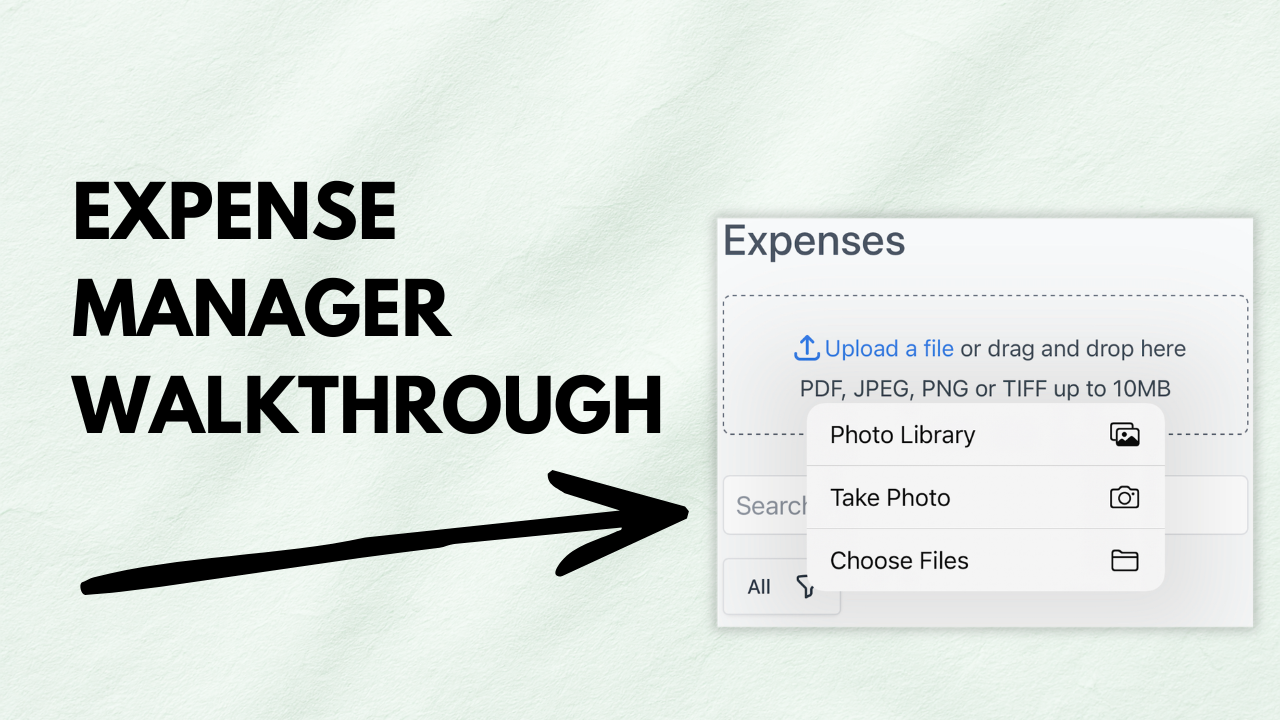
Learn how to track and manage business expenses with Invoicer.ai’s expense manager. This video walks through uploading receipts, organizing expenses, and keeping your records clean and searchable.
How to use Invoicer.ai’s expense manager to log, organize, and manage expenses, including uploading receipts and keeping everything tidy for reporting.
Small business owners, freelancers, and contractors who want a simple way to track expenses and store receipts in one place.
Upload receipts immediately, use consistent categories, and add clear vendor notes so you can find expenses later without digging through chaos.