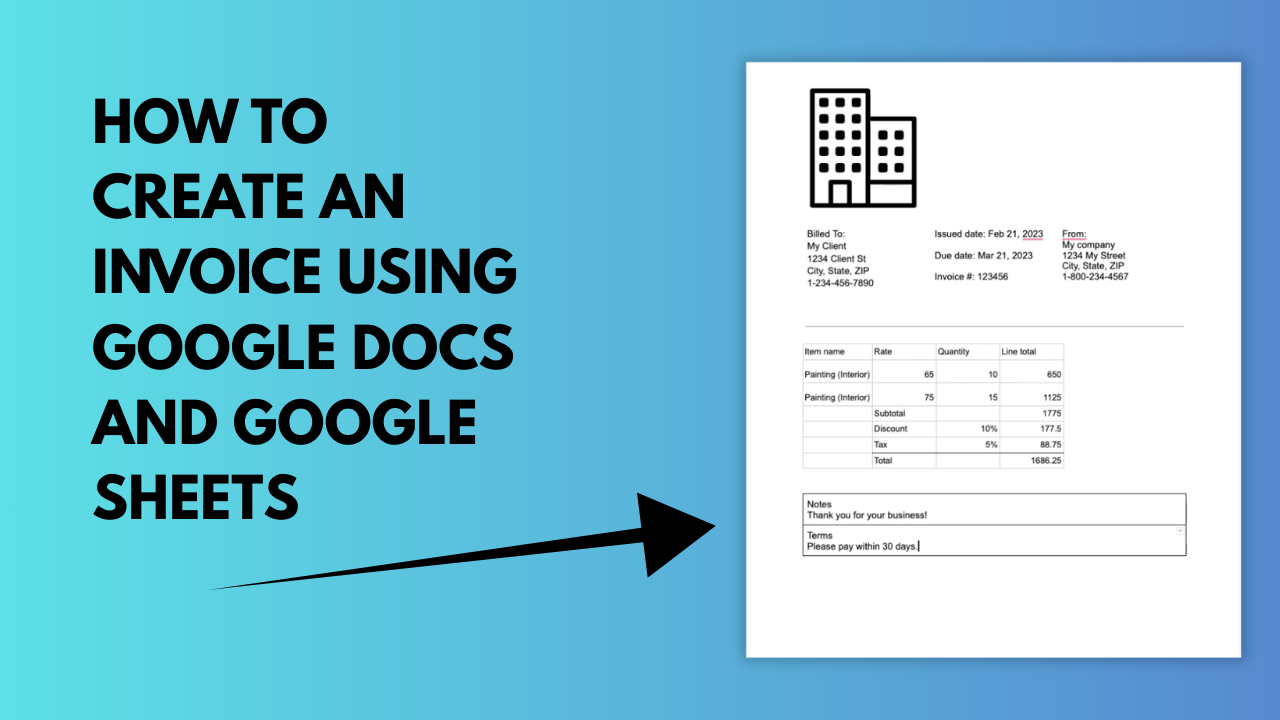
Learn how to create an invoice using Google Docs and Google Sheets. This workflow combines flexible invoice layout and design in Docs with automatic calculations and structured data in Sheets, by pasting a Google Sheet into a Google Doc.
What You’ll Learn
How to build an invoice using Google Docs for layout and Google Sheets for automatic calculations, without sacrificing design or accuracy.
Key Steps Covered
Who This Is For
Freelancers and small businesses who want a custom-looking invoice with spreadsheet-powered math, without using dedicated invoicing software.