Invoicer is a complete invoicing platform with an AI built in. Use the AI to speed things up, or do it yourself. Save time either way.
Trusted by thousands of small businesses
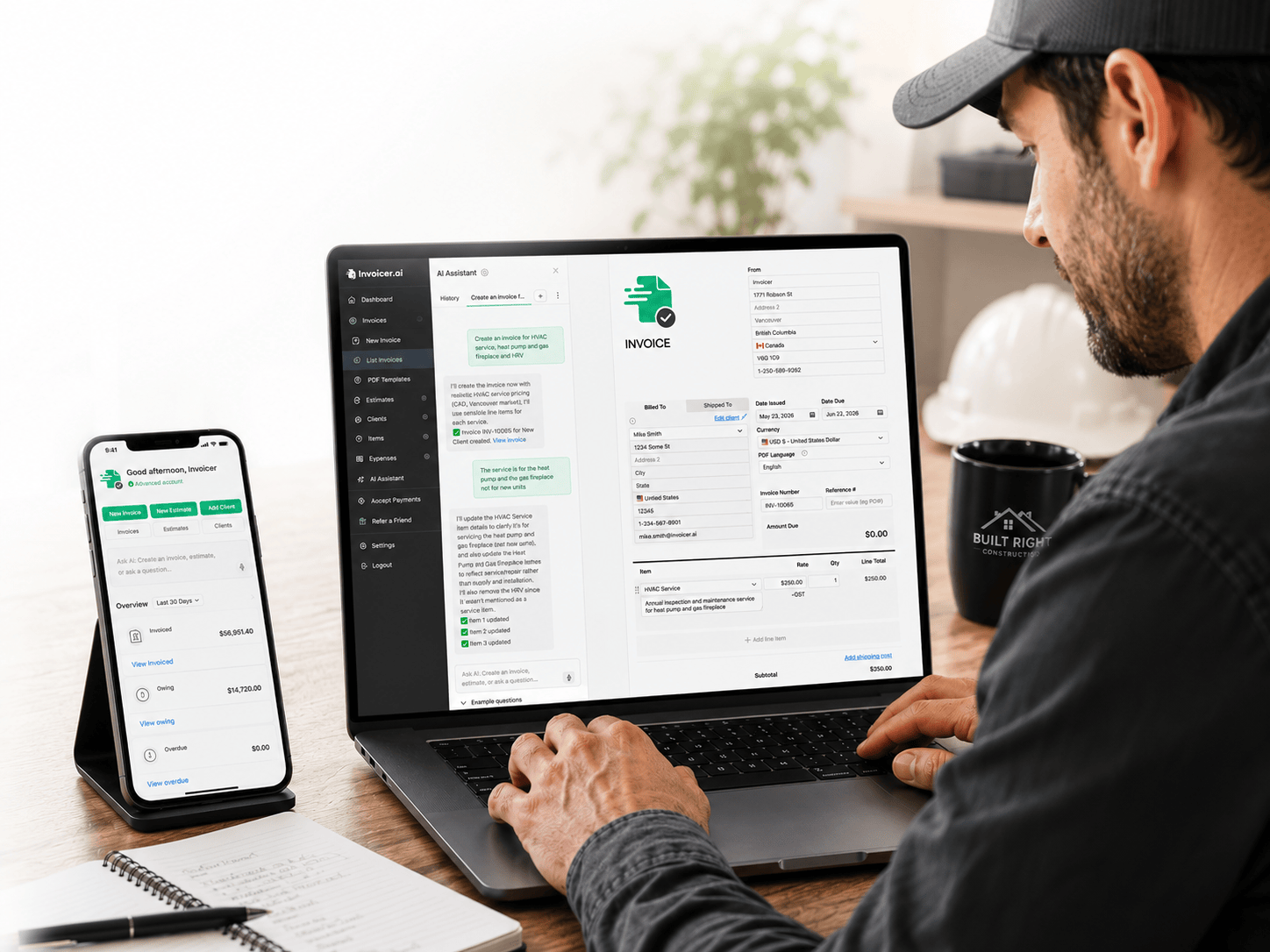
✓ Invoice INV-10071 created for Mike Smith, deck build with framing, decking, and railing.
Draft saved · ready to send| Framing laborBuild and fasten deck frame | $1,850.00 |
| Decking and materialsBoards, fasteners, and hardware | $2,400.00 |
| Railing and stairsInstall railing and steps | $1,200.00 |
Here's a real pricing breakdown for a 200 sq ft deck in Seattle, WA. These are anchors, swap in your actual labor rate and material costs.
Assumptions: ground-level deck, pressure-treated lumber, standard site conditions, no major repairs.
| Demo and site prepClear area, set footings | $400–$800 |
| Framing laborJoists, beams, ledger, 1–2 days | $1,500–$2,800 |
| Decking and materialsPT lumber, fasteners, and hardware | $1,800–$3,200 |
| Railing and stairsBuild and install | $900–$1,600 |
Draft estimate for a full bathroom remodel in Seattle, WA.
Assumptions: standard layout, no structural changes, city permit included.
| Demo and disposalStrip to studs and haul-away | $800–$1,400 |
| Rough-in and laborPlumbing, electrical, framing | $3,500–$6,000 |
| Finishes and fixturesTile, vanity, fixtures, paint | $4,000–$7,500 |
1 client currently owes you money. Total outstanding: $2,362.50.
Pricing suggestions built from your past jobs and local market rates for your trade.
Build an estimate by asking. When it's approved, turn it into an invoice in one click.
See projected revenue, who owes you money, and which clients pay slow.
Explore everything Invoicer offers to improve your business.
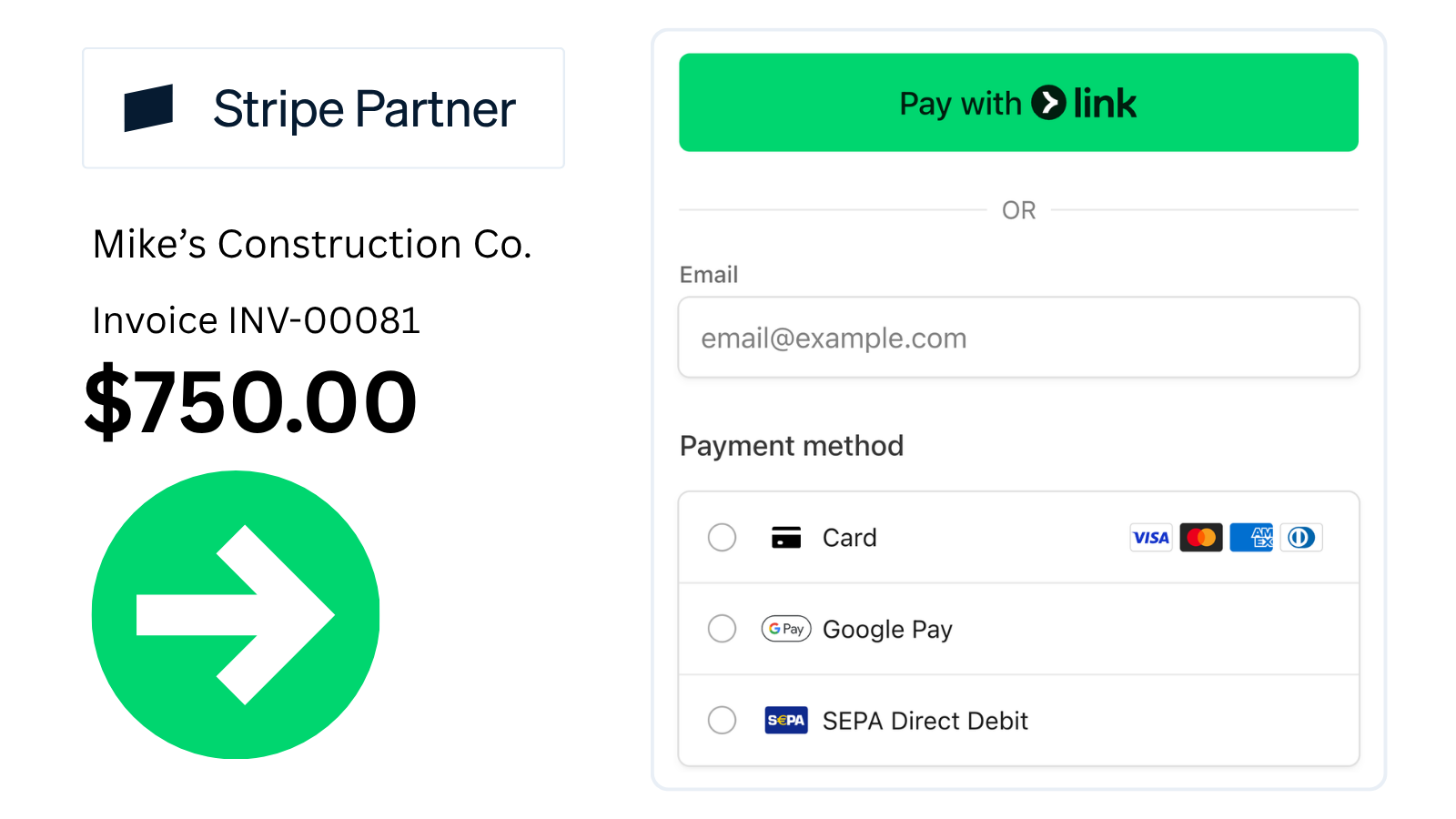
Stripe-powered checkout supports credit cards, debit, Apple Pay, Google Pay, and bank transfers (ACH + more).
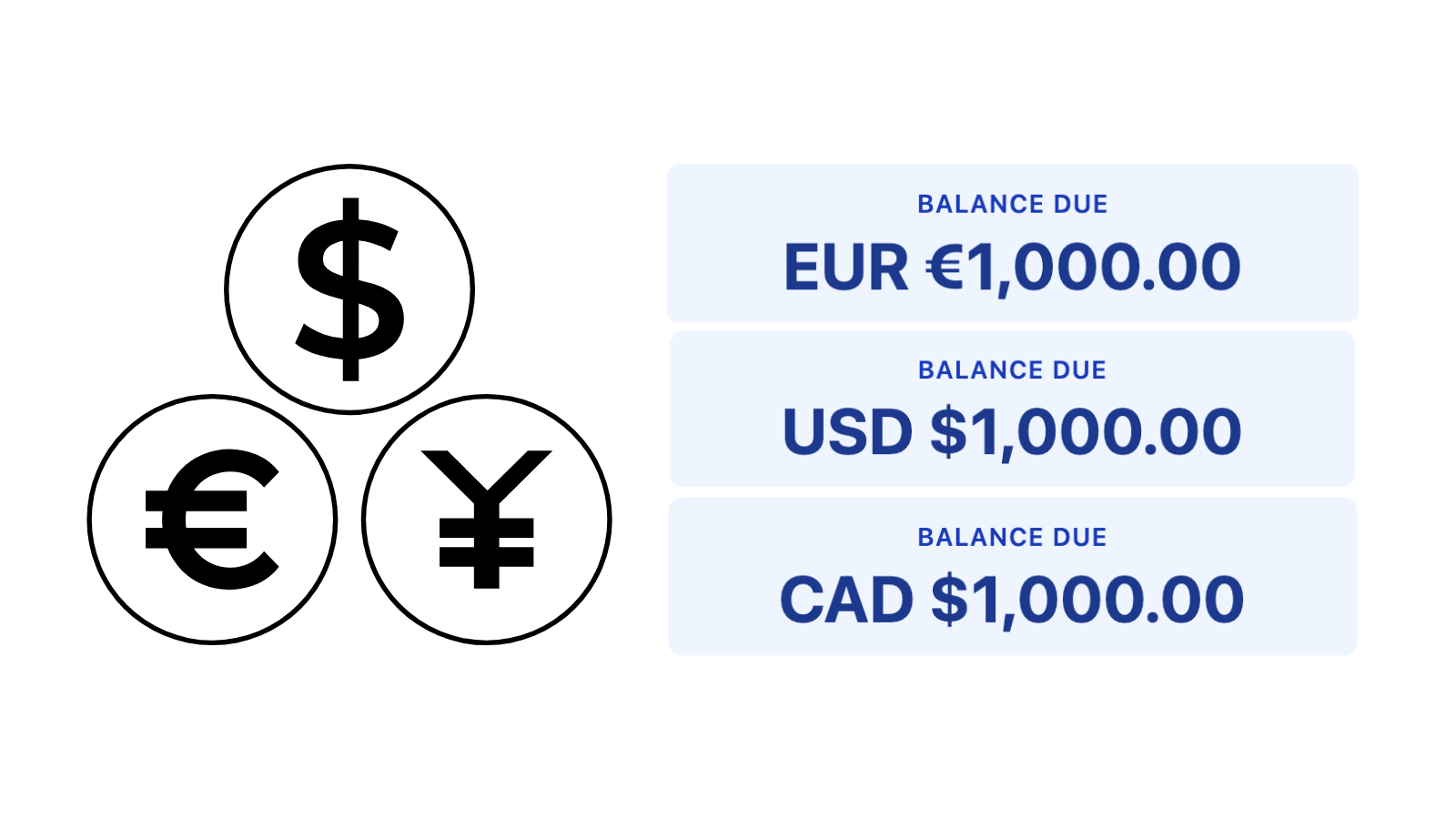
An American client gets invoiced in USD, a European client in EUR, a Canadian in CAD. They pay in the currency they expect.
.png)
Pick a template, add your logo, set your accent color. Match your brand without a designer.
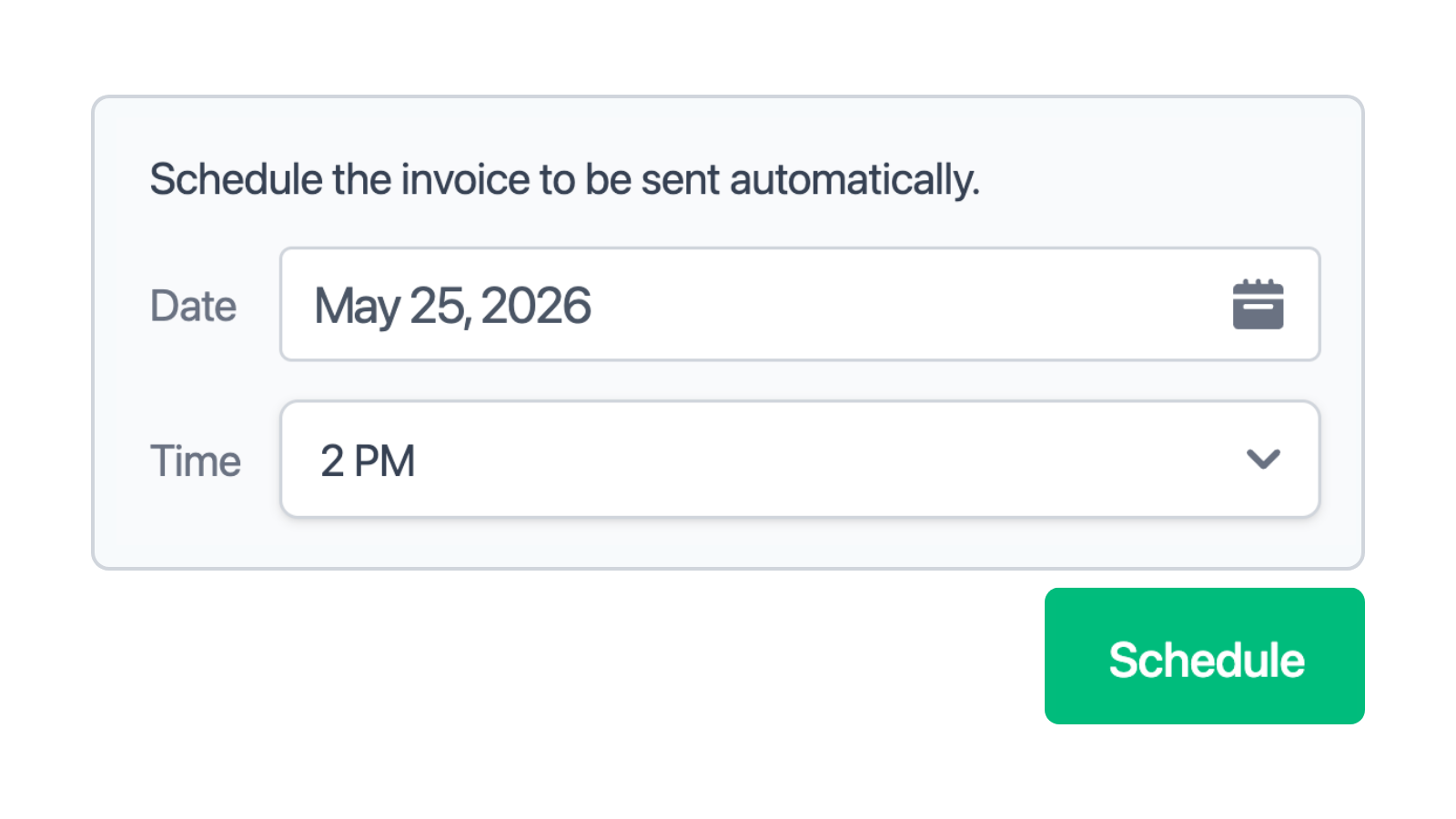
Pick the date and time, and the invoice sends itself. Useful for end-of-month billing and clients in other time zones.
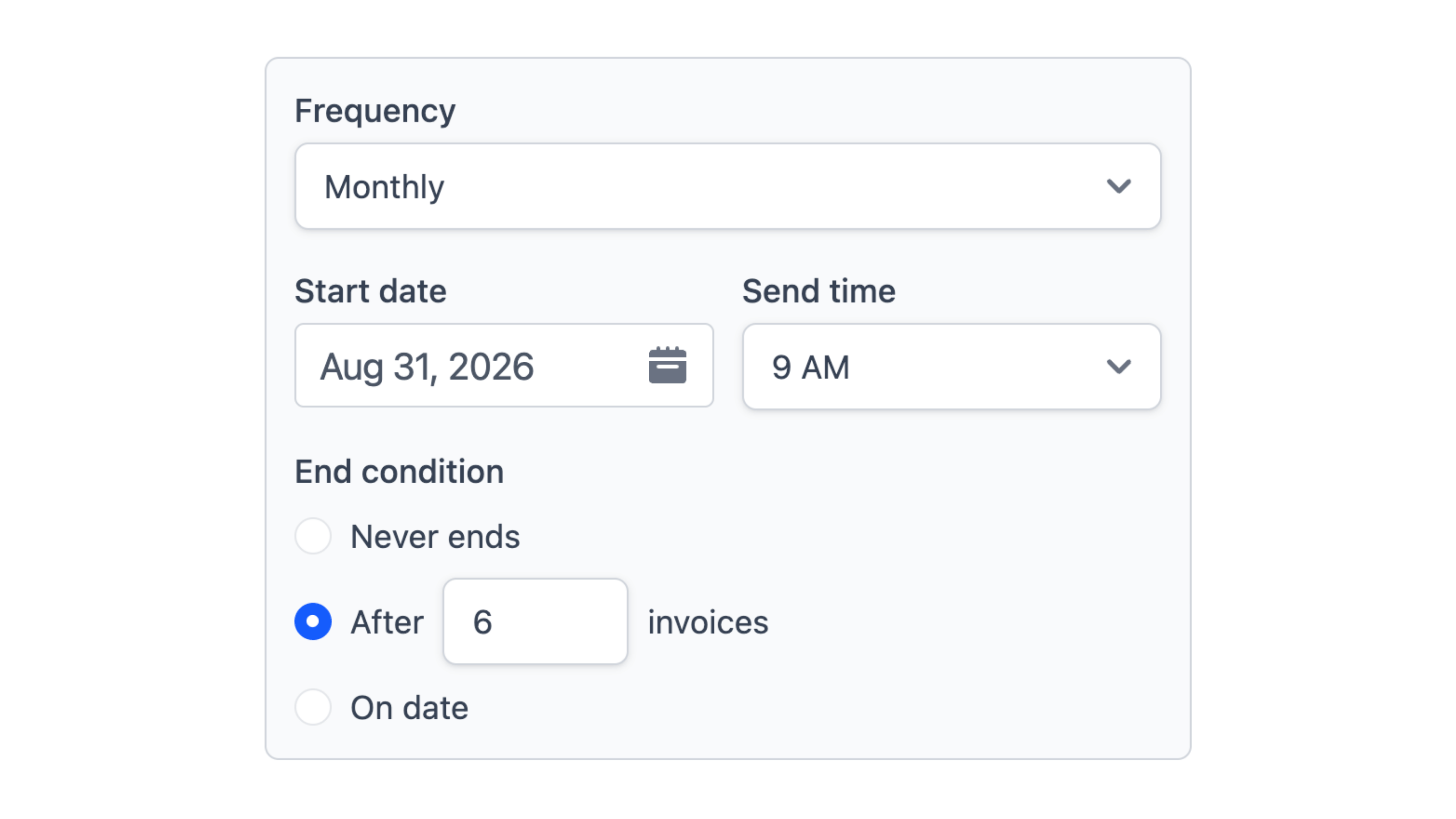
Set invoices to repeat weekly, monthly, or on your schedule. Repeat clients get billed automatically.
.png)
Get notified when invoices are delivered, viewed, and paid. No more wondering if it landed.

Send reminders on the schedule you choose. Late payments stop being something you have to chase.
.png)
Upload a receipt or take a photo. Invoicer extracts the vendor, amount, and date so you don't have to type any of it.
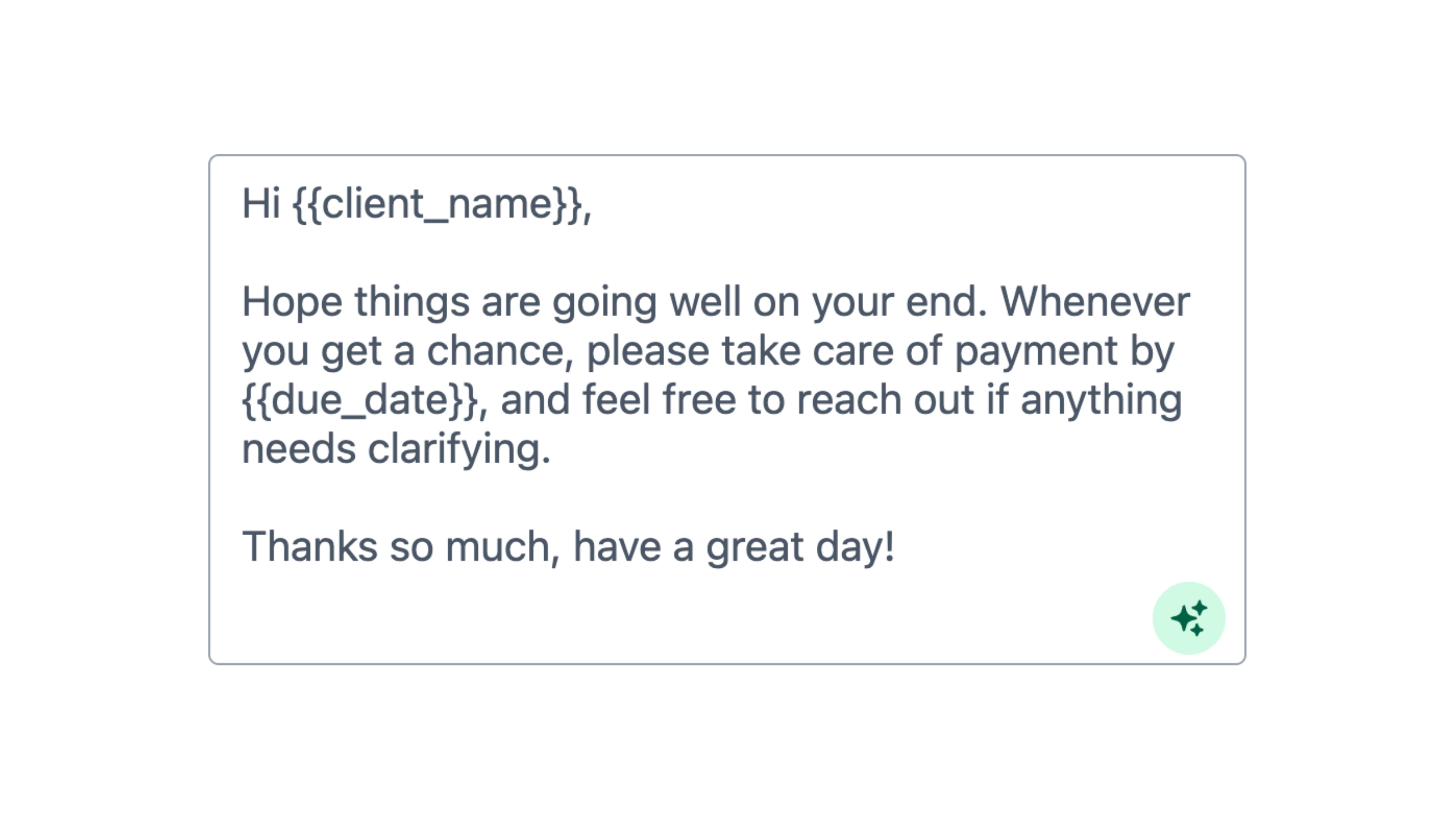
Write the message sent with each invoice, estimate, or reminder email or let AI write it for. You can always refine and edit it.
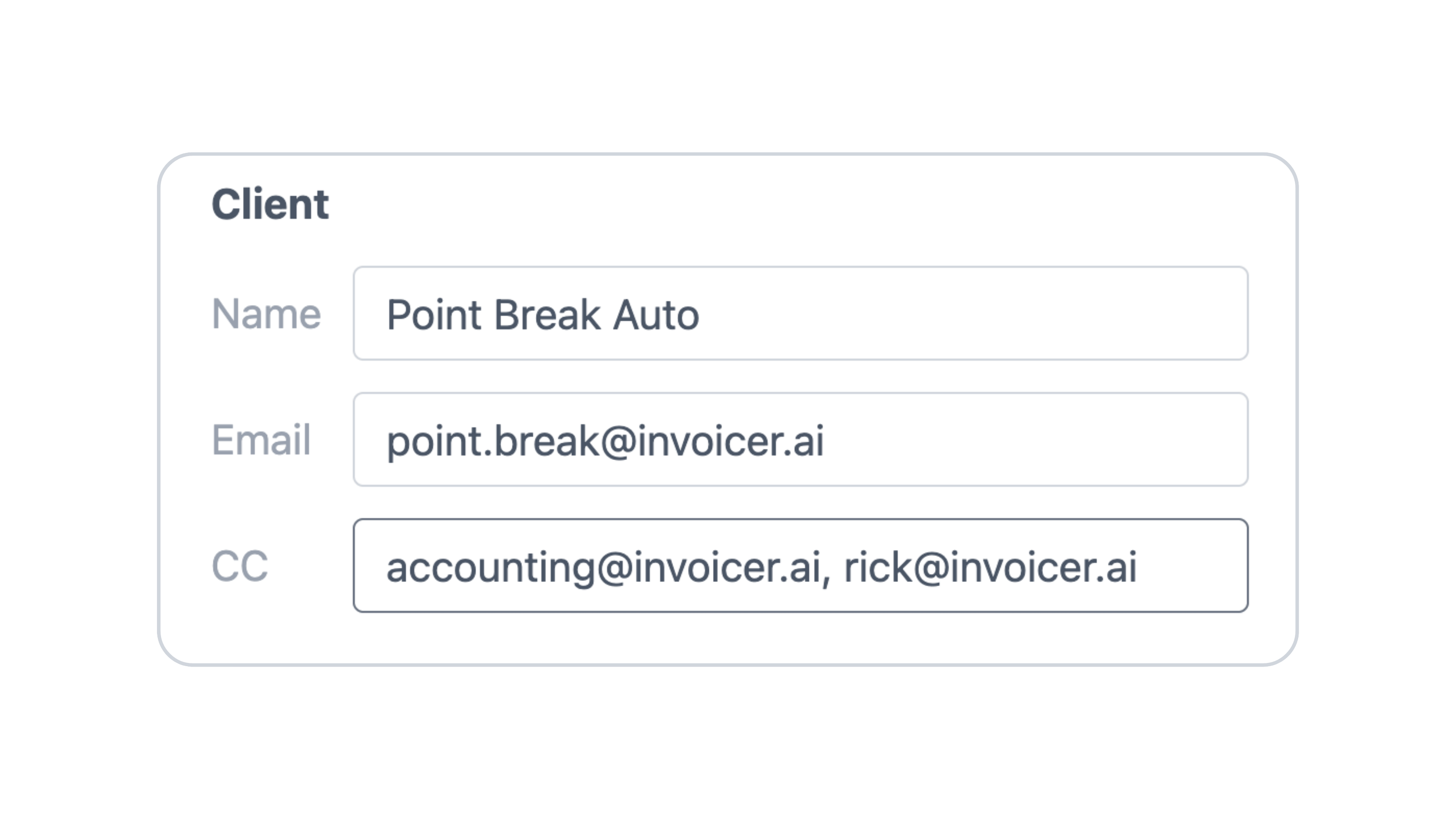
Send to multiple people, or even yourself, when sending invoices and estimates.
Deposits. Charge a deposit upfront before starting work. Percent (%) or dollar ($) based. Multiple deposits.
Discounts. Apply percentage or fixed-amount discounts to any invoice. Multiple discounts.
Attachments. Attach photos, PDFs, or any file to your invoices.
Watch how Invoicer.ai works in under 60 seconds.

Rated 4.8 stars across Google, G2, and Capterra.
From my experience, this is hands down THE BEST and easy-to-use invoice software on the market. Very minimalistic but powerful.
I chose Invoicer because of the ease and how intuitive it is. I'm busy, and writing quotes, sending them off, keeping track, etc was a task I didn't enjoy doing. With Invoicer, it's so fast and easy I never have to worry about it.
Invoicer.ai has streamlined our invoicing process, reduced errors, and saved us a significant amount of time. I would highly recommend it to any organization looking to simplify their invoicing.
Invoicer.ai has been a game-changer for us at The Barley Group. Its intuitive design made the transition smooth and efficient.
Excellent service. I'm very glad I chose this quick and simple service. Everything is there for you, all you have to do is fill in the blanks.
I've been so much more organized with billing clients since subscribing. It's a must have!
Invoicer.ai is intuitive and very easy to use and generates professional estimates and invoices for your business.
Invoicer is amazing! Easy to use, very simple, and not complicated at all.
Invoicer.ai is a simple to use cloud based quoting and invoicing platform. When I first used it, I was amazed at how easy it was to create professional invoices.
Excellent for small businesses. Interface was very intuitive and made creating and submitting an invoice incredibly easy.
What a great and easy way to create invoices for our Military support nonprofit.
It is simple, intuitive, and to the point. This combination makes this app powerful and time saving.
Invoicer is excellent because it is an easy-to-use, super fast, affordable AI-powered small business invoicing and estimating software with unlimited clients, invoices, and estimates.
Invoicer saves you time thanks to the intuitive editor, AI invoice generator and AI assistant, AI pricing suggestions, scheduled and recurring invoices, automatic calculations, fast interface, easy filtering, search and sorting, and estimate automation. It gets you paid faster with online payments and automated payment reminders.
The expense manager, included in our invoicing software, helps you stay organized and saves time by automatically extracting expense info from receipts and invoices, then laying it out in an easily searchable list you can download and share with your accountant or upload to accounting software.
Plus, with tracking notifications, you can see when your invoices are delivered, viewed, and paid, so you aren't left wondering if your client's received an invoice.

