


Explore everything Invoicer offers to improve your HVAC business.
.png)
Pick a template, add your logo, set your accent color. Match your brand without a designer.
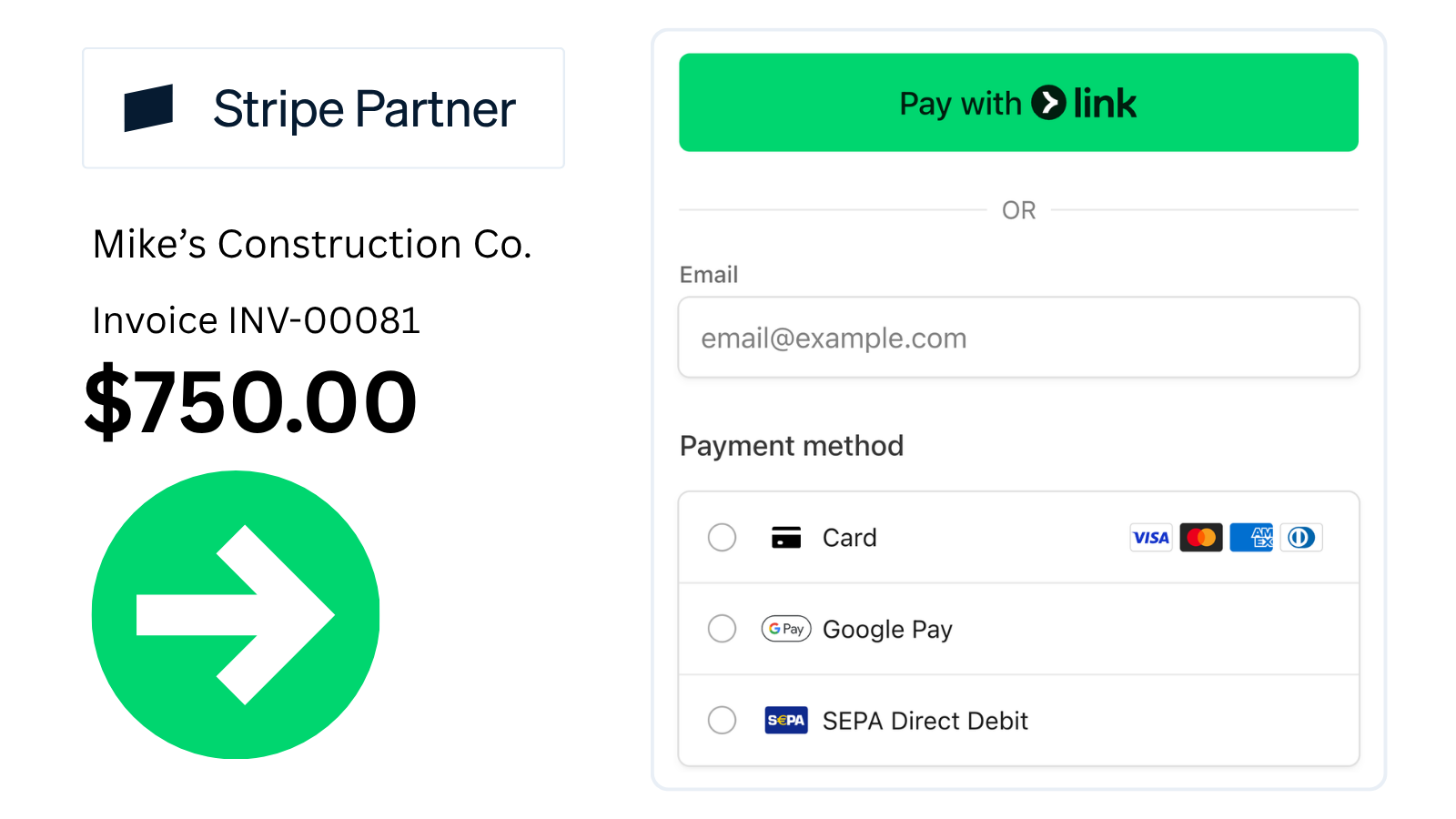
Stripe-powered checkout supports credit cards, debit, Apple Pay, Google Pay, and bank transfers (ACH + more).
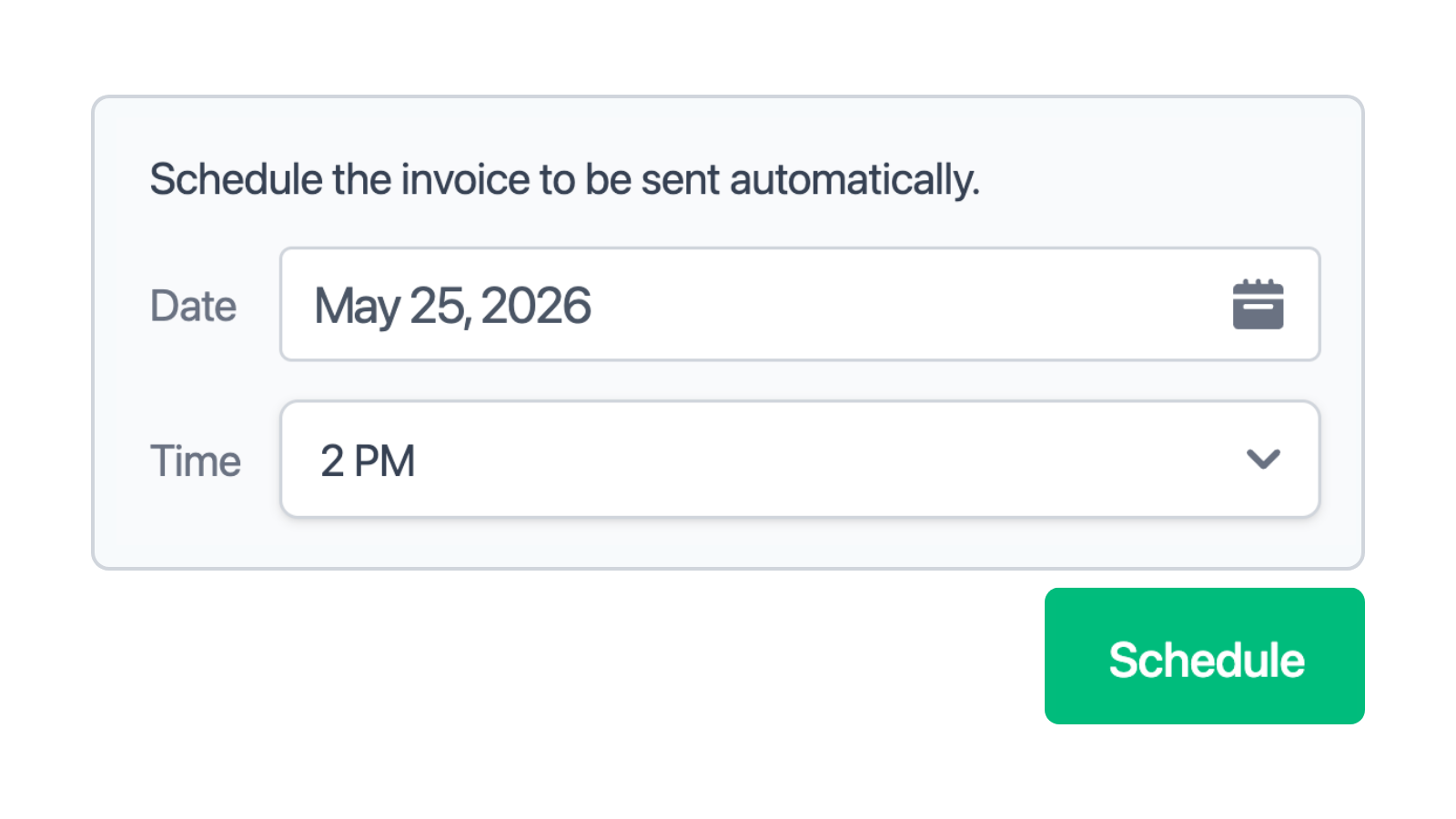
Pick the date and time, and the invoice sends itself. Useful for end-of-month billing and clients in other time zones.
.png)
Get notified when invoices are delivered, viewed, and paid. No more wondering if it landed.

Send reminders on the schedule you choose. Late payments stop being something you have to chase.
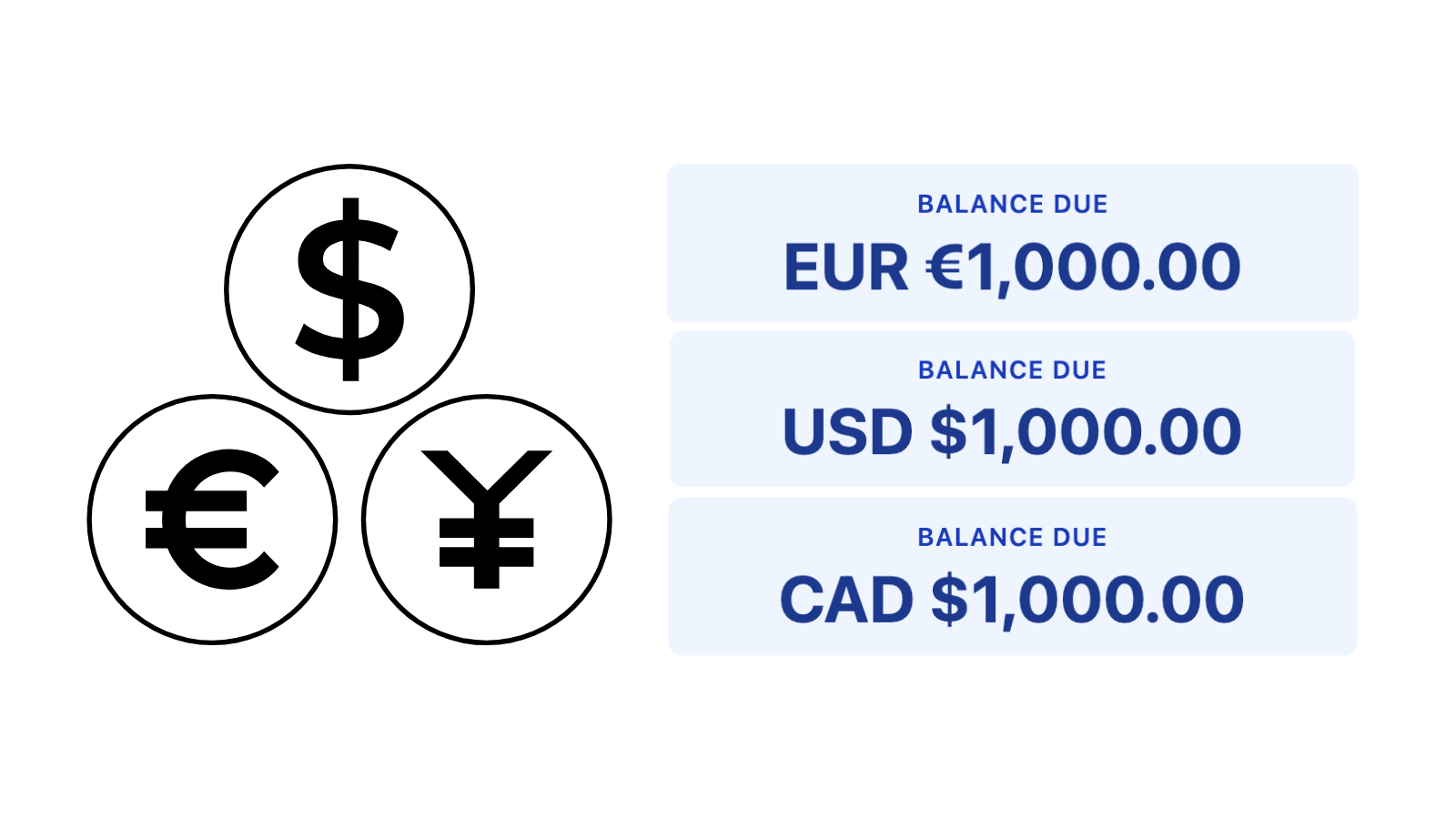
An American client gets invoiced in USD, a European client in EUR, a Canadian in CAD. They pay in the currency they expect.
.png)
Upload a receipt or take a photo. Invoicer extracts the vendor, amount, and date so you don't have to type any of it.
Deposits. Charge a deposit upfront before starting work. Percent (%) or dollar ($) based. Multiple deposits.
Discounts. Apply percentage or fixed-amount discounts to any invoice. Multiple discounts.
Attachments. Attach photos, PDFs, or any file to your invoices.
Type or talk. Invoicer's AI builds estimates and invoices, prices jobs, and answers questions.
✓ Invoice INV-10071 created for Mike Smith — heat pump, gas furnace, and HRV service.
Draft saved · ready to send| Heat pump serviceInspect, test & performance report | $480.00 |
| Gas furnace tune-upClean, calibrate & safety check | $260.00 |
| HRV inspectionFilters + airflow balance | $180.00 |
Here's a real pricing breakdown for gas furnace service in Seattle, WA. These are anchors — swap in your actual labor rate and parts costs.
Assumptions: standard annual tune-up / service call, single residential unit, no major repairs.
| Service call / diagnosticTravel + first hour | $120–$180 |
| Furnace tune-up laborInspect heat exchanger, burners, igniter, flue — 1–1.5 hrs | $130–$250 |
| Filters (1" disposable)Supply & install, 1 unit | $20–$40 |
| Combustion analysisCO check, gas pressure test | Incl. or +$40 |
Draft estimate for a 3-ton central AC install in Seattle, WA.
Assumptions: existing ductwork in good condition, standard 2-story home, city permit included.
| Condenser + coil (3-ton, 15 SEER2)Equipment & materials | $3,200–$4,500 |
| Installation labor2 techs, 1–2 days | $1,200–$2,000 |
| Permit, line set & padMisc materials + city permit | $300–$600 |
1 client currently owes you money. Total outstanding: $2,362.50.
A good HVAC estimate helps customers understand the work, costs, and next steps before they move forward with the work. This guide covers what to include, how to organize labor and parts, when to use an estimate instead of a quote, how approved estimates can move into invoicing, and more.
A professional HVAC estimate should include the customer details, service or installation description, labor, parts, equipment, materials, taxes, discounts, deposit details, and the total estimated cost. With Invoicer.ai, you can organize everything in one estimate and turn approved work into an invoice when the job is complete.
Create HVAC estimates that are easy for your customers to read and understand. Always separate labor, parts, equipment, service details, and total cost, so they can review the estimate before approving the job.
An HVAC estimate gives the customer an expected cost based on the work, parts, labor, and equipment you know about at the time. It is practical when the final price may change after inspection, diagnostics, material choices, or additional work. Estimates work well for repairs, maintenance, replacements, and installations where the scope still needs some flexibility.
An HVAC quote is usually more fixed. It gives the customer a set price for a clearly defined job, such as installing a specific unit, replacing a thermostat, or completing a known repair. A quote is better when the scope, parts, labor, and total cost are already confirmed.
Send an HVAC estimate when the job may change or needs approval before the final price is confirmed. Use a quote when you are ready to offer a fixed price for specific HVAC work. With Invoicer.ai, you can create both professional estimates and quotes, then turn approved work into an invoice later.
Some HVAC jobs require money upfront, especially when equipment, parts, or installation time need to be secured before the work starts. For larger replacements or system installs, adding a deposit to the estimate helps make the payment process more straightforward from the beginning.
You can include the upfront amount, when it is due, and what balance will remain after the job is completed, making the payment plan easier for customers to review and easier for your business to manage.
An HVAC estimate should separate labor, parts, equipment, materials, and service fees so your customers can see how the final price is built. This is especially useful for repairs, maintenance, installations, replacements, and larger jobs where several cost items are involved.
You can include technician labor, diagnostic fees, replacement parts, filters, thermostats, duct materials, units, installation supplies, equipment costs, taxes, discounts, and any required deposit. A detailed labor and material cost summary makes the estimate easier to review, reduces confusion, and helps customers approve the work with more confidence.
For HVAC installation work, include the system or equipment being installed, labor, materials, additional parts, installation supplies, removal of old equipment if needed, taxes, deposits, and the estimated total. This way, the customers will have a better understanding of what is included in the job before they approve the work.
You can also add additional details such as the type of unit, thermostat installation, ductwork, refrigerant lines, electrical work, permits, disposal fees, warranty notes, and expected project timeline to your HVAC installation estimate.
An HVAC repair estimate should explain the service problem, the work needed to fix it, and the expected cost before the technician begins. Include the diagnostic visit, repair labor, required parts, service fees, and the estimated total so the customer knows what they’re approving.
For more detailed jobs, you can also add notes about the unit, inspection findings, replacement components, emergency callout charges, warranty coverage, and recommended follow-up service.
Before sending your HVAC estimate, make sure it includes all the important details, such as the service that is being provided, what parts or equipment are needed, how labor is priced, and what the total estimated cost will be. Your HVAC estimate checklist can include:
For HVAC work, the estimate should explain what service is being priced and what is included in the job. This information may include the system being repaired or installed, the parts or equipment needed, labor, diagnostic work, ductwork, thermostat installation, removal of old equipment, permits, cleanup, and any items that are not included in the estimate.
An HVAC estimate template can work well for a simple one-time estimate, especially if you only need a basic file to edit, download, and send. However, if you create HVAC estimates regularly, an Estimate Maker is the faster and more practical choice.
Instead of editing the same document again and again, you can build your estimates online, save customer details, reuse common services, and keep everything organized in one place. You can also use the AI Assistant to create HVAC estimates faster, generate line items, get pricing suggestions, and reduce the time spent editing the same details for every estimate.
With an HVAC estimate generator, you can add labor, parts, equipment, service fees, taxes, discounts, and deposits without manually updating every total. It gives you more flexibility than a static template and helps you create professional HVAC estimates faster with less manual work.
An HVAC estimate is useful when the final cost may depend on inspection results, parts availability, labor time, or the exact scope of work. However, it may not be the right document in every situation. Use an invoice when the work has already been completed or payment is due. Use a quote when the price is fixed and the scope is already confirmed.
For large HVAC projects, you may also need contracts, service agreements, or warranty documentation alongside the estimate.
Free calculators and generators to price jobs, set up service plans, and get paid.
No signup required.
Invoicer is great for HVAC businesses because it is an easy-to-use, super fast, and affordable AI-powered invoicing and estimate solution with unlimited clients, invoices, and estimates.
Invoicer saves you time with an intuitive editor, fast interface, and easy filtering, search, and sorting. The AI can even price your HVAC jobs, based on your area and the items in your account, then builds it into an estimate for you. And you get paid faster through online payments and payment reminders.

