Home / Industries / Plumbing Services

Invoicer for
Plumbing Services

Billing software built for
plumbing services

The complete invoicing and payments solution keeping your
plumbing services
 business on track.

User ratingUser ratingUser ratingUser ratingUser rating
5-star rating
4.7
from 200+ reviews
Read what our customers are saying
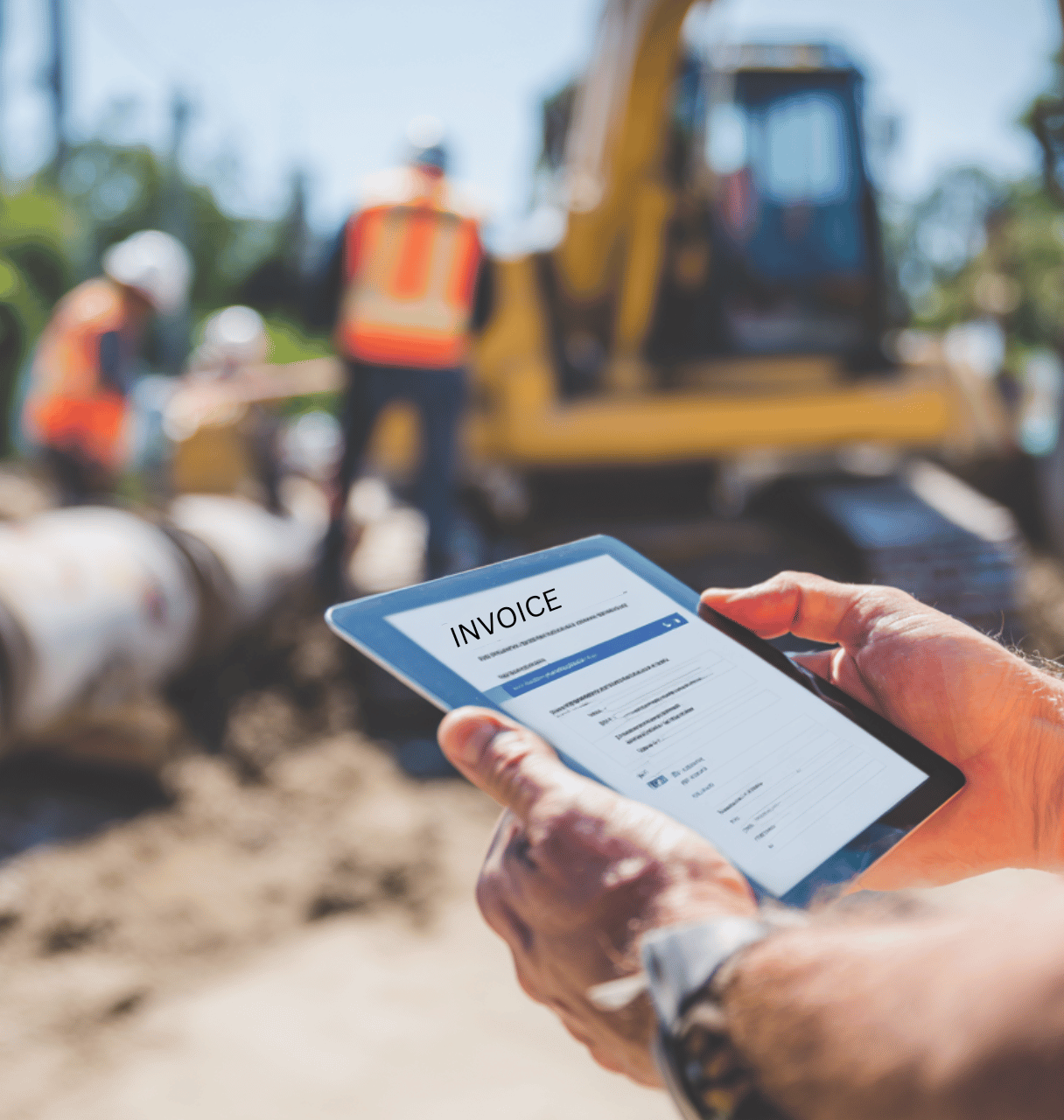
Header image
Features

Save time, get paid, and stay organized

Streamline your finances: Create professional invoices and estimates, process payments, and effortlessly track expenses with automatic receipt capture.

Save time

Quickly create invoices and estimates. Easily select clients and line items.
Easily create and send invoices and estimates in seconds with our in-line editor.

Automatic calculations take out the guesswork.

Notifications let you know when invoices are viewed.
Mockup

Late payment reminders

Send automatic late payment reminders, saving yourself valuable time.
Our invoicing software automatically sends late payment reminders on your chosen schedule, helping you collect overdue payments effortlessly

Accept payments

Accept credit and debit cards, mobile wallets, bank transfers, and more.
Invoicer gives you multiple ways to accept payments on your Invoices.

From credit cards, debit cards, mobile wallets like Apple Pay and Google Pay to bank transfers and more, our invoicing software makes it easy for your clients to pay in 135+ currencies.
Mockup

Expense manager

Keep all of your expenses organized in one convenient location.
Tired of wasting time hunting for lost receipts? Our AI-powered Expense Manager keeps your expenses organized and at your fingertips.
Mockup

Create professional, branded invoices

Customize with templates, your logo, and color. See what your invoice looks like as you create it.
Tired of wasting time hunting for lost receipts? Our AI-powered Expense Manager keeps your expenses organized and at your fingertips.
Mockup

Real-time tracking

Get notified and see when your invoices and estimates are delivered, viewed, and paid.
Tired of wasting time hunting for lost receipts? Our AI-powered Expense Manager keeps your expenses organized and at your fingertips.

Explore free invoice and estimate templates for your
plumbing services
 business

Free tools

Tools for
plumbing services

Free calculators and generators to quote jobs and get paid fast. No signup required.

Invoicing Software for Plumbing Businesses

Keep Plumbing Estimates, Invoices, and Payments Organized

Plumbing work keeps your day full with callouts, installations, repairs, materials, and customer coordination. The paperwork still has to get done too, from writing estimates and sending invoices to following up on unpaid jobs and tracking business expenses. Invoicer.ai gives plumbing businesses one place to manage estimates, billing, payments, clients, and expenses more smoothly.

From small repair jobs and fixture replacements to pipework, drain services, water heater installs, and larger projects, Invoicer.ai helps you keep your billing process organized, consistent, and professional.

Try it free for 14 days now.

Why Plumbing Businesses Need Clear, Easy-to-Track Billing

Plumbing jobs often depend on the service type, materials, labor time, access conditions, emergency fees, and customer approvals. One job could involve replacing a faucet, while another may require pipe repairs, drain inspection, fixture installation, water heater parts, cleanup, and follow-up service.

When those details are spread across notes, texts, emails, or spreadsheets, it becomes harder to keep track of what was quoted, approved, completed, and paid.

Invoicer.ai helps plumbers keep estimates, invoices, payments, customer details, job notes, and expenses connected, so each project is easier to manage from the first estimate to the final payment.

Create Plumbing Invoices and Estimates for Different Services

Use Invoicer.ai to create invoices and estimates for plumbing repairs, installations, inspections, replacements, maintenance work, drain service, emergency calls, and commercial plumbing jobs.

  • Add your logo, business details, and customer information
  • List labor, materials, fixtures, pipes, valves, fittings, equipment, service fees, and emergency charges
  • Include job notes, payment terms, taxes, deposits, discounts, and balances due
  • Add details for service type, parts used, labor hours, access issues, disposal, cleanup, or permit fees
  • Schedule invoices to be sent at the right time
  • Create estimates before the customer approves the work
  • Convert approved estimates into invoices when the plumbing job is ready to bill

Manage Plumbing Customers, Parts, Services, and Job Costs

Plumbing businesses often use the same services, parts, and labor items across different jobs. Saving those details can help you create documents faster and keep pricing more consistent.

With Invoicer.ai, you can:

  • Save customer details for new plumbing jobs and repeat service calls
  • Store common services, materials, labor items, fixture charges, and repair fees
  • Track expenses for pipes, fittings, valves, faucets, water heaters, drains, tools, equipment, fuel, rentals, and subcontractors
  • Keep estimates, invoices, customers, items, and expenses in one place
  • Find past job records without searching through old notes, emails, or spreadsheets

Track Plumbing Payments, Deposits, and Outstanding Balances

Plumbing projects may require deposits before materials are ordered, partial payments during larger jobs, or a final balance once the work is complete.

Invoicer.ai helps you keep payment details clear, so you can see what has been paid and what is still due.

  • Show deposits on invoices and estimates
  • Track partial payments and remaining balances
  • See which invoices are sent, paid, unpaid, or overdue
  • Accept payments through your invoicing workflow
  • Follow up on unpaid plumbing invoices more easily
  • Keep payment records connected to the customer and job

AI Plumbing Invoice Generator

The AI Plumbing Invoice Generator helps you create invoices faster using basic job details. You can use AI to help build the invoice, dictate the details with the voice feature, or enter everything yourself if you prefer full control.

Add details such as the plumbing service performed, labor hours, materials, fixtures, pipes, valves, fittings, equipment fees, emergency charges, taxes, deposits, discounts, and payment terms. The AI can help organize that information into a ready-to-review invoice for your customer.

Use the AI Plumbing Invoice Generator for:

  • Leak repair invoices
  • Drain cleaning invoices
  • Pipe replacement invoices
  • Water heater installation invoices
  • Faucet and fixture installation invoices
  • Toilet repair invoices
  • Bathroom plumbing invoices
  • Kitchen plumbing invoices
  • Sewer line service invoices
  • Emergency plumbing invoices
  • Commercial plumbing invoices

Plumbing Estimate Maker

Most plumbing jobs start with an estimate before the customer agrees to move forward. The Plumbing Estimate Maker helps you price the job, explain what is included, and give customers a professional estimate to review before work begins.

You can use AI to help create the estimate, dictate job details with the voice feature, or enter everything yourself. Add labor, materials, fixtures, pipes, valves, fittings, equipment, emergency fees, disposal, cleanup, taxes, deposits, and project notes.

Use the Plumbing Estimate Maker to:

  • Prepare estimates for repairs, installations, replacements, maintenance, and emergency plumbing work
  • Break down labor, materials, parts, fixtures, equipment, and service fees
  • Add job notes, payment terms, project details, and optional charges
  • Show customers the expected cost before work begins
  • Use AI or voice input to create estimates faster
  • Convert approved estimates into invoices when the plumbing job is ready to bill

Plumbing Invoice Templates

If you only need to bill for one plumbing job, a plumbing invoice template can be a quick starting point. It works well for a completed leak repair, drain cleaning, faucet replacement, toilet repair, water heater installation, fixture installation, or small plumbing service when you just need a professional invoice for that job.

Plumbing Estimate Templates

If you need to price one plumbing job before the customer approves it, a plumbing estimate template can help you organize the details quickly. It works well for one-time plumbing repairs, fixture installations, drain service, pipe replacement, water heater work, bathroom plumbing, kitchen plumbing, and small commercial plumbing jobs.

Benefits of Using Plumbing Invoicing Software

Plumbing invoicing software helps you manage billing when jobs include labor, parts, fixtures, equipment, deposits, partial payments, and customer follow-up.

With Invoicer.ai, your estimates, invoices, payments, customer records, saved items, and expenses stay connected. That makes it easier to see what was quoted, what work was completed, what has been paid, and what still needs attention.

Plumbing invoicing software can help you:

  • Create invoices and estimates faster
  • Avoid missing charges for labor, parts, fixtures, equipment, emergency fees, disposal, or cleanup
  • Track deposits, partial payments, and final balances
  • Keep customer and job history easier to access
  • Manage unpaid invoices without checking multiple files
  • Reuse common plumbing services, materials, parts, and labor items
  • Keep better records for reporting and tax time
  • Give customers a more professional billing experience

Keep Plumbing Billing Clear as Jobs Change

Plumbing jobs can change after the first estimate. A customer may approve additional fixture work, ask for a water heater replacement, need extra pipe repairs, request emergency service, or add cleanup and disposal before the job is complete.

Invoicer.ai helps you update job details, manage estimates and invoices, track payments, and keep billing records clear as the project moves forward.

Try Invoicer.ai free for 14 days and see how much easier plumbing service billing can be.

Mockup

Plumbing Services Invoice Templates

Choose from a variety of designs. You can download these free invoice templates and edit them in Google Docs or Microsoft Word
Mockup

Plumbing Services Estimate Templates

Choose from a variety of designs. You can download these free estimate templates and edit them in Google Docs or Microsoft Word

Don’t just take our word for it

Hear from some of our amazing customers who love Invoicer.
"Invoicer.ai is intuitive and very easy to use and generates professional estimates and invoices for your business. Their support team is AMAZING. They care about your business and do everything they can to resolve any issues. As a small business owner having a company like invoicer.ai is gold worth. We would give invoicer.ai 10 stars!!! Thank you."
Behrouze
Owner, PC Expert Services
"I chose Invoicer because of the ease and how intuitive it is. I'm busy, and writing quotes, sending them off, keeping track, etc was a task I didn't enjoy time doing. With Invoicer, it's so fast and easy I never have to worry about how I'd like it to feel, rather, it does the job I need it to do and I LOVE IT!"
Nathan
Owner, War Pony Exteriors
"From my experience, this is hands down THE BEST and easy-to-use invoice software on the market. Very minimalistic but very feature reach at the same time. But the most important for me is customer service, it's rare when you find a company with a real person that can hear you and understand your concerns, but more importantly, provide amazing feedback and solution. Highly recommended!"
YM
Owner, Logistics Hub
Support

FAQs

Everything you need to know about the product and billing. Can’t find the answer you’re looking for? Please chat to our friendly team.
Is there a free trial available?
Yes, you can try us for free for 30 days. If you want, we’ll provide you with a free, personalized 30-minute onboarding call to get you up and running as soon as possible.
Can I change my plan later?
Of course. Our pricing scales with your company. Chat to our friendly team to find a solution that works for you.
What is your cancellation policy?
We understand that things change. You can cancel your plan at any time and we’ll refund you the difference already paid.
Can other info be added to an invoice?
At the moment, the only way to add additional information to invoices is to add the information to the workspace's name.
How does billing work?
Plans are per workspace, not per account. You can upgrade one workspace, and still have any number of free workspaces.
How do I change my account email?
You can change the email address associated with your account by going to untitled.com/account from a laptop or desktop.

Need to create an invoice?

Get started right now. Create your first invoice, without signing up, to see how it all works.
Resources

Resources for Plumbing Professionals

Check out these helpful resources to help your plumber grow

Office setting
Design

UX review presentations

How do you create compelling presentations that wow your colleagues and impress your managers?
Drew Cano
11 Jan 2022
5 min read
Man working at desk
Product

Migrating to Linear 101

Linear helps streamline software projects, sprints, tasks, and bug tracking. Here’s how to get started.
Phoenix Baker
11 Jan 2022
5 min read
Man pinning images on wall
Software Engineering

Building your API Stack

The rise of RESTful APIs has been met by a rise in tools for creating, testing, and managing them.
Olivia Rhye
11 Jan 2022
5 min read

Start your 14-day free trial

Join over 10,000+ businesses already growing with Invoicer.
Customer Reviews Section

What Our Customers Say

Real feedback from businesses using Invoicer.ai to streamline their invoicing and grow their revenue

All Reviews
Recent
Featured

How much does Invoicer.ai cost?

You can try Invoicer 100% free for 14-days with our no credit card required free trial. After the free trial, or if you want to unlock more access during the free trial, pricing starts at $12/month on a monthly plan or $8/month ($96/year) on an annual plan. You are presented with the subscription plans when you sign up. You do not need to subscribe to a paid plan to use the free trial. See below for complete pricing details.
pricing

Try 100% free for 14-days*
OR

Buy now and save up to 33% on an annual plan

Basic
USD $12 /month
Unlimited invoicing + AI
Buy Now
Unlimited clients
Unlimited invoices
Unlimited estimates
Accept payments
Multiple currencies
Remove branding
Send 50 documents a day
AI invoice generator
AI expense manager (trial)
AI assistant (light use)
1 user
Advanced
USD $49 /month
Automation + Expenses + AI
Buy Now
Unlimited clients
Unlimited invoices
Unlimited estimates
Accept payments
Viewed notifications
Real-time updates
Accept payments
Multiple currencies
Invoice tracking
Late payment reminders
Scheduled invoices
Recurring invoices
Add attachments
Send receipts
Remove branding
Automation
AI invoice generator
AI expense manager
AI assistant (heavy use)
5 users
Basic
$12/mo
USD $8 /month
$96 billed annually
Buy Now
Unlimited clients
Unlimited invoices
Unlimited estimates
Accept payments
Multiple currencies
Remove branding
Send 50 documents a day
AI invoice generator
AI expense manager (trial)
AI assistant (light use)
1 user
Advanced
$49/mo
USD $33 /month
$396 billed annually
Buy Now
Unlimited clients
Unlimited invoices
Unlimited estimates
Accept payments
Viewed notifications
Real-time updates
Accept payments
Multiple currencies
Invoice tracking
Late payment reminders
Scheduled invoices
Recurring invoices
Add attachments
Send receipts
Remove branding
Automation
AI invoice generator
AI expense manager
AI assistant (heavy use)
5 users