
Create an invoice now
Fill it in, then download it as a PDF or send it from Invoicer.
Invoice
Edit it in Invoicer to email it, take card payments and get paid fast.
Watch how to use the invoice generator in 25 seconds.

Send it from Invoicer and your client can pay online in seconds. You see when they open it, late payers get reminded, and receipts go out automatically, so you can get back to work.
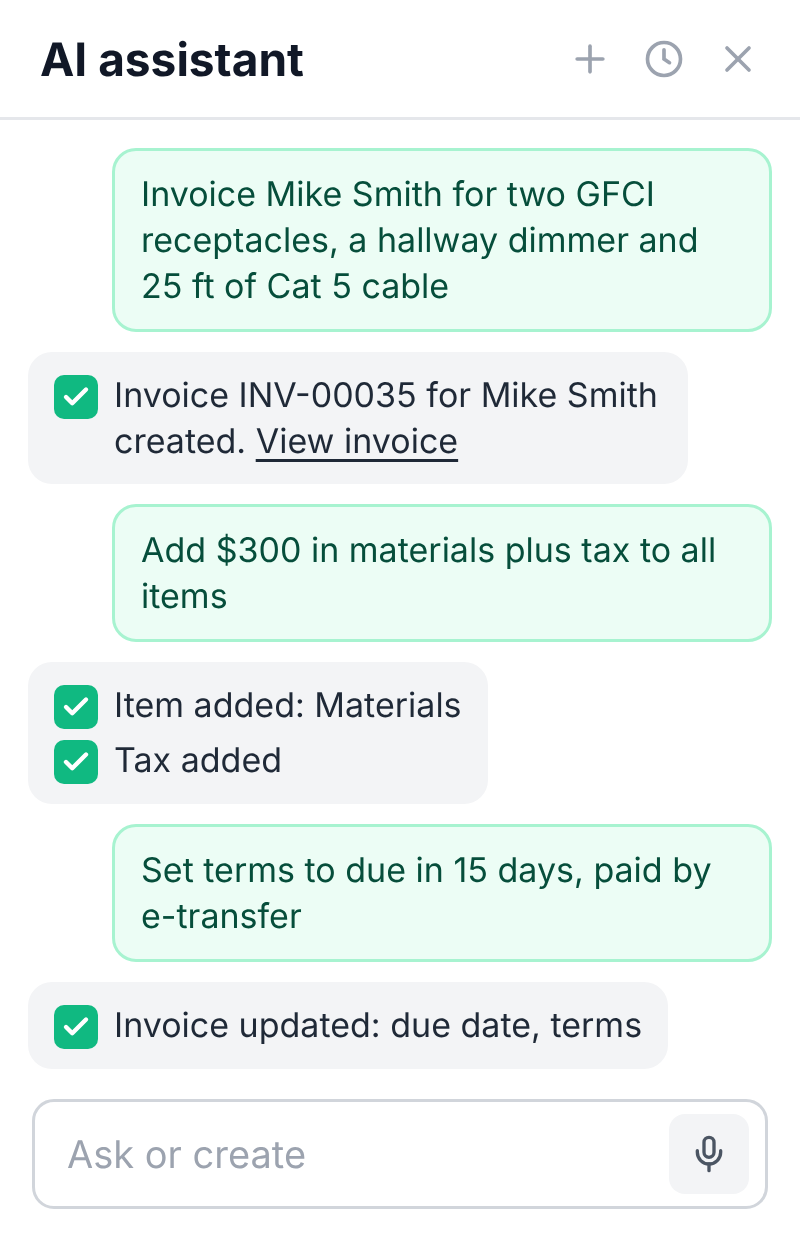
Use voice or text to describe the job and the AI invoice generator creates the invoice for you.
Not sure what to charge for a job? Just ask, and the AI suggests pricing based on local market rates and your past work.
It can also answer anything about your account data, like who's late paying, or how much you spent on supplies last month.
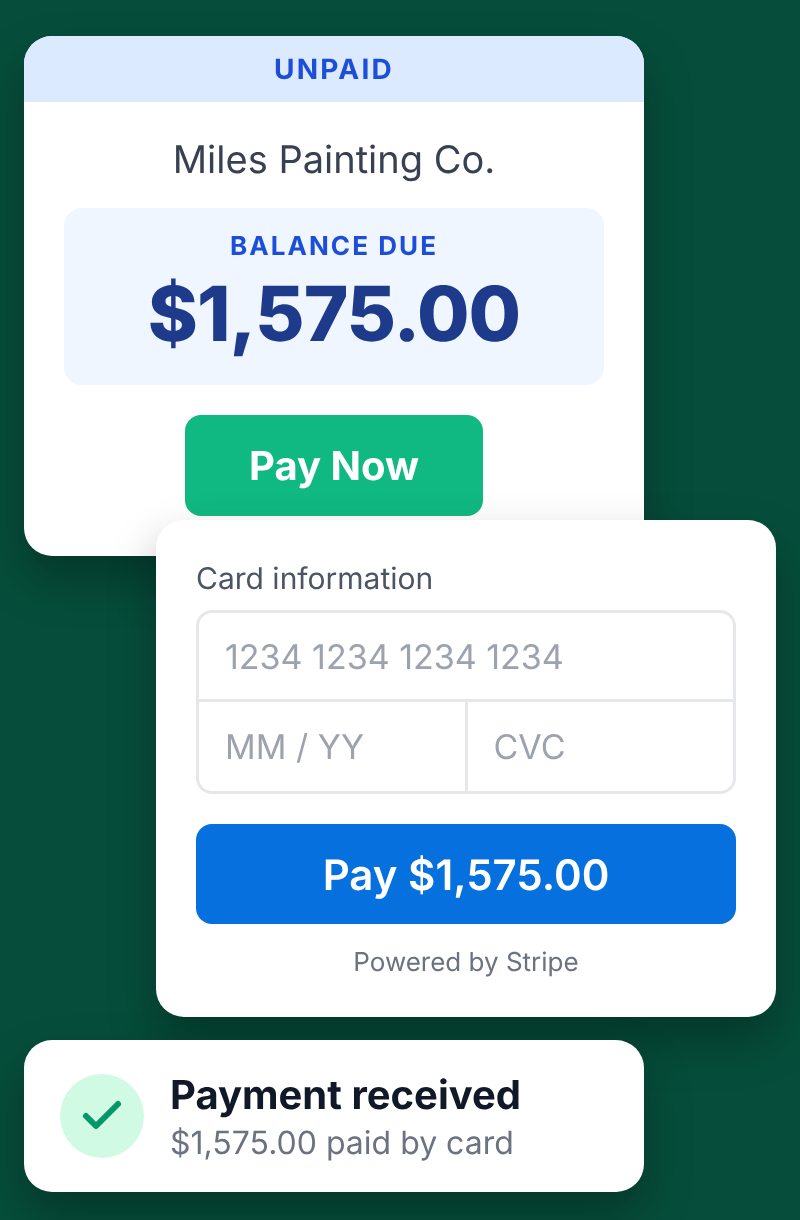
As a Stripe Partner, Invoicer adds a pay button to every invoice. Clients pay in 135+ currencies.
Reminders go out on the schedule you choose, so you stop chasing.
See when each invoice is delivered, viewed and paid.
Clients approve online, then it is one click to invoice.
Set it once and Invoicer sends it on time, every time.
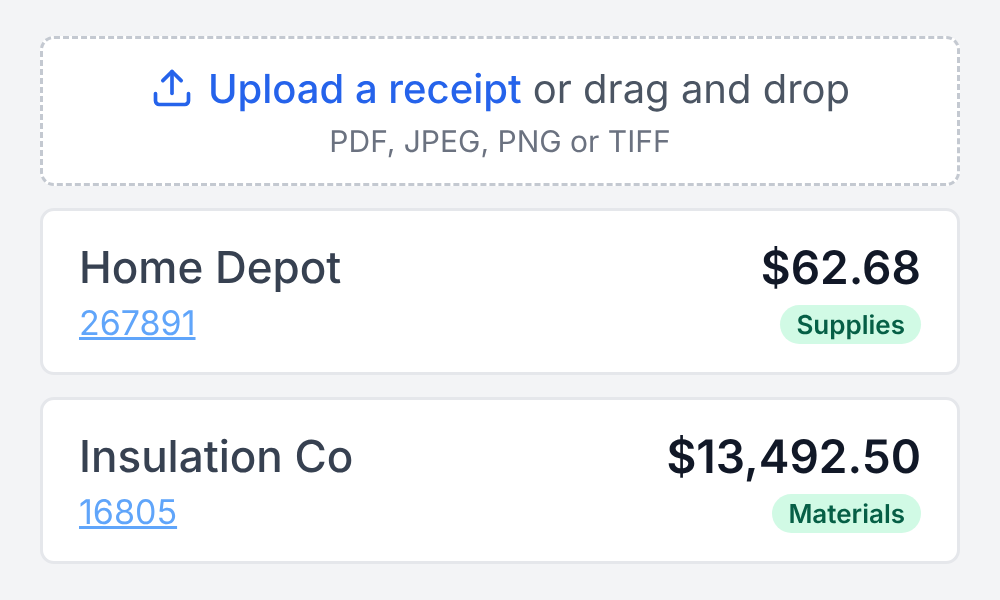
Snap a receipt and the details are pulled out and organized for you. Share a clean list with your bookkeeper.
Connect your accounting software so your books stay up to date.
Invoicer makes invoicing fast and easy, so you spend less time on admin, and more time doing the work that pays.
You might be wondering, "How exactly does Invoicer save me time?" Invoicer saves you time with an intuitive invoice editor. Add your clients, line items, taxes, and deposits and Invoicer automatically calculates totals. New clients and items save automatically so next time you invoice them they are a click away.
Scheduled and recurring invoices make it easy to send invoices when you want, and to send the same invoice on a set schedule for repeat clients.
Using the AI makes everything even faster since you can use it to create an invoice with your voice (fastest) or text. You can also use it to recommend what to charge for a job and it will provide guidance based on local market rates and your past jobs. It can even suggest upsells to help you earn more.
Unlike other services, Invoicer offers unlimited clients on every plan, along with unlimited invoices and estimates.
In addtion to invoices, you can create estimates and you can easily create invoices from estimates in one click, or let our smart automation do it for you when estimates are approved.
Try it for yourself and see how easy it is.

