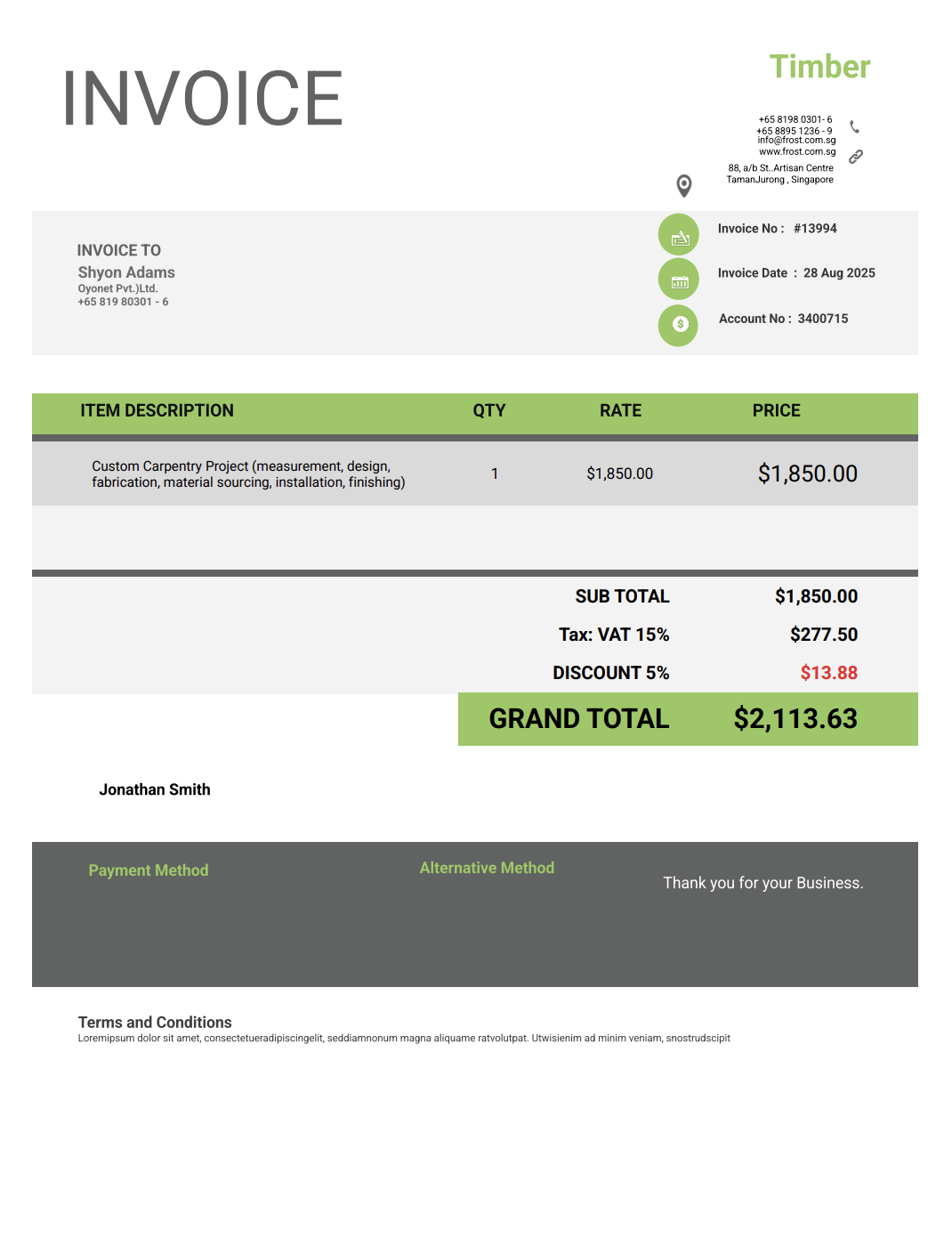
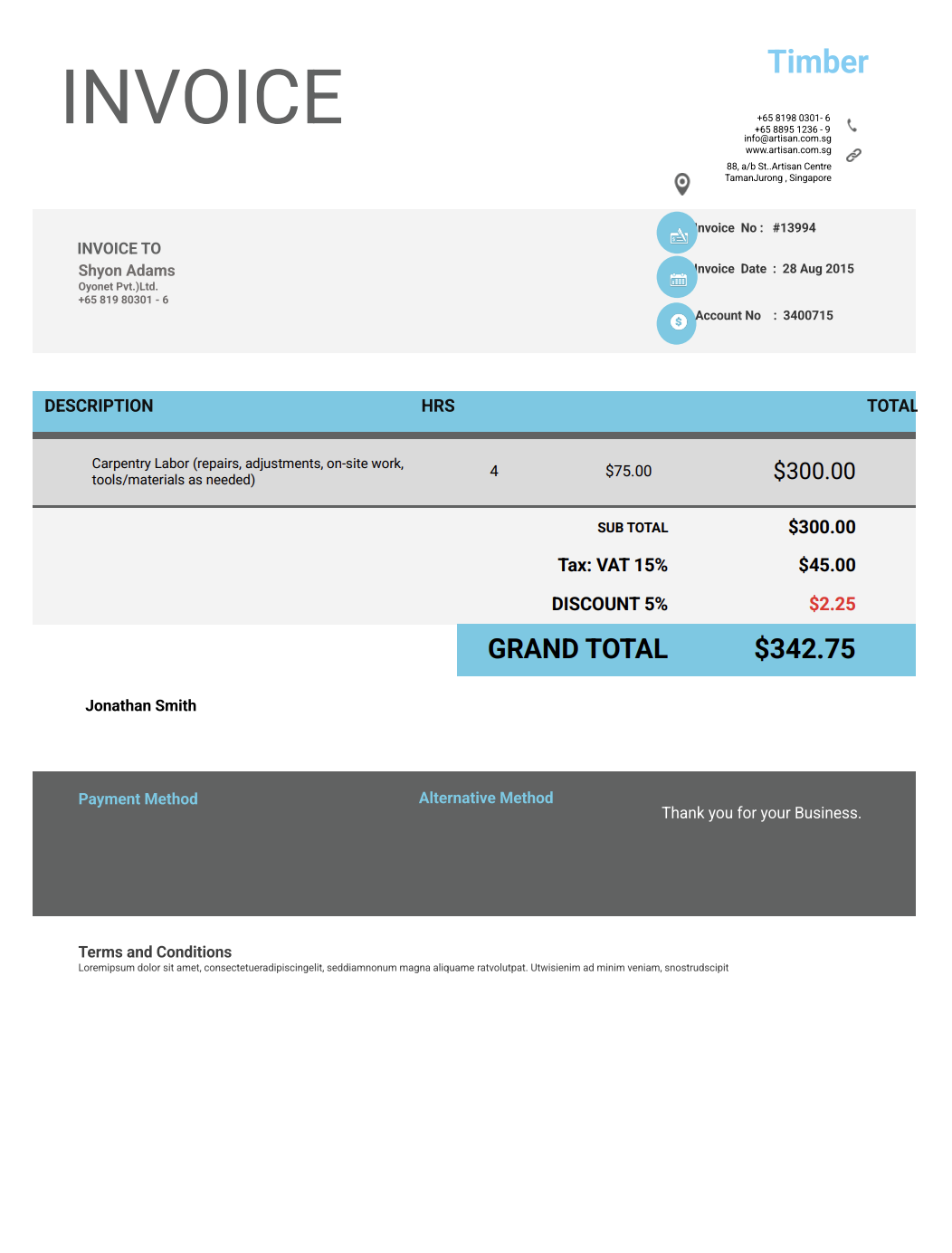
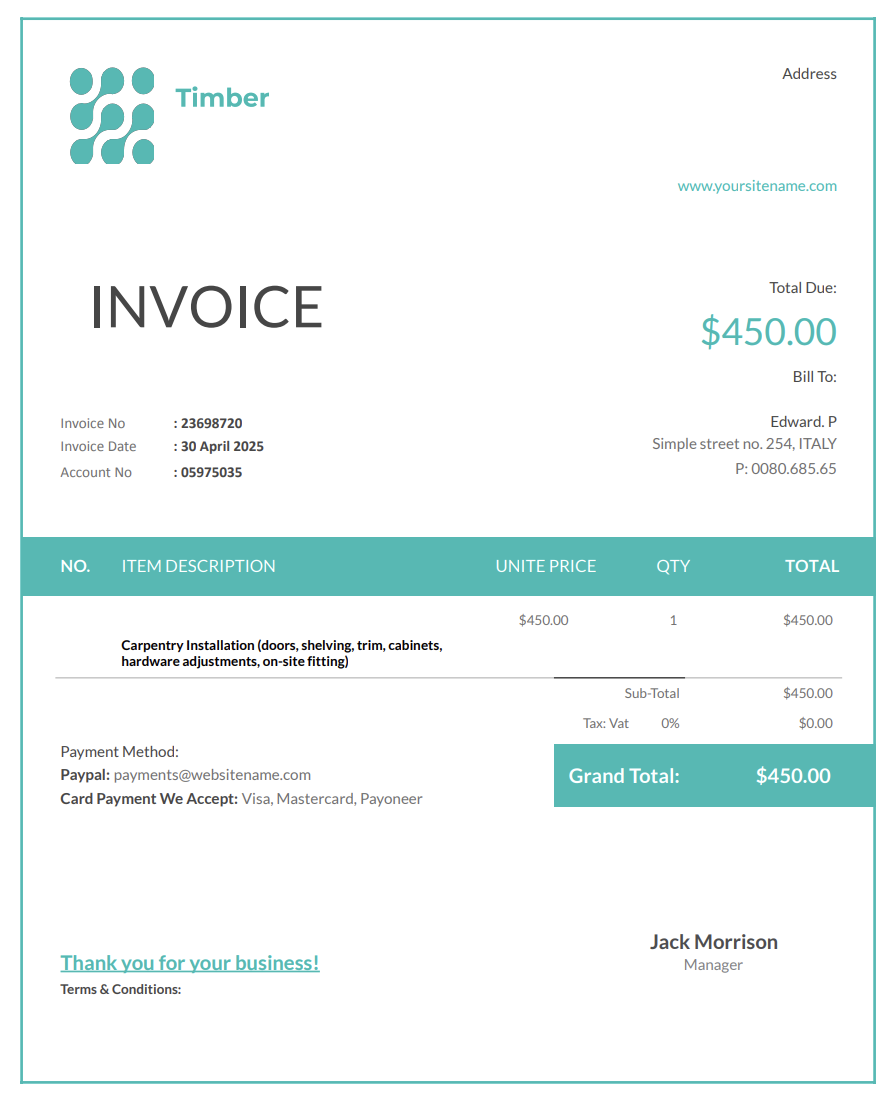
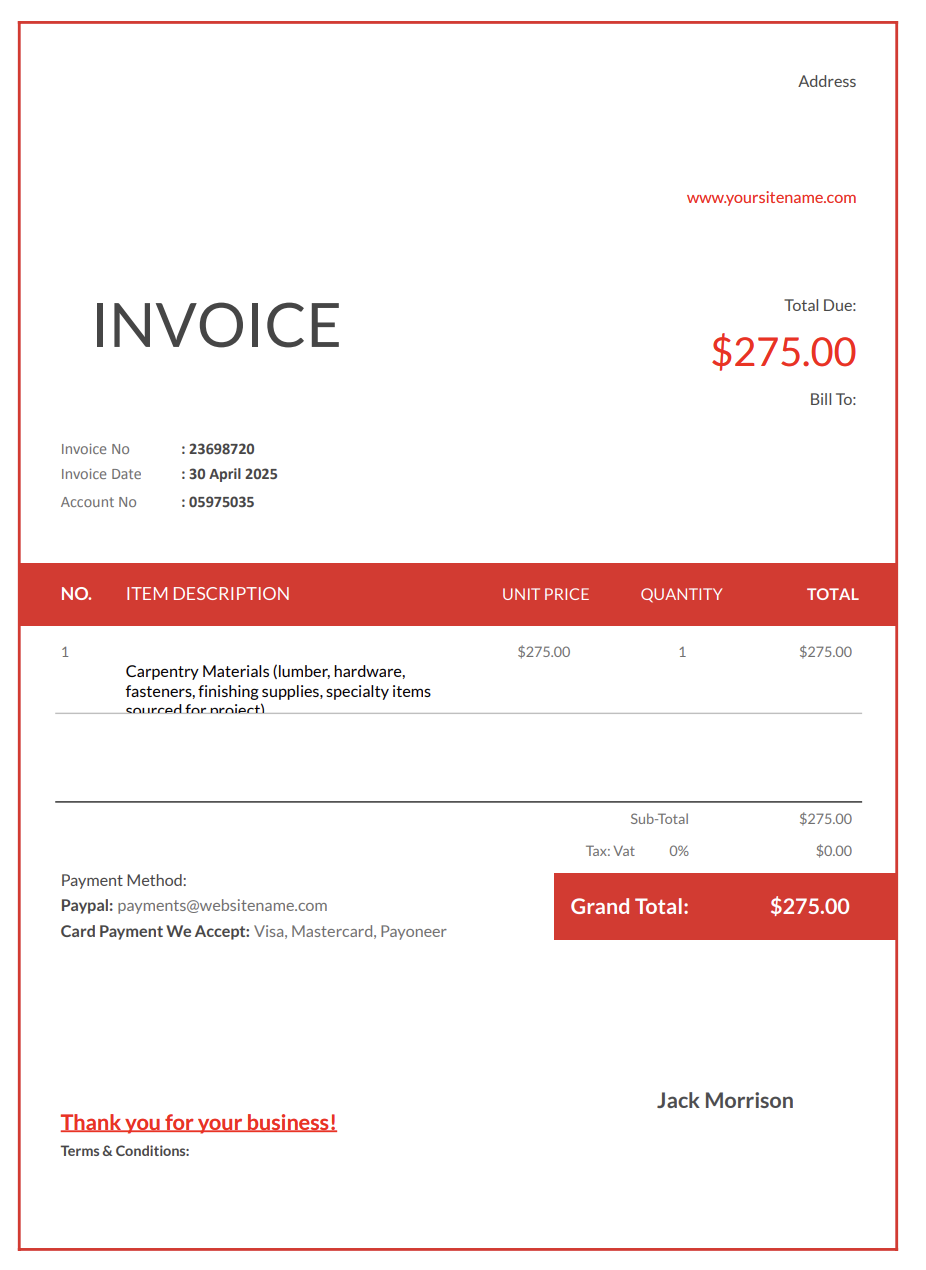
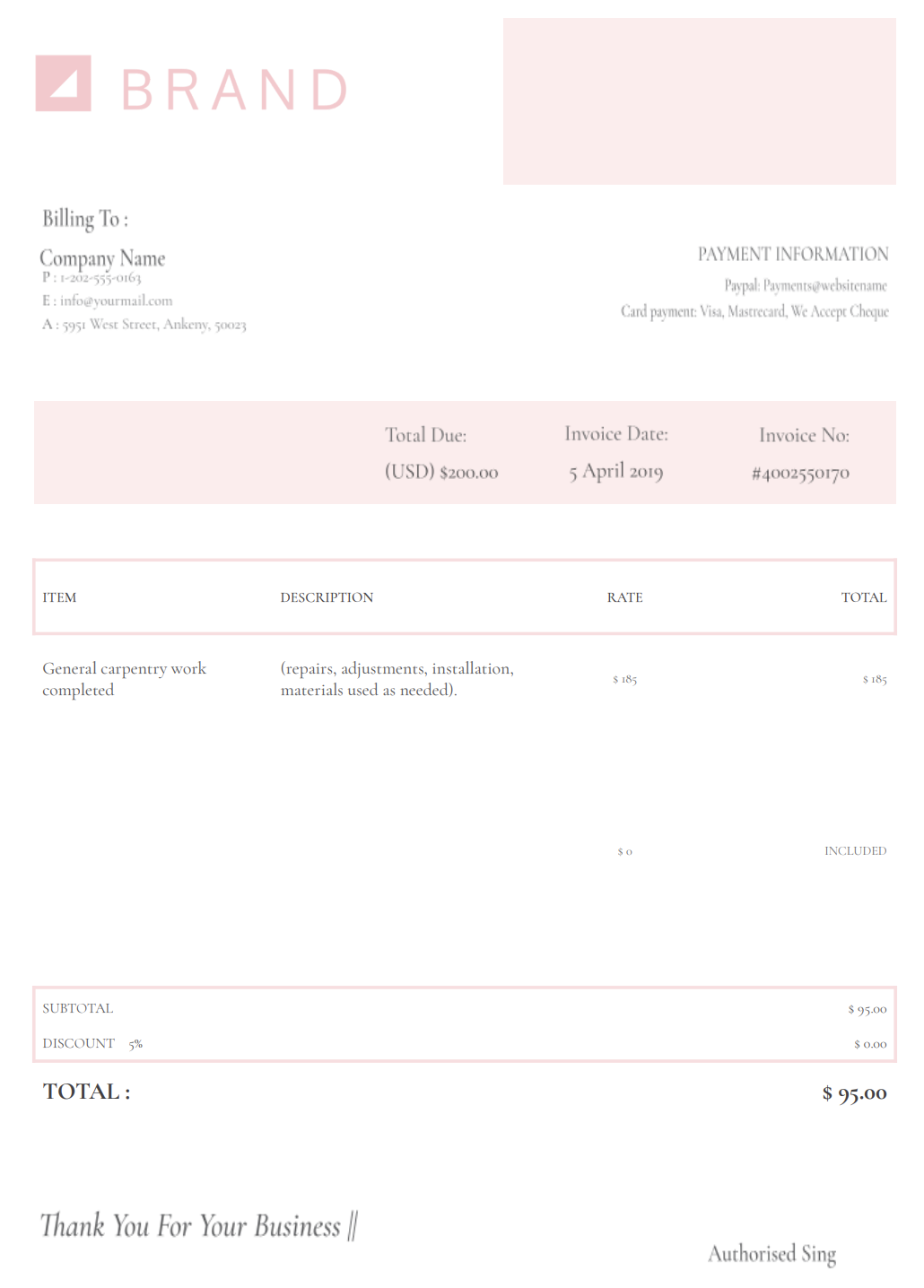
A carpenter invoice is the document a carpenter sends to bill a client for completed carpentry work, including labor, materials, and any job-related services.
It usually separates labor (hourly or project-based) from materials and supplies like lumber, hardware, fasteners, adhesives, and finishing products, and it can also list charges for delivery, disposal, equipment rental, or site visits when they apply.


Carpentry work rarely ends with the part clients can see, like the smooth finish, the clean joints, or the perfectly fitted cabinet. Most of the job happens long before that: planning cuts, sourcing lumber, adjusting measurements, dealing with old framing, transporting materials, and troubleshooting unexpected surprises in walls and floors.
A carpenter invoice template gives you a straightforward way to show everything that went into the project, from the raw materials to the smallest detail of your labor.
With Invoicer.ai, you can create carpenter invoices in minutes, either by downloading free Word or Excel invoice templates or by customizing and sending invoices online directly through the software (which is much simpler). Once the invoice is ready, you can schedule it to send when it makes the most sense for the job or your billing routine.
A polished invoice reinforces the quality of your craftsmanship. It shows clients you take your business as seriously as your builds, repairs, and installations.
Carpentry involves both craftsmanship and logistics. Without proper invoicing, it’s easy for essential details to get lost between site visits, materials runs, and changing project needs.
A lot of carpentry work happens behind the scenes — measuring, leveling, cutting, sanding, and fitting. When this isn’t documented, clients may assume the job took less time than it actually did. A detailed invoice fills in the gaps and shows the full scope of your work.
Wood prices rise and fall constantly. Hardware, finishes, adhesives, and specialty items can also shift in cost. Listing materials clearly helps clients understand why final totals can change from one project to the next.
Old homes, uneven floors, hidden damage, and inaccurate client measurements can all lead to unexpected work. A structured invoice makes it easy to record these add-ons and charge for them without conflict.
Some projects span days or weeks. Invoices help track progress, document steps, and outline what still needs to be done.
Carpentry billing depends largely on how defined the work is at the start of the project. Straightforward tasks may be charged hourly or at a fixed price, while larger or custom projects are often invoiced in phases tied to progress on framing, fabrication, or installation.
In many cases, labor and materials are listed separately to reflect the cost of wood, hardware, and finishes, especially when quantities or specifications change as the project develops.
Carpenter invoices often separate services from materials to show what work was performed and what items were supplied. Services usually include measuring, cutting, assembly, installation, and finishing, while materials may include lumber, panels, trim, fasteners, hardware, and custom components used in the build.
Presenting these charges separately improves clarity, supports accurate recordkeeping, and helps clients understand how labor and material costs contribute to the final total.
Many carpentry projects include allowances for materials that may change based on client selections. Clear invoicing makes it easier to track what was included in the original price and what changed.
When allowances are used:
How to present allowances on the invoice:
Example line items:
Carpentry work is diverse, so your invoicing approach needs to adapt to the job at hand. Here are the most common invoice formats carpenters use, explained in full detail.
Used for furniture builds, cabinetry, built-ins, trim packages, and renovations. This invoice breaks down labor, materials, design considerations, finishing steps, and any unique measurements. It’s ideal for projects where the client wants to know exactly how the final price is structured.
Common for repair calls, problem-solving visits, and small fixes that don’t require full project planning. It includes time spent on site, materials used, and any tools needed for the job.
Perfect for installing doors, shelving, crown molding, flooring transitions, pre-made cabinets, or hardware. It outlines the labor involved, adjustments made, and any additional materials required.
Sometimes clients hire you exclusively to source lumber, hardware, or specialty items they can’t find themselves. This invoice lists each item, quantity, and cost.
Best for simple, quick jobs where clients pay immediately. It confirms payment and keeps your accounting organized.
For larger jobs such as framing, built-ins, or renovations, progress billing helps manage cash flow and keeps payments aligned with project milestones. A progress invoice should always show what has been completed, what is being billed now, and what remains.
Common milestone billing structure:
What to include on a progress invoice:
Example line items:
A strong carpenter invoice is detailed without being overwhelming. It should give clients clarity while keeping things easy to follow.
Include your business name, phone number, email, job title, and any branding you use. This helps clients keep your info handy for repeat work.
Full name, address of the project, and contact details. Many carpenters work on multiple properties for the same client, so location clarity matters.
Describe everything done during the job, such as:
Lumber type, sheet goods, screws, fasteners, hinges, brackets, adhesives, stains, sealers, and any specialty items. Listing materials individually helps justify costs.
Whether hourly or project-based, outline the time spent and what was done during each phase.
Optional but helpful for custom work or when clients need documentation.
If you transported materials or delivered finished pieces, include those charges.
A simple, well-laid-out breakdown makes the costs easy to understand and avoids any confusion.
Deposit requirements, due dates, late fees, and payment instructions.
Use this for care instructions, finish drying times, warranty details, or follow-up recommendations.
Carpentry projects sometimes require specialty services such as demolition, hauling, finishing, or coordination with other trades. If these costs are passed through to the client, listing them separately improves transparency and reduces pushback.
Common pass-through items:
Best practice:
List pass-through costs separately and attach receipts where appropriate.
A carpenter invoice is not meant to function as a contract, estimate, or scope agreement. It should not be used to introduce unapproved changes, revise pricing after work is completed, or document design or material decisions that were not previously agreed upon.
Any changes to measurements, materials, timelines, or labor scope should be handled through a revised estimate or change order before invoicing. Keeping invoices focused on billing helps avoid disputes and keeps project documentation clear.
Carpentry jobs often evolve after work begins. Clients sometimes request upgrades, design changes, or additional tasks once they see progress on site. To prevent disputes, additional work should be documented and approved before it appears on the invoice.
Best practice:
Example line items:
Payment delays are usually caused by unclear expectations. These simple habits make your billing process feel a lot more organized and predictable.
Clients value clarity. The more specific you are, the fewer questions you’ll have to answer later.
The sooner you send an invoice after completing a task or milestone, the faster clients respond.
Adding a clear due date helps establish boundaries and reduces the chance of payments slipping through the cracks.
If the client added tasks mid-project, list these as distinct line items to keep the invoice easy to understand.
Consistency builds trust. Send invoices on the same day or at the same stage of each project.
Billing timing depends on the type of job.
Invoices are often sent at milestones: deposit, mid-project, and final completion.
Send the invoice immediately after the job is done or later that same day.
Some carpenters bill the cost of materials upfront so there’s no financial strain on the first day.
If the client adds tasks after agreeing on the main scope, send separate invoices to keep everything documented cleanly.
Digital invoices make these steps easier, and Invoicer.ai also shows when clients have viewed the invoice, which is helpful for keeping communication open.
Running a team or small business? Check our carpentry invoice templates for company-wide use.
Your invoice doesn’t need to be flashy, but it should feel polished and thoughtful.
A clean layout, simple logo, or consistent colors helps your invoice reflect the quality of your craft.
Clients appreciate small tips like: “Avoid heavy use until finish fully cures.” It shows attention and expertise.
If you solved a difficult issue, a short explanation reinforces the value of your work.
Invoicer.ai offers built-in payment features, making it easier for clients to settle invoices without delays.
Summaries help clients remember how the job progressed, especially on longer projects.
Word and Excel require formatting every time you start a new invoice. QuickBooks is designed for full accounting systems, which many carpenters don’t need.
Invoicer.ai gives you the simplicity of templates with the speed of online invoicing.
With Invoicer.ai you get:
You can also create invoices for carpentry services using our AI Invoice Generator. Just write a simple prompt and it builds the invoice for you, giving you an even faster way to get accurate, professional results.
You can stick with templates if that's your style, let AI take care of the setup when you want something quick, or always create invoices manually for a hands on approach.
Carpentry requires precision, strength, and patience, and sending invoices shouldn’t require the same effort. A solid carpenter invoice template keeps your billing clear, organized, and easy for clients to follow, so you can stay focused on building and repairing with confidence.
Start your carpenter invoice today and make the payment process the simplest part of your next project.