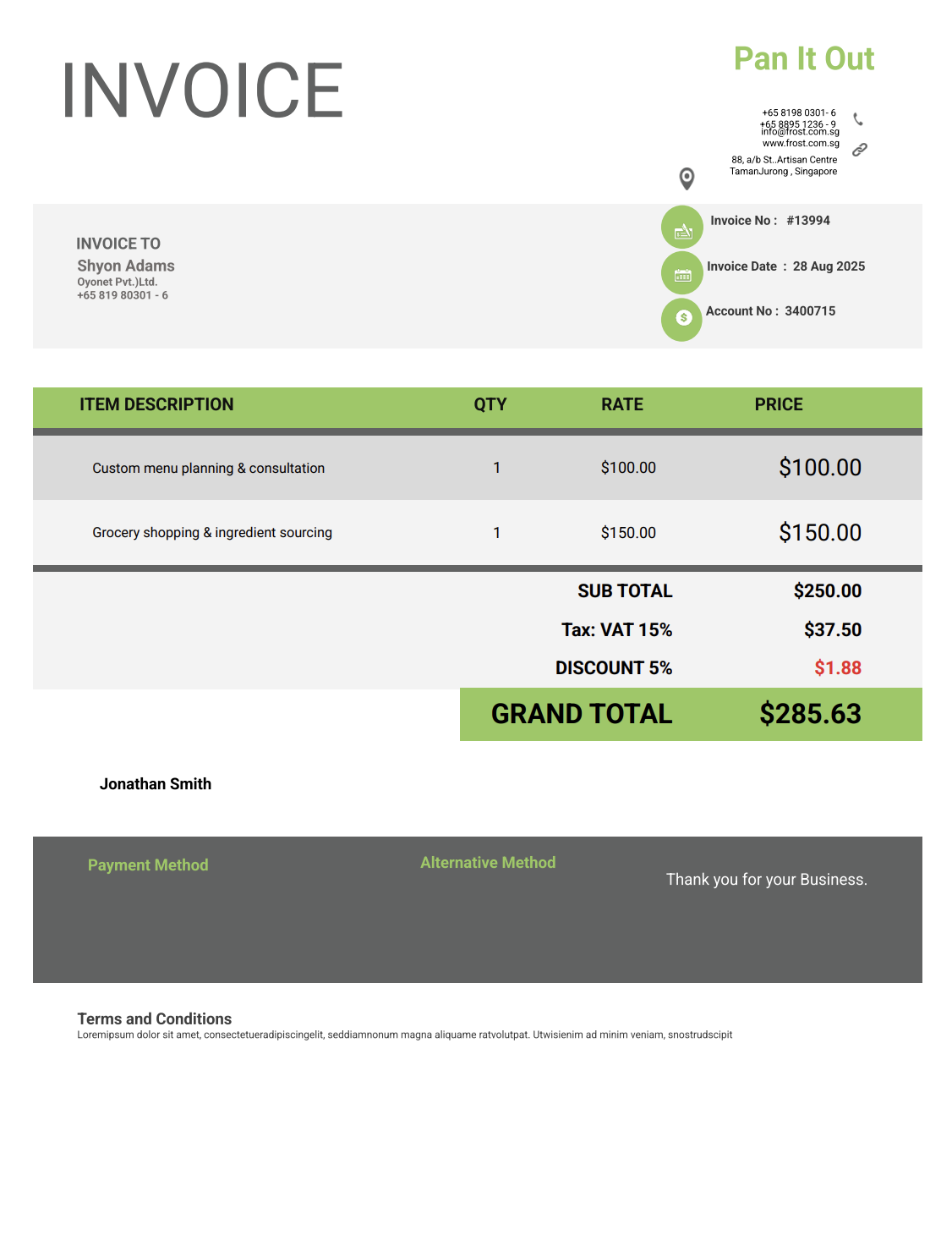
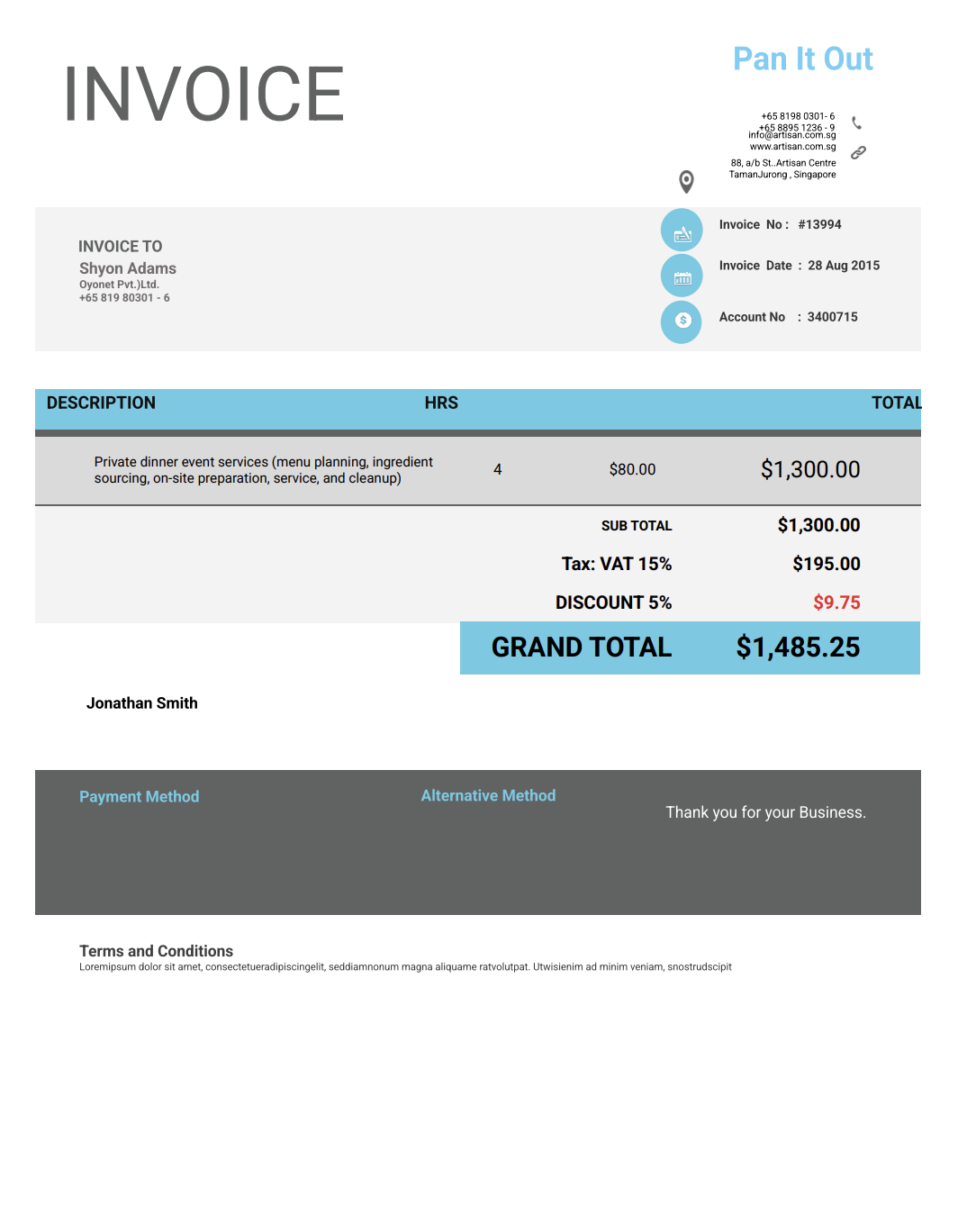
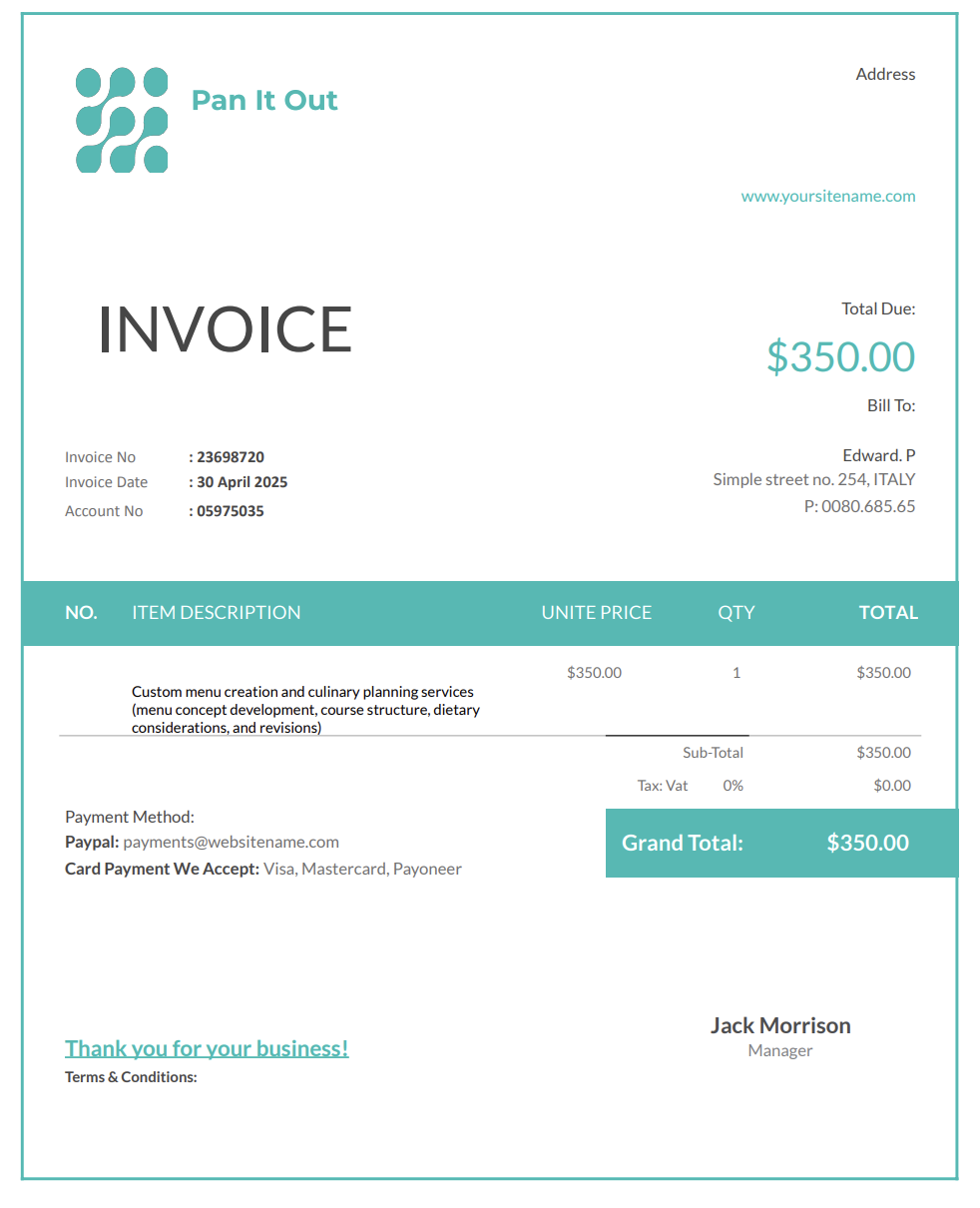
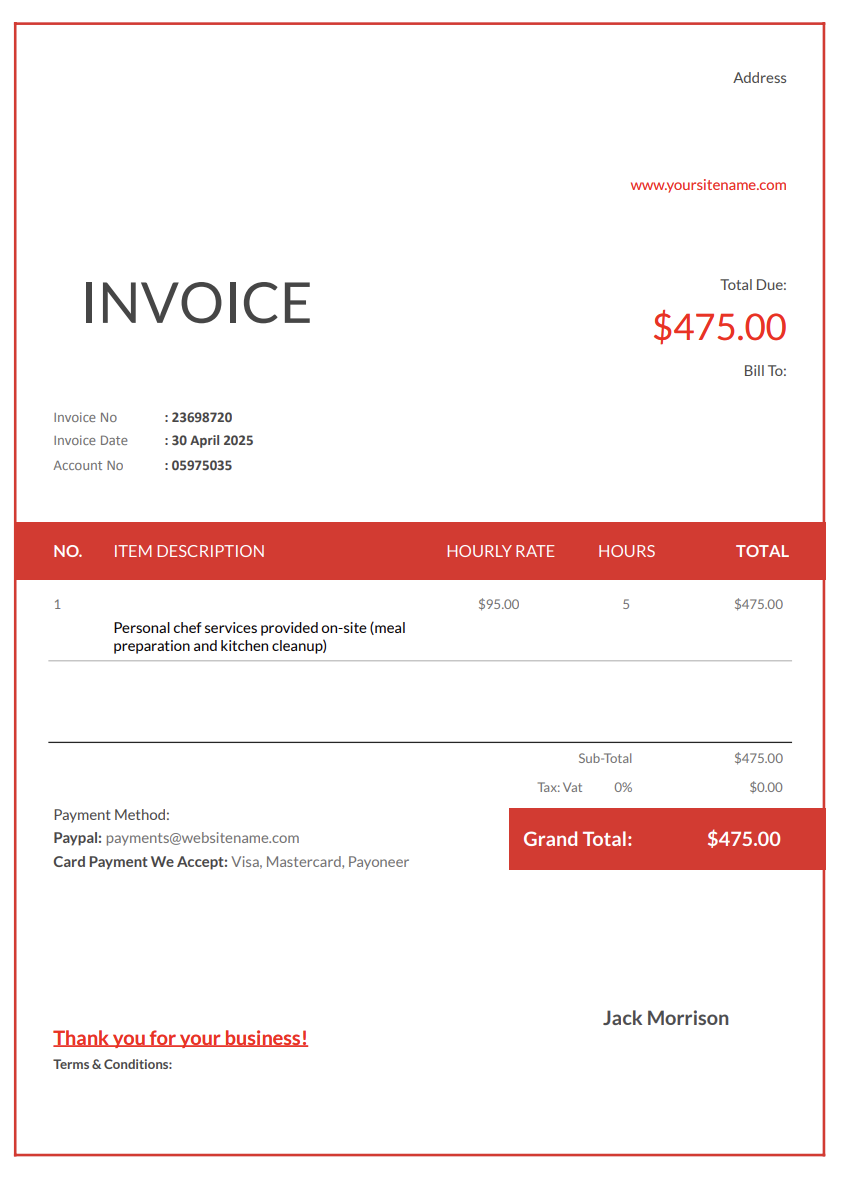
Personal chefs do far more than cook a beautiful meal. Most of the work happens long before your client ever sits down at the table. You’re planning menus, sourcing ingredients, navigating dietary restrictions, prepping food safely, transporting supplies, coordinating schedules, cleaning up, and adapting recipes for different tastes or health needs.
And that doesn’t even include the behind-the-scenes planning that goes into events, weekly meal prep, or private dining experiences.
With Invoicer.ai, you can create personal chef invoices in minutes, either by downloading free Word or Excel invoice templates or by customizing and sending invoices online directly through our invoicing software (which is much simpler).
Cooking may be your craft, but running a personal chef business also requires clear communication and organized billing. Without structured invoicing, important details can disappear between menu planning, prep sessions, ingredient runs, and client requests.
They enjoy the dish but rarely see the shopping, prep work, or travel behind it. Without detailed invoices, clients may underestimate how much time and effort their service requires. A detailed description helps them understand what they’re paying for.
Fresh produce, specialty cuts, imported items, dietary substitutes, and organic ingredients fluctuate in price. Listing ingredients or categories helps clients understand cost changes across seasons or menus.
Some need allergen-safe meals. Some want low-carb or vegan menus. Others want multi-course dinners. These adjustments impact prep time, sourcing, and complexity. A structured invoice helps reflect these differences transparently.
Dinner parties, holiday meals, meal-prep packages, and tasting menus often involve multiple components. Invoices help keep everything documented and clarify what each part of the job includes.
A well-designed invoice reinforces your professionalism and reassures clients that every step of the process is handled with care.
Personal chefs offer a wide variety of services, so your invoice format should match the type of service delivered. Here are the most common options chefs use.
Perfect for weekly or monthly meal prep clients. It includes the number of meals prepared, portions, ingredient costs, prep time, and packaging fees.
Ideal for date nights, gatherings, celebrations, or multi-course meals. This invoice breaks down menu planning, ingredient sourcing, preparation, cooking time, plating, and cleanup.
Some clients hire personal chefs just for meal planning or recipe design. This invoice lists planning hours, recipe testing, and nutritional breakdowns.
Useful when your tasks vary from shopping and prep to cooking and kitchen organization. It includes hours worked and a breakdown of activities.
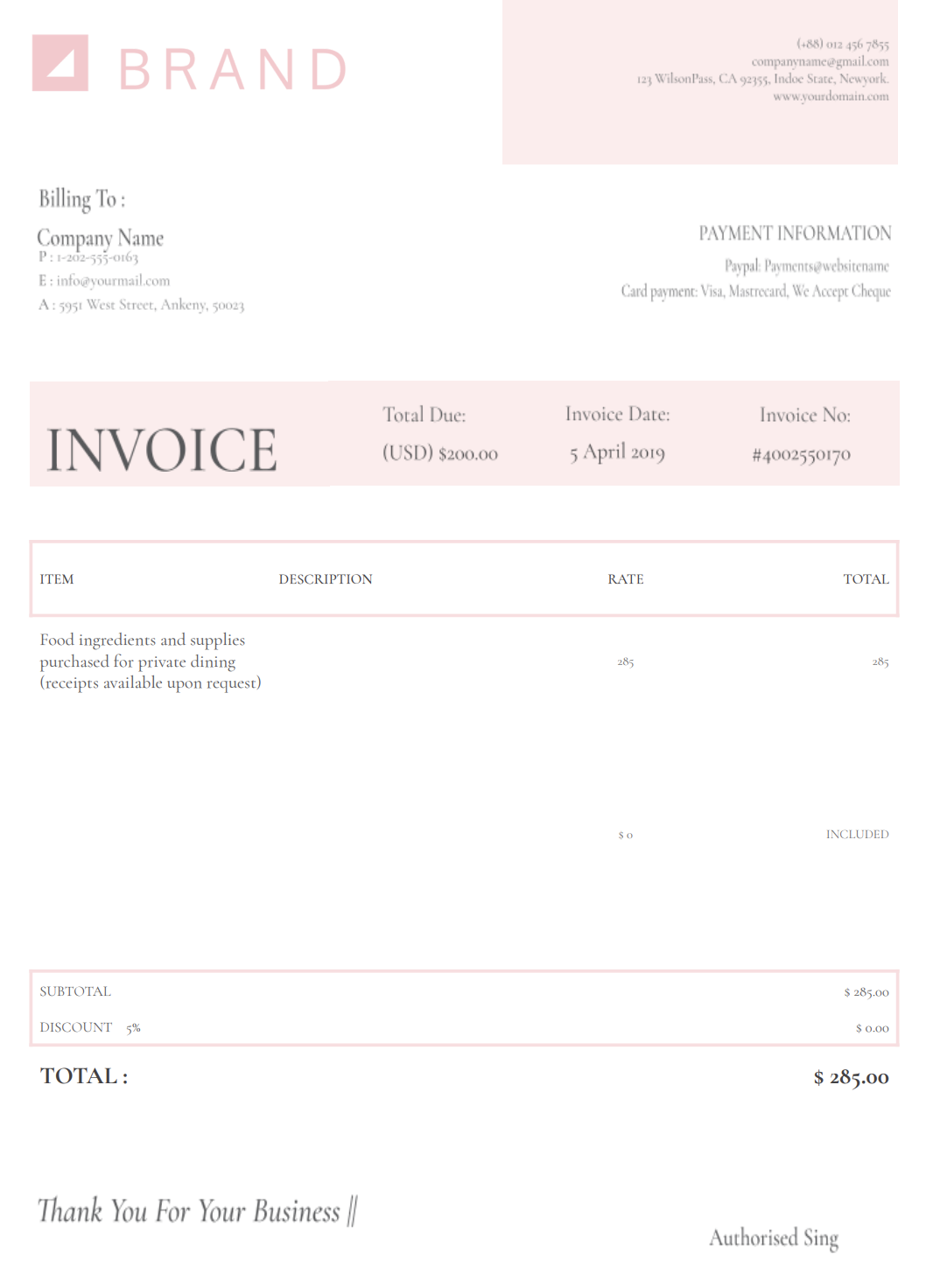
If you buy specialty items on behalf of the client, this invoice lists ingredient categories, receipts, and reimbursement totals.
Best for on-the-spot payments after a session or event. It confirms payment and keeps bookkeeping clean.
Many personal chefs bill through weekly meal prep plans or packages instead of one-off sessions. Packaging your services on the invoice makes pricing predictable and reduces confusion about what is included.
What to include for packages:
Example line items:
A strong personal chef invoice should be professional, detailed, and easy for clients to understand. Here's what you should always include in your personal chef invoice:
Include your name, business name, phone number, email, and branding. It makes future bookings easier and keeps your documentation consistent.
Add the client's name, address (or event location), and contact details.
Detail what you provided, such as:
Clear descriptions help clients see the value of your work.
List categories (produce, protein, spices, specialty items, beverages) or itemized ingredients if necessary. Transparency prevents confusion.
Include hourly rates or per-session charges and how they were calculated.
If you transported supplies or traveled to the client’s home, include those costs.
Containers, labels, ice packs, or meal prep packaging should be listed if you provided them.
A clean, itemized breakdown avoids misunderstandings.
Include due dates, deposit rules for events, cancellation policies, and payment instructions.
Use this for reheating instructions, storage guidelines, allergy reminders, or next-session recommendations.
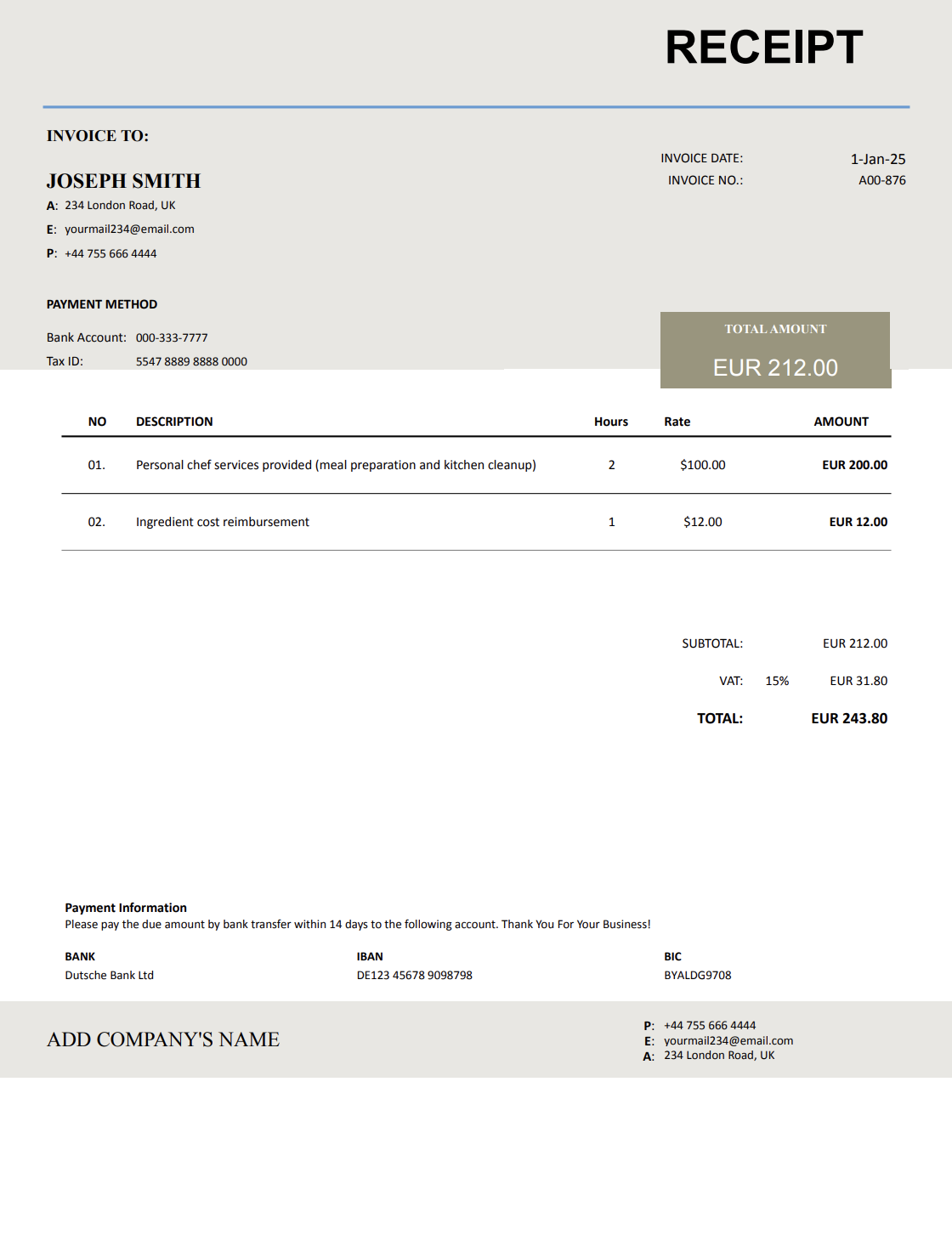
Personal chef invoices are clearer when labor and grocery costs are separated. This helps clients understand what they are paying for and reduces disputes around ingredient substitutions or premium items.
Recommended structure:
Example line items:
Customized menus and dietary requirements often require additional planning, specialty ingredients, or extra prep steps. If you charge for this complexity, listing it clearly supports your pricing.
Common billable customizations (when applicable):
Example line items:
Billing issues often come from unclear expectations. These habits will help you get paid faster as a personal chef.
Clients appreciate transparency. The more detailed your description is, the fewer questions you’ll need to answer.
Whether after a meal prep session or post-event, quick invoicing encourages timely payment.
Due dates keep payments organized and fair to both parties.
Clients understand totals much better when labor and ingredients are listed independently.
Weekly, biweekly, or after each booking consistency helps clients trust your process.
Billing timing depends on the type of service provided, and getting it right matters more than most people expect. The way and moment you send an invoice can affect how quickly you get paid, how professional you appear, and how smooth the client relationship stays.
Send invoices at the end of each session or on a predictable weekly or monthly schedule.
Most chefs invoice in two steps:
You can invoice after shopping or include ingredient totals in the final bill.
If the client adds dishes, increases headcount, or requests special items, send an additional invoice or add a separate line.
Digital invoices make these steps easier, and Invoicer.ai also shows when clients have viewed the invoice, which is helpful for keeping communication open.
Personal chef work often includes travel and a minimum block of time per visit. Listing these items separately keeps your invoice transparent and avoids pricing disputes.
Common logistics charges:
Example line items:
You don’t need fancy graphics, but your invoice should feel aligned with your culinary professionalism.
A simple logo or minimal color palette can reflect the elegance of your work.
Notes like “Best consumed within 3 days” or “Reheat at low temperature for best texture” show extra care.
If you created allergen-safe meals, customized sauces, or hand-crafted components, noting it highlights the value of your service.
Invoicer.ai offers built-in payment features, making it easier for clients to settle invoices without delays.
Listing what you cooked helps clients remember exactly what they received, especially for larger or multi-day meal plans.
Word and Excel require constant formatting, and full accounting platforms include features most personal chefs don’t actually need.
Invoicer.ai gives you simple templates combined with fast, clean, online invoicing.
With Invoicer.ai you get:
No unnecessary steps. No formatting headaches. Just clean, reliable invoices that help you get paid on time.
You can also create invoices for personal chef services using our AI Invoice Generator. Just write a simple prompt and it builds the invoice for you, giving you an even faster way to get accurate, professional results.
You can stick with templates if that's your style, let AI take care of the setup when you want something quick, or always create invoices manually for a hands on approach.
Cooking for clients already asks enough of your attention, from menu planning to timing every plate just right. Chasing payments or re-explaining charges shouldn’t be part of the job.
A personal chef invoice template gives your work the same level of clarity you bring to your kitchen. Services are easy to understand, totals make sense at a glance, and clients know exactly what they’re paying for, without awkward follow-ups.
Set up your next personal chef invoice in minutes and leave the paperwork where it belongs, out of your way. Once the invoice is ready, you can schedule it to send when it makes the most sense for the job or your billing routine.