Pest control is rarely as simple as the treatment clients see after the job is done. Long before any spray, trap, or sealant is applied, the work begins with inspections, identification, risk assessment, and planning.
You’re determining what species you’re dealing with, where they’re entering, how established the infestation is, and which treatment method is safest and most effective for the environment.
Every job also carries responsibility. You’re working around people, pets, food spaces, and structural elements while following regulations and safety protocols. Treatments vary based on severity, property size, follow-up requirements, and long-term prevention strategies. That level of decision-making and expertise often disappears once the pests are gone.
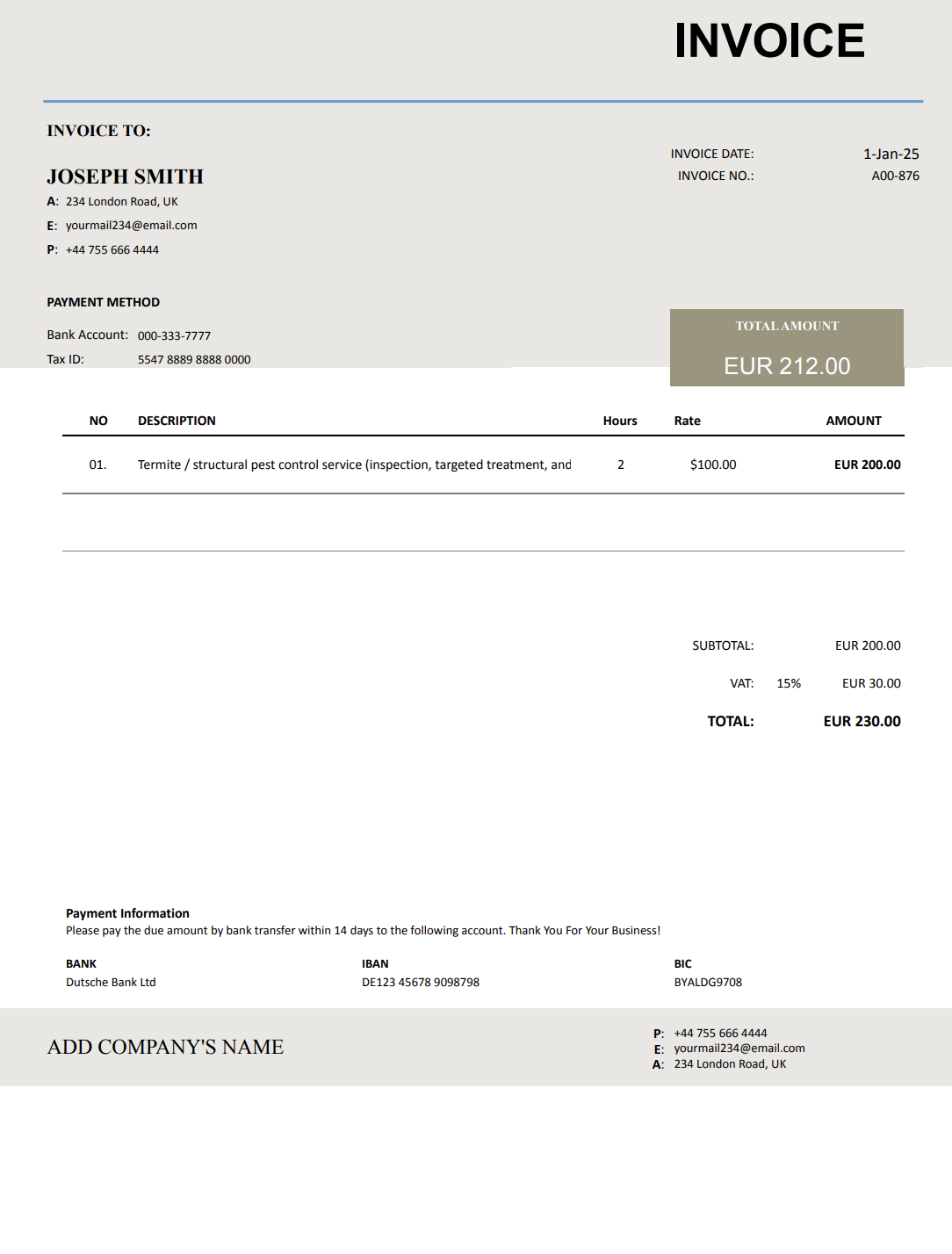
A pest control invoice template helps make that invisible work visible. Instead of listing a vague “treatment,” it allows you to clearly document inspections, methods used, materials applied, and follow-up plans. Clients understand not just what you did, but why it was necessary.
With Invoicer.ai, you can create pest control invoices in minutes, either by downloading free Word or Excel invoice templates or by customizing and sending invoices online directly through the software (which is much simpler). Once the invoice is ready, you can schedule it to send when it makes the most sense for the job or your billing routine.
Pest control blends technical knowledge, safety responsibility, and long-term prevention. Without structured invoicing, important details can easily be overlooked or misunderstood.
Clients see fewer pests or none at all. They don’t see the inspection process, the identification work, the selection of treatment methods, or the preventative measures put in place.
A minor ant issue is very different from a rodent infestation or termite activity. Clear invoicing helps justify price differences based on severity, property size, and treatment length.
Many treatments require multiple visits or monitoring over time. Structured invoices help clients understand ongoing service plans instead of viewing each visit in isolation.
Different chemicals, traps, exclusion materials, and eco-friendly options carry different costs. Itemized billing prevents confusion and builds confidence.
Pest control involves safety and health concerns. A clear, professional invoice reassures clients that the job was done correctly and responsibly.
Pest control services vary widely, from one-time inspections to emergency treatments and ongoing prevention plans. Each type of service calls for a slightly different invoice, with the right level of detail for work performed, products used, and any follow-up required.
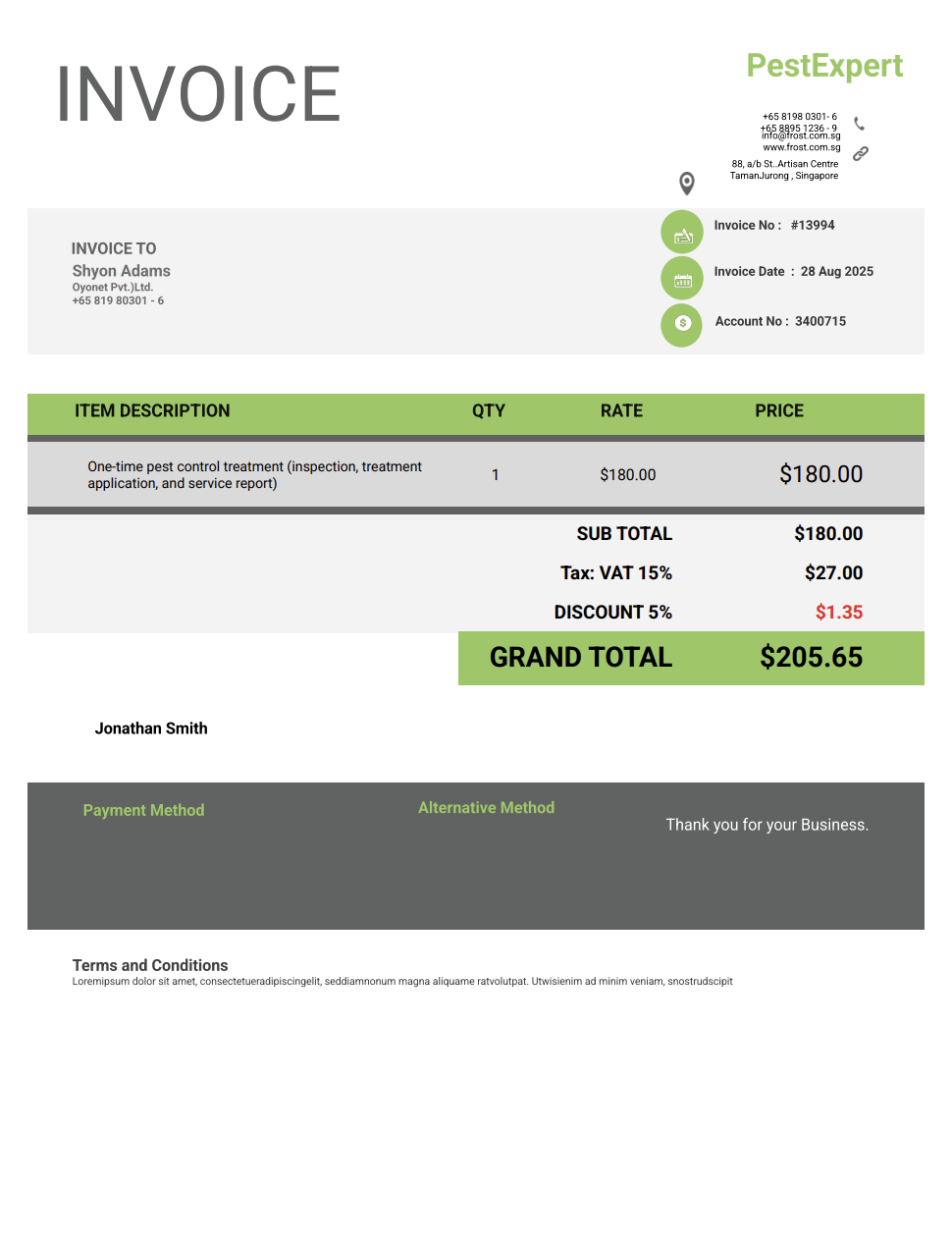
Used for isolated issues. Includes inspection, treatment, and materials applied.
For assessments, reports, or pre-purchase inspections without immediate treatment.
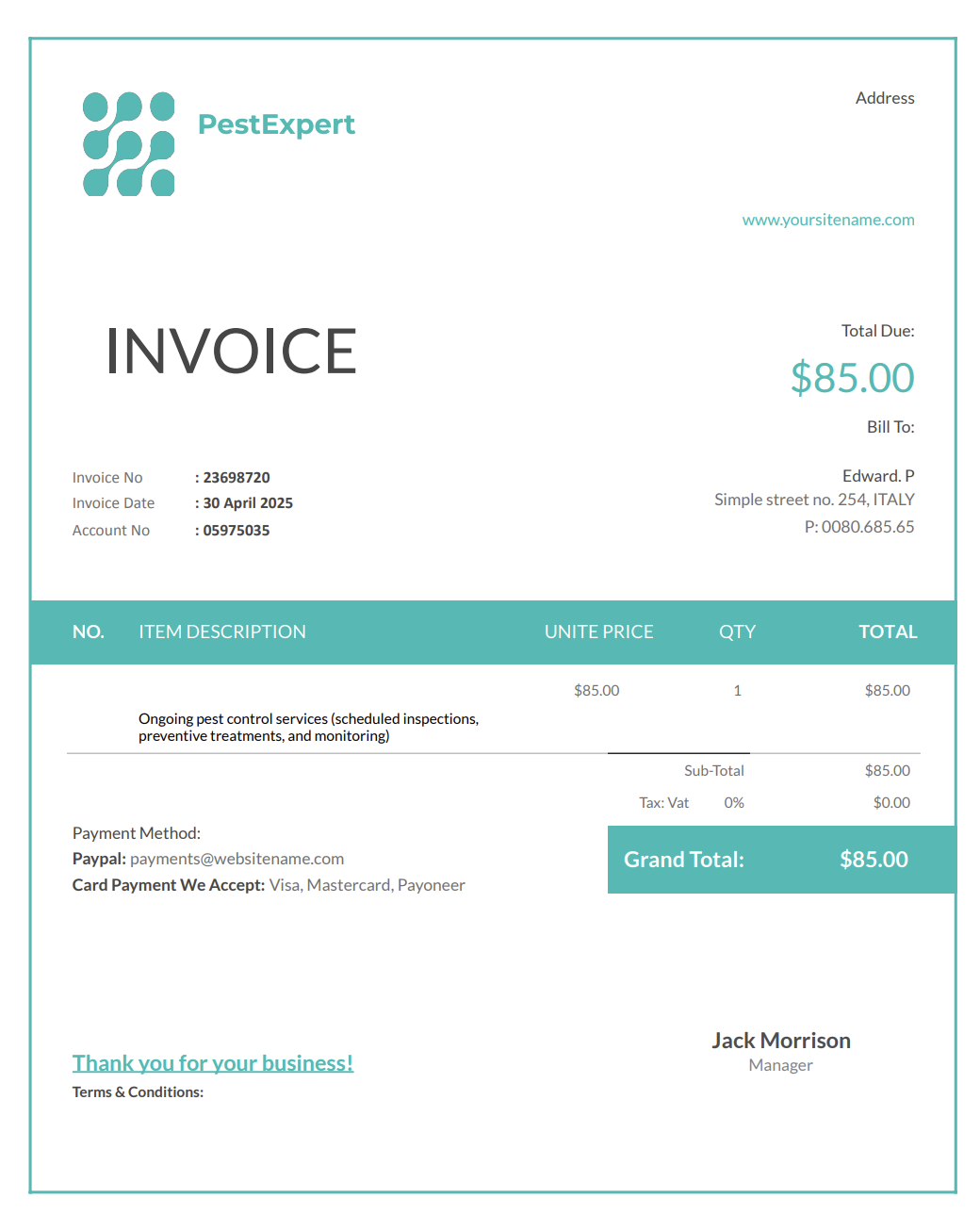
Groups recurring visits into a weekly, monthly, or quarterly billing format.
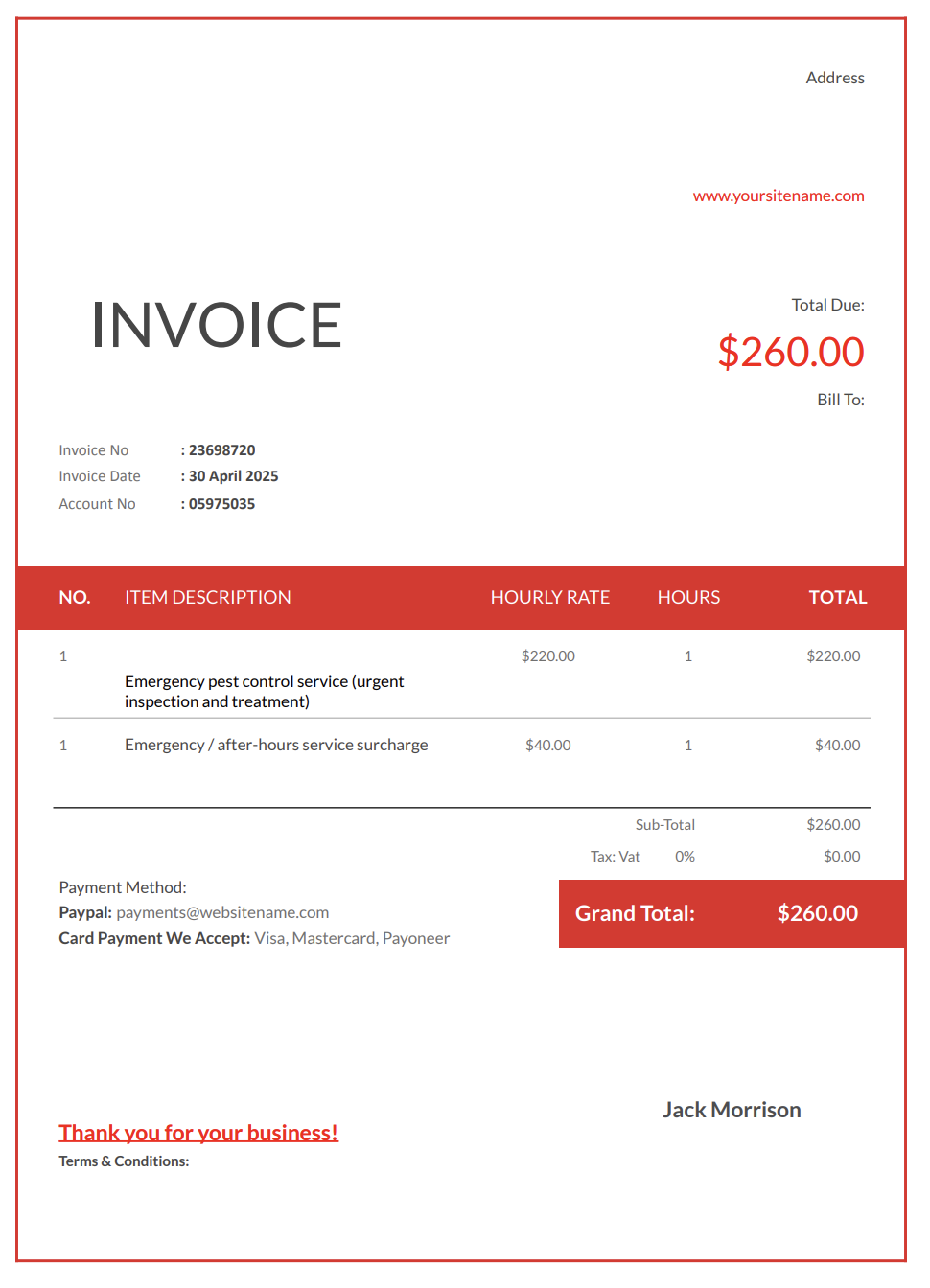
Used for urgent infestations requiring immediate response and adjusted pricing.
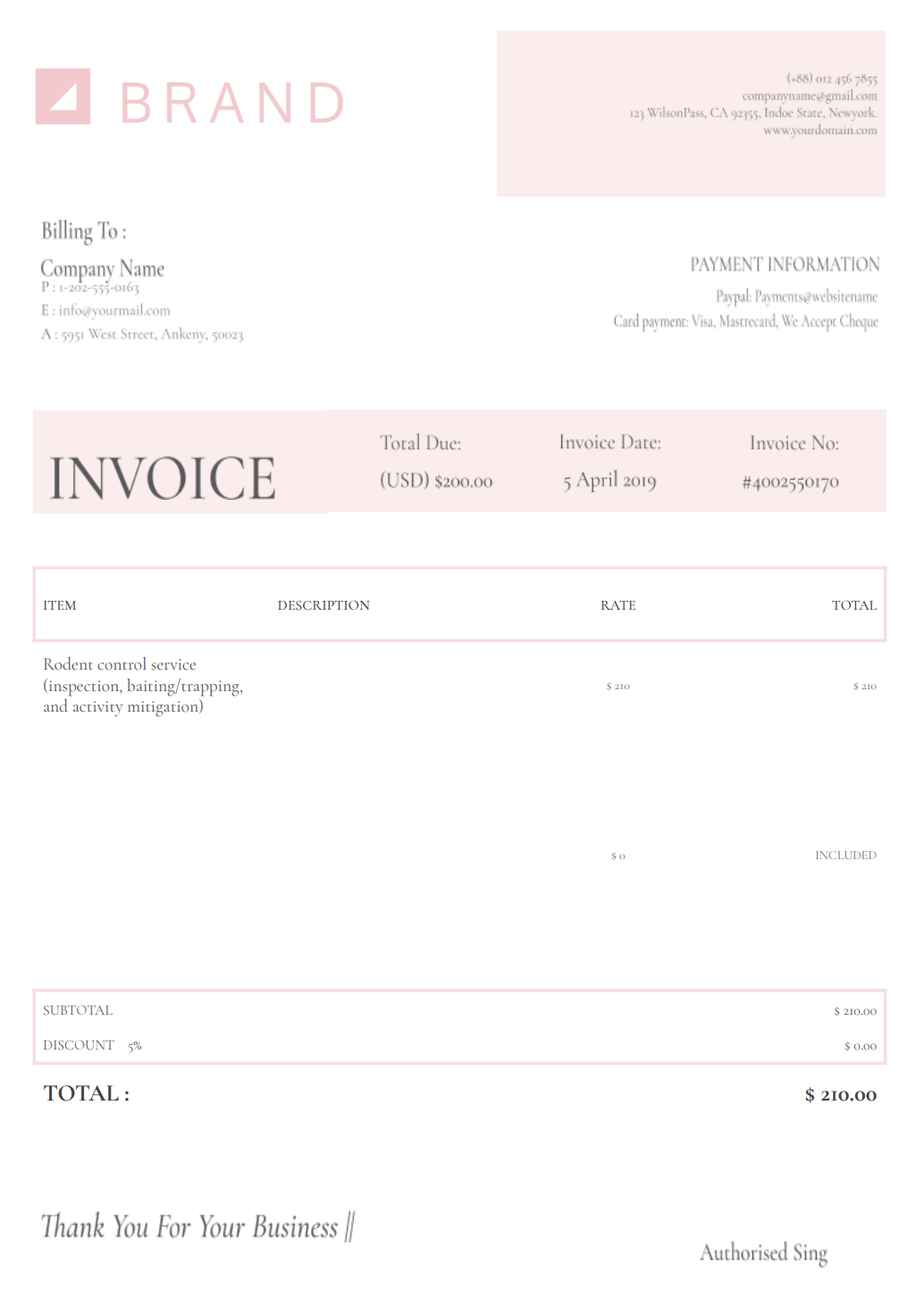
Details trapping, sealing entry points, monitoring, and removal.
Includes inspections, treatment zones, materials, and long-term prevention steps.
For same-day payments or walk-in services. Confirms payment and maintains records.
A well-organized pest control invoice helps clients understand exactly what work was performed and why it was necessary. Including the right details, from treated areas to products used and service dates, keeps your billing transparent, professional, and easy to process without follow-up questions.
Include your company name, technician name, license number (if applicable), phone number, email, and branding.
List the client’s name, service address, property type, and access notes.
Briefly describe what was inspected and what was found.
Specify the pest type when applicable. This adds clarity and credibility.
Detail methods used, such as:
List chemicals, traps, sealants, or eco-friendly products if relevant.
Hourly rates, per-visit pricing, or package fees.
If additional visits are required, note them clearly.
Include if distance or urgency affected pricing.
Clear breakdowns reduce disputes and speed up payment.
Due dates, payment methods, late fees, and service agreements.
Use this for safety instructions, follow-up recommendations, or prevention tips.
Getting paid on time often depends on how clearly your services and charges are presented. When invoices are sent promptly, include the right details, and set clear payment expectations, clients are far more likely to pay quickly without delays or follow-ups.
When clients understand what was done and why, they’re more comfortable paying promptly.
Timely invoices keep details fresh and reduce follow-ups.
Clear deadlines remove ambiguity.
If monitoring or repeat visits are needed, list them clearly.
Online invoices are easier to open, easier to pay, and faster to process.
Pest control work can involve one-time visits, emergency treatments, or scheduled service plans, which makes invoicing timing especially important. Sending invoices at the right stage of the job and using a consistent delivery method helps set expectations, reduces billing questions, and keeps payments coming in on time.
Invoice immediately after service.
Send invoices on a regular schedule tied to service frequency.
Invoice as soon as the job is completed.
Send invoices promptly while details are still clear.
Digital invoices make these steps easier, and Invoicer.ai also shows when clients have viewed the invoice, which is helpful for keeping communication open.
A pest control invoice doesn’t have to be fancy to look professional. Small details like clear service descriptions, consistent formatting, and a few personal touches can make your invoice easier to read and easier for clients to pay without questions or delays.
A simple layout reinforces credibility.
Short notes like “Seal cracks near foundation” add value.
Brief inspection notes show expertise and transparency.
Invoicer.ai offers built-in payment features, making it easier for clients to settle invoices without delays.
A short recap helps clients understand the work performed.
Word and Excel require manual formatting and updates. Large accounting platforms often include features pest control technicians don’t need. Invoicer.ai focuses on clarity and speed.
With Invoicer.ai you get:
No clutter. No unnecessary tools. Just professional invoices that help you get paid on time.
You can also create invoices for pest control services using our AI Invoice Generator. Just write a simple prompt and it builds the invoice for you, giving you an even faster way to get accurate, professional results.
You can stick with templates if that's your style, let AI take care of the setup when you want something quick, or always create invoices manually for a hands on approach.
Pest control work demands accuracy, responsibility, and trust. Your invoices shouldn’t distract from the job. A well-structured pest control invoice template presents inspections, treatments, and charges in a clear, professional format clients can easily review.
When billing is straightforward and predictable, payments arrive on time and you can stay focused on protecting properties instead of following up on invoices.