Translation isn’t just about handing over a clean, well-worded document at the end. By the time a client sees the final text, a translator has usually spent hours digging through reference materials, verifying terminology, comparing drafts, adjusting tone, and making sense of source material that isn’t always written clearly in the first place.
There’s also the behind-the-scenes structure: preparing files, keeping formatting intact, aligning style choices across large projects, and resolving the inevitable moments where context is missing or contradictory.
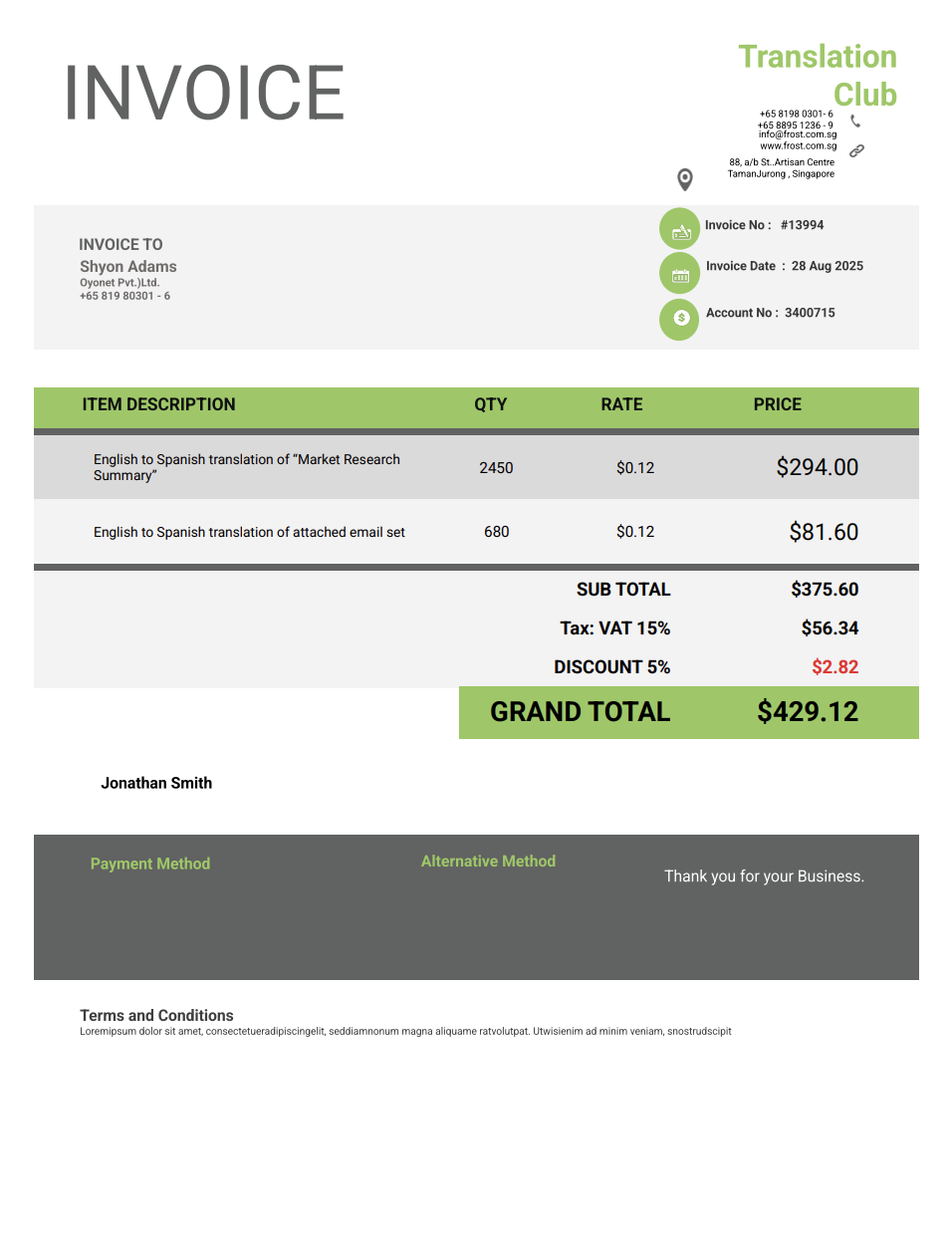
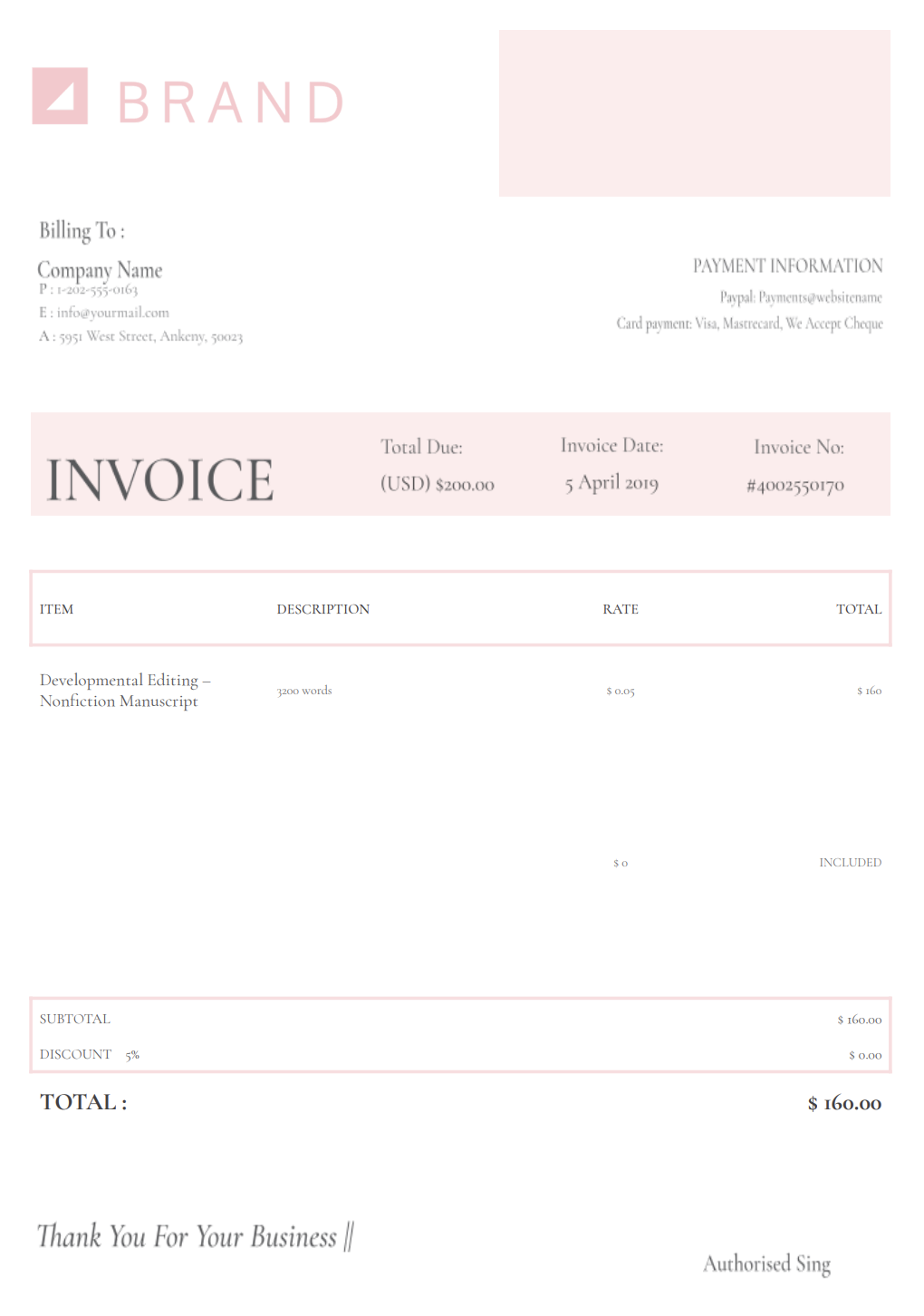
A translator invoice template helps you present all of that work in a simple, organized way. It shows the value of your time, the scope of what you handled, and the professional process behind every polished sentence the client receives
With Invoicer.ai, you can create translation invoices in minutes, either by downloading free Word or Excel invoice templates or by customizing and sending invoices online directly through the software (which is much simpler).
Working between languages involves layers of decisions, research, and back-and-forth checks. If your billing isn’t organized, the details behind that work disappear somewhere between draft versions, terminology notes, and shifting delivery schedules.
Plenty of clients only see the finished document. They rarely think about the hours spent verifying terms, comparing style references, adjusting tone for different audiences, cleaning up formatting, or making two languages line up without losing meaning.
When none of this is spelled out, it’s easy for people to imagine the job took far less effort than it really did. A thorough invoice makes the process visible and avoids misunderstandings.
A simple email doesn’t demand the same expertise as a pharmaceutical insert or a legal contract. Subject matter changes the workload, and your pricing has to move with it. By labeling text types and complexities, you show why equal word counts don’t mean equal fees.
Source files aren’t always kind. Maybe it’s a fuzzy PDF, screenshots full of embedded text, missing sections, clashing terminology, or tables that refuse to behave. A well-structured invoice lets you note these additions, so extra work is documented instead of absorbed.
Some assignments involve multiple review rounds, layout checks, or client-requested updates. Your invoice can clarify what was included from the start and which tasks fall into extra billing, keeping expectations clear for everyone.
A polished invoice reflects the care you put into your translations. It shows you run a serious practice, pay attention to detail, and handle projects with the same precision that clients expect in the final text.
Translators handle a wide mix of content, so your invoicing approach needs to adjust depending on the job. Here are the most common invoice formats translators use:
Ideal for standard documents, business texts, general communication, and large-volume projects. It includes word count, rate per word, complexity, deadline, and any additional services like proofreading or formatting.
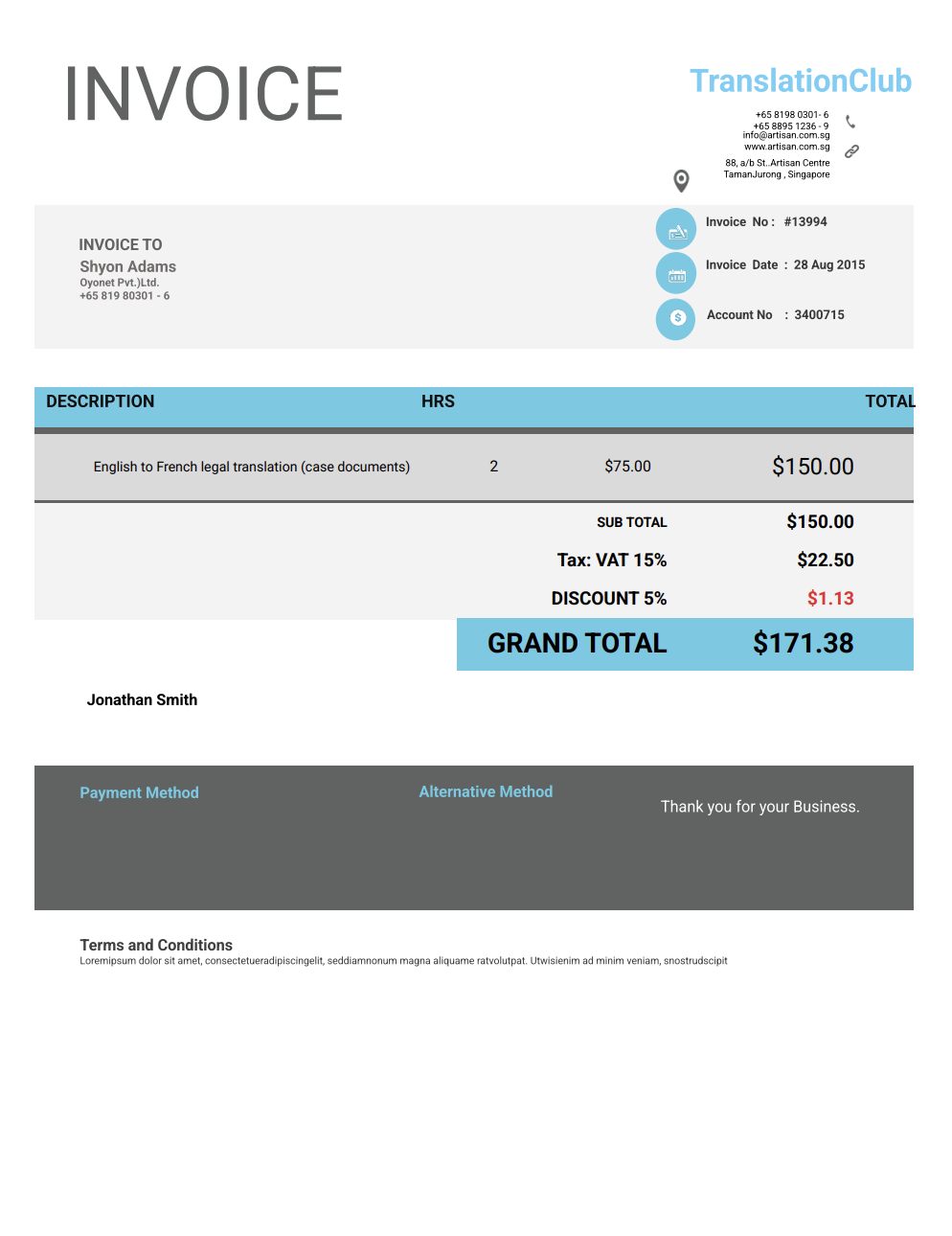
Used for tasks that aren’t strictly translation, such as terminology research, consultations, quality checks, desktop publishing adjustments, or editing existing translations. It lists hours worked and the purpose of each time entry.
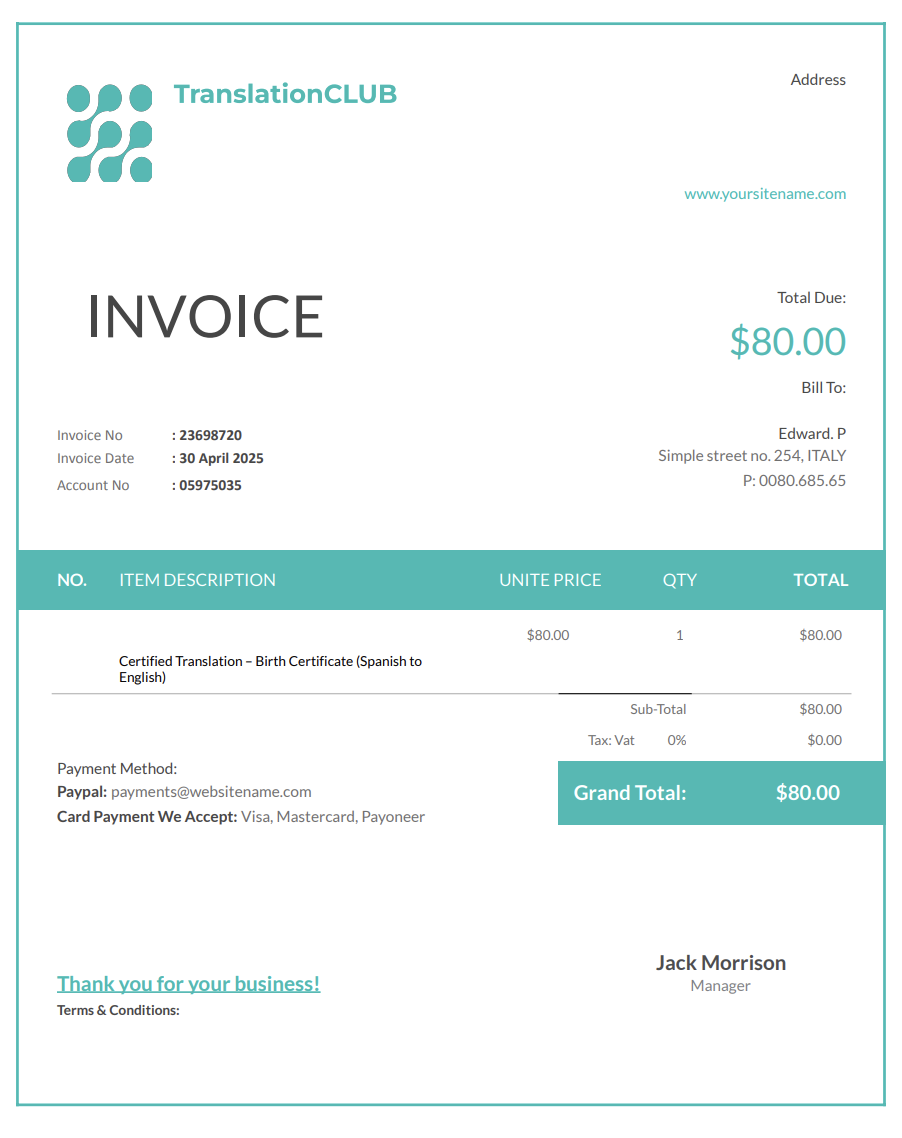
Perfect for legal, immigration, academic, or government documents that require certification. It lists certification charges, language pair, document type, and any notarization fees.
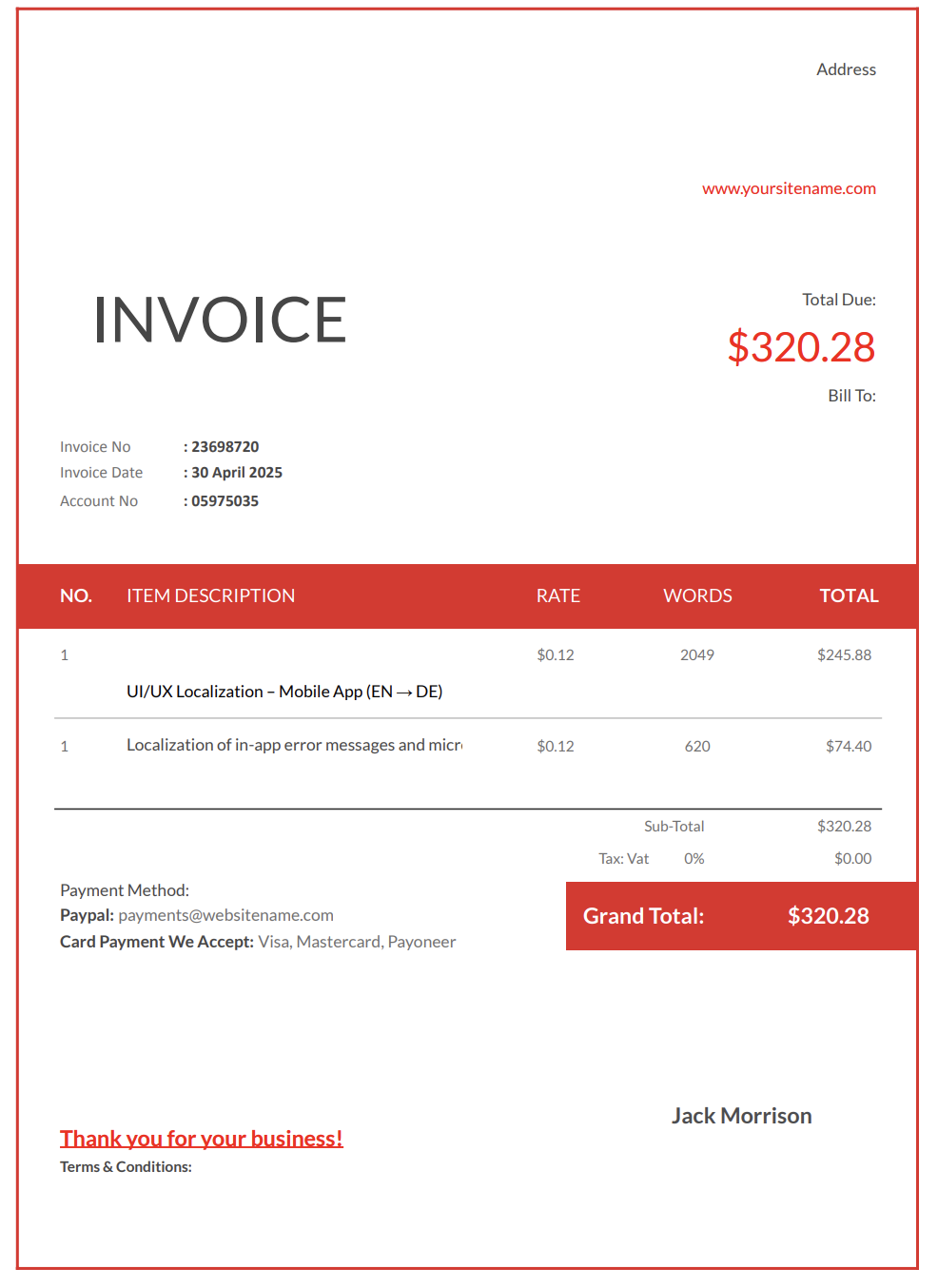
For websites, apps, software strings, or UX content. This invoice breaks down sections, context checks, file formats, character limits, and cultural adaptation tasks.
When you’re hired to refine another translator’s work, this invoice shows the editing process, hours spent, and the level of intervention required.
Best for small, quick jobs where a client pays immediately. It documents payment clearly and keeps your bookkeeping consistent.
Translation projects often include extra work that isn’t “translation” but still takes time: cleaning up files, preserving formatting, converting PDFs, or supporting publishing tools. If you provide these services, list them separately so the client understands the scope.
Common file-handling services
Example line items
Translation invoices are approved faster when they explain how the volume was measured. “Per word” pricing can be based on source words, target words, or characters, and different clients expect different methods.
What to specify on the invoice:
Example line items:
A translator invoice works best when it’s easy to read but still covers everything that went into the project. To make the workflow understandable for your clients and protect your time, here’s what should be included:
Start with your professional identity: your name or business name, contact info, website, and any branding you use. Clear info makes it simple for clients to return with future projects.
Record the client’s name, company, email, and any project ID they use on their side. It keeps everything traceable.
Spell out exactly what you handled, such as:
• Translation
• Editing or proofreading
• Localization
• Transcreation
• Terminology checking
• Formatting work
• Subtitle timing
• Transcription
Specify the source and target languages, and note dialects when necessary. Details matter, especially for regional variants.
Clarify how the work was priced: per word, character, line, hour, or per project. This makes the math transparent and avoids back-and-forth later.
Indicate whether the material was legal, medical, technical, marketing, financial, academic, or creative. It helps explain rate differences for specialized content.
If you used glossaries, style guides, past translations, or CAT tools, mention them. It shows the preparation behind the final product.
List your rates and explain, in simple terms, what each line item covers.
If you dealt with layout, file conversions, DTP issues, or recreated text from images or screenshots, note it here.
Occasionally relevant when original documents must be exchanged in person.
Provide a clean subtotal and final total so the client knows exactly how costs were reached.
Include deadlines, deposits, late-fee policies, and accepted payment methods.
Use this area for disclaimers, client reminders, or important project context not covered elsewhere.
Clients often assume proofreading or bilingual review is automatically included in translation. If you provide review services, listing them separately clarifies what was delivered and supports your pricing.
Common review services:
Example line items:
Business clients may request pricing based on CAT-tool analysis, where repeated text or fuzzy matches are billed differently than new content. If you price this way, a short summary on the invoice helps internal reviewers understand the total.
What to include (when relevant):
Example line items:
Keep the invoice summary short. If the client wants details, attach the CAT analysis report separately.
Payment delays often happen when expectations aren’t clearly defined. These simple habits help make your billing process more organized and predictable.
Clients respond better when they understand exactly what was done. A straightforward explanation of your tasks builds trust and minimizes follow-up questions.
Submitting an invoice right after completing a project increases the likelihood of a quick response.
Defined deadlines encourage timely payment and establish clear terms.
If the client requested extra research, formatting adjustments, revisions, or terminology updates, show them as separate line items to avoid confusion.
No matter if you invoice weekly, monthly, or per project, a consistent pattern helps clients know what to expect.
Translation work often comes with tight deadlines. If you deliver on an expedited timeline, it is reasonable to invoice a rush fee. For very small assignments, a minimum fee prevents low-volume projects from becoming unprofitable.
How to bill rush work:
How to bill a minimum project fee:
Example line items:
The right billing moment depends on the type of project you’re handling.
It’s common to invoice in stages:
• An initial deposit
• A milestone payment during the project
• A final invoice at delivery
Send the invoice as soon as the file is completed or later the same day.
Many translators bill upfront for certified copies, notarized documents, or official paperwork.
If the project expands beyond the original agreement, issue a separate invoice or add a new line item so everything stays documented.
Digital invoices make these steps easier, and Invoicer.ai also shows when clients have viewed the invoice, which is helpful for keeping communication open.
Your invoice doesn’t need elaborate design, but a tidy, professional layout makes your work look more credible from the start.
A logo, a clean structure, or consistent color choices can subtly reinforce your business identity.
Short comments like “Glossary terminology applied” or “Layout matched to source file” highlight the care you put into the project.
If you dealt with messy formatting, inconsistent terminology, or incomplete source material, noting it briefly helps clients see the extra value you provided.
Invoicer.ai offers built-in payment features, making it easier for clients to settle invoices without delays.
A quick overview of what was delivered is helpful for larger, technical, or multi-step assignments.
Word and Excel often mean starting from scratch, fixing formats, and updating the same fields over and over. On the other hand, full accounting platforms tend to pile on features most translators will never use.
Invoicer.ai offers the simplicity of ready-made templates with the efficiency of online invoicing.
With Invoicer.ai you get:
No unnecessary tools. No formatting headaches. Just clear invoices that help you stay organized and get paid faster.
You can also create invoices for translation services using our AI Invoice Generator. Just write a simple prompt and it builds the invoice for you, giving you an even faster way to get accurate, professional results.
You can stick with templates if that's your style, let AI take care of the setup when you want something quick, or always create invoices manually for a hands on approach.
Translation takes careful thinking: checking terms, researching context, making sure the tone fits, and keeping the meaning intact. Your invoicing shouldn’t feel like the same kind of project.
A good translator invoice template lays everything out simply and neatly, so clients know exactly what they’re paying for and you can stay focused on the work that matters.
Create your translator invoice today and make getting paid the easiest part of the job. Once the invoice is ready, you can schedule it to send when it makes the most sense for the job or your billing routine.