Web design extends past the finished layout. Planning, iteration, and problem-solving shape how ideas become usable designs that affect performance, accessibility, and conversions. Coordination is just as involved. Requirements change, feedback cycles add revisions, and layouts must be tested and adjusted across devices and screen sizes.
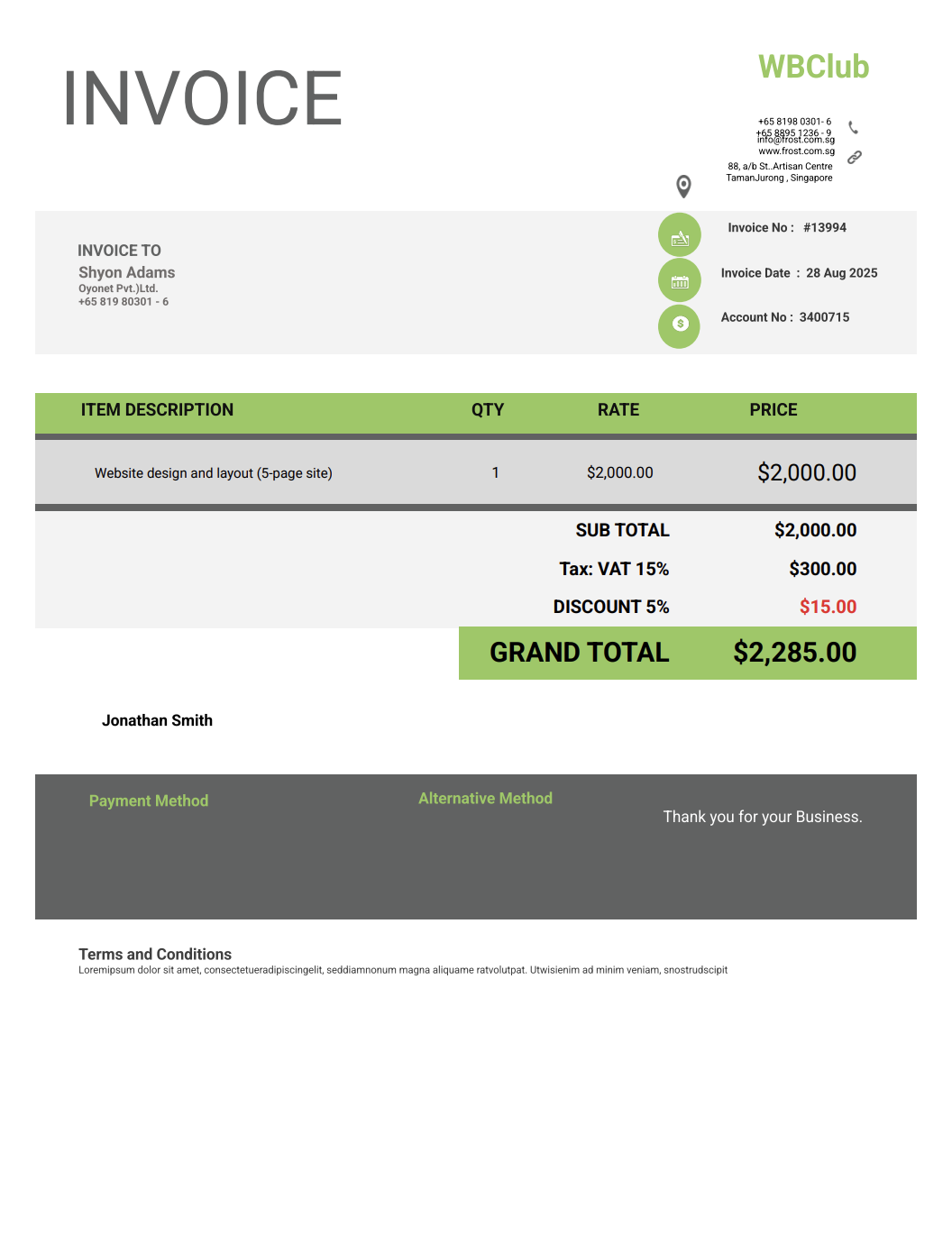
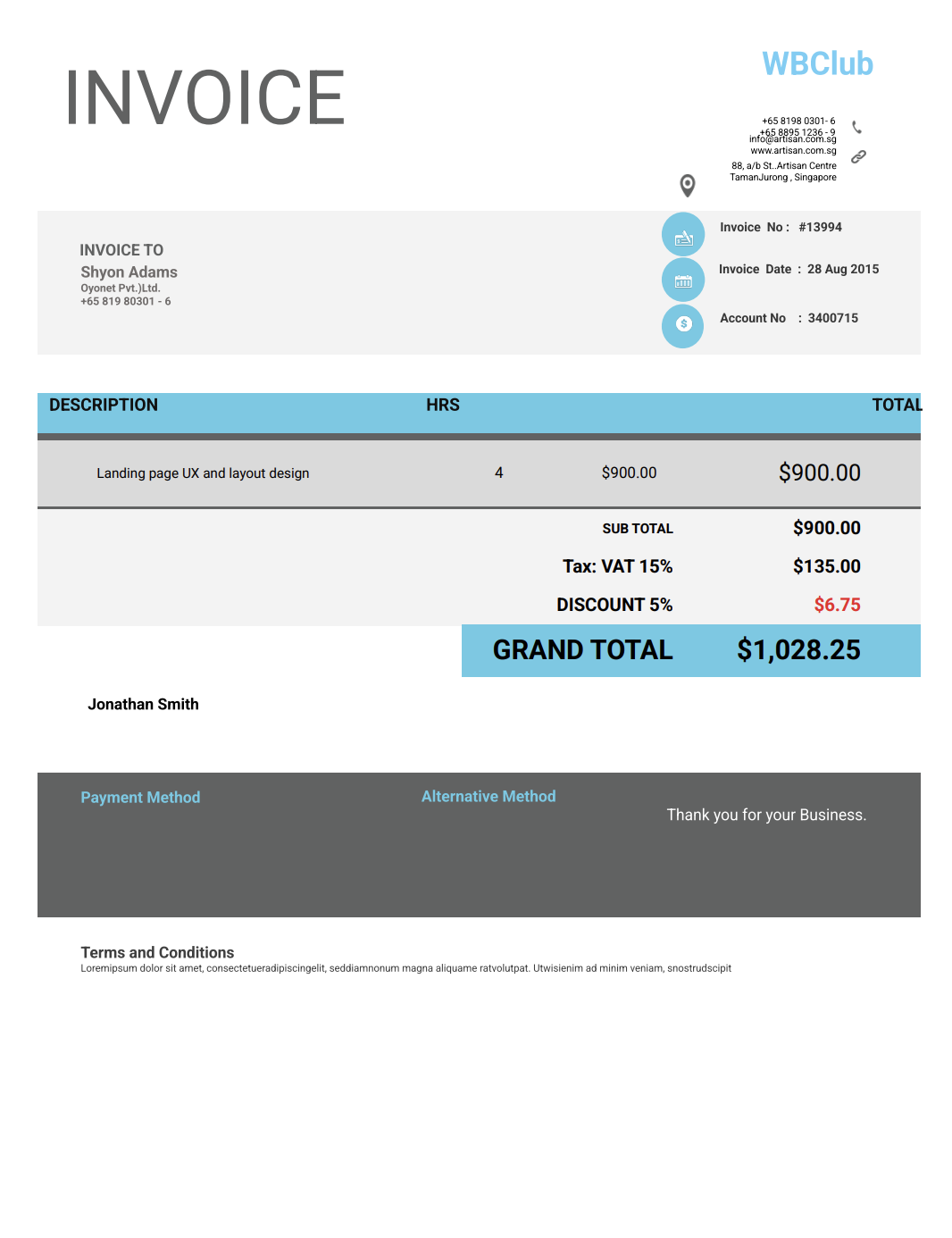
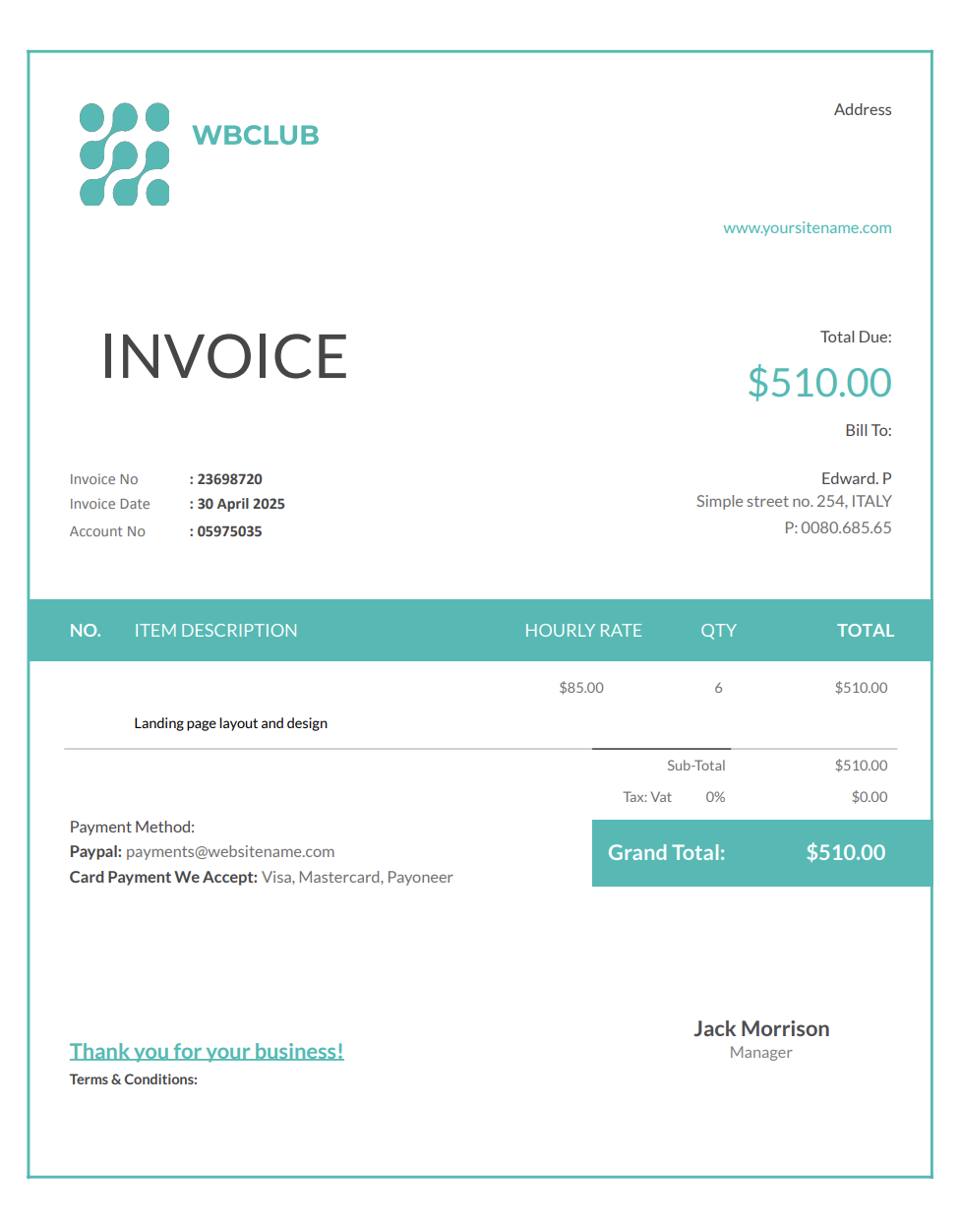
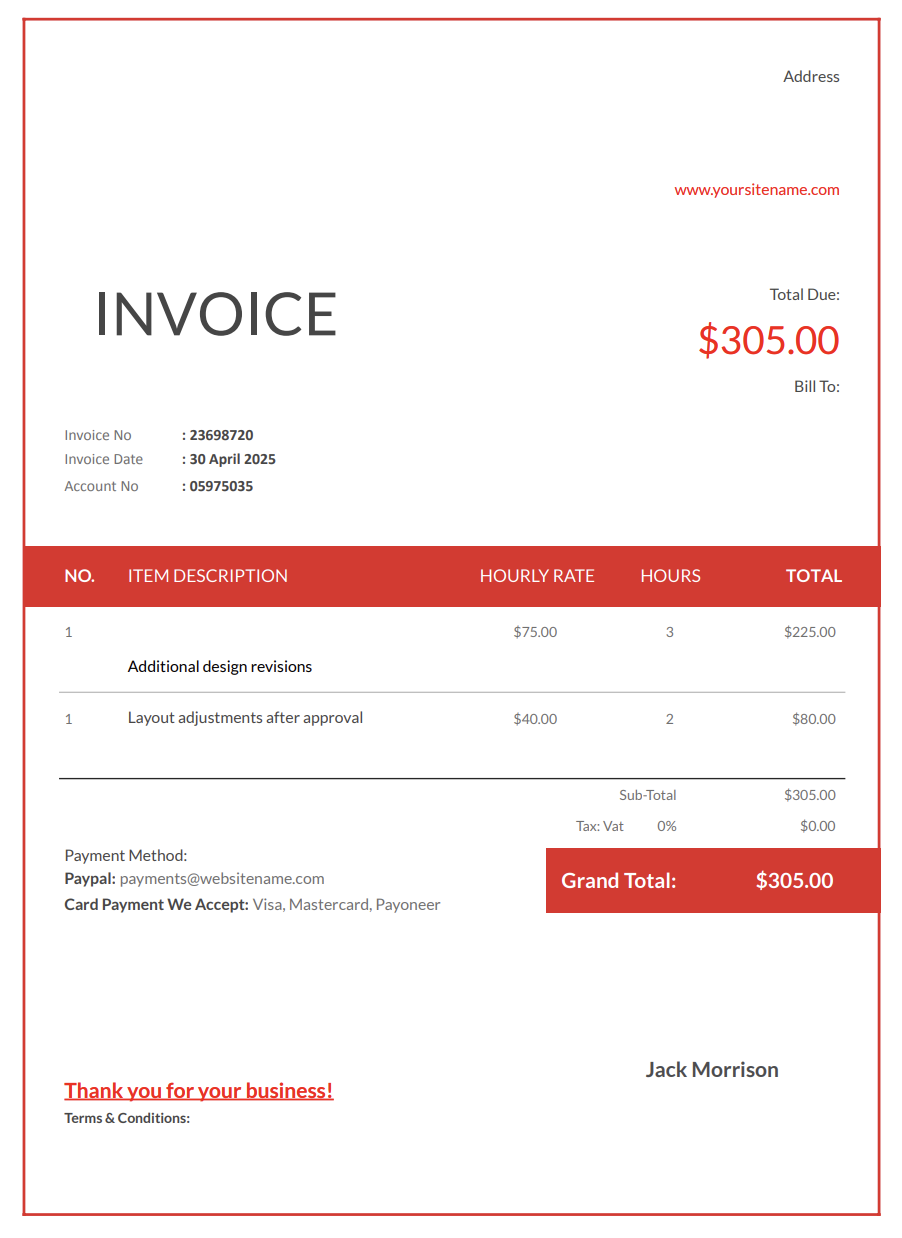
A web designer invoice template helps capture that effort. Rather than billing for a single deliverable, it reflects the thinking, revisions, and technical decisions behind the final result, making scope, pricing, and timelines easier for clients to understand.
With Invoicer.ai, you can create web design invoices in minutes, either by downloading free Word or Excel invoice templates or by customizing and sending invoices online directly through the software (which is much simpler). Once the invoice is ready, you can schedule it to send when it makes the most sense for the job or your billing routine.
Web design blends creativity, strategy, and technical execution. Without clear invoicing, important details can easily blur together, especially when projects evolve.
Clients experience the finished site. They don’t always see the wireframes that were scrapped, the layouts that didn’t work, the revisions requested mid-project, or the testing done behind the scenes.
A detailed invoice helps communicate that design is a process, not a single deliverable.
Web projects often expand. Extra pages, additional breakpoints, new components, or last-minute functionality requests can quietly increase workload. Clear invoicing helps separate the original scope from added work.
Design feedback cycles can stretch longer than expected. Each round of revisions involves analysis, adjustment, and testing. Structured invoices help justify revision time without tension.
Responsive behavior, browser quirks, performance tweaks, and accessibility fixes all require careful work. When invoicing is vague, that effort often goes unnoticed.
Web design is a professional service, not a commodity. A clean, well-structured invoice reinforces that you’re delivering expertise, not just visuals.
Web designers work under many different engagement models. Your invoice should reflect how the project was delivered.
Used for full website builds. Covers design phases, layouts, and final delivery.
For single-page projects focused on campaigns or conversions.
Used when billing for ongoing work, support, or open-ended projects.
For additional rounds of revisions beyond the agreed scope.
Covers wireframes, user flows, prototypes, and usability work.
Used for ongoing updates, layout tweaks, or design support.
For upfront payments, deposits, or same-day billing.
A strong web design invoice should explain value without overwhelming the client.
Include your business name, your name, email, phone number, and branding. Consistency helps with recognition.
List the client’s name, company name, and project reference if applicable.
Briefly describe the project, such as:
Clearly outline services such as:
If the project had phases, list them to show progress and structure.
Flat project fee, hourly rates, or milestone pricing.
Extra pages, additional breakpoints, extended revisions, or design consultations.
A clear breakdown reduces back-and-forth.
Include due dates, deposit requirements, milestone payments, and late fees.
Use this for delivery notes, next steps, or handoff details.
Payment issues often arise when the scope or expectations aren’t fully aligned. Here's what you can do to prevent this from happening:
The clearer your invoice descriptions are, the fewer questions you’ll get.
For larger projects, breaking payments into phases reduces risk.
Specific deadlines make payment expectations clear.
If something wasn’t part of the original agreement, list it separately.
Online invoices are easier to open, easier to pay, and faster to process.
Web design invoices work best when they’re sent at the right time and in a clear format. Knowing when to invoice and how to structure it helps clients understand what they’re paying for and keeps payments from getting delayed.
Invoice according to milestones or at project completion.
Invoice weekly or monthly to keep things current.
Invoice as soon as extra work is completed.
Send invoices on a predictable schedule. Digital invoices make these steps easier, and Invoicer.ai also shows when clients have viewed the invoice, which is helpful for keeping communication open.
Your invoice is part of your brand experience. Here's how you can make your web dev invoice stand out even more:
A simple layout reflects good design principles.
Clients appreciate seeing how the work has progressed.
Noting “final design delivery” helps close projects cleanly.
A brief recap reinforces the value delivered.
Invoicer.ai offers built-in payment features, making it easier for clients to settle invoices without delays.
A short recap helps clients understand the work performed.
Word and Excel require manual formatting and constant updates. Larger platforms often include tools that web designers don’t need.
With Invoicer.ai you get:
You can also create invoices for web design services using our AI Invoice Generator. Just write a simple prompt and it builds the invoice for you, giving you an even faster way to get accurate, professional results.
You can stick with templates if that's your style, let AI take care of the setup when you want something quick, or always create invoices manually for a hands on approach.
Web design requires planning, iteration, and constant problem-solving. Your invoices shouldn’t create more work. A well-structured web designer invoice template keeps billing clear, professional, and easy for clients to understand, so you can focus on designing instead of defending your fees.
Start your free 14-day trial today!