


Explore everything Invoicer offers to improve your landscaping business.
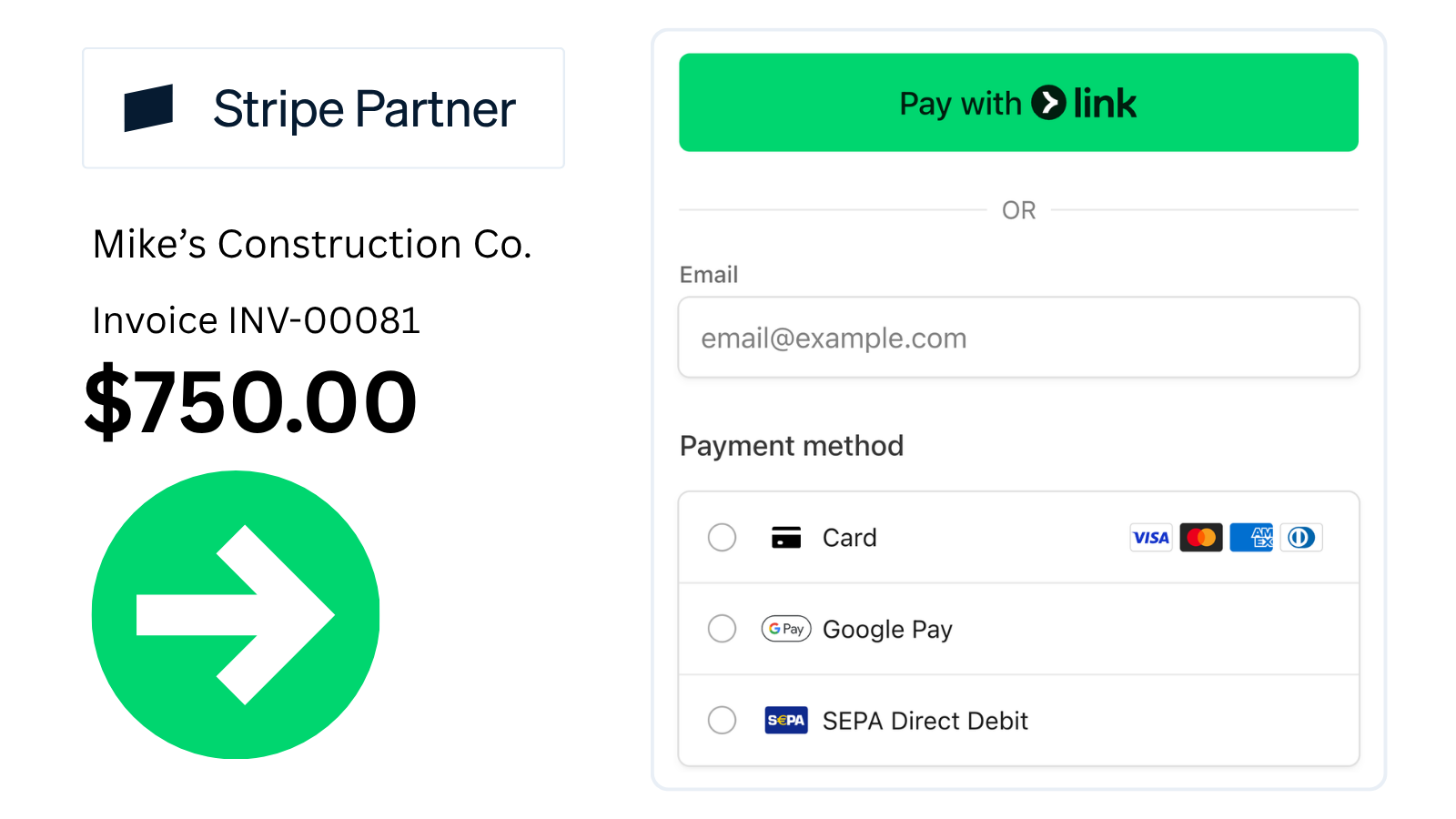
Stripe-powered checkout supports credit cards, debit, Apple Pay, Google Pay, and bank transfers (ACH + more).
.png)
Pick a template, add your logo, set your accent color. Match your brand without a designer.
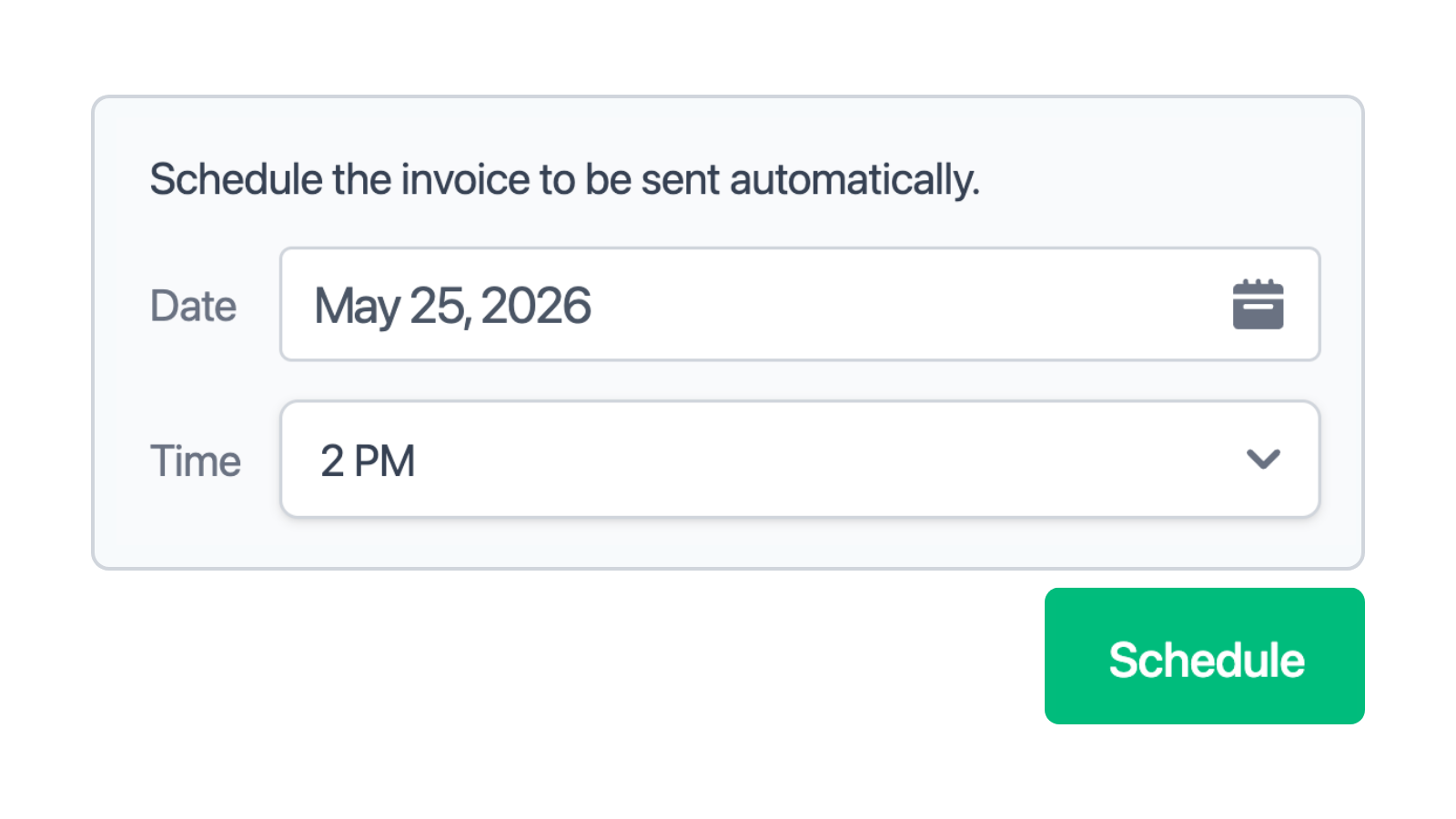
Pick the date and time, and the invoice sends itself. Useful for end-of-month billing and clients in other time zones.
.png)
Get notified when invoices are delivered, viewed, and paid. No more wondering if it landed.

Send reminders on the schedule you choose. Late payments stop being something you have to chase.
.png)
Upload a receipt or take a photo. Invoicer extracts the vendor, amount, and date so you don't have to type any of it.
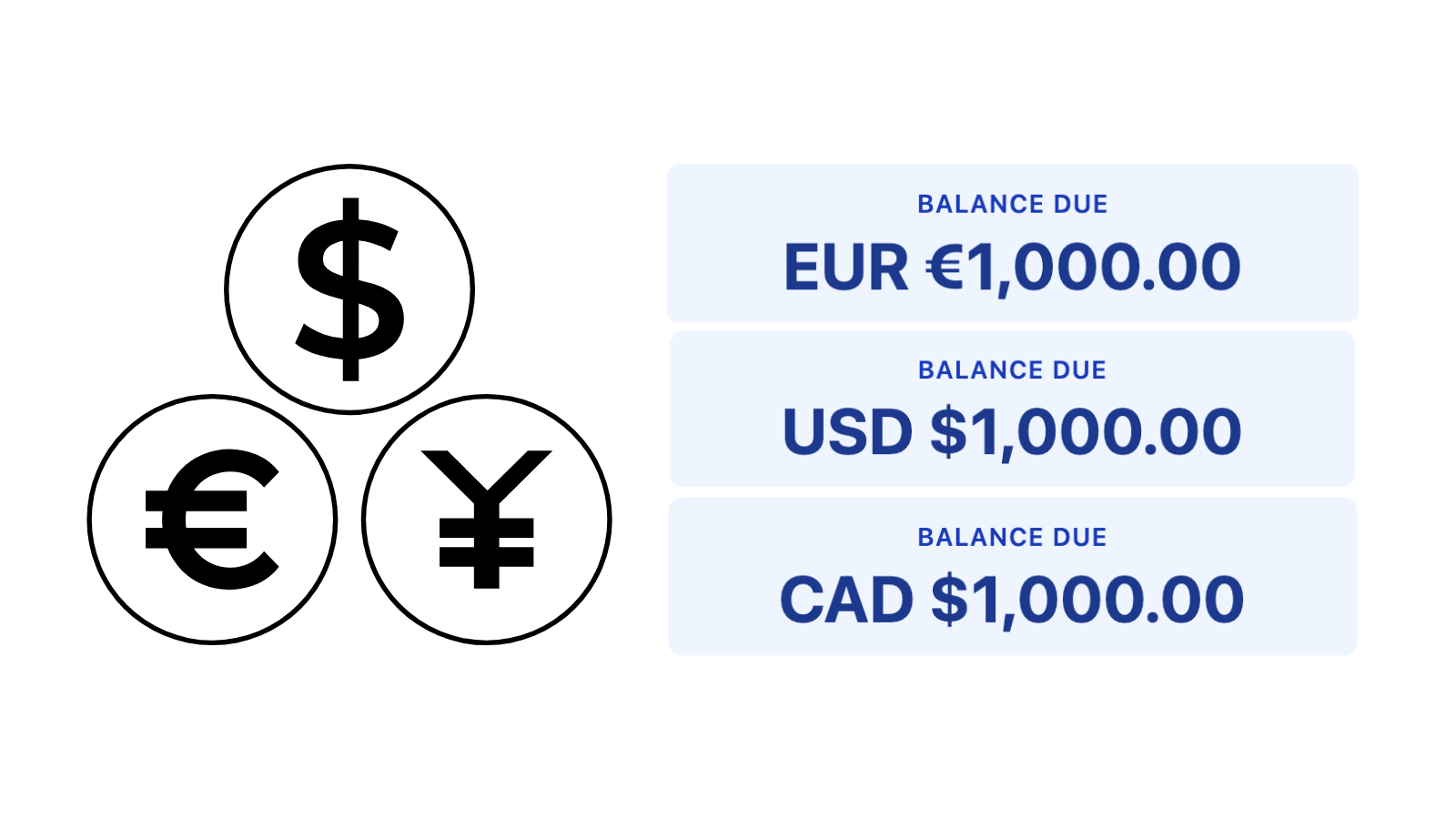
An American client gets invoiced in USD, a European client in EUR, a Canadian in CAD. They pay in the currency they expect.
Deposits. Charge a deposit upfront before starting work. Percent (%) or dollar ($) based. Multiple deposits.
Discounts. Apply percentage or fixed-amount discounts to any invoice. Multiple discounts.
Attachments. Attach photos, PDFs, or any file to your invoices.
Type or talk. Invoicer's AI builds estimates and invoices, prices jobs, and answers questions.
✓ Invoice INV-10071 created for Mike Smith — spring cleanup, mulch install, and bed planting.
Draft saved · ready to send| Spring cleanupDebris haul, edging & blow-out | $420.00 |
| Mulch install6 yd hardwood, delivered & spread | $540.00 |
| Bed planting12 shrubs + perennials, supplied | $680.00 |
Here's a real pricing breakdown for a weekly lawn maintenance visit in Seattle, WA. These are anchors — swap in your actual route rate and crew costs.
Assumptions: ~1/4-acre residential lot, mow / edge / blow, weekly during season.
| Mow, edge & blowCrew of 2, ~30–45 min on site | $45–$75 |
| Trimming & bed touch-upLine trim, light weeding | $15–$30 |
| Seasonal add-ons (optional)Fertilize, aerate, leaf cleanup | +$40–$120 |
Draft estimate for a front-yard landscape refresh in Seattle, WA.
Assumptions: ~600 sq ft beds, new plantings + mulch + edging, existing irrigation.
| Plants & materialsShrubs, perennials, soil & mulch | $1,200–$2,200 |
| Labor (crew of 2–3, 2–3 days)Bed prep, planting, edging & cleanup | $1,800–$3,200 |
| Disposal & deliveryHaul-off + material delivery | $250–$600 |
1 client currently owes you money. Total outstanding: $2,362.50.
A professional landscaping estimate should include the customer details, job description, labor, plants, materials, equipment, site preparation, taxes, discounts, and the total estimated cost. With Invoicer.ai, you can organize everything in one estimate and turn approved work into an invoice when the job is ready.
Create landscaping estimates that are easy for customers to understand. Separate labor, plants, materials, equipment, site work, service details, and total cost, so they can review the quote before approving lawn care, garden design, maintenance, or outdoor landscaping work.
Landscaping costs can vary based on the size of the property, the condition of the outdoor space, the materials needed, and the amount of labor required. A landscaping estimate should explain the main cost areas, especially when the job includes planting, cleanup, grading, mulch, soil, stone, irrigation, or equipment use.
You can include crew labor, hourly work, plants, trees, shrubs, mulch, soil, gravel, sod, pavers, edging, equipment rental, delivery fees, disposal costs, taxes, discounts, deposits, and any extra service charges. Showing these details separately helps customers understand what goes into the price and makes the estimate easier to review before work begins.
Lawn care and garden projects often need different estimate details. A lawn care estimate may include mowing, trimming, edging, fertilization, seasonal cleanup, aeration, or recurring maintenance. A garden or planting estimate may include design work, plant selection, soil preparation, mulch, installation labor, watering needs, and follow-up care.
Including these details helps customers understand what is covered and what may cost extra. It also makes the estimate more useful when customers are comparing one-time landscaping work, recurring lawn care, garden upgrades, or larger outdoor improvement projects.
For landscaping work, the scope should show exactly what the estimate covers. This may include the outdoor areas being serviced, the type of work planned, plant quantities, materials, equipment, cleanup, disposal, access needs, and anything that falls outside the quoted service.
Writing out these details early helps customers know what to expect before the job begins. It also protects your business from vague requests, added tasks, or confusion about what was included in the original estimate.
Some landscaping jobs may require a deposit before work begins, especially when plants, materials, stone, soil, mulch, sod, or equipment need to be ordered in advance.
Larger outdoor projects may also include partial payments at different stages, such as after materials are delivered, site preparation is completed, or installation work is finished. You can include the deposit amount, due date, payment schedule, and remaining balance directly in the estimate.
A landscaping estimate is best when the final price still depends on a few moving parts, such as the size of the property, current site condition, plant or material choices, weather, labor time, or changes to the planned work. It gives the customer a realistic expected cost while leaving room for details that may change before the job is finalized.
A quote is better when the work is already clearly defined. If the materials, schedule, labor, and total price are confirmed, a quote gives the customer a fixed price for that specific landscaping service. Use an estimate when the project still needs flexibility, and use a quote when you’re ready to give a set price.
Before sending a landscaping estimate, make sure it includes the details your customer needs to review the work, understand the cost, and move forward with the project. A strong estimate should show the service scope, labor, materials, payment terms, and total estimated cost in a format that is easy to follow.
Your landscaping estimate checklist can include:
A landscaping estimate template can work well for a simple one-time estimate, especially if you only need a basic file to edit, download, and send. However, if you create landscaping estimates regularly, an Estimate Maker is the faster and more practical choice.
Instead of editing the same document again and again, you can build estimates online, save customer details, reuse common landscaping services and materials, and keep everything organized in one place. You can also use the AI Assistant to create landscaping estimates faster, generate line items, and reduce the time spent editing the same details for every estimate.
With a landscaping estimate generator, you can add labor, plants, materials, equipment, site work, taxes, discounts, deposits, and payment terms without manually updating every total. It gives you more flexibility than a static template and helps you create professional landscaping estimates faster with less manual work.
A landscaping estimate is useful when the final cost may depend on property size, site conditions, material choices, plant availability, weather, labor time, or the exact scope of work. However, it may not be the right document in every situation. Use an invoice when the landscaping work has already been completed or payment is due.
Use a quote when the price is fixed and the service scope is already confirmed. For larger landscaping projects, recurring maintenance agreements, hardscaping work, irrigation projects, or multi-stage outdoor improvements, an estimate may not be enough on its own. You may also need to create a service agreement, contract, warranty details, or written scope of work to confirm responsibilities, timelines, payment terms, and what is included in the service.
Invoicer is great for landscaping businesses because it is an easy-to-use, super fast, and affordable AI-powered invoicing and estimate solution with unlimited clients, invoices, and estimates.
Invoicer saves you time thanks to the intuitive editor, fast interface, easy filtering, search and sorting, estimate automation, and gets you paid faster through online payments and payment reminders.

