
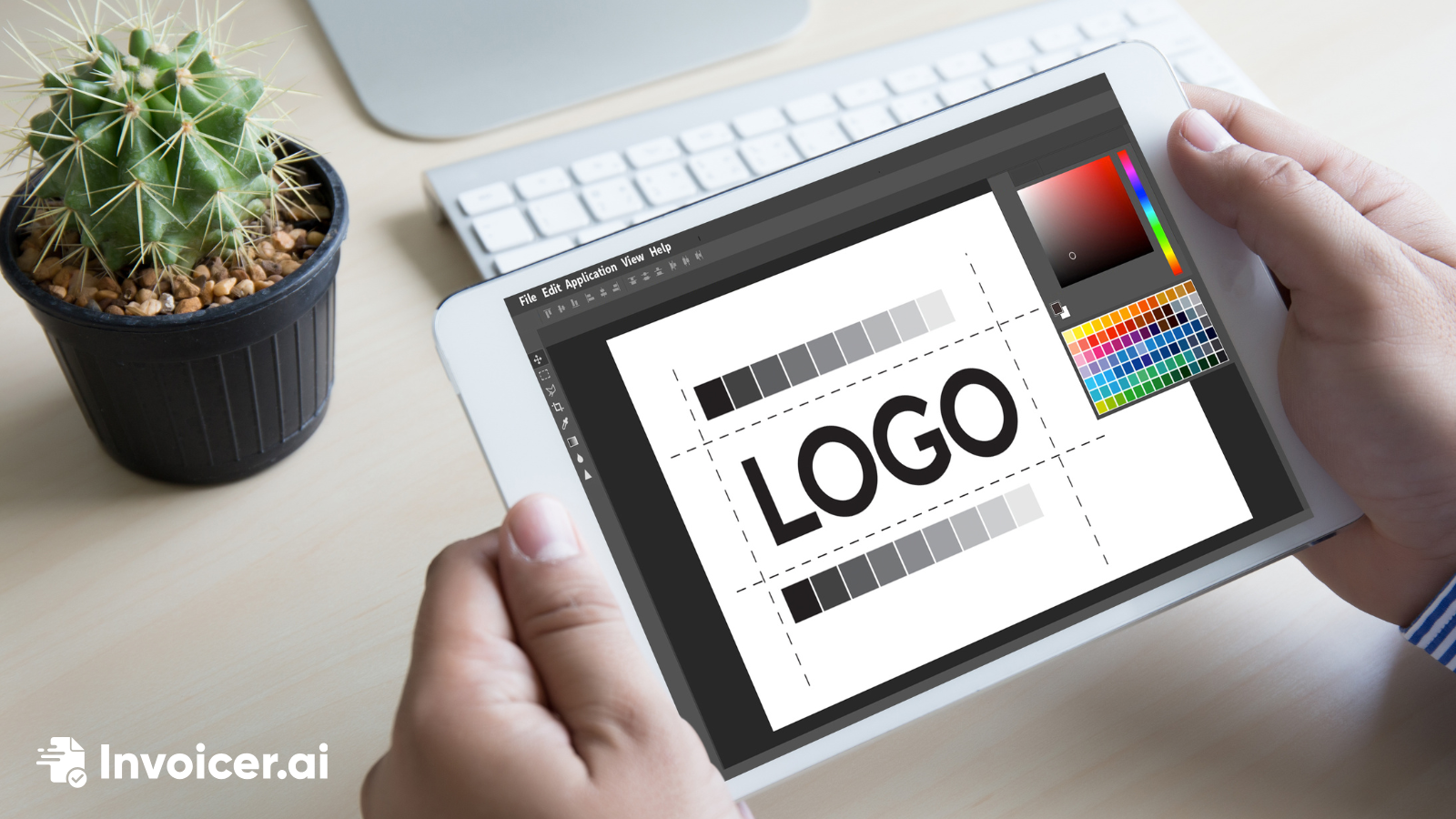
Create a simple, professional logo that fits your brand, looks clear at any size, and works across your website, invoices, and social media.
A logo is one of the most recognizable parts of your brand. It appears on your website, invoices, social media, and marketing materials, so it should be simple, clear, and consistent with your business identity.
While many companies hire professional designers, small businesses and freelancers can still create a clean, professional logo using simple tools and good design principles.
The goal is not to create something complicated. The goal is to create something recognizable and easy to use across different platforms.
A strong logo is easy to recognize and works well in different sizes and formats.
Most effective logos are:
Overly detailed logos often become difficult to read or scale properly.
Most small businesses begin with a simple text-based logo using the business name.
This approach is common because it is:
For example, many companies simply combine their name with a clean font and a small graphic element.
Typography plays a big role in how professional your logo looks.
A few helpful guidelines include:
Simple fonts often create stronger logos than complex ones.
Colors should support your brand identity without making the logo difficult to use.
Most logos work best with:
Using too many colors can make the logo harder to reproduce across different platforms.
A simple design usually looks more professional and works better across different uses.
Good logo designs typically:
Simple logos are also easier to place on invoices, websites, and printed materials.
Several online tools make it easy to design a basic logo without advanced design skills.
Popular options include:
These tools provide templates, fonts, and icons that can help you quickly create a usable logo.
Before finalizing your design, check how the logo appears in different situations.
Make sure it works:
If the logo remains readable and recognizable in these formats, it is likely ready to use.
Many beginner logos become less effective because of unnecessary complexity.
Common mistakes include:
A simple and balanced logo usually looks more professional than an overly complicated one.
Your logo appears on many parts of your business, including your website, invoices, proposals, and social media profiles. A clean and recognizable logo helps make your brand look more consistent and professional.
It also helps customers remember your business after they interact with you.
Before using your logo, make sure:
☐ The design is simple and recognizable
☐ The text is easy to read
☐ Colors match your brand style
☐ The logo works at small sizes
☐ It looks good on both digital and printed materials
Once you have a logo, the next step is using it across the documents you send to clients. With Invoicer.ai, you can create professional invoices and estimates in minutes and add your logo by uploading it from your computer or dragging and dropping the file into place.
Use the free logo maker to design a simple, recognizable logo that fits your brand and works across your website, invoices, and social media.
Free Logo Maker
