Draft estimate for a 12-camera commercial surveillance system in Seattle, WA.
Assumptions: existing network closet, drop ceiling cable runs, 16-channel NVR, no trenching required.
| Cameras, NVR & storage12 IP cameras, 16-ch NVR, 8TB | $3,600–$6,000 |
| Labor (2 techs, 3–4 days)Mounting, cable runs & termination | $3,200–$5,600 |
| Network config & handoverPoE switch, remote access, training | $800–$1,600 |
✓ Invoice INV-10071 created for Mike Smith: camera installation, NVR setup, and system configuration.
| 4-camera system installCameras, mounts, cable runs | $1,850.00 |
| NVR + 2TB storage16-channel recorder, configuration | $780.00 |
| System setup and trainingRemote access, app setup, walkthrough | $340.00 |
Here’s an example pricing breakdown for security system installation. Use these numbers as a starting point, then adjust them based on your rates, system complexity, location, and equipment.
Assumptions: Single-site installation, standard equipment, professional installation and setup, basic programming, and system testing.
| Security cameras (4-camera system)4MP cameras with mounting hardware and cabling | $600–$1000 |
| Network video recorder (NVR)8-channel NVR with storage | $200–$400 |
| Optional add-ons (per item)Additional cameras, sensors, access controls, etc. | $75–$200 |
Invoicer suggests pricing from local market rates, then sharpens it as it learns what you've quoted on past jobs.
Labor, cameras, wiring, access control and monitoring fees are broken out properly. No retyping the same descriptions for every quote.
Send estimates by email, let clients approve them online, then turn an approved estimate into an invoice in one click.
Explore everything Invoicer offers to improve your security business.
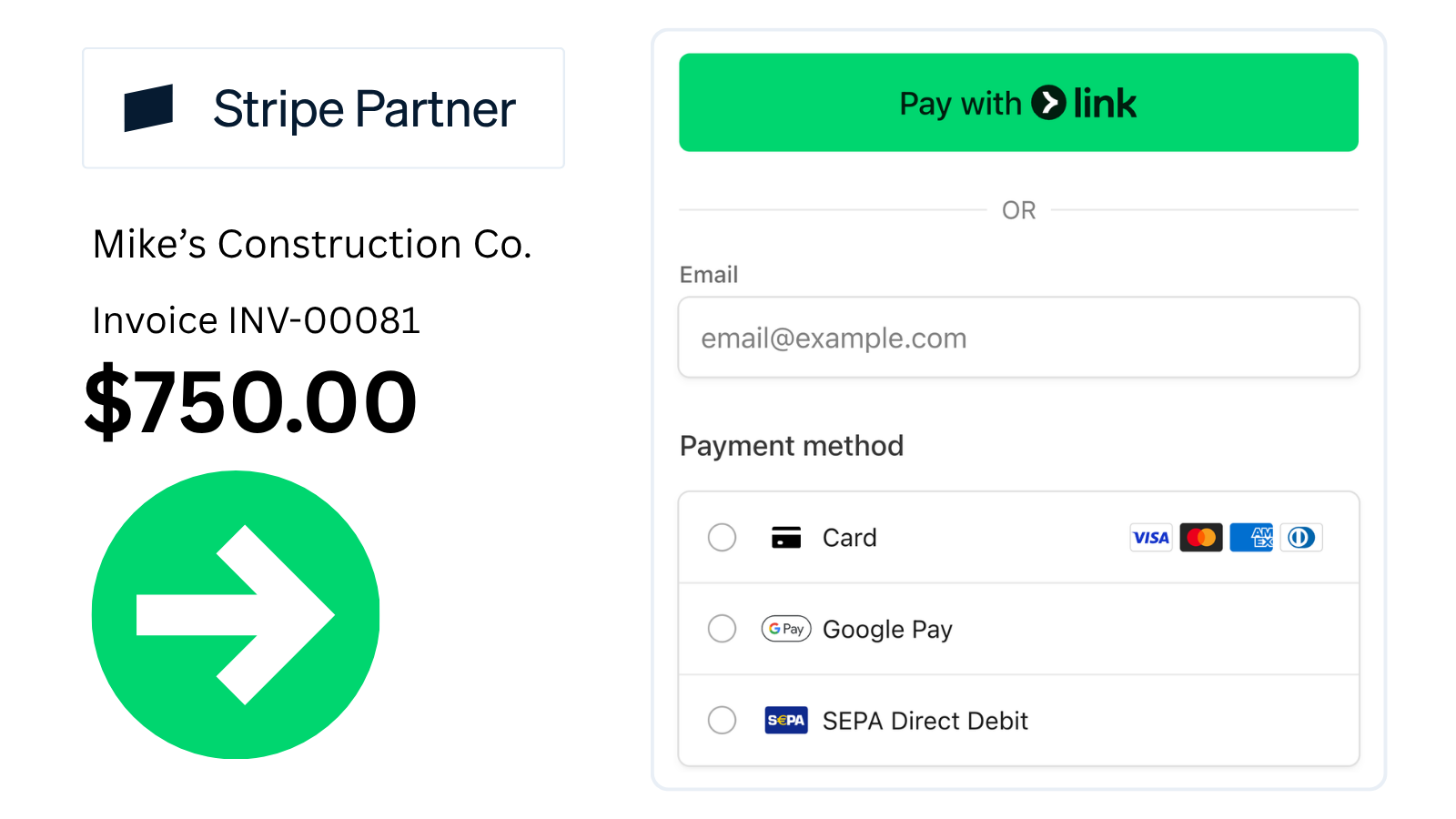
Stripe-powered checkout supports credit cards, debit, Apple Pay, Google Pay, and bank transfers (ACH + more).
.png)
Pick a template, add your logo, set your accent color. Match your brand without a designer.
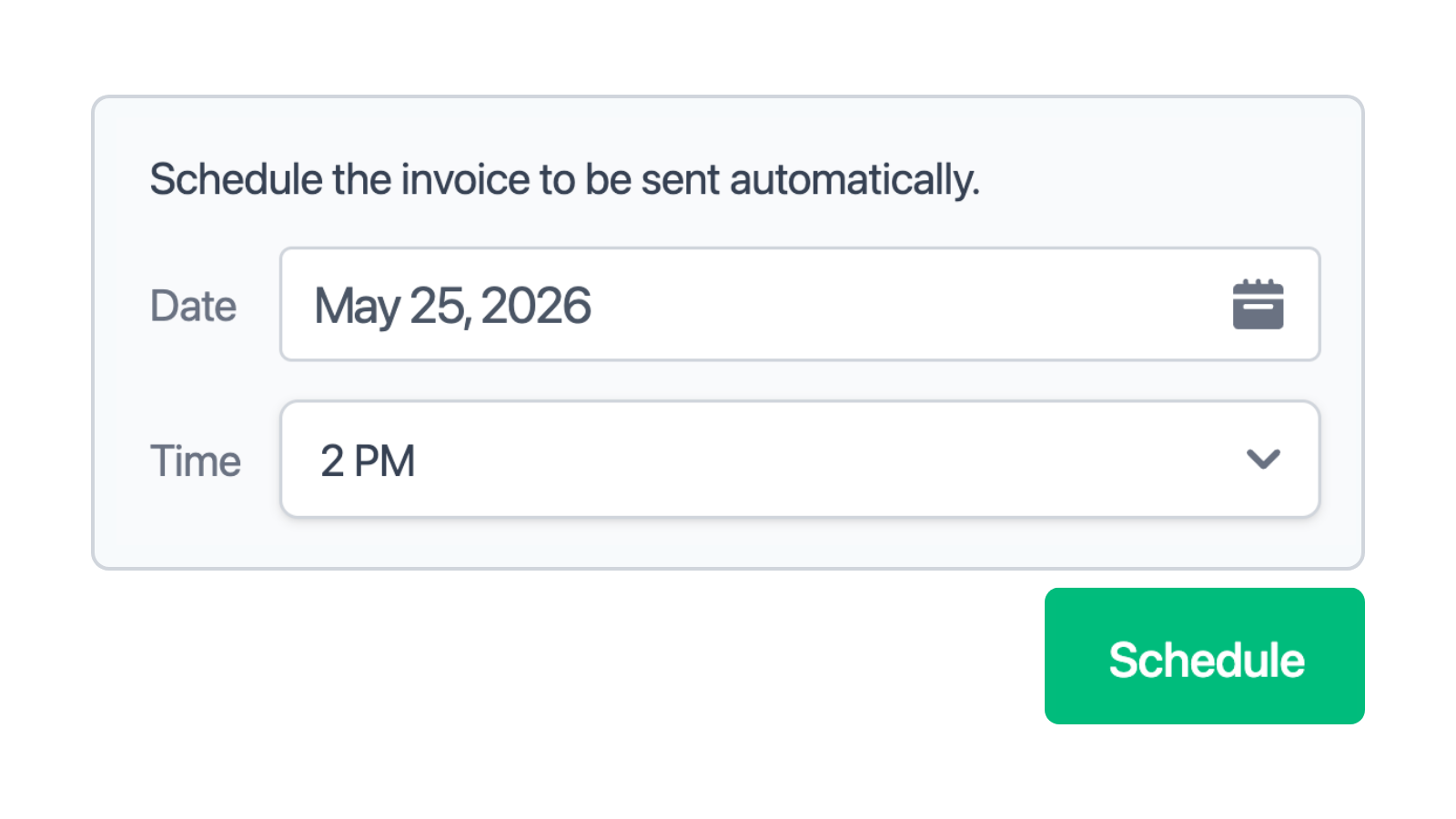
Pick the date and time, and the invoice sends itself. Useful for end-of-month billing and clients in other time zones.
.png)
Get notified when invoices are delivered, viewed, and paid. No more wondering if it landed.

Send reminders on the schedule you choose. Late payments stop being something you have to chase.
.png)
Upload a receipt or take a photo. Invoicer extracts the vendor, amount, and date so you don't have to type any of it.
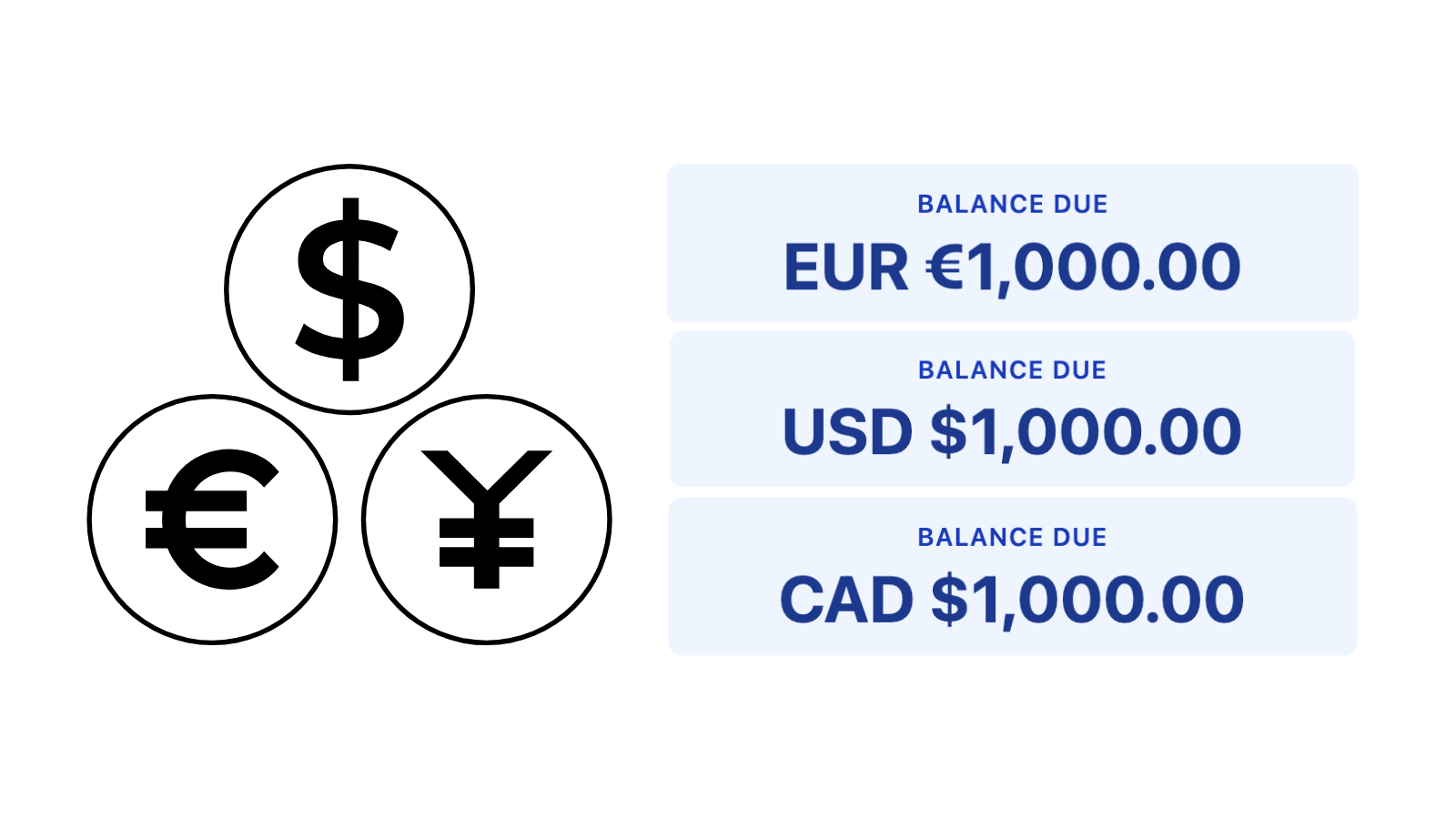
An American client gets invoiced in USD, a European client in EUR, a Canadian in CAD. They pay in the currency they expect.
Deposits. Charge a deposit upfront before starting work. Percent (%) or dollar ($) based. Multiple deposits.
Discounts. Apply percentage or fixed-amount discounts to any invoice. Multiple discounts.
Attachments. Attach photos, PDFs, or any file to your invoices.
Type or talk. Invoicer's AI builds estimates and invoices, prices jobs, and answers questions.
For a security job, clients usually want to know what’s being installed, what the work covers, and how much it’s likely to cost before they approve anything. The estimate can include cameras, alarms, access control, sensors, wiring, setup, testing, monitoring, and labor. With Invoicer.ai, you can list those items, price them out, and send the estimate for approval. If the client moves forward, you can use the approved estimate as the basis for the final invoice.
Create security service estimates that are easy for clients to review. Break out labor, cameras, alarm systems, access control, wiring, installation, monitoring, and other job costs so clients can see what’s included before approving the work.
A security camera installation estimate can include the number and type of cameras, mounting hardware, wiring, recording equipment, storage, labor, setup, and testing.
The price may also depend on whether the cameras are being installed indoors, outdoors, or in hard-to-reach areas. For larger systems, you can include additional costs for network setup, monitors, cloud storage, extra cameras, or remote viewing features.
An alarm system estimate can cover control panels, motion sensors, door and window sensors, sirens, keypads, installation, programming, and testing. If the system includes professional monitoring, you can list the setup fee and ongoing monitoring costs separately. The estimate can also include additional sensors for smoke, carbon monoxide, glass break detection, or other security needs.
An access control estimate is useful for projects involving keypads, card readers, key fobs, smart locks, biometric readers, or controlled entry points. The estimate can include equipment, wiring, installation, software setup, and labor.
For a security job, the scope should give the client a practical picture of what you’re actually installing and what the price covers. That could include the number of cameras, sensors, keypads, access points, wiring, setup, testing, monitoring, and labor. It’s also a good place to mention anything that could cost extra.
For example, the estimate may not include additional devices requested later, difficult cable runs, electrical work, network upgrades, permits, wall repairs, or after-hours installation. That way, the client knows what is included from the start and what could change the final price.
For some security jobs, you might need money upfront before ordering equipment or scheduling the installation. This approach is especially common when a project involves cameras, alarm panels, access control systems, specialized hardware, or a larger amount of equipment.
The estimate can show how payments will be handled from the beginning. You might request a deposit to cover equipment, another payment once installation is underway, and the remaining balance after the system has been tested and completed.
A security estimate is useful when the final cost is still likely to depend on what the installer finds on site, how much wiring is needed, or whether the client decides to add more cameras, sensors, or access points. A quote makes more sense when the equipment, installation work, and price have already been agreed on.
For example, you might give a fixed quote for installing four security cameras in a small office. An estimate may be more appropriate for a larger property where cable runs, network requirements, equipment placement, or additional security devices could affect the final cost.
Before sending a security estimate, make sure the client can see exactly what the job covers and where the costs come from. Include the equipment being installed, labor, setup or monitoring fees, any additional charges, payment terms, and the total expected cost.
Your security estimate checklist can include:
A security estimate template works fine for the occasional job, but it can start to feel limiting when you are pricing installations every week. Copying files, updating customer details, checking totals, and adding the same equipment over and over can quickly turn into extra admin.
An Estimate Maker gives you a more flexible way to handle that work. You can keep customer information on hand, pull in services or equipment you use often, and build new estimates without starting from an old document each time. For security projects, that could mean adding cameras, sensors, alarm panels, access control, wiring, installation labor, monitoring, deposits, taxes, and other charges in one place.
The AI Assistant can also help with line items and job details, which is useful when an installation has several parts or the scope changes before the client approves it.
A security estimate is a good choice when you know the general job but some details may still change after the site visit or once installation begins. You might discover that extra wiring is needed, the client may add more cameras or access points, or certain equipment may need to be upgraded.
An estimate gives you room to account for those changes without locking in the final price too early. If the equipment, labor, and installation costs are already confirmed, a quote may be a better fit. Once the security work is finished and payment is due, you would send an invoice instead.
For larger installations or ongoing monitoring services, it can also make sense to use a contract alongside the estimate. That can cover installation responsibilities, equipment warranties, monitoring terms, maintenance, payment schedules, cancellations, and how additional work will be handled.
Invoicer is great for security service businesses because it is an easy-to-use, super fast, and affordable AI-powered invoicing and estimate solution with unlimited clients, invoices, and estimates.
Invoicer saves you time thanks to the intuitive editor, fast interface, easy filtering, search and sorting, estimate automation, and gets you paid faster through online payments and payment reminders.

