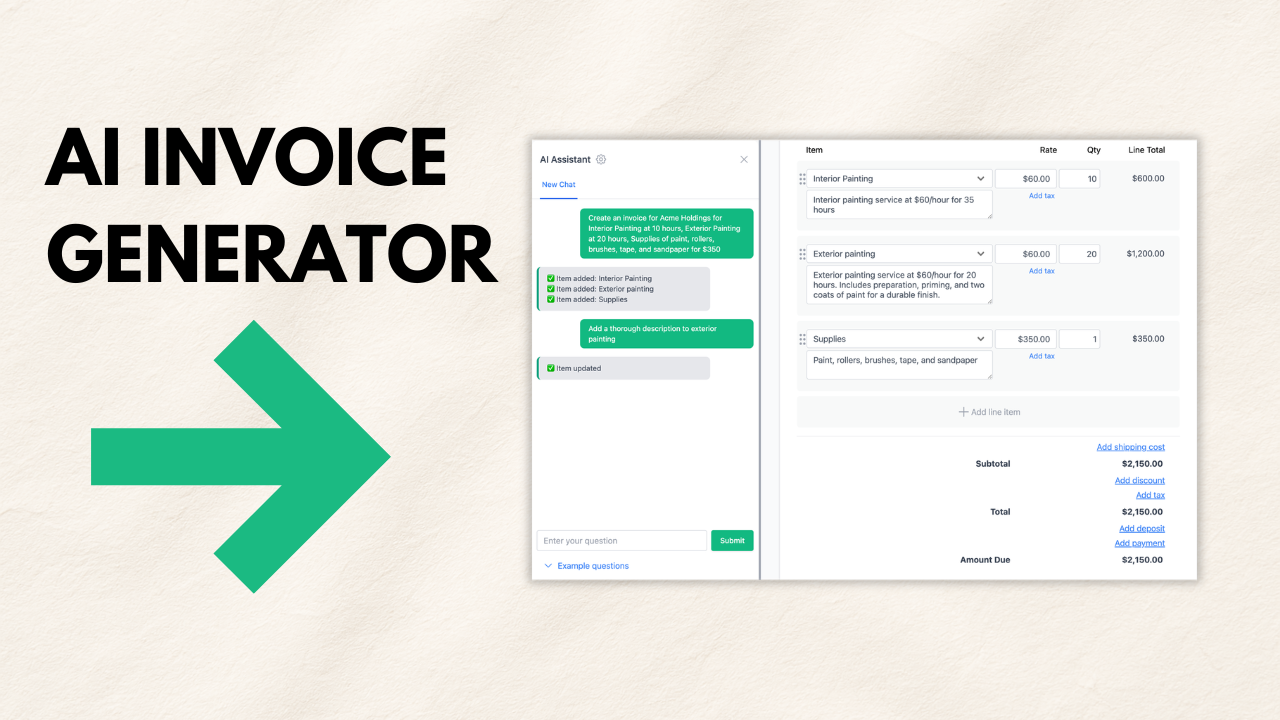
Create professional invoices in seconds with Invoicer.ai’s AI invoice generator. This video shows how to generate an invoice from a simple prompt, review the output, make quick edits, and send or download the final invoice.
How to generate a professional invoice with Invoicer.ai using the AI invoice generator, then review and fine-tune it before sending.
Freelancers, contractors, and small businesses who want to create invoices faster without building everything manually.
Use specific prompts (rates, quantities, tax, due date) for cleaner results, then always do a quick manual review before sending.