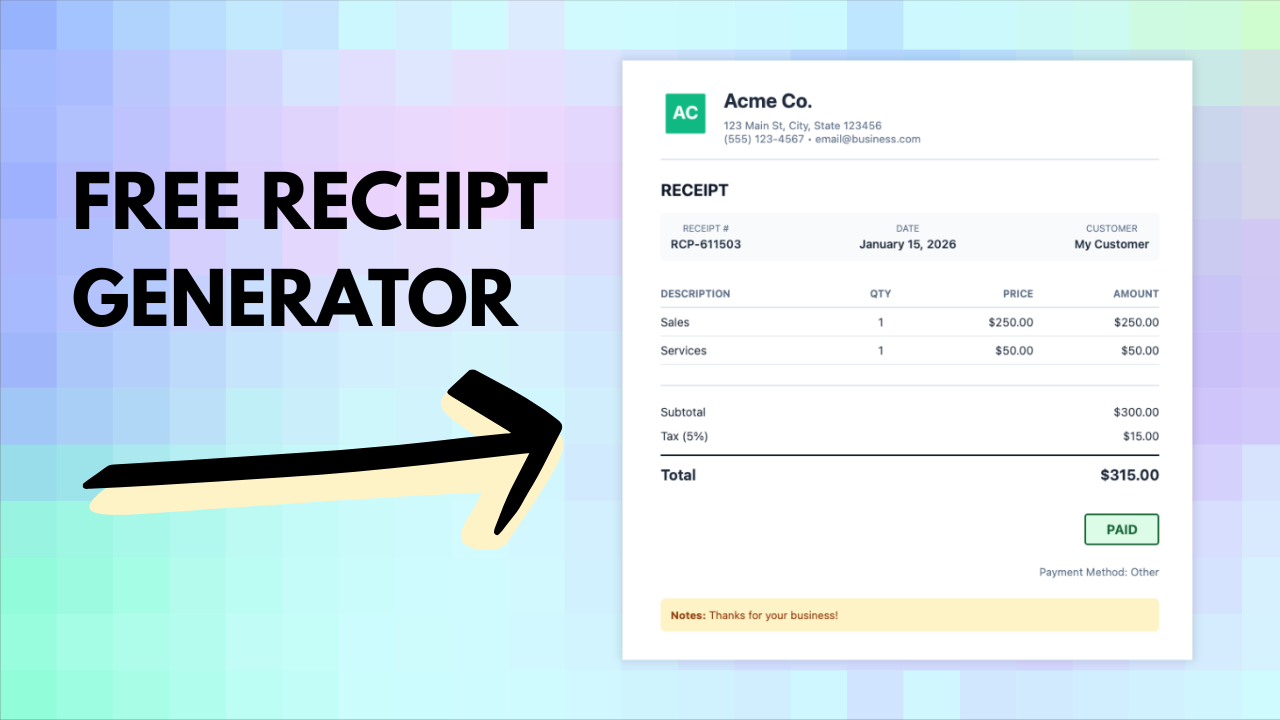
Create professional receipts in seconds with Invoicer.ai’s free receipt generator. This video shows how to generate a receipt quickly, review the details, make edits if needed, and download or share it.
How to create a professional receipt using Invoicer.ai’s receipt generator, then quickly review and edit it before downloading or sharing.
Freelancers, contractors, and small business owners who want a fast way to create clean, professional receipts.
Use clear item descriptions and double-check payment details (date, method, totals) before you send or export