How to Add a Logo to Your Invoice

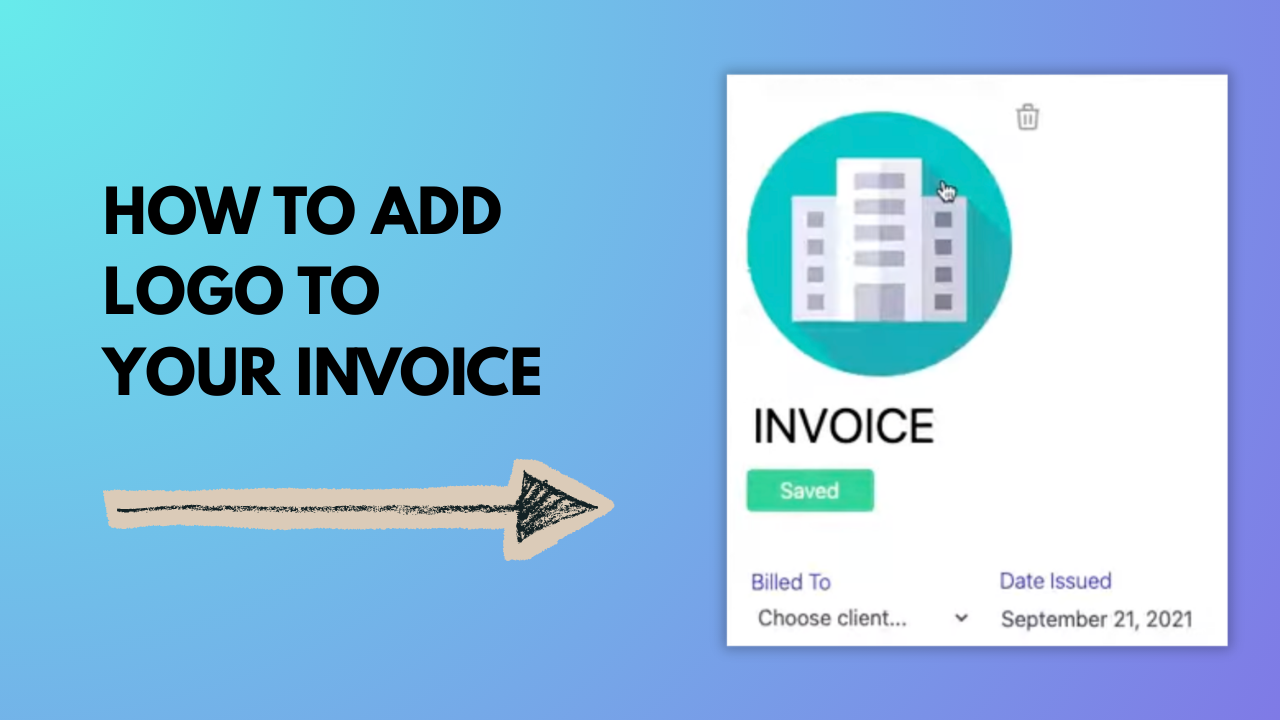
See how easy it is to add a logo to your invoice with Invoicer.ai’s drag-and-drop logo uploader. Make your invoices stand out by adding your logo in seconds before sending or downloading.

How to Add a Logo to Your Invoice

About This Video

What You’ll Learn

How to add your business logo to an invoice in Invoicer.ai so your invoices look branded and professional.

Key Steps Covered

  1. Open an invoice in Invoicer.ai (or create a new one).
  2. Find the logo upload area in the invoice editor.
  3. Drag and drop your logo file to upload it.
  4. Preview the invoice to confirm your logo displays correctly.
  5. Save, send, or download your branded invoice.

Who This Is For

Freelancers and small businesses that want professional-looking invoices with consistent branding.

0:06
February 24, 2026
75