How to Add Discounts to Your Invoice

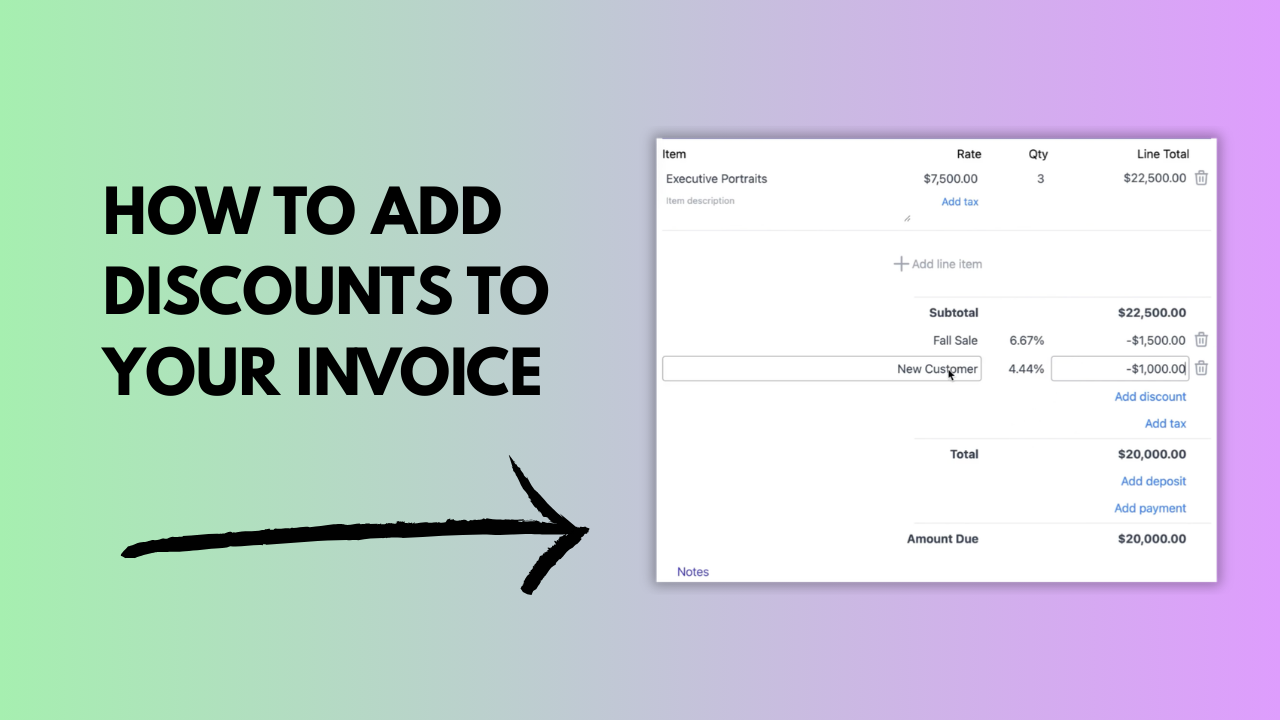
Learn how to add discounts to your invoices with Invoicer.ai. This quick walkthrough shows how to add multiple discounts, choose percent or dollar discounts, name discounts however you like, and rely on automatic calculations.

How to Add Discounts to Your Invoice

About This Video

What You’ll Learn

How to add and manage invoice discounts in Invoicer.ai, including multiple discounts and automatic calculations.

Key Steps Covered

  1. Open an invoice in Invoicer.ai and add your line items.
  2. Add a discount and choose the type (percent or dollar amount).
  3. Name the discount so it’s clear to your client (e.g., “Promo,” “Loyalty,” “Bundle”).
  4. Add additional discounts as needed.
  5. Review totals to confirm discounts are applied correctly before sending or downloading.

Who This Is For

Freelancers, contractors, and small businesses who want flexible discounting without manual math.

1:06
February 24, 2026
434