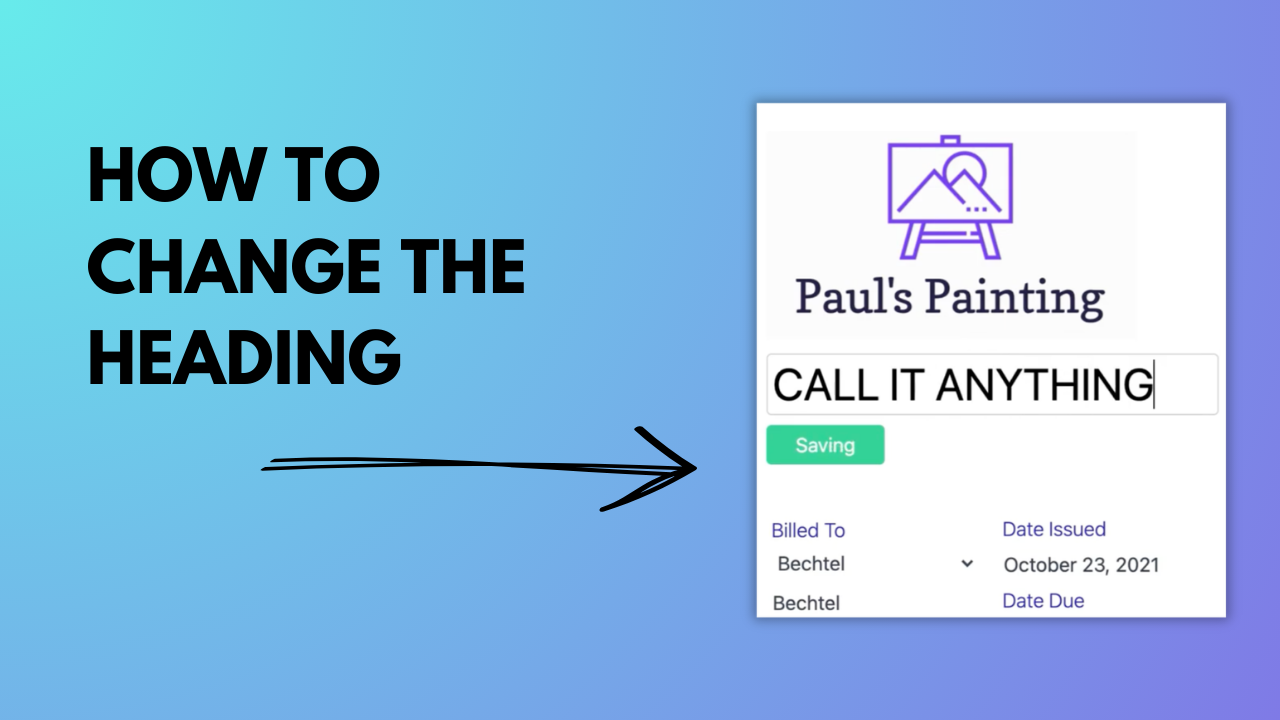
How to Change the Heading

Learn how to change the document heading in Invoicer.ai. This quick tutorial shows how to rename your document to match what you’re sending, whether it’s an invoice, estimate, bill of sale, receipt, or something else.

How to Change the Heading

About This Video

What You’ll Learn

How to change your document title in Invoicer.ai so it displays the right heading for your client.

Key Steps Covered

  1. Open the invoice or estimate you want to edit.
  2. Find the document heading/title field.
  3. Rename the document (invoice, estimate, bill of sale, receipt, etc.).
  4. Preview the document to confirm the heading displays correctly.
  5. Save, then send or download the updated document.

Who This Is For

Businesses and freelancers who use different document types and want the heading to match the purpose of the transaction.

0:26
February 24, 2026
65