How to Create a Professional Invoice in Under 2 Minutes

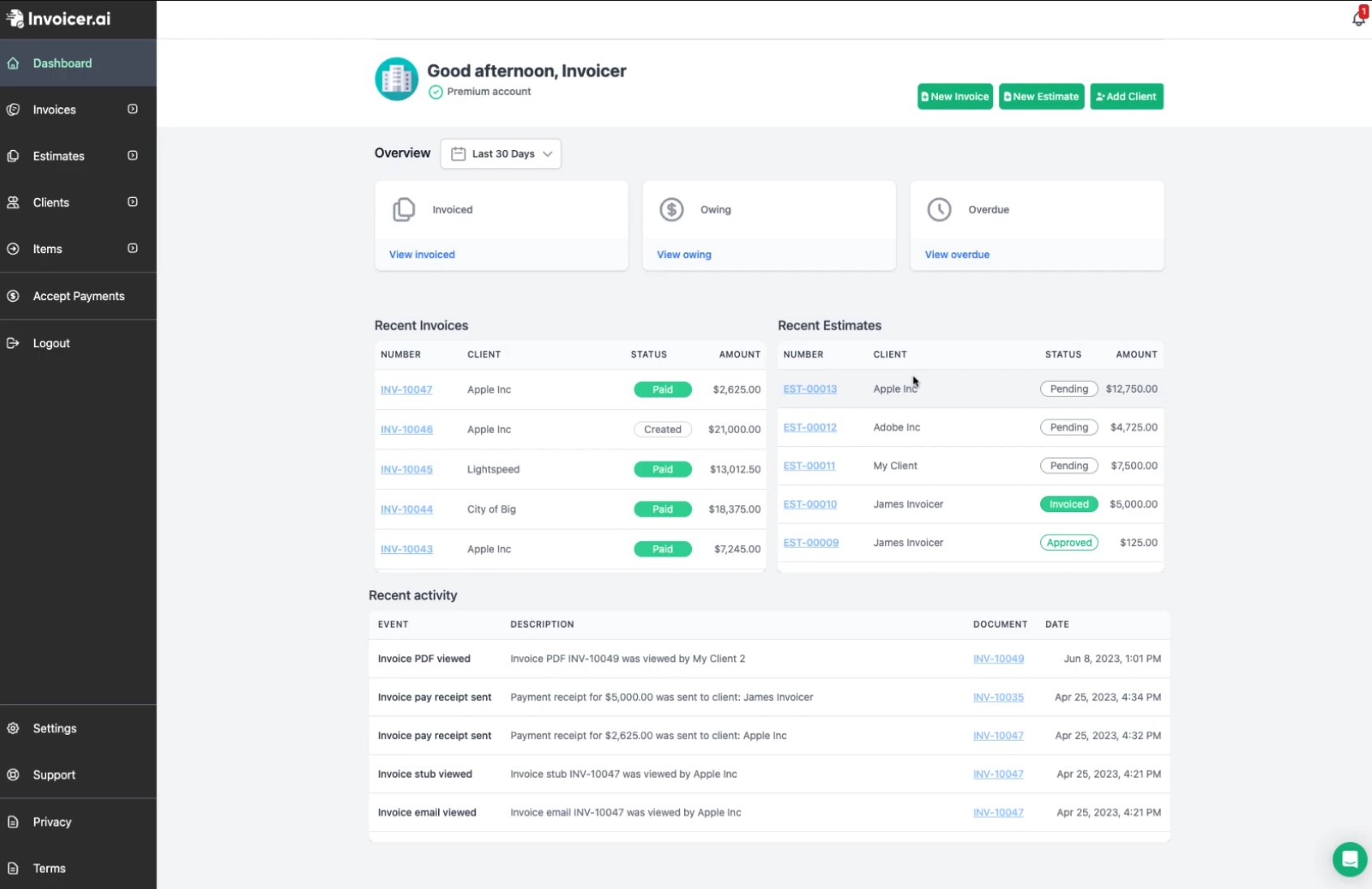
Learn how to create a polished, professional invoice using Invoicer.ai in less than 2 minutes. This step-by-step walkthrough covers adding your business details, line items, tax calculations, and sending the invoice directly to your client.

https://www.youtube.com/embed/MQXz4JtRfp4?si=Jt4CIDX_GDs0XlDw

About This Video

What You'll Learn

In this quick tutorial, we walk you through the entire invoice creation process on Invoicer.ai from logging in to sending a completed invoice to your client.

Key Steps Covered

  1. First, set up your business profile with your company name, logo, and contact information. This only needs to be done once and will automatically populate on every invoice you create.
  2. Next, add your client details, create line items with descriptions and quantities, and apply tax rates. The platform automatically calculates totals, subtotals, and tax amounts.
  3. Finally, preview your invoice, download it as a PDF, or send it directly via email from within the platform.

Who This Is For

This video is perfect for contractors, freelancers, and small business owners who need a fast, reliable way to bill their clients.

Pro Tips

Save time by creating invoice templates for recurring clients. You can also duplicate previous invoices and simply update the dates and amounts.

34:13
February 17, 2026
741