Draft estimate for a full-day wedding photography package in Seattle, WA.
Assumptions: eight hours coverage, one photographer, single venue, online gallery delivery.
| Ceremony & reception coverage8 hours, one photographer | $2,200–$3,800 |
| Editing (400–600 images)Color grading & retouching | $800–$1,500 |
| Album, prints & deliveryOnline gallery, print release, album | $400–$1,200 |
✓ Invoice INV-10071 created for Mike Smith: photo session, editing, and digital image delivery.
| Portrait session (2 hours)On location, one outfit change | $450.00 |
| Editing and retouching (30 images)Color correction, skin retouch | $360.00 |
| Digital delivery + print releaseOnline gallery, high-res downloads | $150.00 |
Here’s an example pricing breakdown for a portrait photoshoot. Use these numbers as a starting point, then adjust them based on your rates, session length, and editing costs.
Assumptions: 1–2 hour portrait session, one photographer, standard editing and retouching, 20–30 final images, and no studio rental or extensive travel.
| Photography session1–2 hour portrait photoshoot | $250–$500 |
| Editing & retouchingColor correction and retouching for selected images | $150–$300 |
| Additional edited images (optional)Extra final images beyond the included package | +$100–$250 |
Invoicer suggests pricing from local market rates, then sharpens it as it learns what you've quoted on past shoots.
Session fees, editing, retouching, travel, prints and licensing are broken out properly. No retyping the same descriptions for every shoot.
Send estimates by email, let clients approve them online, then turn an approved estimate into an invoice in one click.
Explore everything Invoicer offers to improve your photography business.
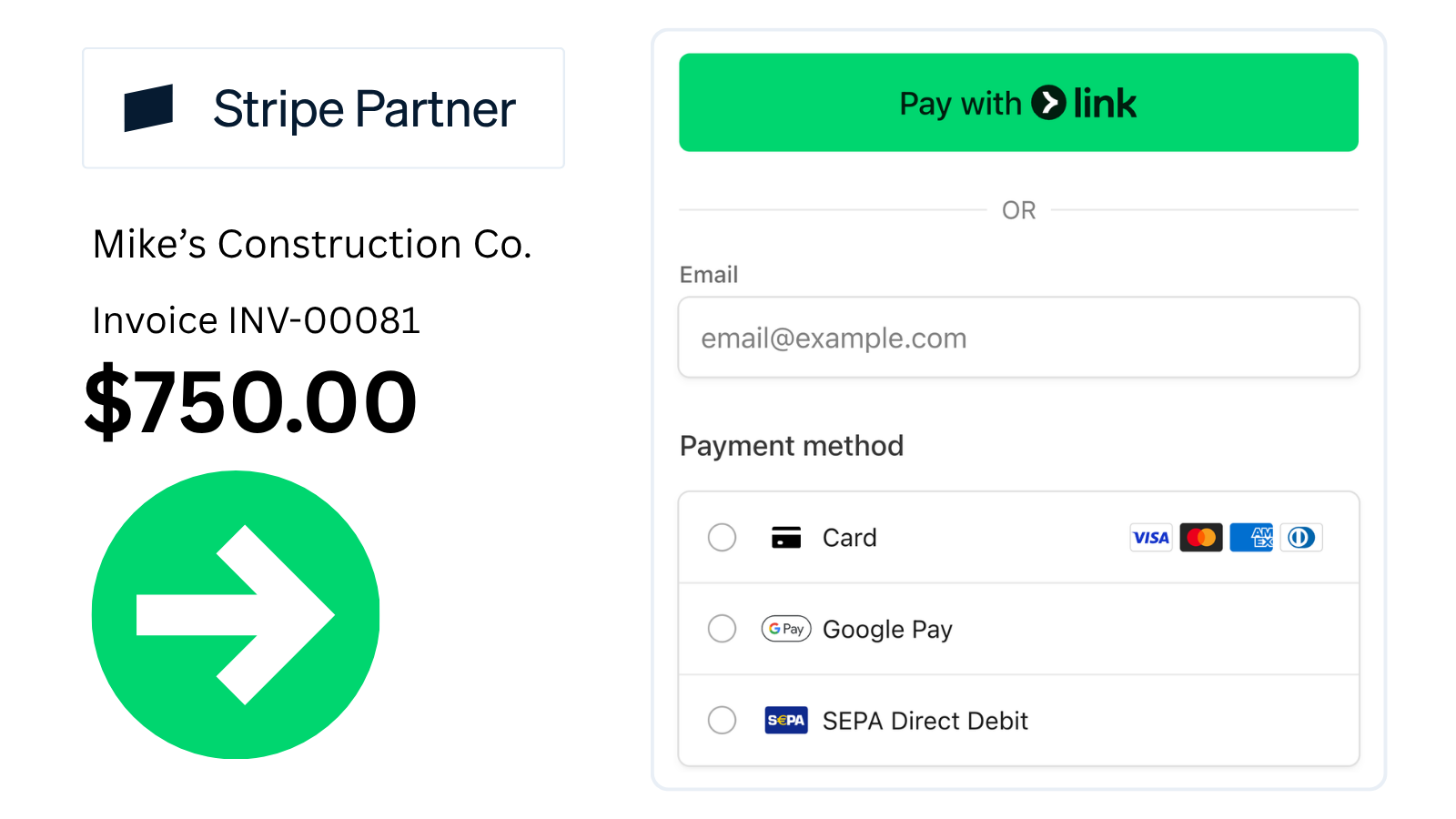
Stripe-powered checkout supports credit cards, debit, Apple Pay, Google Pay, and bank transfers (ACH + more).
.png)
Pick a template, add your logo, set your accent color. Match your brand without a designer.
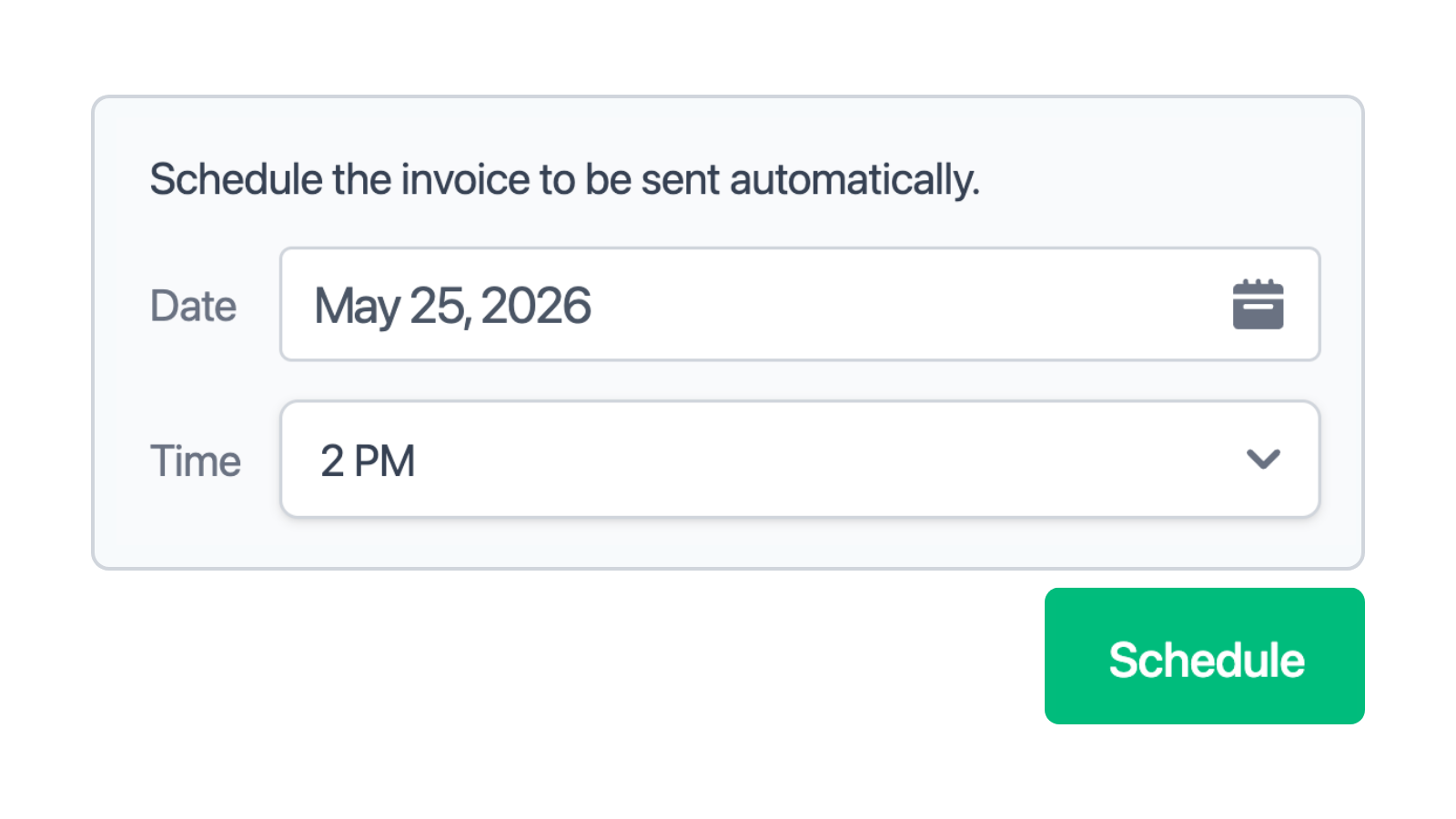
Pick the date and time, and the invoice sends itself. Useful for end-of-month billing and clients in other time zones.
.png)
Get notified when invoices are delivered, viewed, and paid. No more wondering if it landed.

Send reminders on the schedule you choose. Late payments stop being something you have to chase.
.png)
Upload a receipt or take a photo. Invoicer extracts the vendor, amount, and date so you don't have to type any of it.
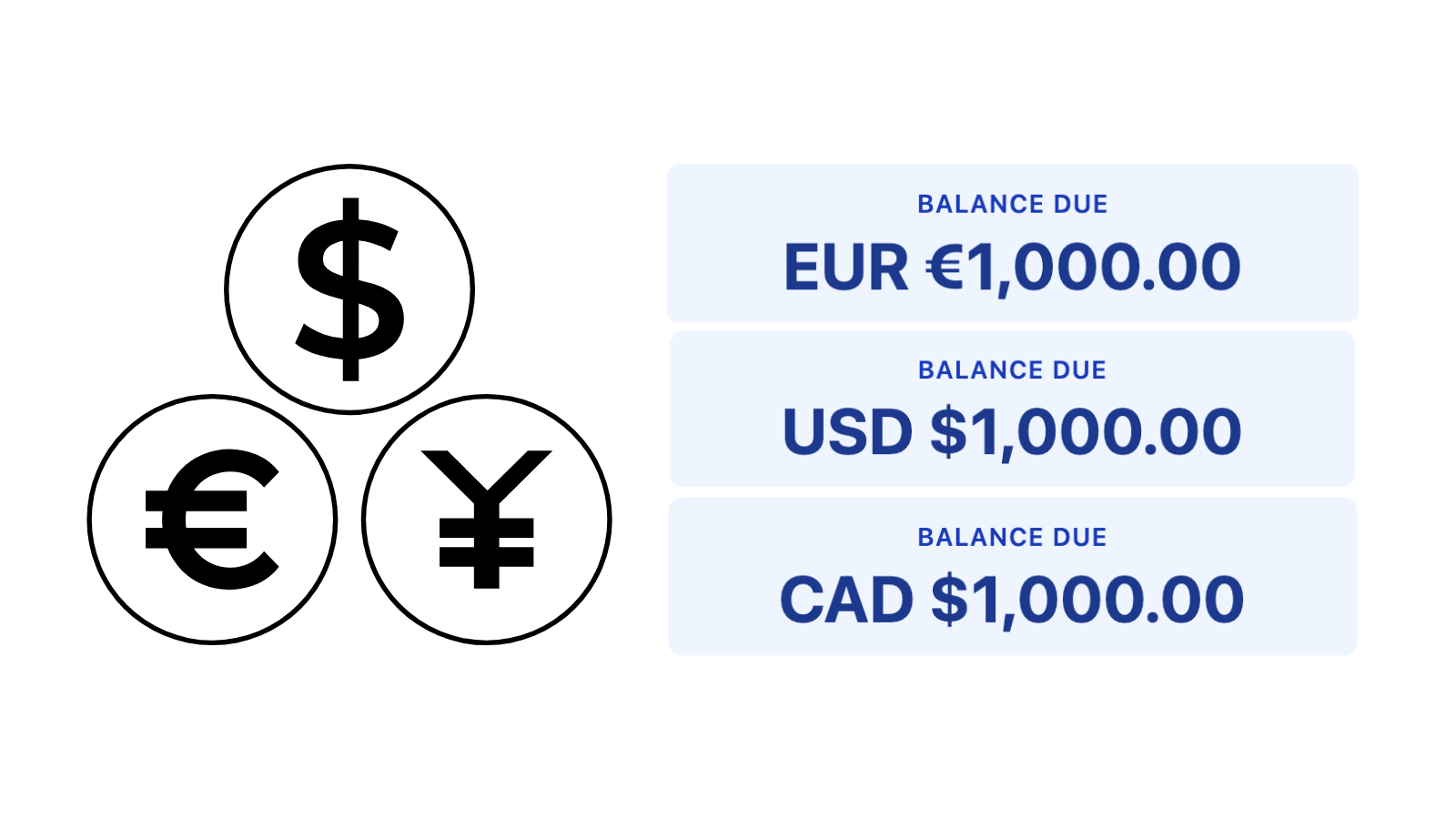
An American client gets invoiced in USD, a European client in EUR, a Canadian in CAD. They pay in the currency they expect.
Deposits. Charge a deposit upfront before starting work. Percent (%) or dollar ($) based. Multiple deposits.
Discounts. Apply percentage or fixed-amount discounts to any invoice. Multiple discounts.
Attachments. Attach photos, PDFs, or any file to your invoices.
Type or talk. Invoicer's AI builds estimates and invoices, prices jobs, and answers questions.
A professional photography estimate should include the client details, type of shoot, session time, editing, retouching, travel, equipment, licensing, taxes, discounts, and the total estimated cost. With Invoicer.ai, you can keep everything in one estimate and turn approved work into an invoice when the project is ready to bill.
Create photography estimates that are easy for clients to review. Separate session time, editing, retouching, travel, equipment, licensing, and total cost, so they can see what’s included before approving the shoot or project.
A portrait photography estimate can include the session length, location, number of people, editing, retouching, and the number of final images the client will receive.
If the photoshoot takes place outside the studio, you may also need to include travel or location fees. For larger portrait sessions, such as family or group photography, the estimate can also account for additional shooting time, extra edited images, prints, albums, or other optional services.
Wedding photography estimates usually include several services because the photographer may be working for most of the day. The estimate can cover the number of hours of photography, engagement sessions, second photographers, travel, editing, online galleries, albums, prints, and additional coverage.
It's also useful to show the deposit, payment schedule, overtime rate, and any travel or accommodation costs separately so the couple can see exactly what is included in the package.
The project scope explains what photography services are included in the estimate and what falls outside of the agreed work. For a photography job, this can include the type of photoshoot, number of hours, location, number of final images, editing and retouching, travel, equipment, image delivery, licensing or usage rights, and any additional services.
It's also good to mention anything that is not included, such as extra shooting time, additional edited images, prints, advanced retouching, or travel beyond the agreed area.
Some photography jobs require a deposit before the service, especially for weddings, events, commercial projects, or sessions that involve studio rental, travel, assistants, or other upfront costs. Larger projects may also use partial payments at different stages, such as when the booking is confirmed, after the shoot, or before the final images are delivered.
You can include the deposit amount, due date, payment schedule, and remaining balance directly in the estimate so the client knows what is due and when.
A photography estimate and a quote can look similar, but they are usually used a little differently. An estimate gives the client an expected price based on the details currently available, so the final cost can change if the shoot takes longer, the scope changes, or extra services are added.
A quote is generally used when you can give the client a more definite price for a specific photography package or agreed scope of work.
For example, you might provide a quote for a two-hour portrait session with 20 edited images, while an estimate may be more suitable for a commercial shoot where the final hours, retouching, travel, or licensing needs are not yet fully known.
Before sending a photography estimate, make sure it includes the details your client needs to understand what’s included, what it will cost, and what happens next. A good estimate should cover the shoot details, services, additional costs, payment terms, and total estimated price without making the client hunt through the document like it’s an archaeological site.
Your photography estimate checklist can include:
A photography estimate template is a good choice when you only need to put together the occasional estimate and want a simple file you can edit, download, and send. However, if you create photography estimates often, an Estimate Maker is the faster and more practical choice.
Instead of starting with the same template for every photoshoot, you can create estimates online, save client information, reuse common photography services, and keep past estimates in one place. The AI Assistant can also help generate line items and fill in project details without as much repetitive editing.
With a photography estimate generator, you can include photoshoot time, editing, retouching, travel, equipment, studio fees, assistants, prints, licensing, taxes, discounts, deposits, and payment terms while totals update automatically. This can be especially useful when you handle multiple clients or different types of photography projects.
A photography estimate works well when some parts of the project are still flexible, like the final shoot length, travel, editing needs, image count, or licensing. However, once the details are fully agreed on, another document may make more sense. If the client has already received the photos and needs to pay, send an invoice.
If you are offering a set package with a fixed price, a quote can be a better way to present the cost upfront. For weddings, commercial photoshoots, events, and other larger projects, you may also want a contract alongside the estimate. This can cover things like cancellation terms, rescheduling, image usage, delivery dates, deposits, and what happens if the scope of the project changes.
Invoicer is great for photography businesses because it is an easy-to-use, super fast, and affordable AI-powered invoicing and estimate solution with unlimited clients, invoices, and estimates.
Invoicer saves you time thanks to the intuitive editor, fast interface, easy filtering, search and sorting, estimate automation, and gets you paid faster through online payments and payment reminders.

