"With Invoicer, it's so fast and easy I never have to worry about how I'd like it to feel. Rather, it does the job I need it to do and I love it!"


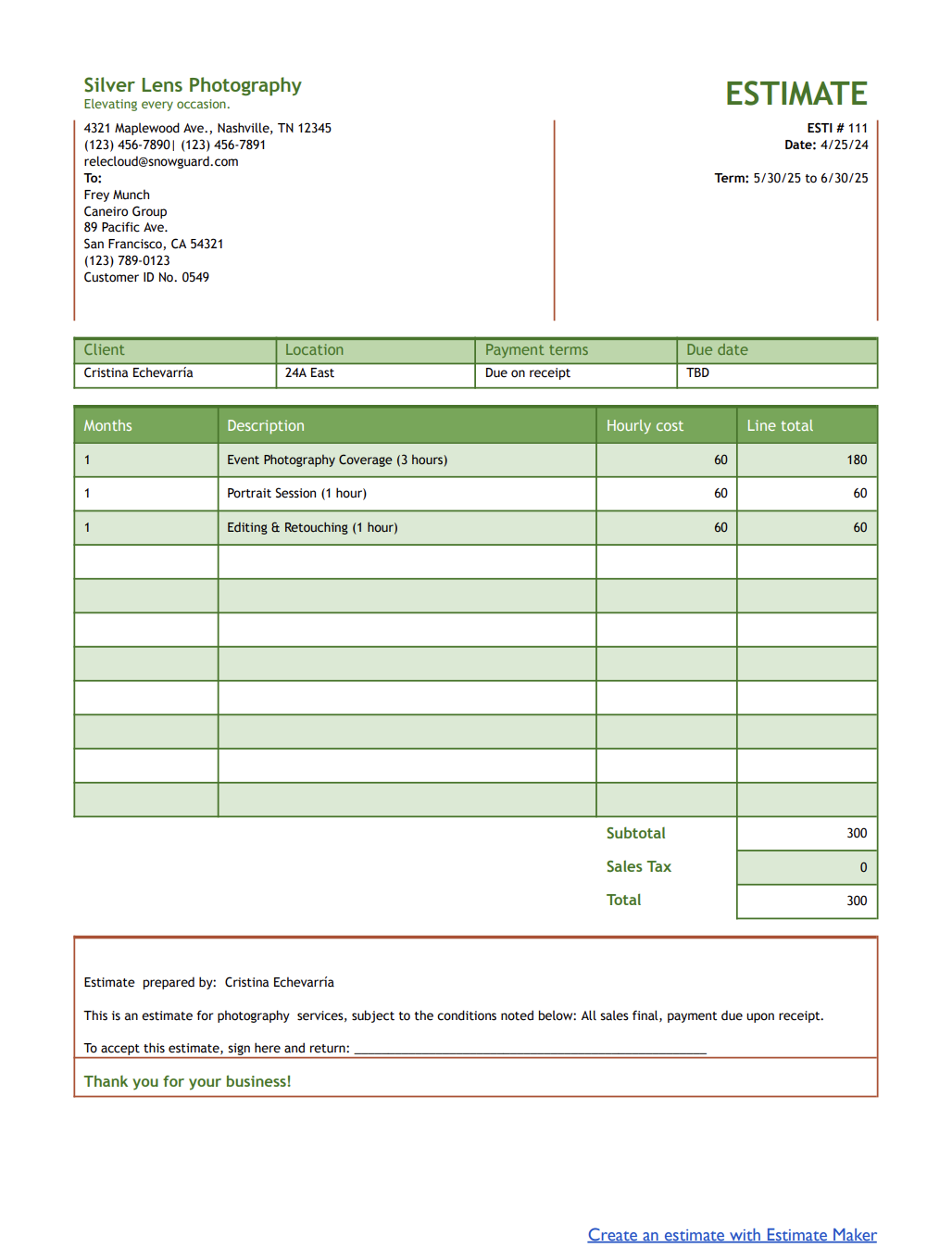
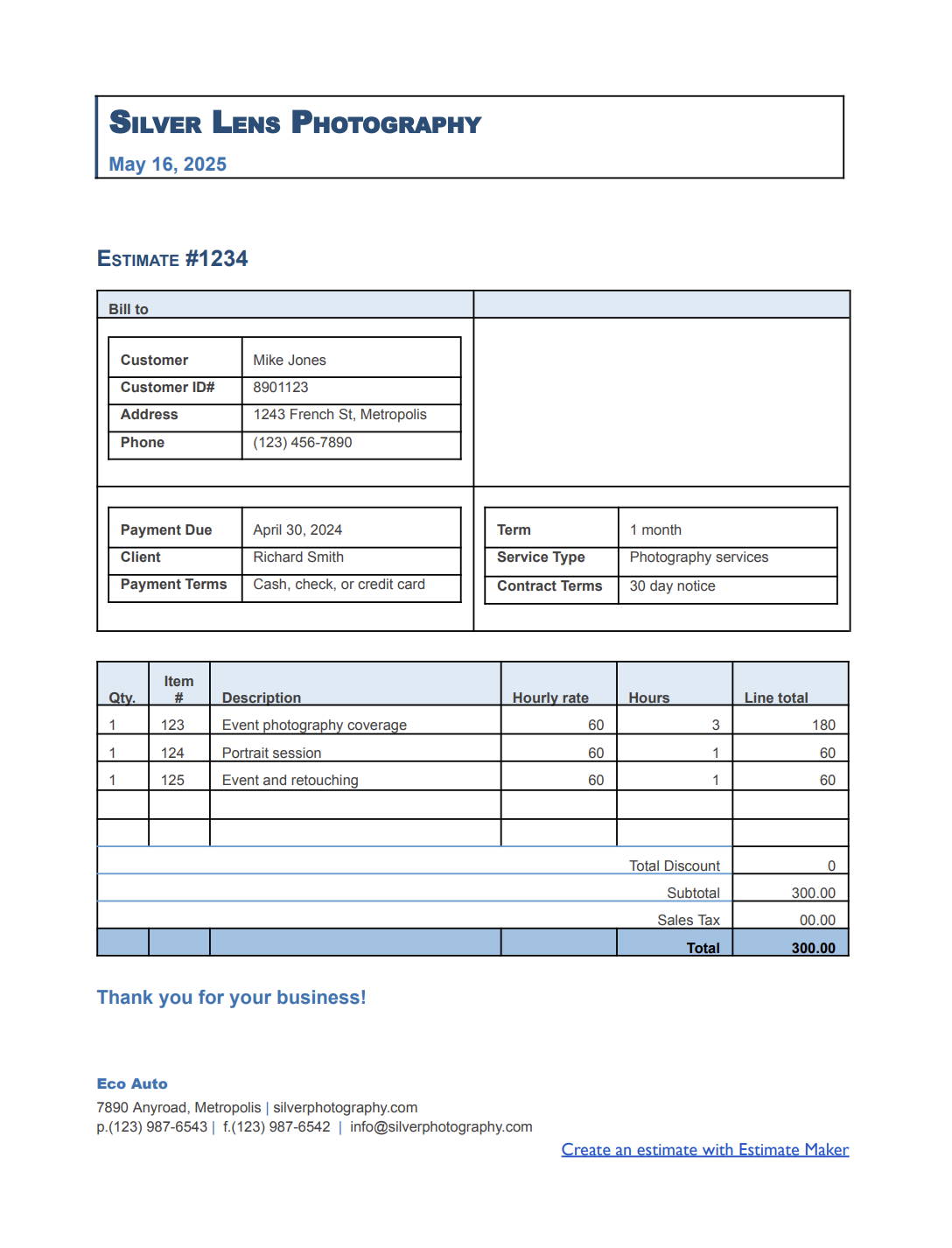
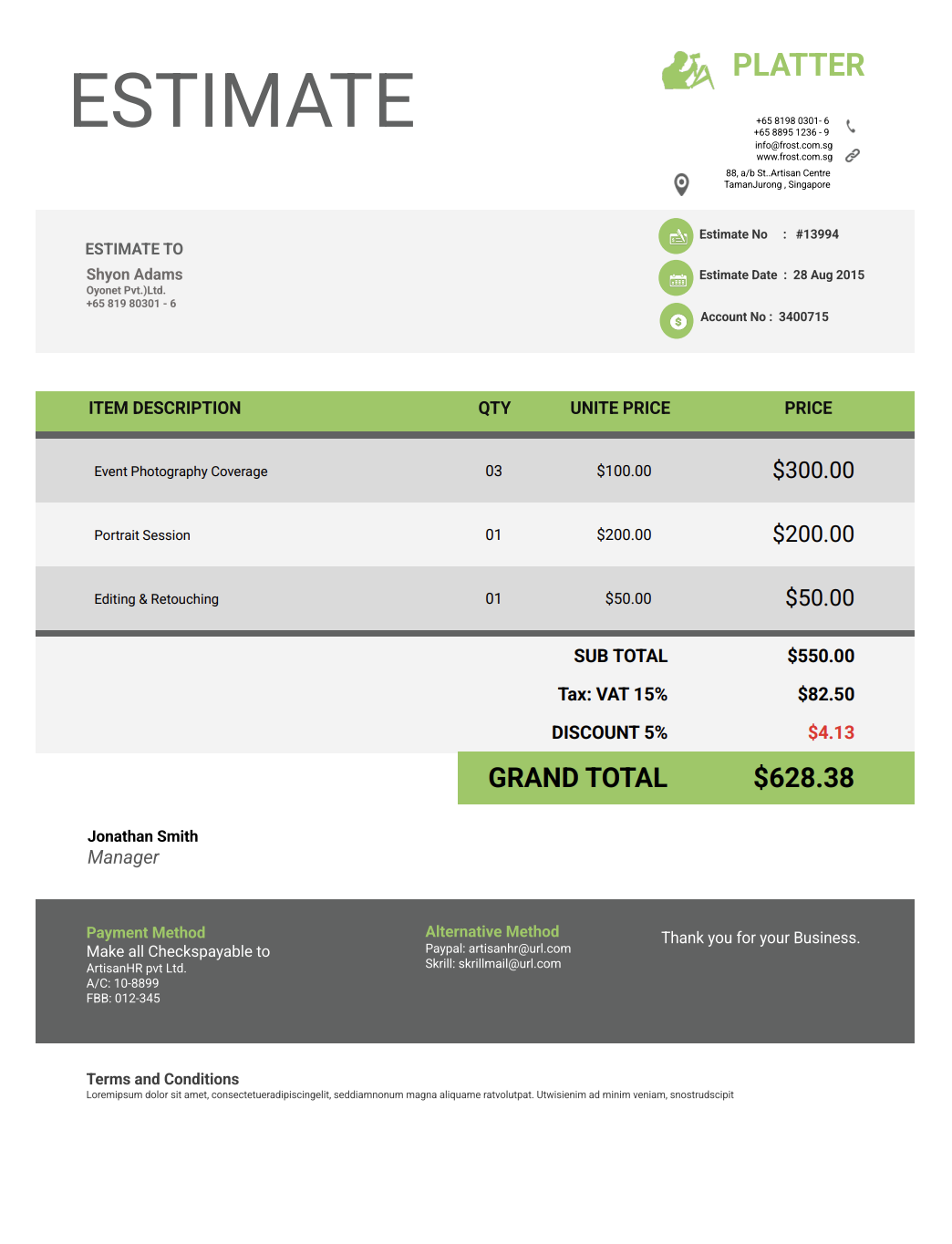
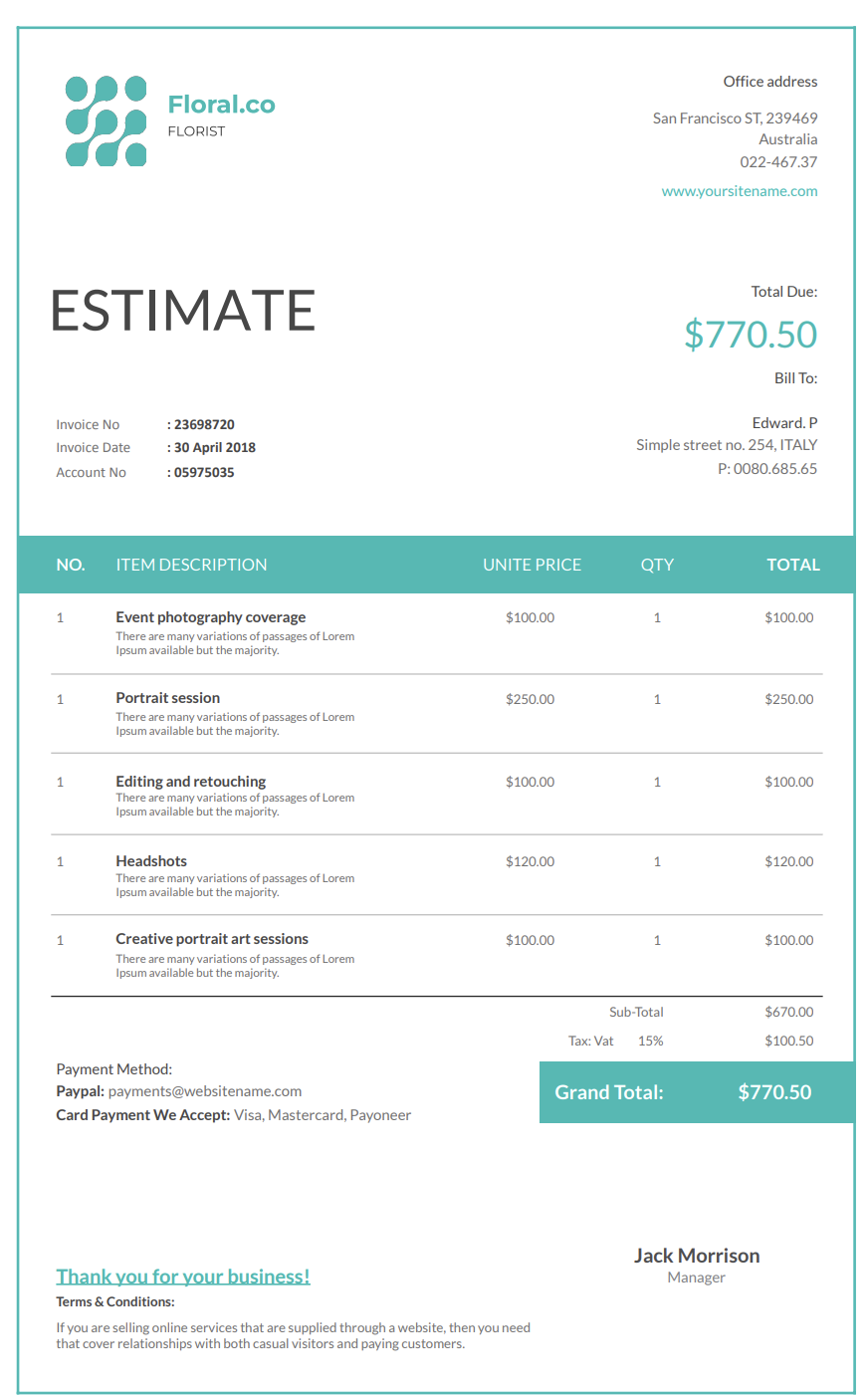
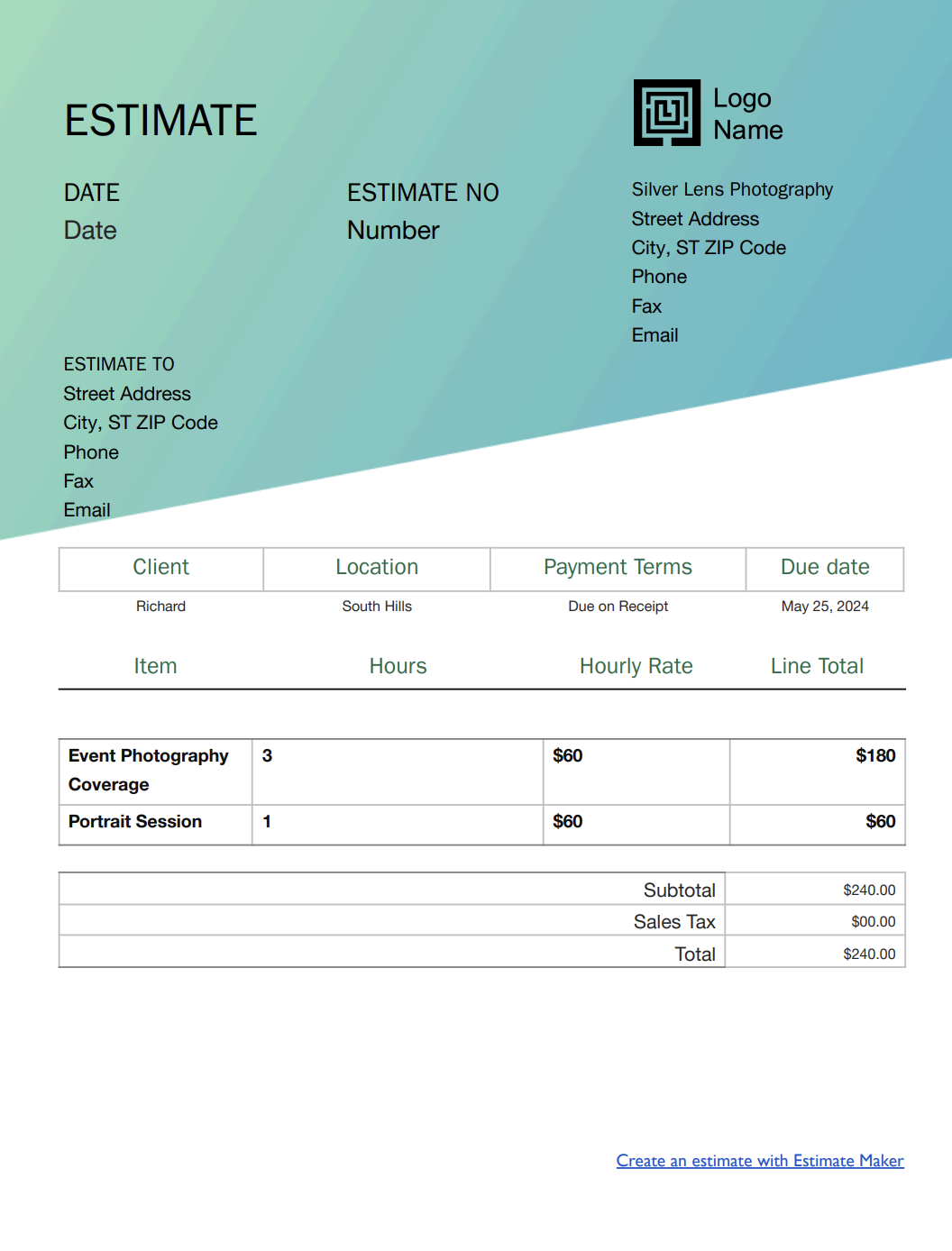
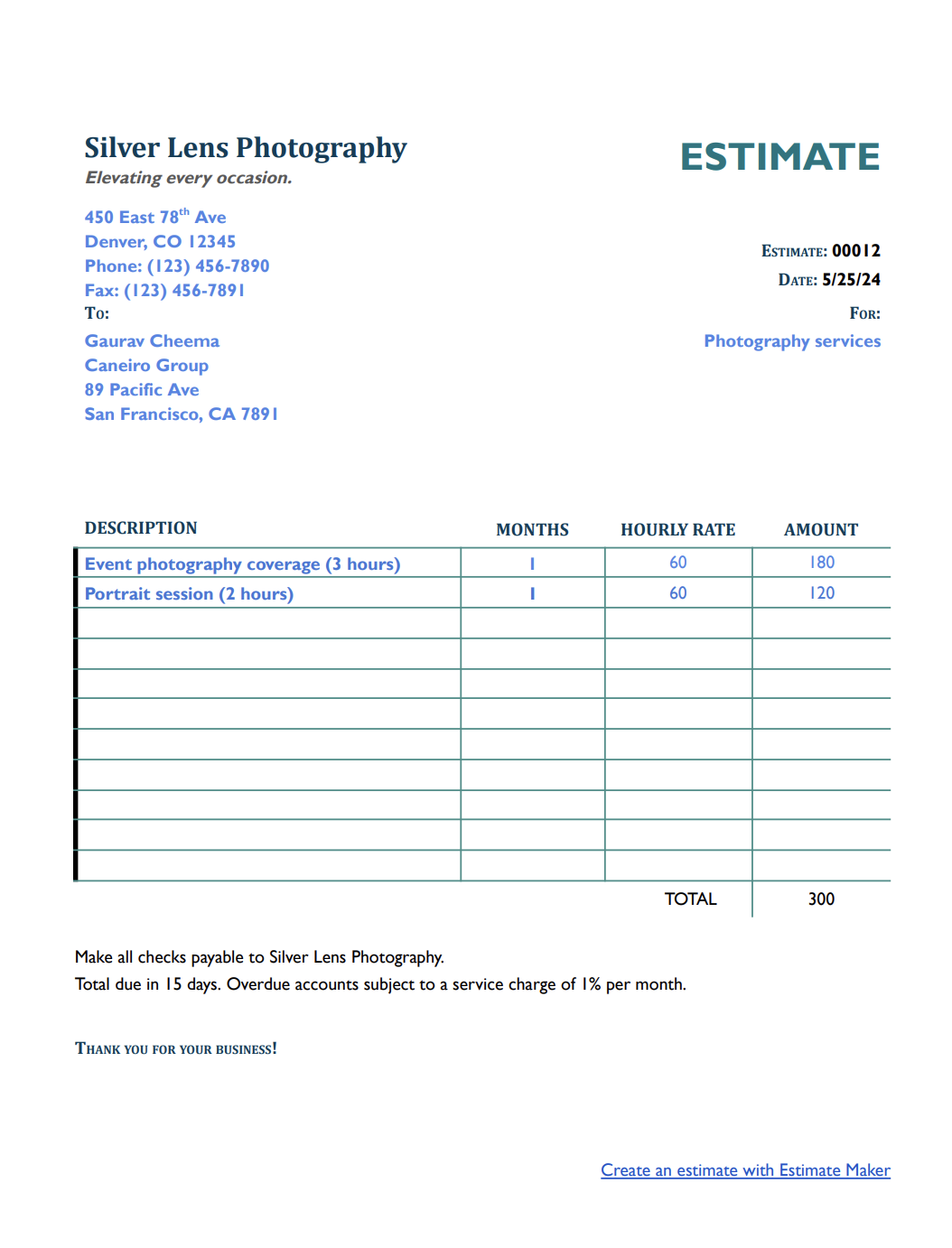
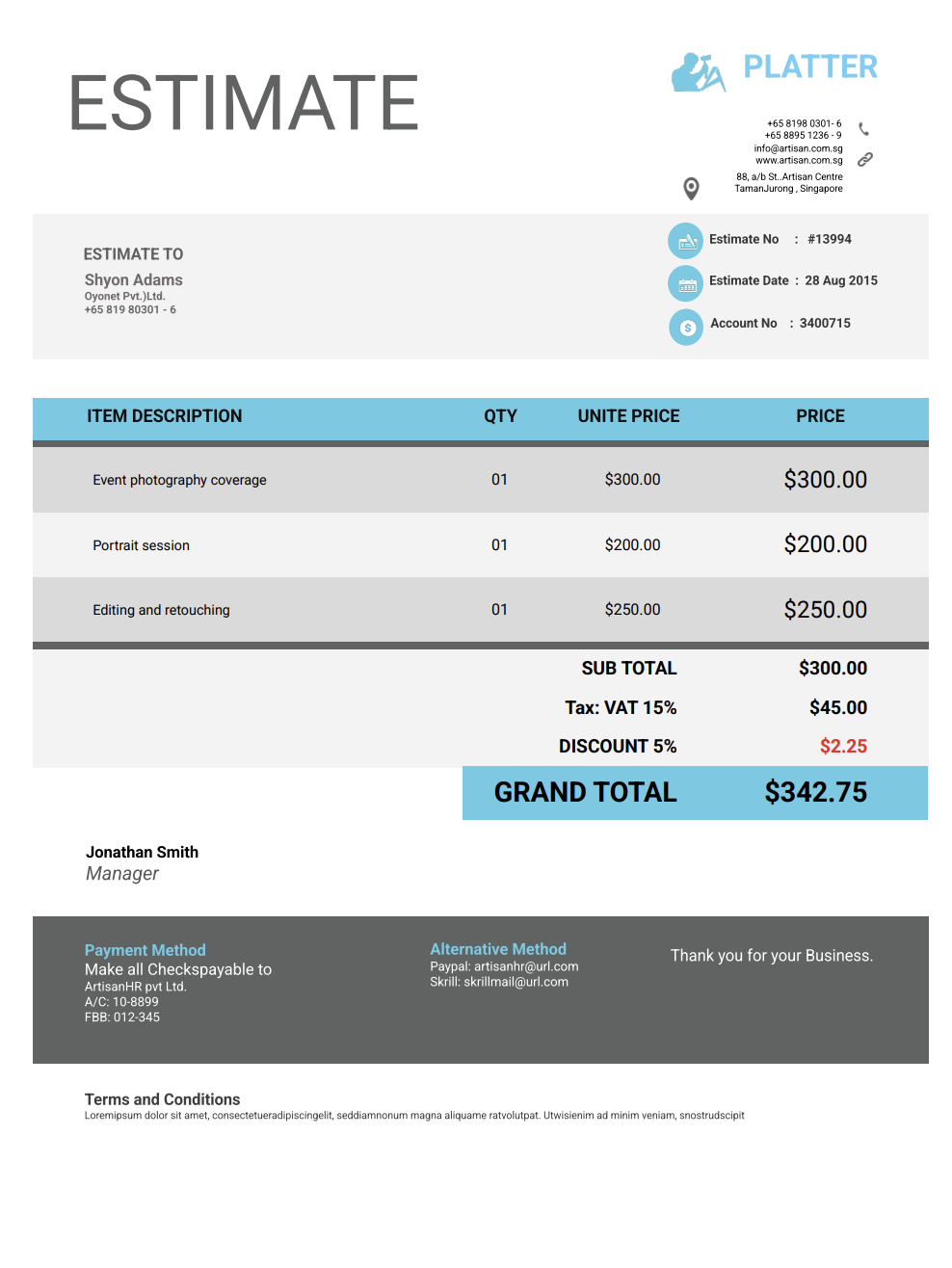
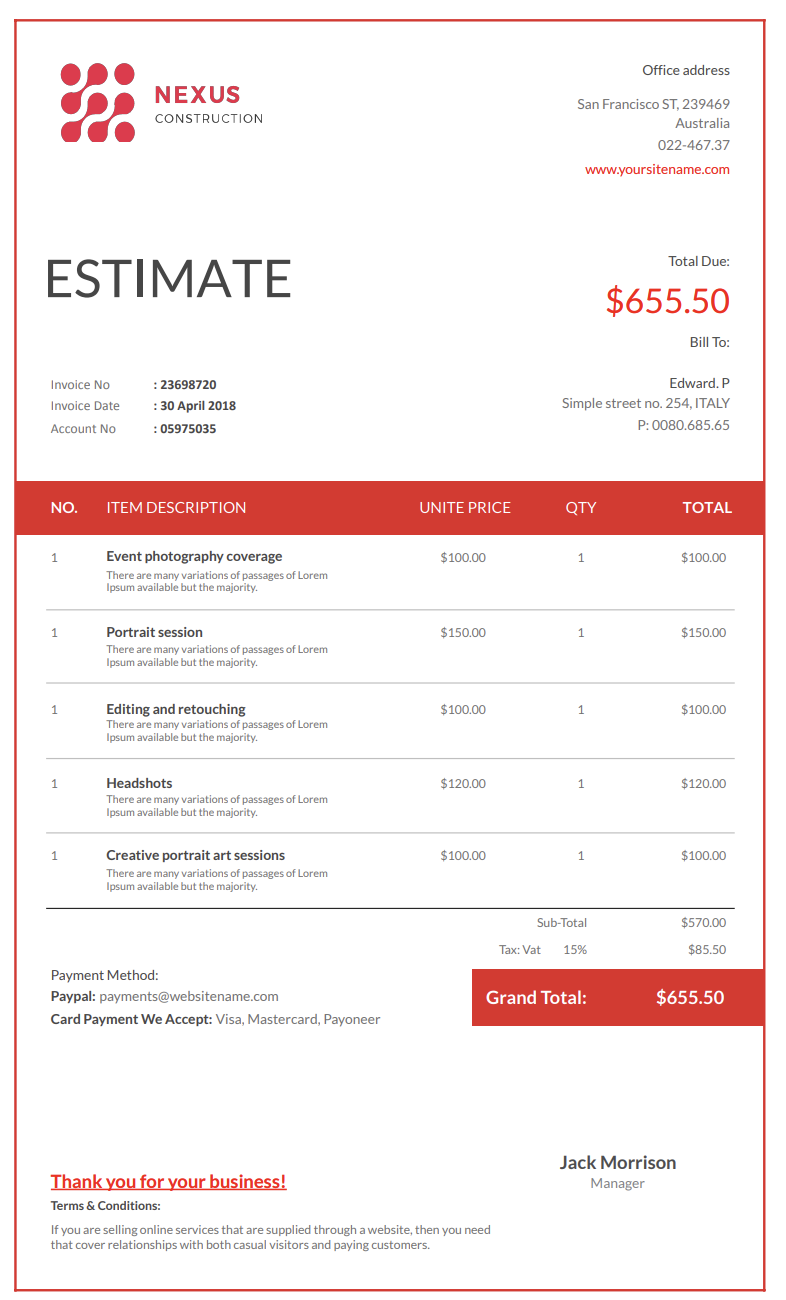
Or, send estimates to your clients with our free photography estimate templates.
Download for Microsoft Word, Excel, Google Docs, Sheets, PDF, and OpenOffice formats:


.png)
Choose from a variety of designs.
Or, use Invoicer to easily create an estimate.

Easy and intuitive estimate generator. Create invoices from estimates in one click.

Clear and simple process for your clients to approve. Automatically create invoices from approved estimates.

Easily customize with your brand and colors.
Want to understand how to price photography services the right way? Learn what goes into a reliable photography estimate, how to customize it for different types of shoots, and why using a standardized template makes quoting faster, clearer, and more professional for both you and your clients from the very beginning.
Creating a photography estimate isn’t as simple as listing your hourly rate or naming a package. Whether you’re quoting for weddings, portraits, brand campaigns, real estate shoots, commercial advertising, or product photography, clients want clarity.
A strong estimate outlines the full scope of the project: the type of shoot, the creative direction, number of hours on set, number of edited images, retouching level, equipment needed, licensing terms, travel costs, and delivery timelines.
It also sets clear expectations about what is included and what falls outside the agreed scope, reducing miscommunication and preventing disputes later.
That’s where a photography estimate template becomes an essential tool. It provides photographers, studios, and agencies with a consistent structure for presenting costs in a way that clients can easily read and understand. It also strengthens your brand’s reputation by showing that your workflow is organized, transparent, and professional.
In this guide, you’ll learn what a photography estimate template is, why it’s so important, the types of estimates commonly used in photography, what details to include, common mistakes to avoid, and the best moments to send an estimate to increase your booking rate.
Once the client approves the quote (or after delivery), send the bill using our photography invoice templates to itemize services and get paid faster.
A photography estimate template is a document that photographers use to outline expected costs, deliverables, and project details before a shoot begins.
It captures all elements required for clear communication: the shoot type, creative brief, schedule, equipment requirements, assistant or stylist fees, editing and retouching expectations, licensing terms, usage rights, travel or location costs, and delivery deadlines.
A strong estimate template also highlights assumptions, such as the fact that additional editing may require extra fees, that usage rights apply only to the described purpose, or that overtime will be billed separately if the shoot runs longer than expected.
By standardizing your quoting process, you avoid forgetting important details, maintain consistent communication across all clients, and save administrative time. A template also protects your business by documenting the expectations.
For clients, it provides clarity and reassurance. For photographers, it reduces misunderstandings, protects your creative work through clear licensing, and sets a professional tone from the start.
Pricing transparency is one of the most important factors in a client’s decision-making process. Photography isn’t a simple one-step purchase.
Most projects include planning, setup, on-site shooting, post-production, and licensing. If the estimate looks vague or incomplete, clients often feel unsure and may hesitate to book.
An estimate helps photographers stand out in a competitive market by demonstrating professionalism and clarity. Clients often compare multiple quotes, and the one that provides the clearest breakdown usually wins their trust.
Internally, a good estimate also helps you plan your workflow more efficiently. You know how many hours to allocate, what equipment you need, whether you require assistants, and how much editing time to schedule afterward.
Photographers use different estimate types depending on the project’s complexity, client needs, and stage of planning.Here are the most common estimates for photography projects:
These estimates are provided early in the conversation, often when the client has not yet finalized details like location, number of subjects, or usage needs. They provide general price ranges and help clients understand whether your services fit their budget. They are intentionally flexible and approximate.
Once the project details are confirmed, a detailed estimate outlines every aspect of the shoot: schedule, location, deliverables, editing requirements, retouching complexity, licensing usage, production costs, assistants, props, and any additional fees.
This type of estimate is common for commercial, branding, and advertising work.
Packages are ideal for weddings, family portraits, newborn shoots, engagement sessions, and small business lifestyle shoots. These estimates outline bundled services, such as hours of coverage, number of edited images, albums, prints, second shooters, and delivery timelines.
Packages make pricing easier for clients and help photographers present structured options.
Many brands need recurring photography for social media, e-commerce, or marketing campaigns. Retainer estimates outline monthly or quarterly deliverables, the number of shoots included, editing and retouching expectations, licensing terms, and payment schedules. These estimates help establish long-term partnerships.
Commercial clients often need extensive licensing rights. These estimates break down fees based on where and how images will be used, such as web ads, billboards, print campaigns, packaging, national or international distribution, and duration of usage rights. Licensing-based estimates protect the value of your creative work and ensure fair compensation.
For events like corporate galas, conferences, or private parties, the estimate focuses on hours of coverage, number of photographers needed, turnaround timelines, editing expectations, and travel or equipment fees.
A photography estimate needs to be both thorough and easy for clients to understand. The following elements should appear in every well-prepared template.
Include your business name, logo, website, contact information, and relevant certifications or insurance details.
Add the client’s full name, company name if applicable, contact details, and notes from your consultation or inquiry.
Each estimate should have a unique reference number and an issue date to help with organization and follow-up.
This section describes the type of shoot, the purpose of the photos, creative direction, number of subjects, location, and any special considerations.
Specify the number of hours included and whether setup and breakdown time are billed separately. Include the expected shoot date or timeframe. Clients appreciate knowing how long they will need to allocate for the session.
This is one of the most important parts of the estimate. It should list:
• number of edited images
• level of retouching
• delivery format (JPEG, TIFF, RAW availability)
• gallery or download method
• expected delivery timeline
• number of revisions included
Usage rights determine how the client may legally use the images. This section should be very clear:
• personal use vs commercial use
• online vs print usage
• geographic limitations
• duration of license
• exclusivity options
• additional licensing fees if usage expands later
If you need special equipment, lighting, props, studio rental, or assistants, list these costs separately. Clients appreciate transparency, and this prevents them from assuming that equipment is included in your base rate.
Include mileage, parking, permits, accommodation, location rentals, or scouting fees if applicable. Travel is one of the most overlooked costs, so listing it clearly protects your time and expenses.
Add-ons allow clients to customize their experience and increase your revenue. Examples:
• additional edited images
• printed albums
• rush delivery
• drone photography
• behind-the-scenes video
• second photographer
• makeup artist referral
Optional add-ons can also help clients compare pricing tiers easily.
State your financial requirements clearly:
• deposit amounts
• when the final balance is due
• accepted payment methods
• late fees
• overtime rates
• reshoot fees
Clear payment terms prevent miscommunication and protect your cash flow.
Photography costs change depending on the season, demand, and equipment expenses. A validity window (usually 15–30 days) ensures you’re not locked into outdated pricing.
Include essential legal and procedural information:
• cancellation and rescheduling policies
• weather backup plans
• copyright ownership
• limits on raw file access
• process for revision requests
• expectations for client cooperation (timeliness, wardrobe readiness, location access)
Adding a space for signatures or written approval ensures both parties agree to the estimate before work begins. It prevents disputes about pricing or scope.
Estimate templates are a practical and efficient tool for any business because they save time, reduce errors, and can be fully customized to match specific needs.
The easiest way to create a professional photography estimate is by using a pre-made estimate template. Ready-to-use templates help professionals include all necessary project details without the hassle of building an estimate from scratch every time.
All they need to do is download an estimate template for photography services, fill it out, customize it with company branding, and send it to the client.
A solid photography estimate template saves time, improves clarity, and makes your proposals look more professional. Here's how to create one that works.
1. Find a Reliable Estimate Template – Look for an estimate template that suits your needs. You can find free photography estimate templates in Word, Google Docs, Excel, or Google Sheets.
2. Select the Right Template – Choose a photography estimate template that allows you to include all necessary details, such as labor, materials, and project timelines.
3. Fill in Basic Information – Enter essential details like your company name, logo, contact information, client details, etc.
4. Customize and Brand Your Estimate – Adjust the template's color scheme, fonts, and layout to match your company's branding. Add your website URL, business license number, and any other relevant details.
5. Fine-Tune the Cost Breakdown – Make sure the itemized list includes all necessary categories, such as labor costs, material costs, subcontractor fees, and permit costs.
6. Review the Format and Layout – Before sending the photography estimate to your client, double-check for accuracy by:
These platforms offer customizable photography estimate templates that professionals can quickly adjust to meet the needs of different projects.
With estimating software, all you need to do is enter business details, adjust the layout, and input the required cost breakdown.
Once the estimate template is set up, it can be saved for future use, allowing photography estimates to be generated in just a few clicks.
Using estimate templates or our Estimate Maker speeds up the process and assures that every photography estimate is professional, accurate, and easy to understand.
You can also create estimates for photography services using our AI Estimate Generator. Just write a simple prompt and it builds the estimate for you, giving you an even faster way to get accurate, professional results.
You can stick with templates if that's your style, let AI take care of the setup when you want something quick, or always create estimates manually for a hands on approach.
Every shoot is unique, so every estimate should feel tailored to the project.
Corporate clients may prefer formal language, while families and small businesses appreciate a warm, accessible tone. Adjusting the presentation makes your estimate more relatable.
Providing a choice between basic, standard, and premium packages gives clients flexibility. It also makes it easier for them to upgrade when they see the added value.
If weather may cause delays, if shot lists are required in advance, or if additional editing will incur extra fees, note it upfront. Transparency helps maintain trust.
Mood boards, sample photos, or references help clients visualize the style and scope of what they’re paying for, especially for branding and commercial projects.
Mention your experience, style, equipment quality, or specialized skills. Helping clients understand what sets you apart improves the perceived value of your estimate.
The timing of your estimate can influence whether the client books with you.
Once you understand the client’s goals and project details, send a personalized estimate promptly. Quick follow-up shows professionalism and secures interest while momentum is strong.
Speed matters, especially for weddings and commercial projects where clients compare multiple photographers. Sending an estimate within two days increases your booking success significantly.
Always send your estimate before locking in a shoot date. This ensures both sides agree on pricing and scope before scheduling.
When offering holiday minis, brand refresh packages, or event specials, include a clear estimate so clients understand the value and know exactly what they’re purchasing.
If the client changes the brief, location, usage needs, or deliverables, update and resend the estimate immediately to maintain alignment and avoid confusion.
Even experienced photographers can run into issues if estimates leave out important information. Here are the most common pitfalls.
Image licensing determines how clients can use the photos. If this section is unclear or missing, it can lead to unauthorized use or financial loss. Always document usage rights clearly.
Statements like “edited photos included” are too general. Clients need exact quantities and specifications. Vague language creates misunderstandings that can damage your reputation.
Travel, assistants, props, equipment rentals, and location fees should always appear as separate line items. Surprises after the shoot can lead to disputes.
Photography pricing changes over time. Without a validity period, you may be pressured to honor outdated rates months later.
Guaranteed outcomes create unrealistic expectations. Weather, locations, and client cooperation all influence results. Manage expectations clearly and professionally in your estimate.
While estimate templates are very helpful, Estimate Maker offers a more efficient and accurate way to create estimates for photography services. Instead of manually entering details into a template, it automates the process, saving time and reducing errors.
1. Faster and More Efficient – Pre-built templates require manual entry, while an estimate maker allows you to generate estimates with just a few clicks.
2. Automated Calculations – Reduces human error by automatically applying tax rates, labor costs, and material pricing.
3. Customization Without Hassle – Easily adjust branding, payment terms, and cost breakdowns without needing to modify a static template.
4. Better Organization – Stores past estimates in one place, making it easy to track and update them when needed.
5. Quicker Conversions to Invoices – Convert approved estimates into invoices instantly, reducing the time between estimation and payment.
6. Professional Appearance – Generates polished, client-ready estimates that look more professional than a basic photography estimate template.
7. Time-Saving Templates – Save custom estimate formats and reuse them without starting from scratch each time.
Clear and accurate photography estimates help set expectations, prevent disputes, and keep projects on track.
For a faster, more automated approach, Estimate Maker offers built-in calculations, easy adjustments, professional estimate templates, and much more! Plus, you can try it free for 14 days.