✓ Invoice INV-10071 created for Mike Smith — security camera installation, NVR setup, and system configuration.
| Security camera system4 security cameras with mounting hardware and cabling | $1000.00 |
| Network video recorder (NVR)8-channel NVR with storage | $400.00 |
| Installation & system setupCamera mounting, wiring, configuration, and system testing | $600.00 |
Here's a real pricing breakdown to install a 4-camera security system in Seattle, WA. These are anchors. Swap in your actual labor rate and equipment costs.
Assumptions: 4 IP cameras, existing single-story structure, NVR with 2TB storage, standard surface mounting.
| Site survey & designWalkthrough, camera placement plan | $100–$250 |
| Cameras & recorder4 IP cameras, NVR, 2TB drive | $700–$1,600 |
| Labor (install, 1–2 days)Mounting, cable runs & termination | $800–$1,800 |
| Access control & add-ons (optional)Keypad, door contacts, monitoring setup | +$400–$1,200 |
Draft estimate for a 12-camera commercial surveillance system in Seattle, WA.
Assumptions: 12 IP cameras, 16-channel NVR, existing network closet, drop ceiling cable runs, no trenching.
| Equipment (cameras, NVR, storage)12 IP cameras, 16-ch NVR, 8TB | $3,600–$6,000 |
| Labor (cabling + install)Crew of 2, 3–4 days | $3,200–$5,600 |
| Network, config & handoverPoE switch, remote access, training | $800–$1,600 |
Invoicer suggests pricing from local market rates, then sharpens it as it learns what you've charged on past jobs.
Labor, cameras, wiring, access control and monitoring fees are broken out properly. No retyping the same descriptions every night.
Send by email with card and ACH payment built in, and let reminders handle the follow-ups for you.
Explore everything Invoicer offers to improve your security business.
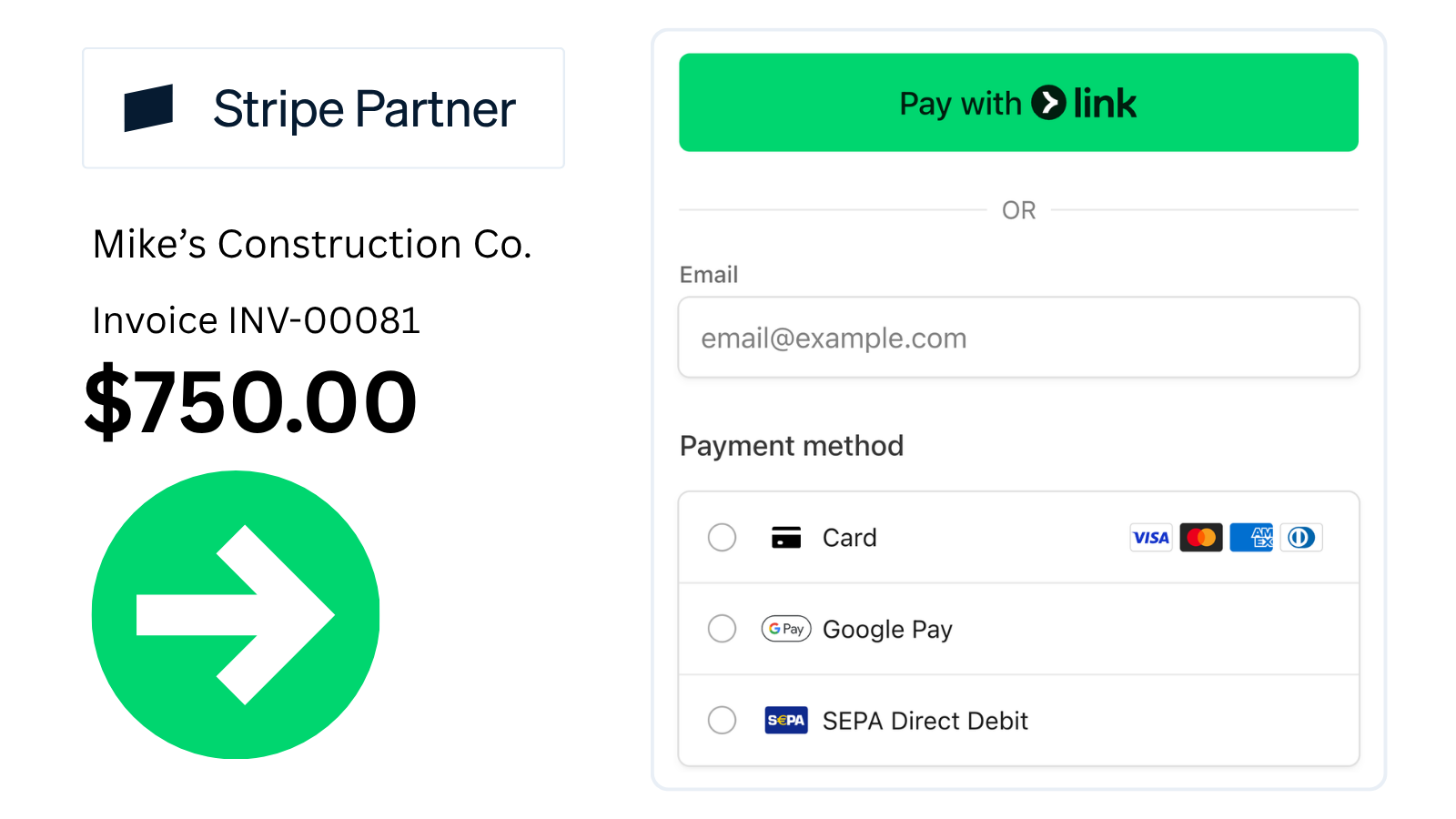
Stripe-powered checkout supports credit cards, debit, Apple Pay, Google Pay, and bank transfers (ACH + more).
.png)
Pick a template, add your logo, set your accent color. Match your brand without a designer.
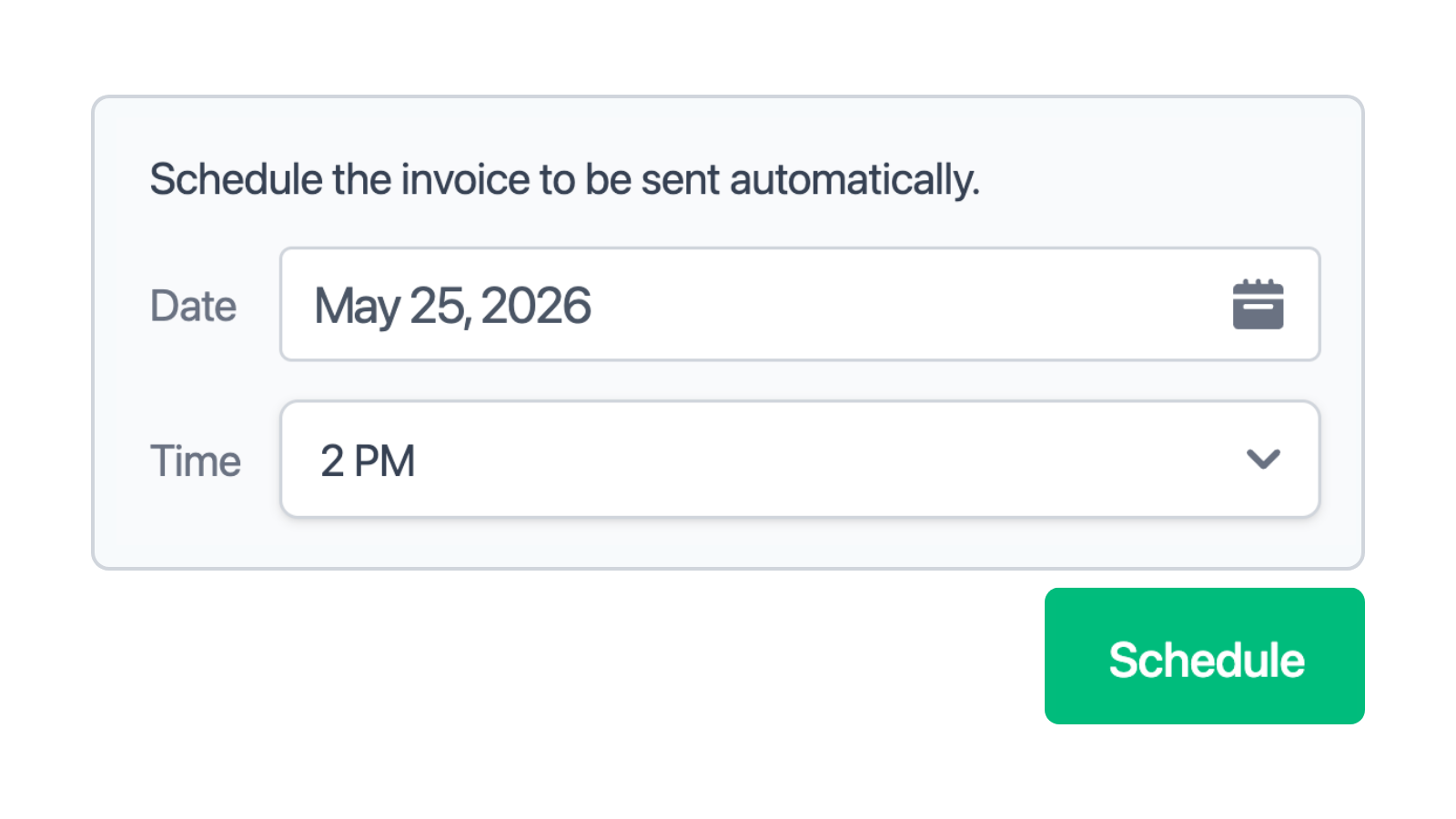
Pick the date and time, and the invoice sends itself. Useful for end-of-month billing and clients in other time zones.
.png)
Get notified when invoices are delivered, viewed, and paid. No more wondering if it landed.

Send reminders on the schedule you choose. Late payments stop being something you have to chase.
.png)
Upload a receipt or take a photo. Invoicer extracts the vendor, amount, and date so you don't have to type any of it.
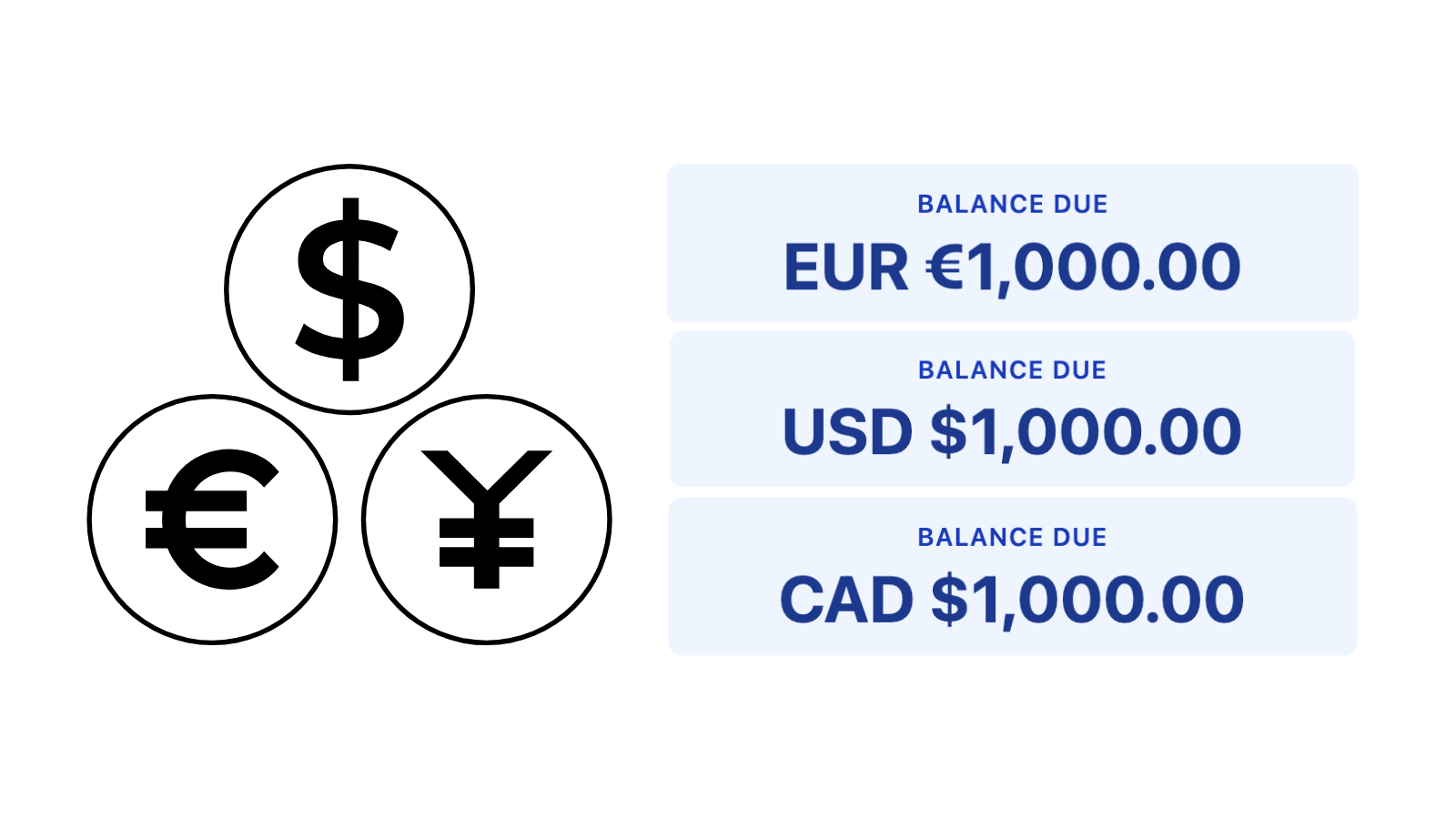
An American client gets invoiced in USD, a European client in EUR, a Canadian in CAD. They pay in the currency they expect.
Deposits. Charge a deposit upfront before starting work. Percent (%) or dollar ($) based. Multiple deposits.
Discounts. Apply percentage or fixed-amount discounts to any invoice. Multiple discounts.
Attachments. Attach photos, PDFs, or any file to your invoices.
Type or talk. Invoicer's AI creates invoices, prices jobs, and answers questions.
Security jobs often involve a mix of equipment, installation, and ongoing service charges. A single invoice might cover cameras, alarm systems, access control, wiring, labor, setup, monitoring, or other work completed on site.
An AI Security Service Invoice Generator helps you bring those charges together without rebuilding the invoice each time. Add the work completed, review the pricing, and send the finished invoice to your client or save it for your records. Below, you’ll find what to include and how to create security service invoices that fit the way you work.
With Invoicer.ai, you can add the details from the security job and build the invoice around the work you completed. That might include the client, job location, labor, cameras, alarm systems, access control, wiring, installation, monitoring, taxes, discounts, and payment terms.
It works well for anything from a small home camera setup to a larger commercial security project. Using the same invoice setup each time also makes it easier to stay organized when you are handling several jobs at once.
An AI Security Service Invoice Generator can make billing easier when a job includes several different charges. Instead of typing everything out after the installation, you can use the voice feature to add details like labor, cameras, sensors, access control, wiring, setup, monitoring fees, taxes, discounts, and payment terms.
It can also help you remember smaller costs that are easy to miss when you are moving between jobs or invoicing from your phone. Once the invoice looks right, you can send it right away or schedule it to go out later.
Manual invoicing can work when you only have a few security jobs to bill. But once you are handling multiple installations or service calls, there can be a lot to keep track of, from labor and equipment to wiring, setup, monitoring fees, taxes, and payment terms.
Re-entering those details after every job can quickly become a chore. An Invoice Generator can cut down on repetitive admin, keep your invoices consistent, and help you finish billing sooner so you can move on to the next job.
Security service invoice templates are a practical option when you only need to send an invoice now and then. You can open a Word, Excel, Google Docs, or PDF template, fill in the job details, and send it to the client without setting up anything more complicated.
An AI Security Service Invoice Generator can save you from editing the same file over and over. You can add or dictate charges for labor, cameras, alarms, access control, wiring, installation, monitoring, taxes, discounts, and payment terms as you go. Templates are usually enough for occasional billing. For security companies handling several installations, service calls, or ongoing monitoring accounts, an AI invoice generator can make the process much easier to keep up with.
To create a professional security invoice, give the AI Security Invoice Generator the main details from the job. Start with the client name, service date, property location, and the type of work completed, such as camera installation, alarm setup, access control, monitoring, or a service call.
Then add the charges that apply, including labor, equipment, wiring, installation, setup, testing, monitoring fees, taxes, discounts, deposits, and payment terms. You can also add notes about what was installed, which areas were covered, or whether any follow-up work is needed.
Try to be specific about the work completed. Instead of writing only “security services,” list the actual equipment, labor, installation, and any additional charges so the invoice matches the job more closely.
When using an AI Security Invoice Generator, the prompt should cover the work completed, equipment used, labor, any extra charges, and the payment terms. You don't need to write a long description. A few specific details are usually enough to create a solid invoice draft.
For example:
“Create an invoice for a security camera installation. Include 4 cameras, mounting hardware, wiring, 6 hours of labor, system setup, tax, and payment due in 7 days.”
“Create an invoice for an alarm system installation. Include control panel, motion sensors, door sensors, installation, programming, testing, and payment due on receipt.”
“Create an invoice for an access control job. Include 2 card readers, electric locks, wiring, installation labor, software setup, and payment terms.”
“Create an invoice for a commercial security system. Include cameras, alarm devices, access control, wiring, installation, testing, monitoring setup, deposit paid, remaining balance, tax, and payment terms.”
An AI Security Invoice Generator can be used for everything from a quick service call to a full security system installation. A smaller job might only include labor, a replacement sensor, testing, and a service fee, while a larger project could involve cameras, alarms, access control, wiring, equipment, setup, monitoring, deposits, taxes, and the remaining balance.
You can also create invoices for residential security systems, commercial installations, camera upgrades, alarm repairs, access control work, intercom systems, monitoring services, and maintenance visits. Each invoice can be adjusted to match the equipment installed, the work completed, any extra charges, and the payment terms for that job.
Before sending your security invoice, check that it includes:
If the security job hasn’t been approved yet, it makes more sense to start with an estimate. That way, the client can review the expected cost before agreeing to the installation or service.
Use the Security Service Estimate Maker to price camera installations, alarm systems, access control, monitoring, wiring, equipment, labor, maintenance, and other security services.
AI can help you add the job details and build the estimate faster without putting everything together manually. Once the client approves it and the work is finished, you can turn the estimate into an invoice and send it for payment.
A security invoice is the right document once the work has been completed, partially completed, or is ready to be billed. If the client is still reviewing the job or has not approved the installation yet, an estimate is usually a better place to start.
For security work, an estimate can show the expected cost of cameras, alarm systems, access control, wiring, labor, setup, monitoring, and any other services before the job begins. If you're offering a fixed package at a set price, a quote may be more suitable.A receipt comes after payment has already been made and the client needs proof of payment.
If they have paid a deposit or part of the total, you can show that amount on the invoice and list the remaining balance still due.
Free calculators and generators to size jobs, price work, and get paid.
No signup required.
Invoicer is great for security service businesses because it is an easy-to-use, super fast, and affordable AI-powered invoicing and estimate solution with unlimited clients, invoices, and estimates.
Invoicer saves you time thanks to the intuitive editor, fast interface, easy filtering, search and sorting, estimate automation, and gets you paid faster through online payments and payment reminders.

