If you already use Invoicer.ai, there's now an additional bonus built in: you can earn credit by recommending it to other people who are looking for an invoice generator.
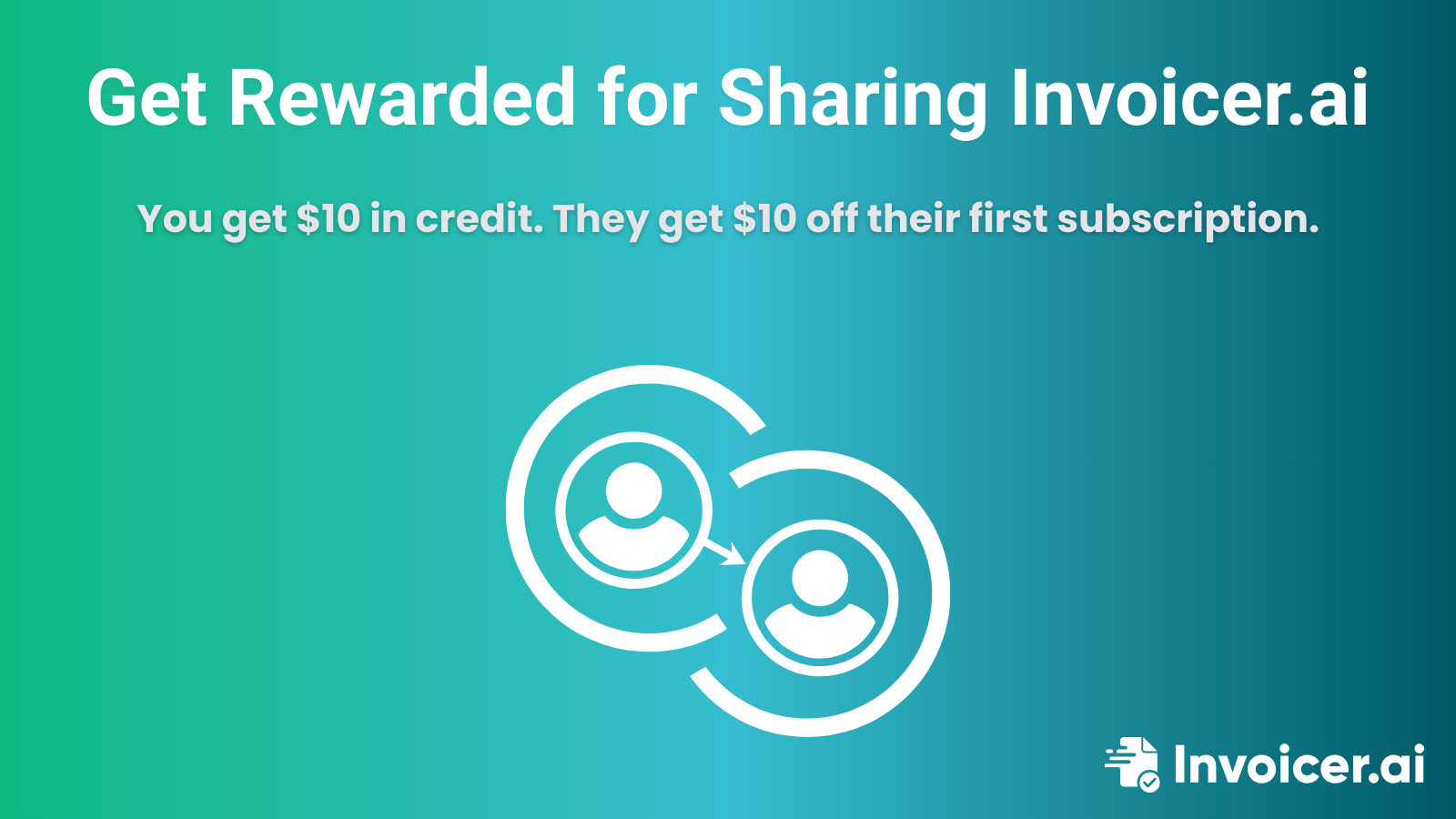
The Invoicer.ai Referral Program rewards you when someone joins through your link and subscribes to a paid plan, while also giving your referral a discount on their first paid subscription.
These days, referral programs are common, but the best ones are low-effort and simple. Invoicer.ai keeps it simple: easy to share, simple to track, and practical for anyone who bills clients.
Here's the core structure:
So, if you refer 10 new paying users, that's $100 in credits applied to your future billing cycles, and 10 people in your network start with a discount.
Getting started is easy:
Grab your referral link.
1. Go to Settings → Referrals inside your Invoicer.ai dashboard to find your personal referral link.
2. Share it anywhere you usually communicate with your network.
3. You can email it to a client who asked how you invoice, send it to a freelancer friend, or share it in a community where business owners discuss tools.
4. Earn credit when they upgrade
When someone signs up using your link and subscribes to a paid plan, both of you receive the reward automatically.
There are no tiers, no complicated steps, and no "wait forever" conditions. Once the referral's subscription is confirmed, the credit is applied to your account.
Keep in mind that if the person you referred later receives a refund on their subscription, the $10 referral credit will be revoked to keep the program fair for everyone.
The referral program is a nice incentive, but it's not the main reason why people keep using Invoicer.ai.
What really matters is the day-to-day payoff: invoicing stops being a chore, and your billing process starts feeling organized and under control.
A good referral program should be a win for both sides and shouldn't require ongoing effort to manage. This one checks the right boxes:
The highest-converting referrals usually come from moments where the recommendation is naturally relevant.
People are most receptive when they're already feeling the friction:
If you already use Invoicer.ai, take two minutes to set this up right now:
Your referral gets $10 off their first paid subscription. You earn $10 in account credit when they subscribe.
As referrals add up, even a handful can help cover part of your plan, while helping people you know invoice more professionally and get paid with fewer delays.
For full details, see our Help Center article.