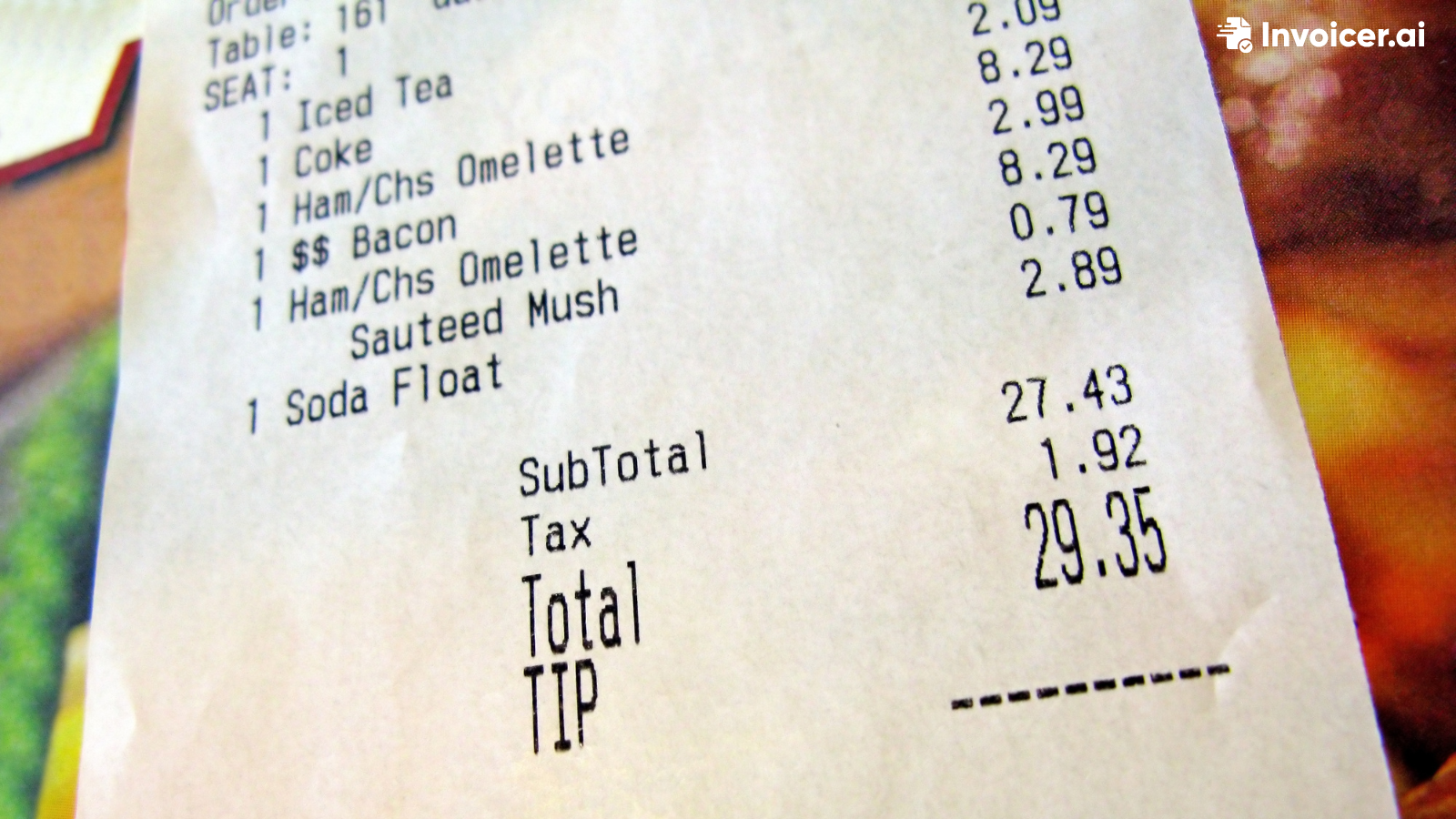
Receipts are essential in the restaurant business because they show customers what they ordered, the cost, taxes, tips, and the payment method.
No matter if you own a restaurant, food truck, catering business, or cafe, receipts should always be professional and easy to understand.
Below, we'll walk you through the process of creating a restaurant receipt and introduce you to Invoicer.ai's free tool you can use to create your first restaurant receipt today.
If you're new to the restaurant business, these terms might sound confusing, but they actually serve different purposes and should never be mixed up.
A restaurant bill/check is given to the customer before payment. It shows what they ordered and how much they owe the restaurant.
A restaurant receipt is given to the customer after they complete payment, confirming payment and providing a record of the transaction.
A restaurant invoice is a formal payment request, often used when payment isn't collected immediately. Restaurant invoices can be used for catering, private events, large group bookings, etc., when you can't collect payment right away.
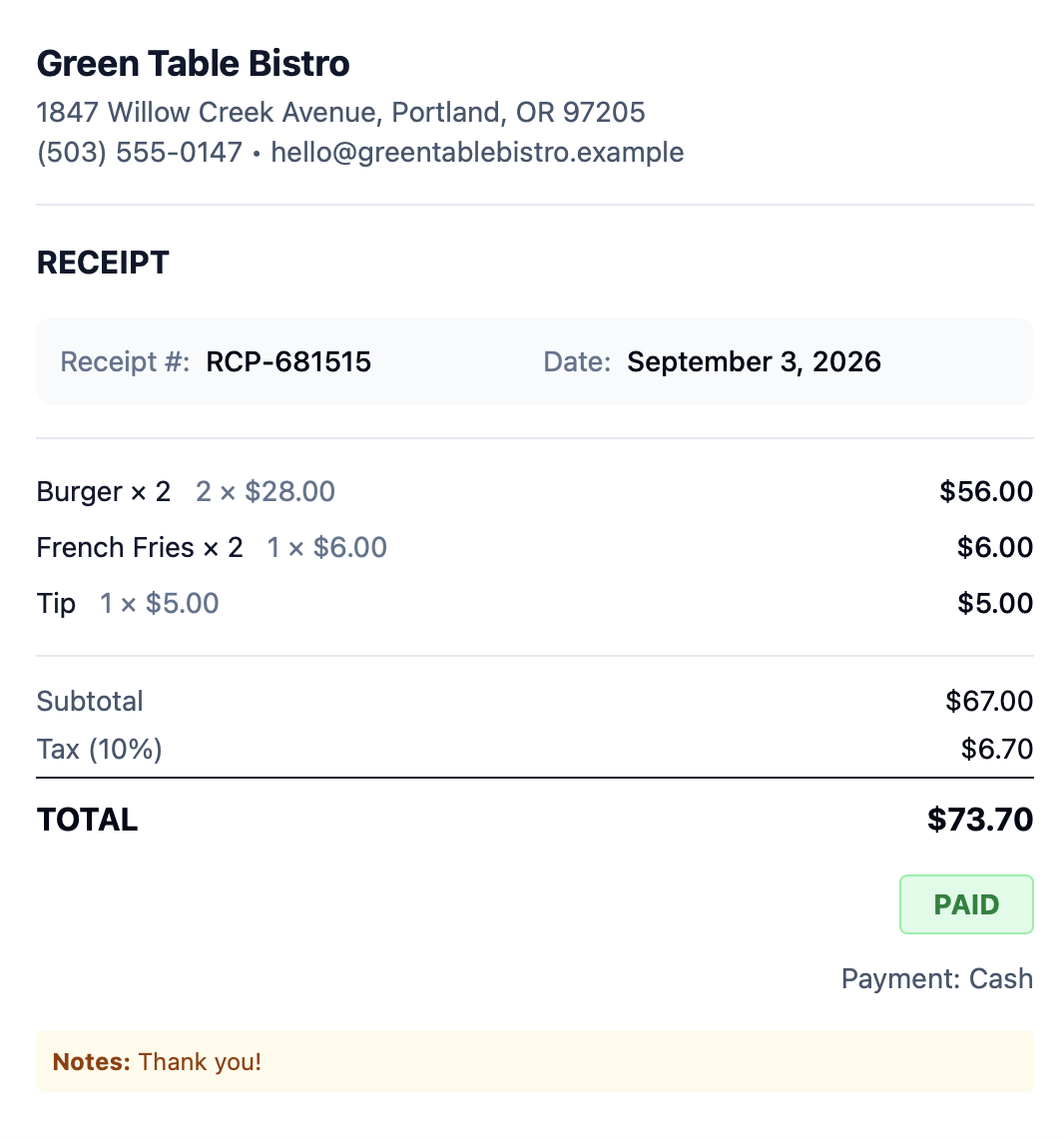
To make a restaurant receipt, include the following information:
Add your business name, address, phone number, website, etc.
Every receipt number should be unique and never repeated, as it helps with organization and bookkeeping. For example, you could use REC-2026-00125, where "REC" stands for receipt, "2026" represents the year, and "00125" is the unique receipt number.
Add the date and time when the transaction took place.
List every item the customer ordered, not just the total. The more specific you are, the better.
For every item the customer ordered, add the quantity and price.
Add the total before taxes, tips, discounts, etc.
If there are any discounts, coupons, etc., show them separately on the receipt.
Add any applicable sales taxes.
List the tip separately.
Add the total amount the customer paid.
Finally, include the payment method the customer chose. It can be cash, debit card, credit card, etc. Don't display sensitive card information.
Make sure all of the information is included and the totals make sense.
Here's what your restaurant receipt can look like:
Restaurant receipts are important to both business owners and their customers, as they give the customer tangible proof of what they ordered and paid for, while restaurant owners can keep track of transactions and maintain organized financial records.
If there's any dispute later about a payment or refund, the restaurant can use the receipt number and transaction details to find the purchase more easily and deal with it.
Keeping accurate receipt records can also make bookkeeping easier by providing a record of completed sales by the business.
Ready to create your first restaurant receipt? Use the free Receipt Generator to create one today in seconds. You don't need to build anything from scratch, and line items are provided for you. Just fill in your details, download, and send!