"With Invoicer, it's so fast and easy I never have to worry about how I'd like it to feel. Rather, it does the job I need it to do and I love it!"


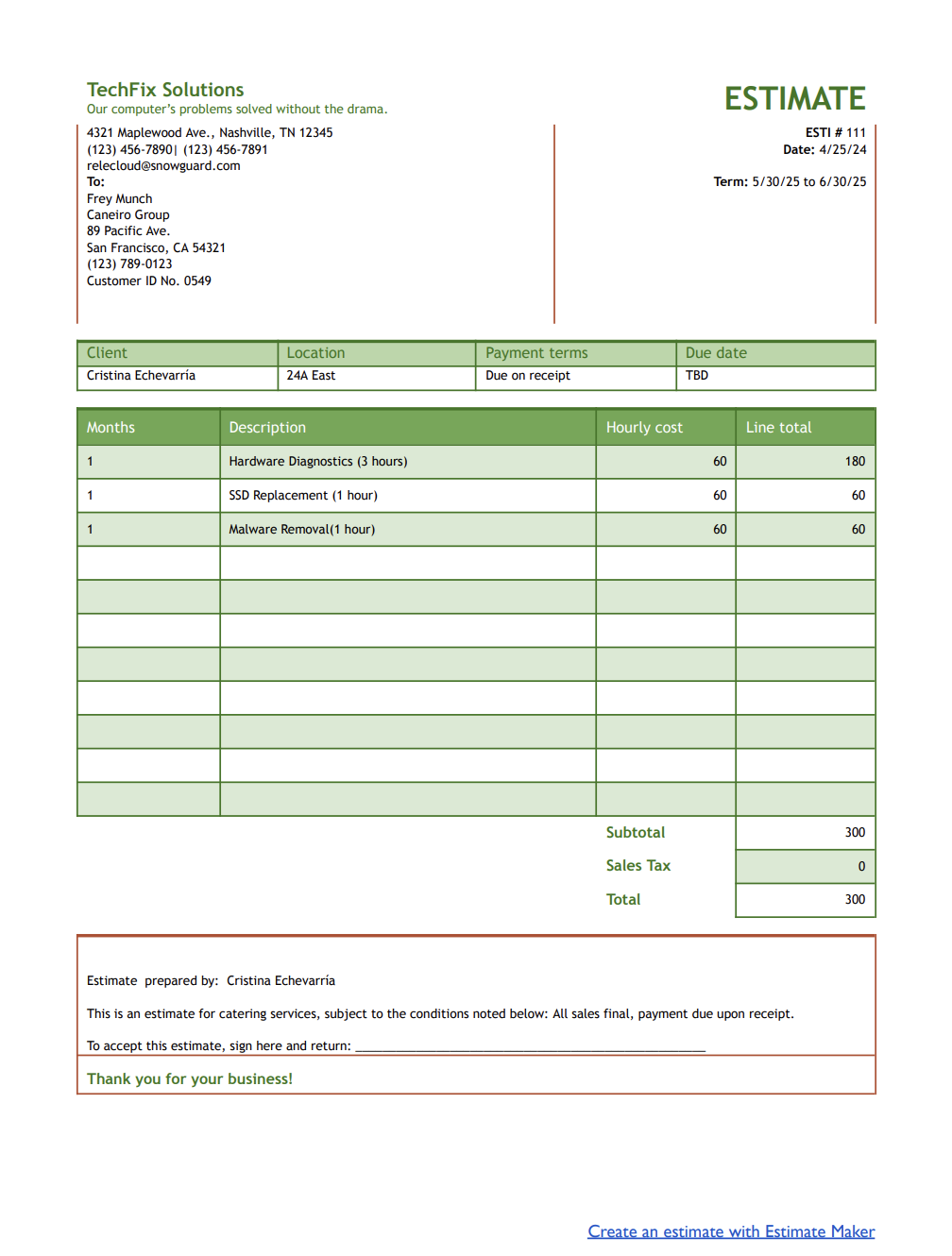
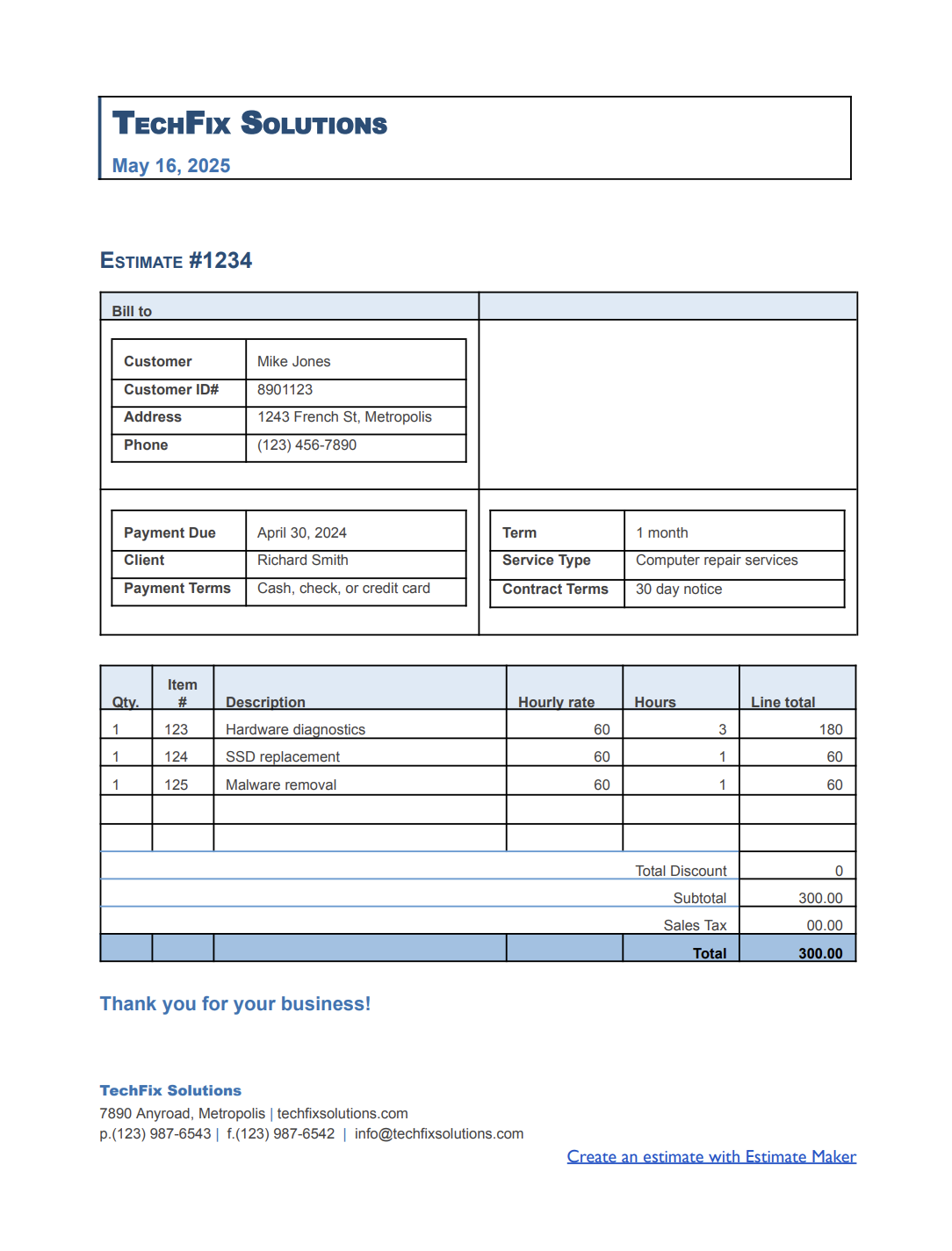
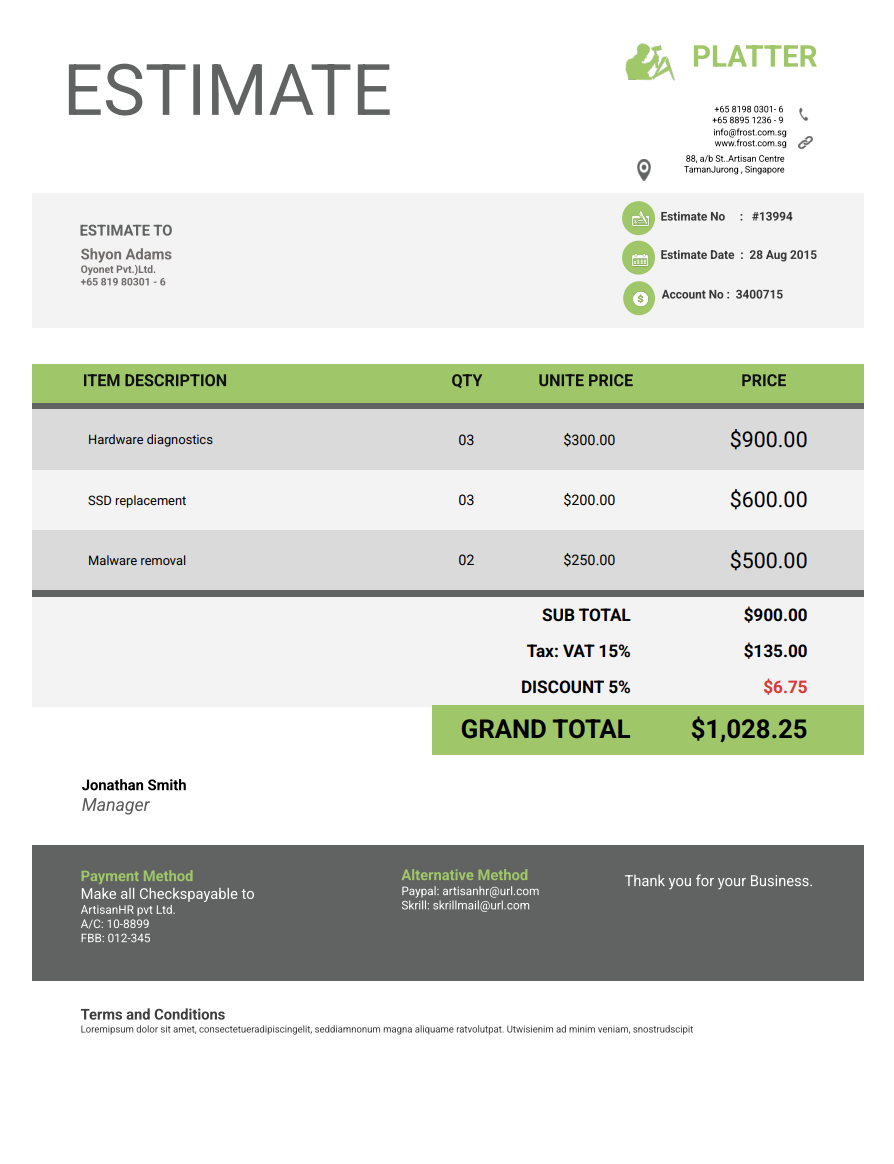
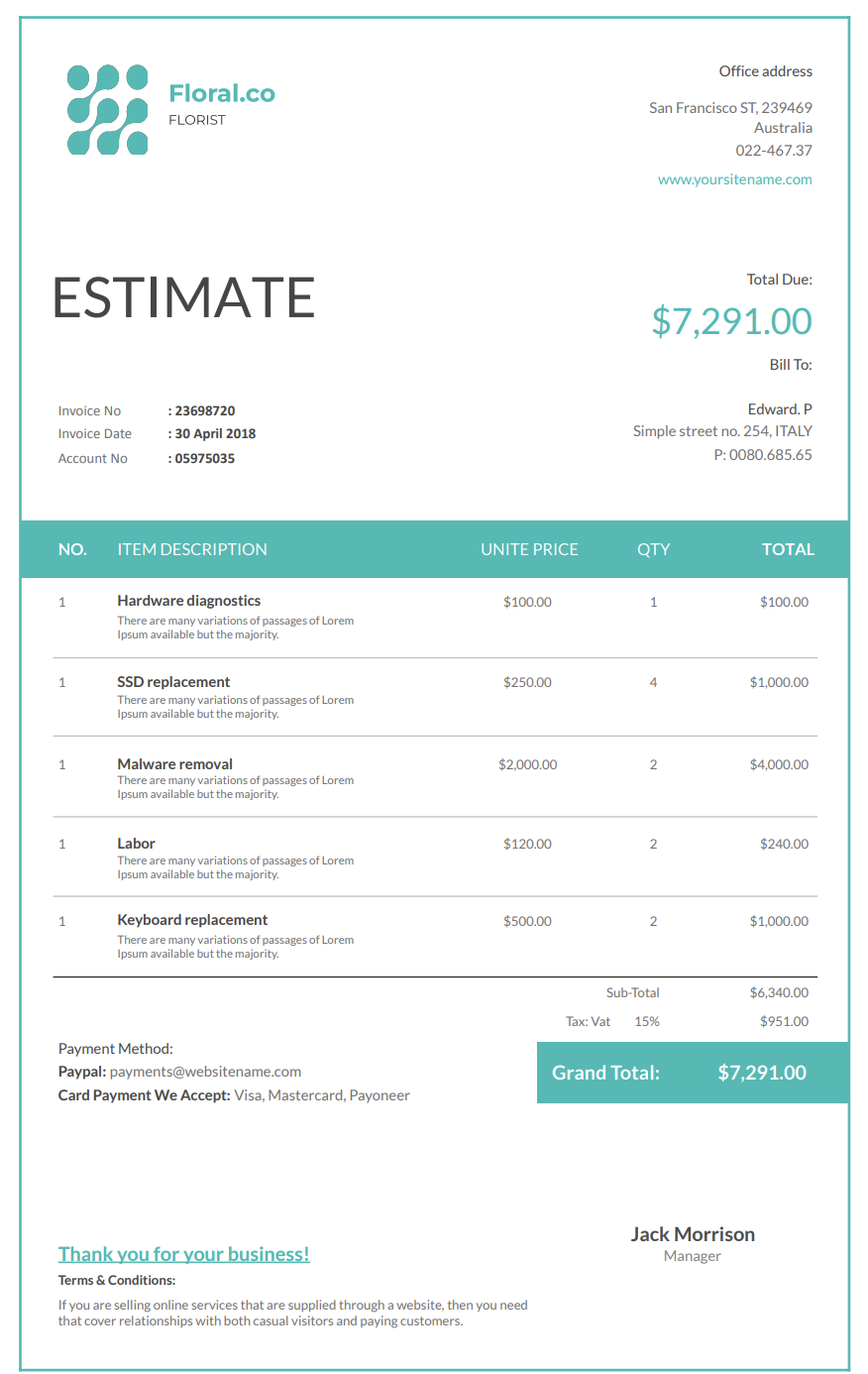
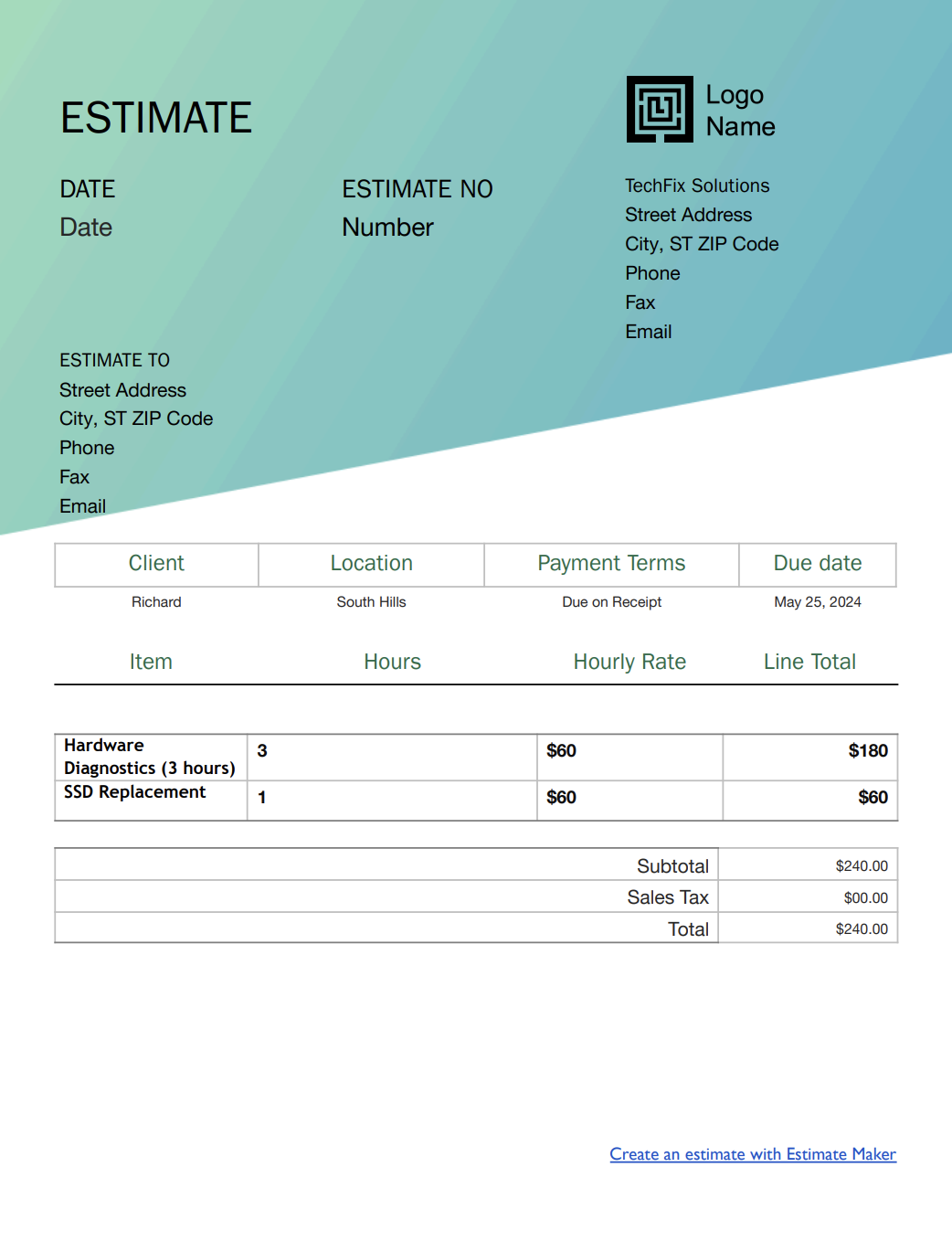
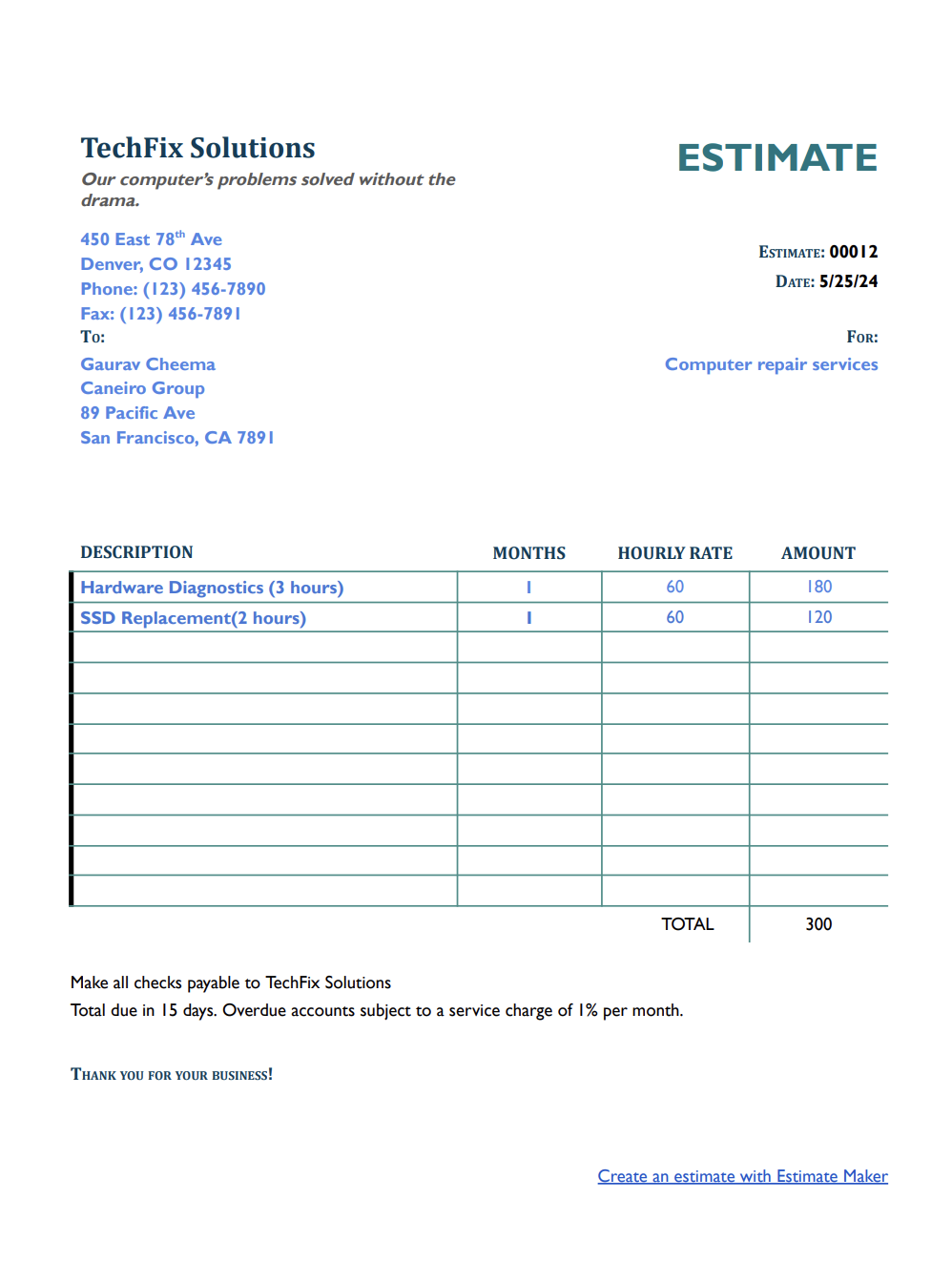
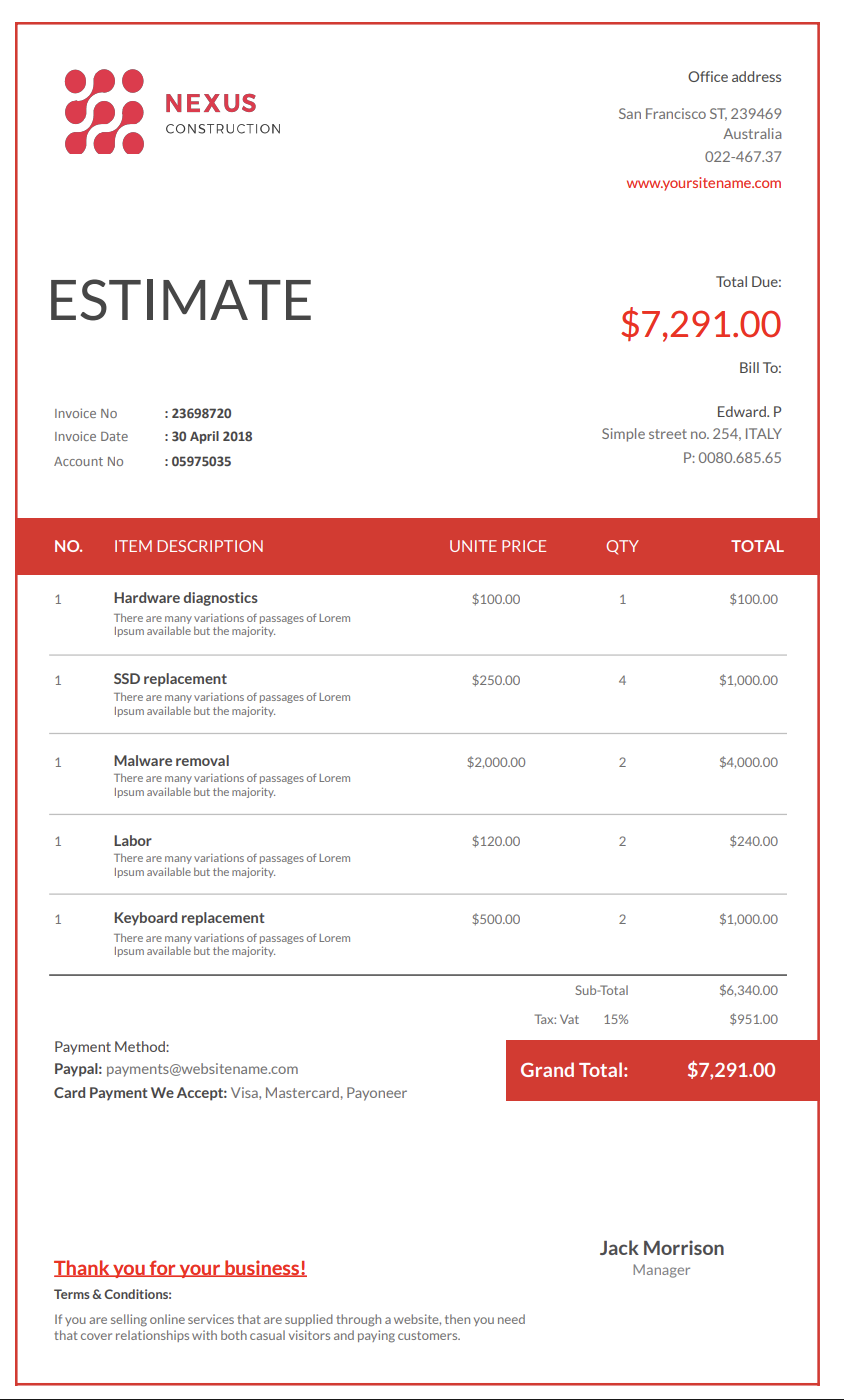
Or, send estimates to your clients with our free computer repair estimate templates.
Download for Microsoft Word, Excel, Google Docs, Sheets, PDF, and OpenOffice formats:


.png)
Choose from a variety of designs.
Or, use Invoicer to easily create an estimate.

Easy and intuitive estimate generator. Create invoices from estimates in one click.

Clear and simple process for your clients to approve. Automatically create invoices from approved estimates.

Easily customize with your brand and colors.
Want to present clients with clear, accurate repair quotes to avoid confusion or last-minute surprises? This guide walks you through how to create professional computer repair estimates that build trust, prevent disputes, and keep your business running smoothly.
Computer issues rarely follow a script. A simple "my laptop won't turn on" can turn into anything from a dead battery to a failed motherboard, and the difference in cost is huge.
Most clients don't understand what's actually involved in diagnosing or repairing their devices, so transparency becomes essential.
A computer repair estimate helps set expectations from the beginning. It explains what you'll diagnose, what you'll repair, how long it may take, and what each part or service costs.
For your repair shop, it also acts as a safety net, documenting what the client was told and approved, especially helpful when additional problems appear during the repair.
Computer repair estimates aren't just paperwork. They're communication tools that protect your time, your business, and your customer relationships.
A computer repair estimate template is a document that lists diagnostics, labor, parts, timelines, and pricing for desktops, laptops, tablets, gaming PCs, and business machines.
Instead of rebuilding your estimate from scratch each time, a good template makes sure that nothing important gets overlooked — not the diagnostics fee, not the replacement parts, not the optional upgrades or add-ons.
Using a template also helps keep your communication consistent. It gives clients a clear overview of the full repair process, helps them understand where costs come from, and makes approvals much faster.
It ultimately saves time, reduces errors, and protects you from disputes.
Computer repairs can get pricey fast, and most people don't really know what's happening inside their device or why certain fixes cost what they do.
That's why an estimate matters so much. It makes the whole process feel more transparent, gives clients a sense of control, and helps them trust that you're being upfront with them.
When you lay out the diagnostics, labor, and parts in plain language, people can actually see where their money is going, which is especially helpful when a repair has a lot of steps or unknowns.
A detailed estimate also sets expectations before you even start working. It explains what's included, what might change once you open the device, and what could affect the final price, so there are no uncomfortable surprises later. And on your side, a signed estimate is protection.
If someone later claims they didn't approve something or didn't realize the cost, you have the paperwork to back you up. It also helps when unexpected issues come up mid-repair and you need the client's approval to move forward.
Different repair scenarios require different types of estimates. Having several templates prepared helps you move quickly, stay organized, and give clients accurate information at any stage of the repair.
Used when the client only wants to know what's wrong. It describes diagnostic steps, expected testing time, and the cost to fully assess the issue before any repairs begin.
Covers physical components such as screens, batteries, motherboards, fans, ports, or storage drives. Includes parts pricing, labor time, and notes about availability or sourcing.
Useful for virus removal, operating system reinstallations, corrupted user profiles, or slow system troubleshooting. It explains what software work will be done and how long it typically takes.
Data recovery is unpredictable, so this estimate outlines the complexity of the job, the methods required, the probability of success, and any risks. It often includes a range rather than a fixed price.
For companies needing ongoing help. Details hourly rates, maintenance plans, on-site visits, backups, networking work, and recurring service packages.
Ideal for gaming PCs or office upgrades. It lists components, installation time, compatibility checks, stress testing, and optional enhancements like cooling or cable management.
Clear estimates help clients understand what they are approving and make your entire process smoother. Here's what every computer repair estimate should include.
Your shop's name, address, phone number, email, and certifications.
Name, contact details, and any business information if it's a corporate client. Helps with communication and tracking.
Include the device model, serial number, operating system, and visible condition.
Helps you track revisions, manage approvals, and keep records organized.
Write a simple explanation of what the client reported. Keep it non-technical so they understand the issue clearly.
Show which tests you'll run and what you're checking for. Clients appreciate understanding the steps behind the fee.
List each possible part that may need replacing. If prices may vary, provide a range and explain why.
Separate diagnostics labor, repair labor, installation time, and any specialty work.
Mark upgrades or non-essential repairs clearly so clients can choose what fits their needs and budget.
Always keep data services separate, as they involve different risks and expectations.
Explain how long the repair is expected to take, and whether parts must be ordered.
Show subtotals by category, taxes, and the final estimated total. For complex cases, include a cost range.
Indicate how long the estimate is good for. Part prices and device conditions can change quickly.
Include deposit requirements, no-fix-no-fee policies, liability statements, shipping terms, and data disclaimers.
A signature or digital approval field confirms the client understands and accepts the estimate.
Estimate templates are a practical and efficient tool for any business because they save time, reduce errors, and can be fully customized to match specific needs.
The easiest way to create a professional computer repair estimate is by using a pre-made estimate template. Ready-to-use templates help professionals include all necessary project details without the hassle of building an estimate from scratch every time.
All they need to do is download an estimate template for computer repair services, fill it out, customize it with company branding, and send it to the client.
A solid computer repair estimate template saves time, improves clarity, and makes your proposals look more professional. Here's how to create one that works.
1. Find a Reliable Estimate Template – Look for an estimate template that suits your needs. You can find free computer repair estimate templates in Word, Google Docs, Excel, or Google Sheets.
2. Select the Right Template – Choose a computer repair estimate template that lets you include diagnostics, labor, replacement parts, software repair, data recovery, optional upgrades, turnaround time, taxes, and approval terms.
3. Fill in Basic Information – Enter essential details like your company name, logo, contact information, and project description.
4. Customize and Brand Your Estimate – Adjust the template's color scheme, fonts, and layout to match your company's branding. Add your website URL, business license number, and any other relevant details.
5. Fine-Tune the Cost Breakdown – Make sure the itemized list includes all necessary categories, such as labor costs, material costs, subcontractor fees, and permit costs.
6. Review the Format and Layout – Before sending the computer repair estimate to your client, double-check for accuracy by:
These platforms offer customizable computer repair estimate templates that professionals can quickly adjust to meet the needs of different projects.
With estimating software, all you need to do is enter business details, adjust the layout, and input the required cost breakdown.
Once the estimate template is set up, it can be saved for future use, allowing computer repair estimates to be generated in just a few clicks.
Using estimate templates or our Estimate Maker speeds up the process and assures that every computer repair estimate is professional, accurate, and easy to understand.
You can also create estimates for computer repair services using our AI Estimate Generator. Just write a simple prompt and it builds the estimate for you, giving you an even faster way to get accurate, professional results.
You can stick with templates if that's your style, let AI take care of the setup when you want something quick, or always create estimates manually for a hands on approach.
Every device, user history, and problem is a little different. Tailoring each estimate helps with clarity and helps clients feel like you're addressing their unique situation.
Ask questions about symptoms, recent incidents, and attempted fixes. Details help you create a more accurate estimate.
Photos and written notes protect you from being blamed for prior issues and help set expectations for what will and won't be fixed.
Presenting different price tiers gives clients flexibility. They can choose between the most affordable fix and a more comprehensive repair.
Be upfront about hidden problems that may appear once you open the device to reduce shock if additional repairs are needed.
Clients shouldn't need a degree in computer science to understand your estimate. Keep explanations simple and friendly.
Visual references make complex issues easier to grasp and strengthen communication.
Sending an estimate at the right moment helps clients make decisions quickly and keeps your workflow moving smoothly. These are the most common and most practical times to send one:
Once you've identified the issue, send the estimate so the client can approve or decline the repair without waiting around.
Any job involving expensive parts, advanced work, or anything irreversible should always require a signed estimate first.
If you discover hidden damage or an additional failure during the repair, stop and send an updated estimate before going any further.
Recurring estimates help structure long-term support, maintenance packages, and monthly service agreements.
Small oversights can lead to misunderstandings or lost revenue. Avoiding these mistakes keeps your estimates clear and your clients happy.
Diagnostics take time, equipment, and expertise. Don't forget to list this cost as well.
Some devices are notoriously difficult to open or repair. Be realistic to avoid working unpaid hours.
Clients often assume their data is safe. Always include disclaimers to protect your business.
If upgrades or additional services are included by accident, clients may assume they're free. Keep everything separated.
Clients appreciate transparency. If shipping times may slow down the repair, mention it early.
While estimate templates are very helpful, Estimate Maker offers a more efficient and accurate way to create estimates for computer repair services. Instead of manually entering details into a template, it automates the process, saving time and reducing errors.
1. Faster and More Efficient – Pre-built templates require manual entry, while an estimate maker allows you to generate estimates with just a few clicks.
2. Automated Calculations – Reduces human error by automatically applying tax rates, labor costs, and material pricing.
3. Customization Without Hassle – Easily adjust branding, payment terms, and cost breakdowns without needing to modify a static template.
4. Better Organization – Stores past estimates in one place, making it easy to track and update them when needed.
5. Quicker Conversions to Invoices – Convert approved estimates into invoices instantly, reducing the time between estimation and payment.
6. Professional Appearance – Generates polished, client-ready estimates that look more professional than a basic computer repair estimate template.
7. Time-Saving Templates – Save custom estimate formats and reuse them without starting from scratch each time.
Clear and accurate computer repair estimates help set expectations, prevent disputes, and keep projects on track.
For a faster, more automated approach, Estimate Maker offers built-in calculations, easy adjustments, professional estimate templates, and much more! Plus, you can try it free for 14 days.