"With Invoicer, it's so fast and easy I never have to worry about how I'd like it to feel. Rather, it does the job I need it to do and I love it!"


Or, send estimates to your clients with our free self-employed estimate templates.
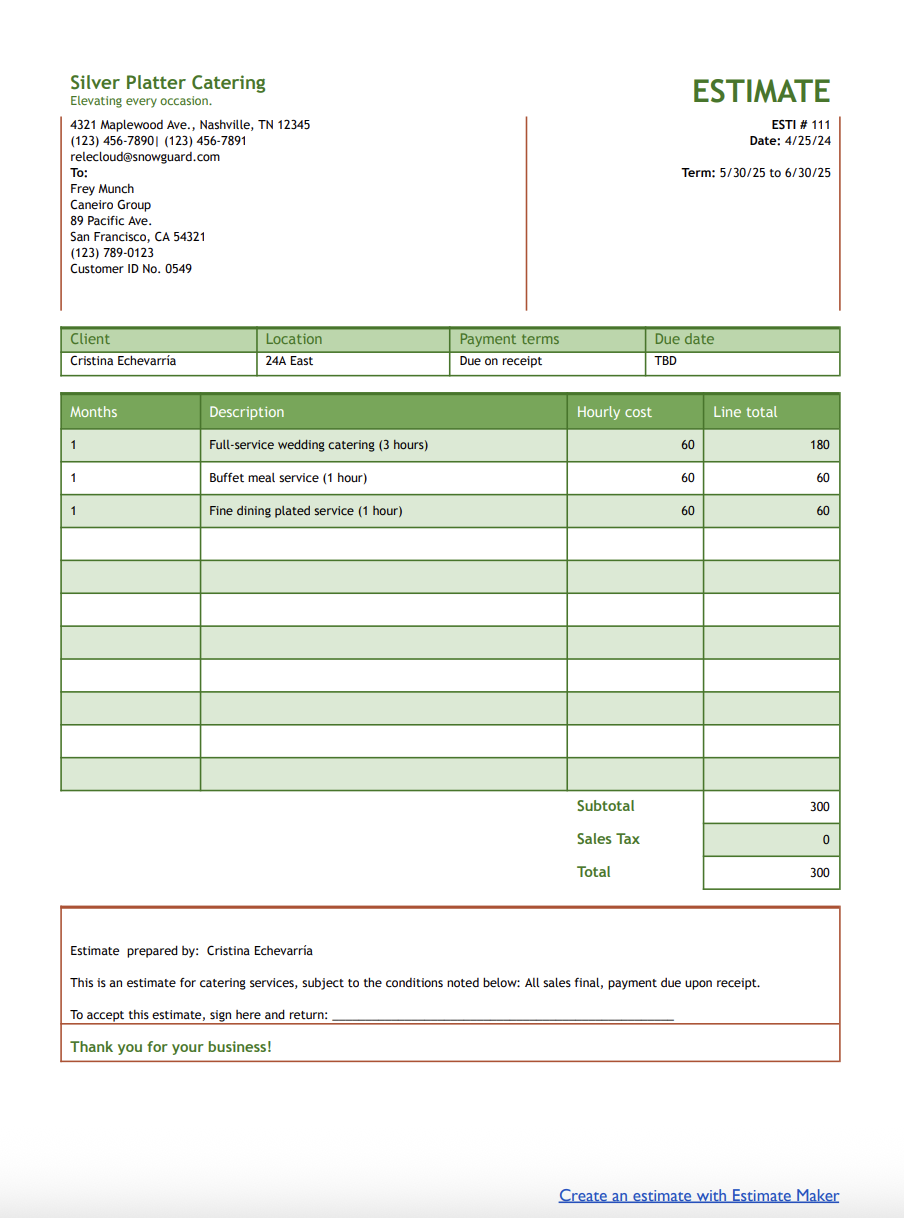
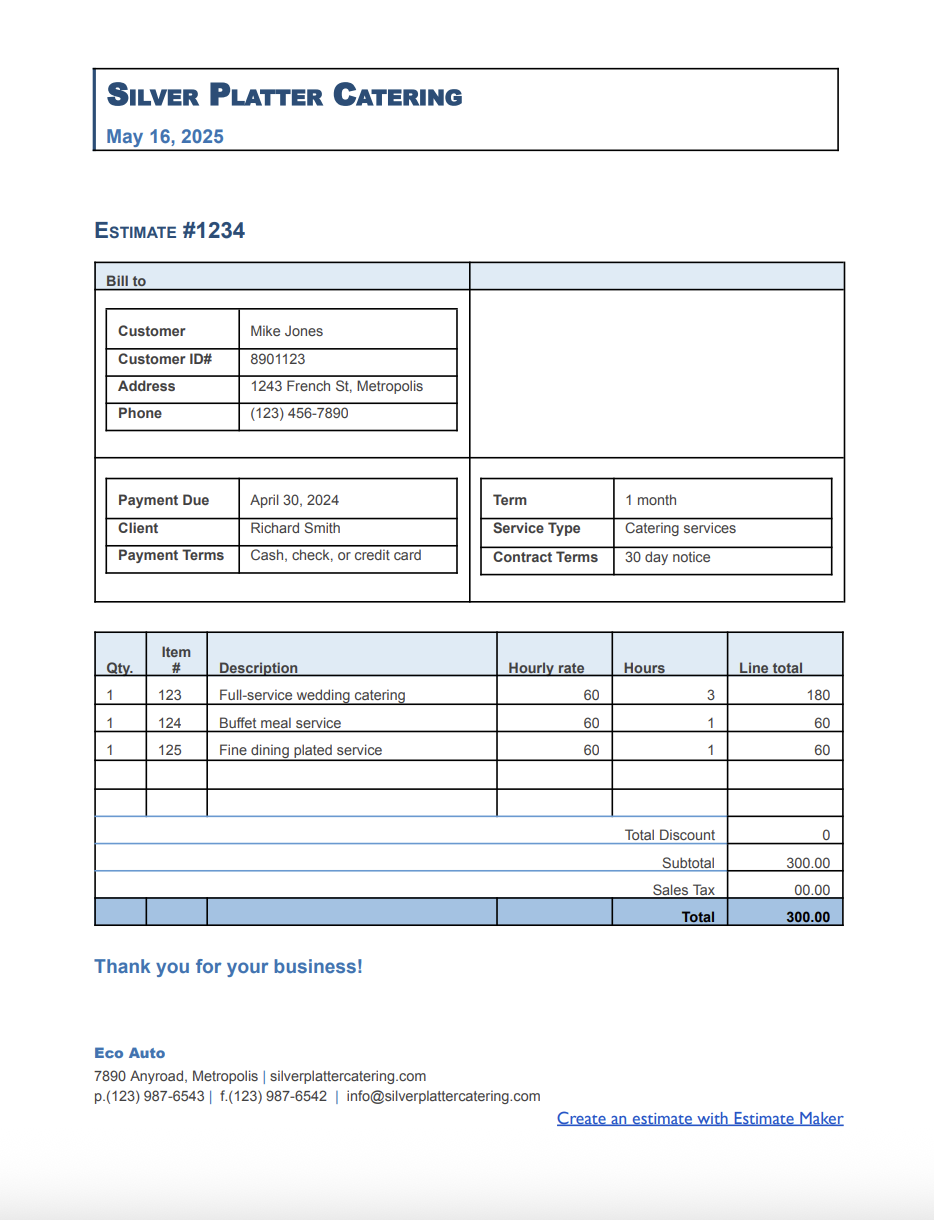
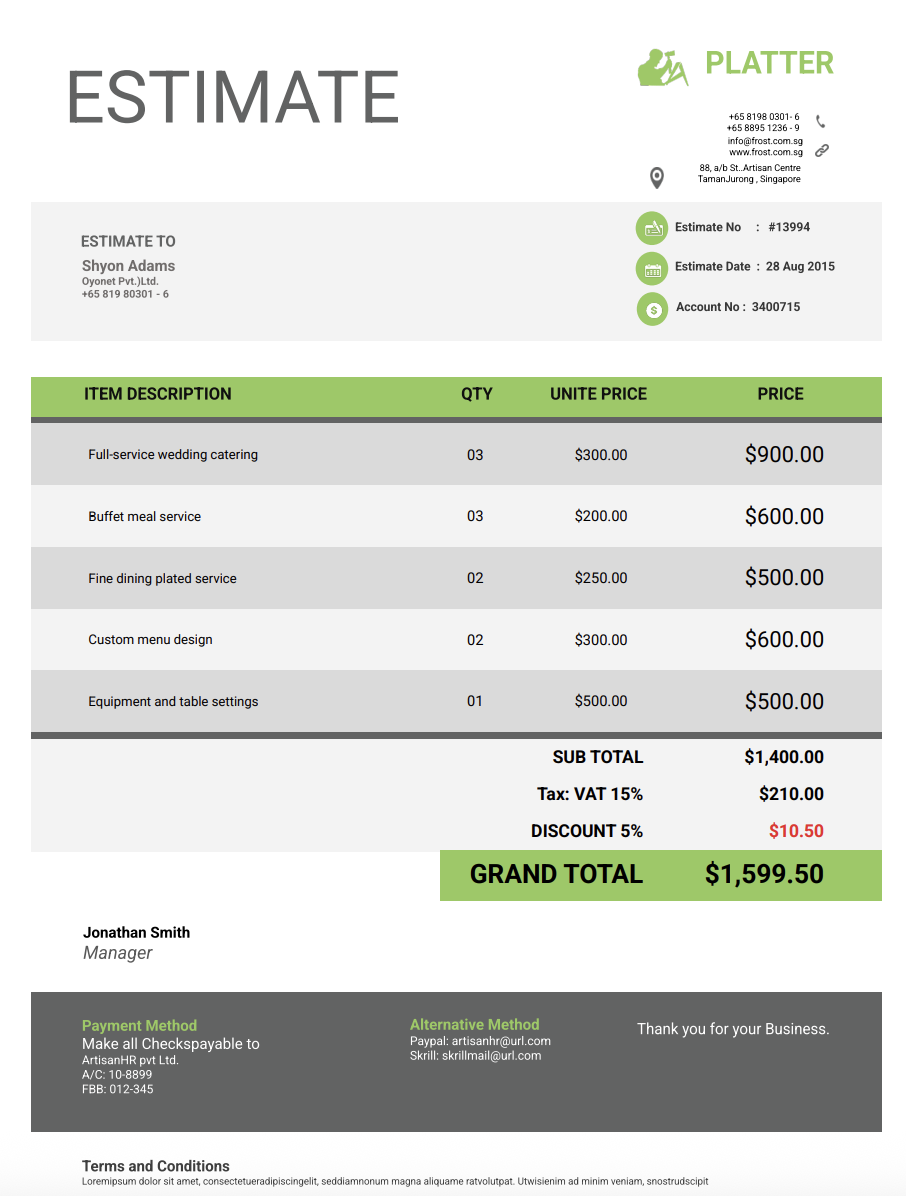
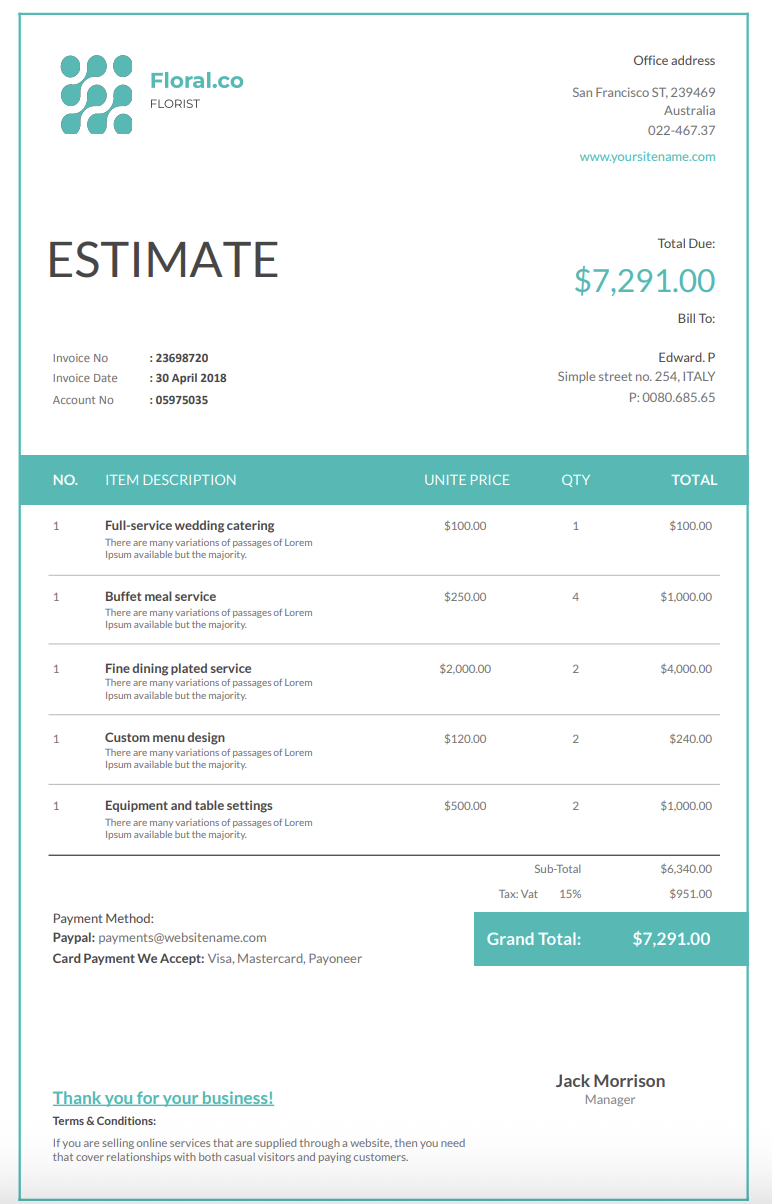
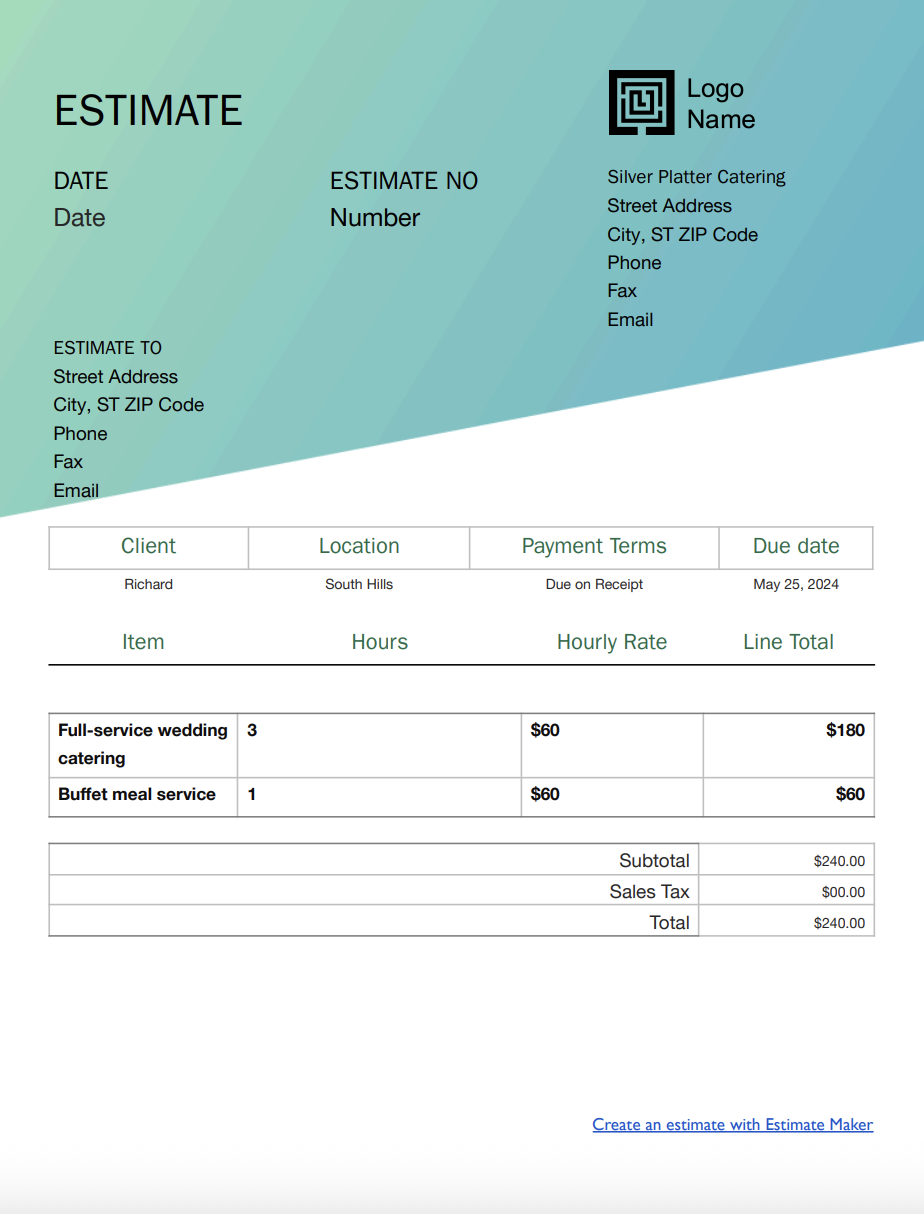
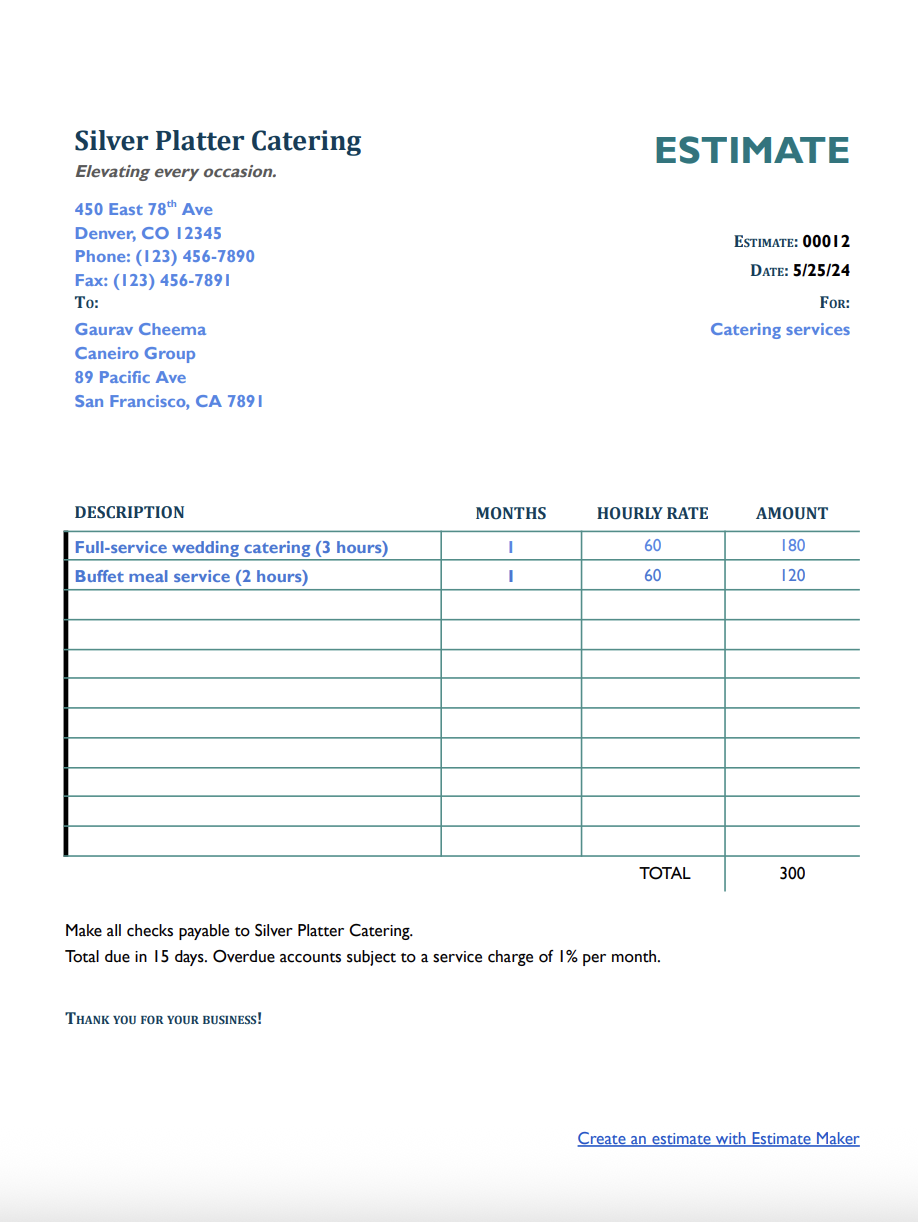
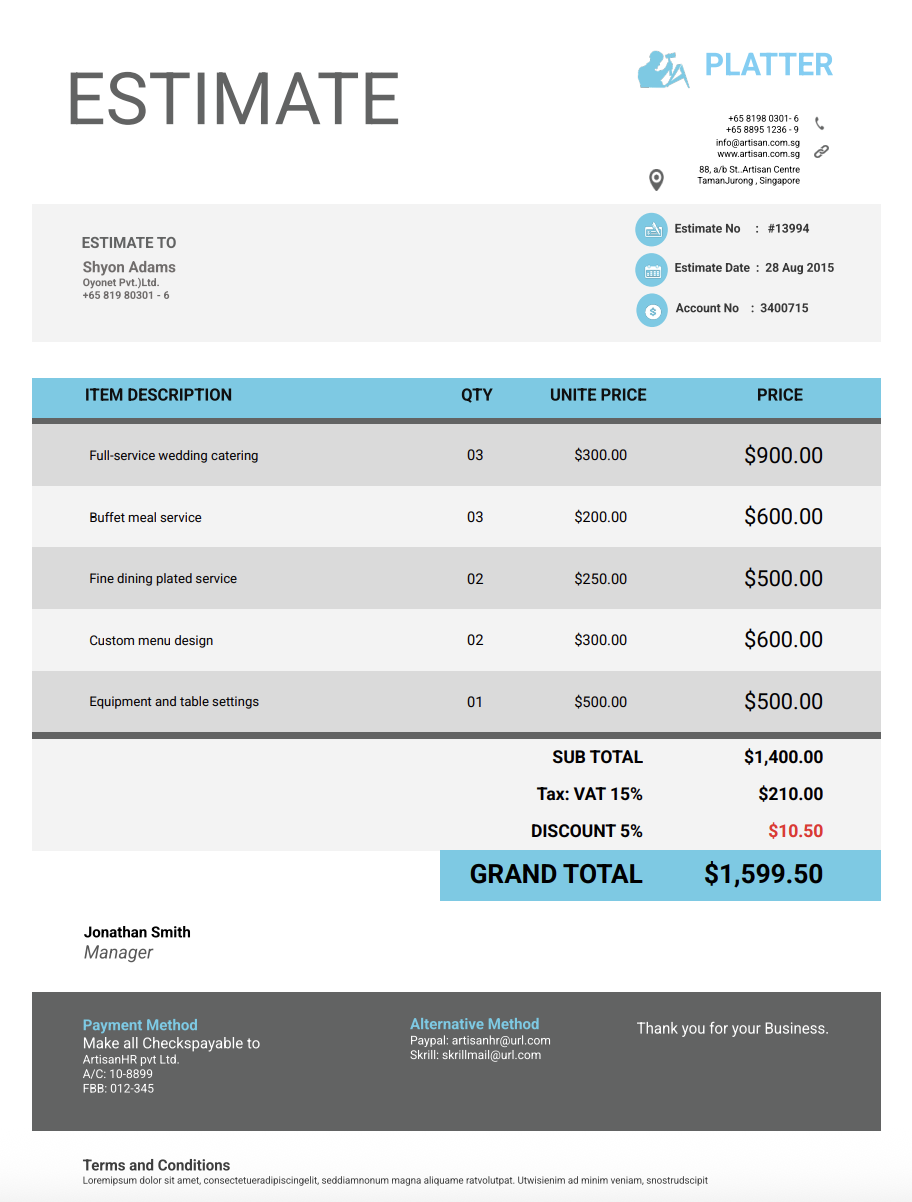
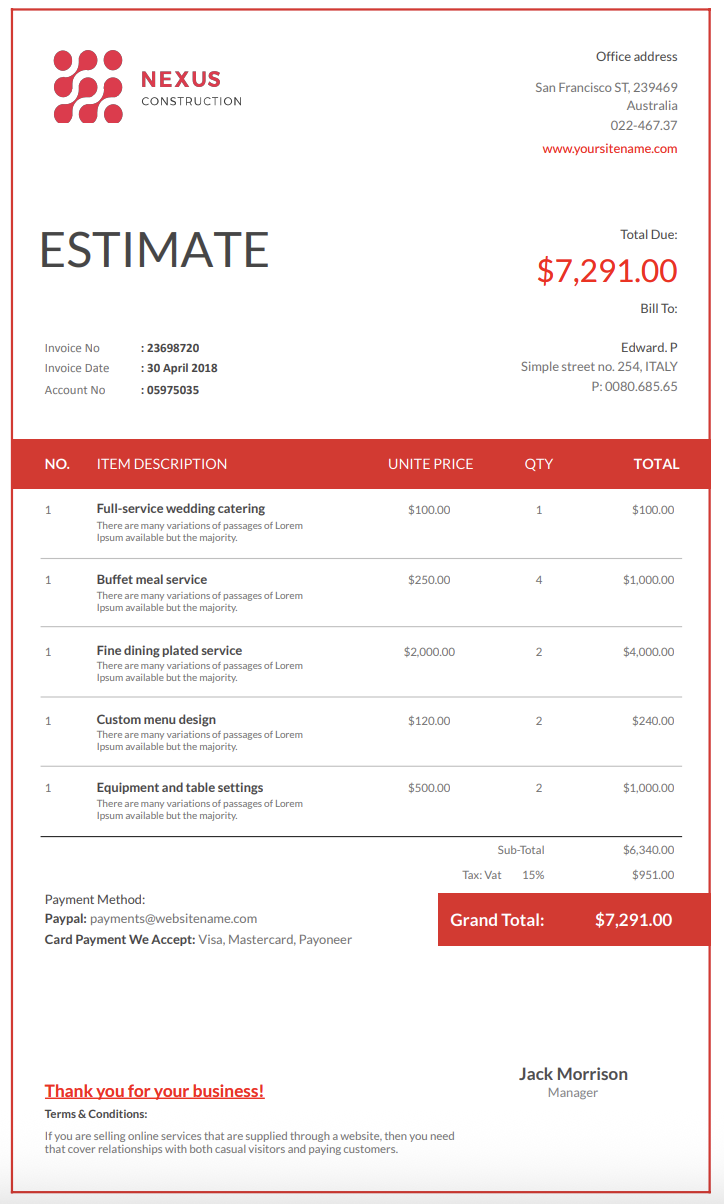
Download for Microsoft Word, Excel, Google Docs, Sheets, PDF, and OpenOffice formats:


.png)
Choose from a variety of designs.
Or, use Invoicer to easily create an estimate.

Easy and intuitive estimate generator. Create invoices from estimates in one click.

Clear and simple process for your clients to approve. Automatically create invoices from approved estimates.

Easily customize with your brand and colors.
Need a straightforward way to quote your services without confusing clients or undervaluing your work? This guide walks you through everything that goes into creating professional self-employed estimates so clients know what to expect and your business stays protected from the start.
Self-employed professionals wear a lot of hats. You do the work, manage clients, track deadlines, and still have to chase payments when invoices go missing in someone's inbox.
A professional estimate makes your life easier. It helps you get paid faster, keeps your finances organized, and makes your business look polished and reliable, no matter what service you provide.
This guide walks you through everything you need to know about creating self-employed estimate templates that are simple, customizable, and ready to use for any type of client or project.
A self-employed estimate template is a pre-structured document that helps you present a clear breakdown of your services, pricing, and terms before beginning any work.
Instead of starting from scratch each time a client asks for a quote, the template gives you a consistent format to fill in, so every estimate looks polished, complete, and easy to understand.
Most estimate templates include spaces for your business information, the client’s details, a description of the service, an itemized list of tasks, labor rates, material costs, timelines, payment terms, and any additional notes or conditions.
Because the structure is already in place, you can focus on entering the specifics of the job rather than formatting the document or trying to remember every detail to include.
For self-employed professionals, templates are especially valuable because they help you stay organized and maintain a professional image without spending extra time on administrative work.
Professional, well-structured estimates are essential for anyone running a one-person business. They set expectations, build trust, and make sure both you and your client are clear on the work, the cost, and the outcome.
When you send a clear self-employed estimate, you show clients you’re organized, transparent, and reliable. Every client wants to know what they’re paying for, how long the work will take, what is included, and whether any extra costs might come up.
A detailed estimate removes uncertainty and puts everything on the table from the beginning. This clarity often helps you stand out, especially if the client is comparing multiple freelancers, contractors, or solo specialists.
Estimates also protect you. When the scope is written clearly before the work begins, it becomes much easier to manage adjustments, request additional payment for new tasks, and keep the project aligned with what was originally agreed upon.
Self-employed professionals work across many industries and service types, so different situations call for different estimate formats. Choosing the right type helps you communicate the scope accurately and avoid potential issues later.
Below are the most common estimate styles used by independent workers:
A basic estimate gives a simple outline of the service and an approximate price. It’s ideal for smaller, straightforward jobs like a quick repair, a short task, or a single deliverable. Even if the estimate is simple, it should still explain what’s included so expectations are clear.
For larger or more complex projects, a detailed breakdown works best. This format lists each task or service, the rate, the expected time, and any relevant materials or expenses. A line-item structure increases transparency and helps justify your pricing.
If the job is clearly defined and not likely to change, a fixed-price estimate gives clients a single, all-inclusive cost. It can make your offer more appealing, but it’s important to assess the work carefully so you don’t underquote.
For projects that may evolve or where the scope isn’t fully known, a time and materials estimate may be the safest option. You charge an hourly rate and bill separately for expenses.
Many self-employed professionals offer service packages or tiered pricing. This approach is useful if you want to give clients multiple options, so they can choose the level that fits their budget.
If your work involves recurring tasks, monthly services, or continuous support, an ongoing service estimate defines what’s included each month and how billing works. This structure helps prevent confusion later while supporting a predictable income.
A strong estimate template should give your clients everything they need to feel confident hiring you.
Here’s what every self-employed estimate should include:
List your name or business name, logo (if you use one), address, phone number, email, website, and any relevant identification or certification numbers. This builds credibility and makes it easy for clients to contact you.
Include the client’s name, company name (if applicable), contact details, and the location of the service if relevant.
Assign a unique number for tracking purposes and always include the date of creation.
Explain briefly what the client is hiring you to do. No matter if it’s consulting, creative work, repairs, training, writing, installation, or coaching, a short description clarifies the scope before diving into the details.
Break your work into clear, itemized lines. Examples include:
Itemization helps clients understand each component and reduces confusion.
If your work requires tools, software, travel, printing, subscriptions, or materials, list them. Clients appreciate transparency about all charges.
Show your hourly rate or project fee clearly. If you estimate hours, include your time calculation so clients see how you arrived at the total.
Be upfront about things like rush fees, travel expenses, after-hours work, subscription costs, or specialized equipment. Clear labeling prevents misunderstandings.
Let clients know when you expect to start, when you will deliver, and whether the project includes milestones or phases. Timelines help manage expectations and give structure to your workflow.
Explain how and when you expect to be paid. Include:
Clear payment terms prevent future disputes.
Include disclaimers, policies for revisions or additional work, cancellation rules, what happens if the scope changes, and any limitations of your services.
Costs and availability change. Add a 15–30 day expiration window so you’re not locked into outdated pricing.
Create space for both signatures. A signed estimate acts as written confirmation before any work begins.
Estimate templates are a practical and efficient tool for any business because they save time, reduce errors, and can be fully customized to match specific needs.
The easiest way to create a self-employed estimate is by using a pre-made estimate template. Ready-to-use templates help professionals include all necessary project details without the hassle of building an estimate from scratch every time.
All they need to do is download an estimate template for self-employed services, fill it out, customize it with company branding, and send it to the client.
A solid self-employed estimate template saves time, improves clarity, and makes your proposals look more professional. Here's how to create one that works.
1. Find a Reliable Estimate Template – Look for an estimate template that suits your needs. You can find free self-employed estimate templates in Word, Google Docs, Excel, or Google Sheets.
2. Select the Right Template – Choose a self-employed estimate template that allows you to include all necessary details, such as labor, materials, and project timelines.
3. Fill in Basic Information – Enter essential details like your company name, logo, contact information, and project description.
4. Customize and Brand Your Estimate – Adjust the template's color scheme, fonts, and layout to match your company's branding. Add your website URL, business license number, and any other relevant details.
5. Fine-Tune the Cost Breakdown – Make sure the itemized list includes all necessary categories, such as labor costs, material costs, subcontractor fees, and permit costs.
6. Review the Format and Layout – Before sending the self-employed estimate to your client, double-check for accuracy by:
These platforms offer customizable self-employed estimate templates that professionals can quickly adjust to meet the needs of different projects.
With estimating software, all you need to do is enter business details, adjust the layout, and input the required cost breakdown.
Once the estimate template is set up, it can be saved for future use, allowing self-employed estimates to be generated in just a few clicks.
Using estimate templates or our Estimate Maker speeds up the process and assures that every self-employed estimate is professional, accurate, and easy to understand.
You can also create estimates for self-employed services using our AI Estimate Generator. Just write a simple prompt and it builds the estimate for you, giving you an even faster way to get accurate, professional results.
You can stick with templates if that's your style, let AI take care of the setup when you want something quick, or always create estimates manually for a hands on approach.
Sending the same generic document to every client isn’t ideal. Each job comes with different needs, requirements, and expectations. Customizing your estimate makes it more accurate and more professional.
Avoid vague language. Instead of “service work,” describe the exact deliverable or task. Clients understand your value better when the description is specific.
Separate labor, materials, travel, fees, and optional add-ons. If you offer premium options or packages, include those to give clients flexibility.
If you charge per hour, per project, per session, or per deliverable, make sure the estimate reflects your actual billing method.
If something isn’t covered—such as revisions beyond a certain number, long-distance travel, or specialized equipment—state that clearly. It helps prevent assumptions later.
A clean design builds trust. Use consistent formatting, include branding, and double-check spelling and numbers. Presentation matters, especially for self-employed professionals who rely heavily on reputation.
Timing plays a major role in winning clients and keeping projects on track. Here’s when you should send an estimate:
Don’t send an estimate until you’re confident about what the job requires. Rushed or unclear quotes can lead to problems later.
Make sure you’ve discussed expectations, requirements, preferences, deadlines, and any constraints. A short conversation can prevent major misunderstandings.
For hands-on or location-based work, you may need to visit the site or request photos before estimating accurately.
Clients should approve the estimate before you commit time or resources. Approval ensures both sides agree on price and expectations.
Don’t forget travel time, software fees, materials, subcontracted help, or special requests. A complete estimate shows professionalism.
Some clients ask for estimates for comparison. Send yours promptly. Speed and clarity can win you the job.
If the client needs help quickly with troubleshooting, emergency repair, rush work, or urgent consulting, send an estimate right away. Fast responses show reliability.
Small oversights can lead to big misunderstandings. Here are some common pitfalls to avoid when creating self-employed estimate templates:
Work often takes longer than expected. If you underestimate, you may lose profit. Build a buffer when appropriate.
Minor expenses like travel, software tools, supplies, or transaction fees add up. Include them so your pricing staysaccurate.
As a self-employed worker, you cover everything — insurance, equipment, admin time, subscriptions. Not accounting for overhead reduces your earnings.
Projects can reveal complications. Clarify that additional work may adjust the price if circumstances change.
Some clients have deadlines, guidelines, or approval steps. Ignoring them leads to mismatches in expectations.
Simple mistakes can affect your price. Double-check all numbers and consider digital tools to avoid errors.
While estimate templates are very helpful, Estimate Maker offers a more efficient and accurate way to create estimates for self-employed services. Instead of manually entering details into a template, it automates the process, saving time and reducing errors.
1. Faster and More Efficient – Pre-built templates require manual entry, while an estimate maker allows you to generate estimates with just a few clicks.
2. Automated Calculations – Reduces human error by automatically applying tax rates, labor costs, and material pricing.
3. Customization Without Hassle – Easily adjust branding, payment terms, and cost breakdowns without needing to modify a static template.
4. Better Organization – Stores past estimates in one place, making it easy to track and update them when needed.
5. Quicker Conversions to Invoices – Convert approved estimates into invoices instantly, reducing the time between estimation and payment.
6. Professional Appearance – Generates polished, client-ready estimates that look more professional than a basic self-employed estimate template.
7. Time-Saving Templates – Save custom estimate formats and reuse them without starting from scratch each time.
Clear and accurate self-employed estimates help set expectations, prevent disputes, and keep projects on track.
For a faster, more automated approach, Estimate Maker offers built-in calculations, easy adjustments, professional estimate templates, and much more! Plus, you can try it free for 14 days.