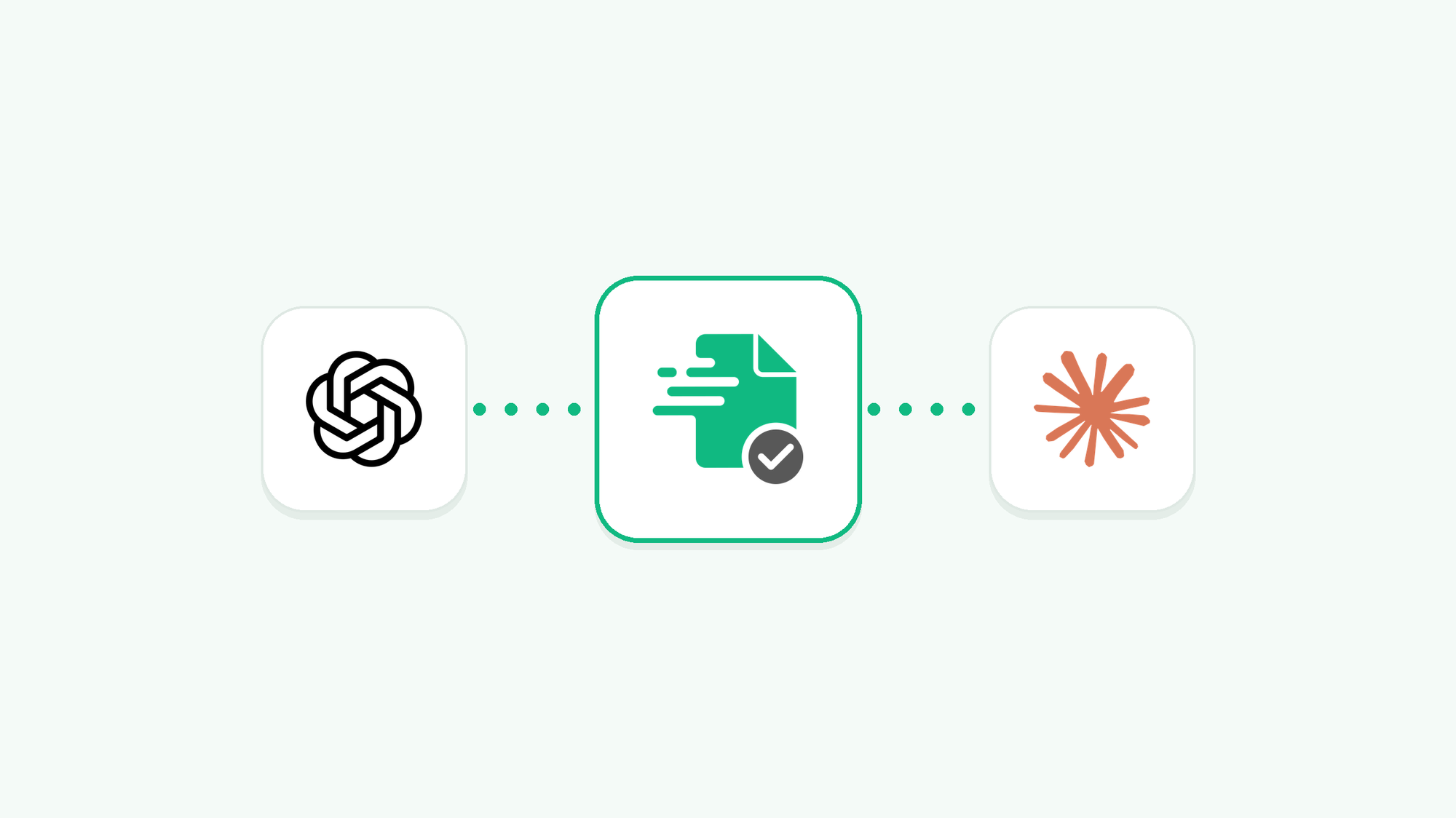
If you're using AI assistants like ChatGPT or Claude, it's now possible to connect them to your Invoicer.ai account using MCP (Model Context Protocol).
This means you can create invoices and estimates, manage your client information, and complete other invoicing tasks you would normally do inside Invoicer.ai, right from your AI assistant, without having to switch between the two. You can even create invoices and estimates from a photo.
Once you connect your preferred AI assistant to Invoicer.ai, you can ask it to complete different tasks using the information that's already in your account.
For example, you can:
Create invoices and estimates: Tell your AI assistant who you're billing, what work you did, and how much you're charging, and then ask it to create the document for you.
Manage your clients: You can also add new clients or update existing client information.
Check your invoicing information: Ask your AI assistant which invoices are overdue, look at previous estimates, or check how your business performed during a certain period.
Update invoices and estimates: You can add or update taxes, discounts, deposits, line items, and payments on existing documents.
Anything your AI assistant creates or updates will appear in your Invoicer.ai account.
With the MCP connection, you can also take a photo of a job and use it to create an estimate or invoice. Here are three examples of how this works.
Let's say you're a painter who has been hired to repaint a room. Instead of starting your estimate from scratch, you can take a photo of the room and ask your AI assistant to prepare an estimate based on it.
You can also provide details like the room dimensions, the type of paint you're going to use, and your labor rates to help it calculate a more accurate cost.
Let's say you're a contractor who just replaced a damaged fence. You can now take a photo of the work you did and ask your AI assistant to create an invoice for it.
Give it details like the materials you used, how many hours you spent on the job, and your labor rates. Based on this information, your AI assistant will prepare an invoice for you inside Invoicer.ai for your review.
If your customer wants a new shed, you can take a photo of the location and describe what kind of shed they want, including its size and the materials you plan to use.
Based on the photo and the information you provide, your AI assistant can prepare an estimate that includes materials and labor costs.
Keep in mind that the AI estimates costs based on what it can see in the photo and the details you provide. Make sure to review the pricing before sending anything to your customer.
The Invoicer.ai MCP connection works with Claude, ChatGPT, Gemini CLI, and other AI agents that support MCP.
Keep in mind that your AI assistant can create and update documents for you, but it won't send them to your customers automatically. You'll still need to review everything inside Invoicer.ai before sending it, but it can make the whole process much faster.
Want to try it yourself? Follow our step-by-step guide to connecting Invoicer.ai to your AI assistant.