Giving clients payment options on an invoice can make it easier for them to pay you faster.
You should always include at least one payment method. Otherwise, you might send an invoice without explaining how the client is actually supposed to pay you, which can delay the payment.
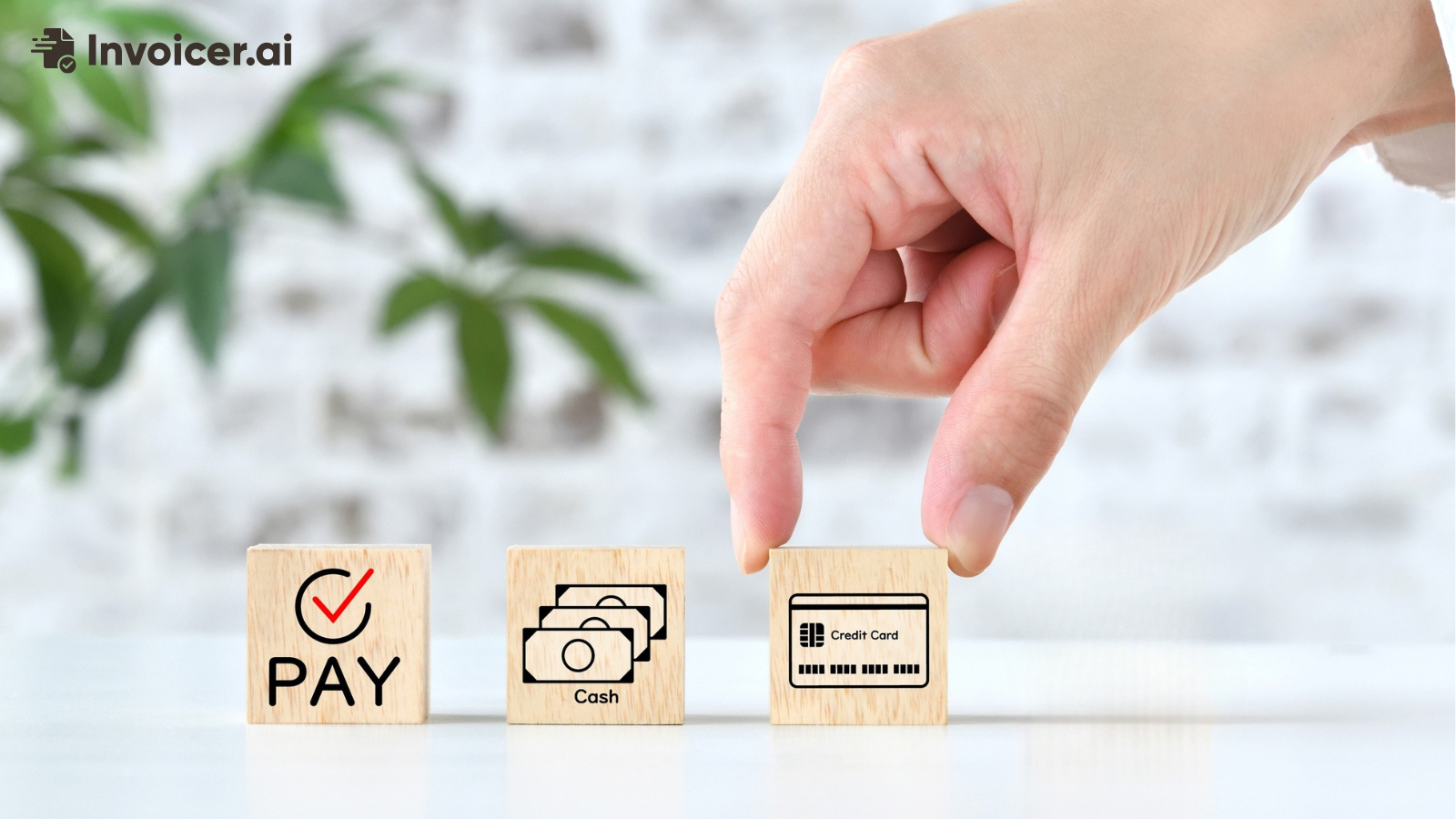
There are many different payment options available, including credit cards, bank transfers, digital wallets, wire transfers, checks, cash, and more. However, you don't need to offer all of them. In most cases, that would just make the payment process more complicated than it needs to be.
The payment methods you choose will depend on how you normally accept payments, what's convenient for both you and the client, how much you usually invoice them for, where the client is located, and how much each payment method costs you in fees.
Below, we'll go through the most common invoice payment methods, how each one works, and which ones make the most sense in different situations.
Credit cards are commonly used to pay invoices, and they're usually very convenient for clients.
If your invoice includes a payment button, the client can simply open it, enter their card information, and pay the invoice. They also won't have to ask you for separate payment information or set up a bank transfer on their end, which can slow the payment process down.
For example, let's say you send a client an invoice for $1,000. They open the invoice, see the payment button, click it, and pay the same way they would when making another purchase online.
The main downside is the processing fee.
If your client pays by card, the business receiving the money, which in this case is you, normally pays a fee. There isn't one fixed fee, as the exact amount depends on the payment provider you use.
If you usually send smaller invoices, the fee might not be a big problem. However, if you regularly send invoices for $10,000 or $20,000, those fees can add up pretty quickly and take a noticeable amount out of the payment you receive.
In this case, you don't necessarily have to stop accepting cards completely. You can accept credit cards for some payments and use another payment method for larger invoices, which we'll discuss below.
Bank transfers and ACH payments are also commonly used for invoice payments.
Instead of using a credit card, the client sends the money from their bank account to yours. This is especially common when one business is paying another business.
A bank transfer is the broad term for moving money from one bank account to another, while ACH is one specific type of bank transfer used in the United States.
ACH stands for Automated Clearing House because these payments go through the Automated Clearing House network. They're often used for invoice payments, payroll, subscriptions, and other direct debits. ACH payments are usually inexpensive, although they can take a few business days to come through.
There are other types of bank transfers as well, including wire transfers and different local transfer systems. Wire transfers, for example, are usually faster, but they're also more expensive, so keep that in mind when deciding which option to use.
Bank transfers can be a good option if you're invoicing for a larger amount because the fees are usually lower than credit card processing fees, which can help you save money on bigger payments.
The downside is that bank payments aren't always instant. Some transfers can take a few business days to reach your account, which might not be ideal depending on your payment arrangement or cash flow.
You also need to make sure the client has the correct bank information. If something is entered incorrectly, the payment can be delayed, rejected, or fail to go through.
If you've been working with the same client for a long time, they might already have your bank information saved, which makes future payments easier.
Digital wallets are another payment method, and they include options such as Google Pay and Apple Pay.
These payment methods are often available alongside debit and credit card payments. So, for example, if your client already uses a digital wallet, they can select it when paying your invoice instead of typing in their credit card details.
To make it easier to understand, imagine someone opening your invoice on their phone and choosing Apple Pay to confirm the payment. If their payment information is already saved, this can make the payment process quicker and save them from entering their card details manually.
Some businesses still prefer paying by check. The client writes the check and then sends it to you or gives it to you in person. You then have to deposit it and wait for the money to clear.
The downside is that this usually takes longer than receiving an online payment, and you also have to keep track of the payment yourself. For example, once you receive the check and deposit it, you need to update the invoice yourself so it no longer shows as unpaid.
Some businesses still use checks because they're already part of how the company handles its accounts payable process.
So, if one of your long-term clients always pays you by check and you've never had a problem with it, there's no particular reason to ask them to switch. Just keep in mind that checks involve more manual work and the money usually takes longer to reach you.
Cash is still a very common way for businesses to get paid, especially when customers pay in person.
For example, a repair business, contractor, or another local service provider might finish a job and receive a cash payment from the customer on the spot.
If someone pays you in cash, make sure you record the payment. You should also give the customer a receipt showing how much they paid and what the payment was for.
Another thing to keep in mind is that cash won't automatically be applied to the invoice. You'll have to go in and update the record yourself so the invoice no longer shows as unpaid.
No single payment method is best for every business. If you usually send smaller invoices and want clients to pay online, credit or debit cards can be a good option.
If you send larger invoices, a bank transfer might make more sense because the fees are usually lower.
Wire transfers are more common for larger international payments, while cash and checks can still work well if your clients already use them and are comfortable paying that way. Just keep in mind that you'll have to update those payments manually in your records.
When choosing a payment method, think about the type of clients you work with and how they normally pay you. If you already have a system in place and you're happy with how clients pay, there's no real reason to change it.
On the other hand, if clients regularly ask whether they can pay by card, adding card payments could be a good idea as long as the fees aren't too high.
In the end, you should also check how much each payment method costs you and adjust from there.
Sure, you can offer more than one payment method. In fact, this can be a good idea if you work with different types of clients and invoice for different amounts.
For example, you might accept credit cards for smaller invoices and bank transfers for larger ones. However, you don't need to add every payment method available, as this can just make things more confusing for everyone.
If nobody pays you by check, there is no reason to offer checks just to seem more flexible. The same goes for cash, wire transfers, or any other payment method your clients aren't likely to use.
Only choose the options that make the most sense for your business and that your clients are most likely to use.
If you're using invoicing software, the payment methods available will depend on the software you use. You can usually check which options it supports before setting anything up.
Invoicer.ai, for example, lets you connect Stripe and accept online payments from your invoices.
Once you connect Stripe, you can add a Pay Now option to your invoices. From then on, clients can pay using credit and debit cards, Google Pay, Apple Pay, and supported bank payment options.
When someone makes a payment through Invoicer.ai, the payment can be matched to the invoice, so you won't have to keep checking it yourself. You'll be able to see that the client has paid.
Invoicer.ai offers a 14-day free trial, and you don't need to enter a credit card to get started, so you can try it for yourself and see if you like it.
What are the most common invoice payment methods?
The most common invoice payment methods include credit and debit cards, bank transfers, ACH payments, digital wallets, wire transfers, checks, and cash.
You don't need to offer all of them. Just choose the ones your clients are most likely to use and stick to those.
What is the easiest way for a client to pay an invoice?
One of the easiest ways is online payments because the client can open the invoice, click Pay Now, and complete the payment there.
Bank transfers can also be easy, especially for repeat clients who already have your bank information. They can also make more sense when the client is paying a larger amount because you can usually save on processing fees.
Should I accept credit cards on an invoice?
You can accept credit cards if you want to let clients pay online.
Just make sure you check the processing fees first so you don't end up losing too much of the payment to fees.
If you regularly send larger invoices, you can also offer another payment method, such as a bank transfer, for clients who don't want to pay by card.